
What to Post on LinkedIn: 12 Ideas That Work in 2026

Post 2-5 times per week, rotate across carousels (8-10 slides), short vertical videos (under 60s), and personal-story text posts, and skip the three big reach-killers — external links in the body, engagement bait, and off-niche content. Below: 12 post types that work in 2026, playbooks for businesses and students, and a weekly system so you never sit down empty-handed.
Most people don't post on LinkedIn because they can't figure out what to say — not because they can't write. You know you should be posting. You just don't know what to post on LinkedIn that won't feel like shouting into an empty room.
The LinkedIn feed in 2026 isn't hard to figure out — it just rewards different things than it used to. Below are the post types that actually get reach right now, specific angles for businesses and students, the stuff that gets you throttled, and a repeatable system so you never stare at a blank box again.
What Makes a LinkedIn Post Get Engagement in 2026?
A LinkedIn post gets engagement in 2026 when it does three things at once: holds attention long enough to earn dwell time, pulls thoughtful comments (not just likes), and stays inside your "topic DNA" — the niche the algorithm has tagged you with. LinkedIn's ranking now leans heavily on saves and substantive comments over raw likes. Saves signal the post was worth returning to. Thoughtful multi-sentence comments reportedly carry around 15x more algorithmic weight than a standard like or reaction, which is why a handful of real replies routinely out-perform dozens of thumbs-ups. Dwell time matters just as much: posts that hold attention past the "golden threshold" of roughly 60 seconds see dramatically higher engagement rates — on the order of 15.6% at 61+ seconds versus about 1.2% for sub-3-second scrolls, which is why formatting and a strong opening line matter more than raw volume. The first hour is also a trust test — LinkedIn shows your post to a small slice of your network, watches engagement velocity, and decides from there whether to push it to the 2nd and 3rd-degree feed. Post and ghost, and the algorithm assumes your content didn't spark conversation.
Here's a useful walkthrough of what's actually changed on LinkedIn going into 2026, from Tommy Clark — who has worked with 100+ LinkedIn founders:
What Are the 12 Best LinkedIn Post Types in 2026?
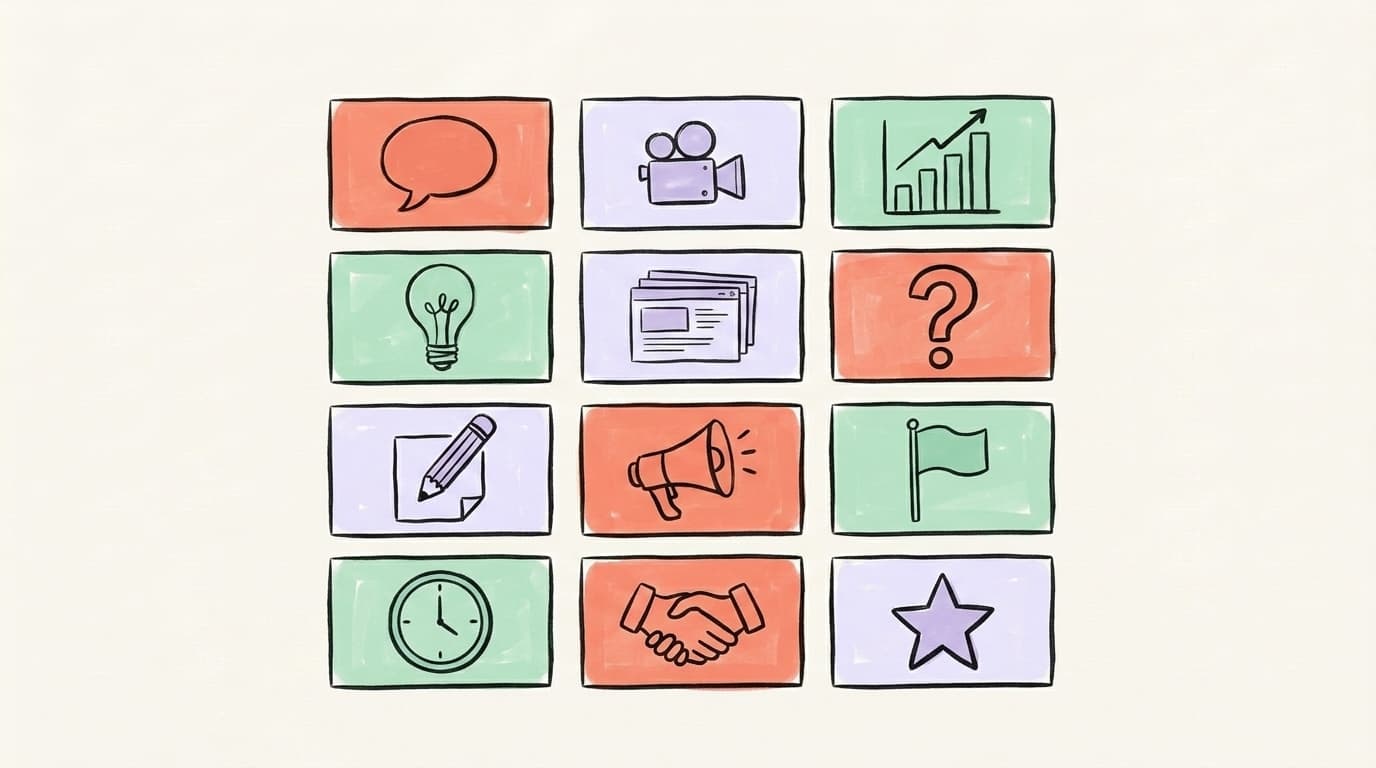
The short answer to "what to post on LinkedIn to get noticed" is: mix formats. One post type, repeated weekly, plateaus fast. A rotation keeps the algorithm guessing and your audience curious. Here are 12 post types that consistently earn reach in 2026, grouped by effort level. The format data draws from Buffer's 45M+ post analysis for overall carousel dominance and from usevisuals' 2026 LinkedIn carousel statistics for slide count and dwell-time specifics. Pick three or four types from this list and rotate them across your week — you'll cover more ground than creators who only post one flavor, and you'll learn which type your specific audience rewards.
Low-effort but high-performing:
- Personal story posts. 3-5 short paragraphs. A moment something clicked, failed, or surprised you — plus what you took from it. These still pull the highest comment threads on LinkedIn.
- Contrarian takes. "Most people say X. Here's why I disagree." Nail the reasoning, not the snark.
- Short lesson posts. One specific thing you learned this week. No framework, no carousel — just "here's what I figured out."
- Question posts. A real, genuinely curious question to your audience. Not "what's your favorite tool?" — something specific like "What's the one sales objection you still haven't figured out how to handle?"
Medium effort, big payoff:
- Carousels (document posts). LinkedIn's top-performing format. Well-designed 8-10 slide decks routinely pull 30-60 seconds of dwell time versus about 5 seconds for a text post, which is why the algorithm rewards them so aggressively. Ideal for frameworks, checklists, and step-by-step breakdowns.
- Short native videos. Under 60 seconds, shot vertically, featuring a real person. Short-form LinkedIn videos consistently out-pull longer ones on engagement, and personal-style videos with a real person on camera tend to beat polished motion graphics by a meaningful margin in reactions. Keep it vertical, keep it under a minute, and skip the b-roll.
- Data breakdowns. Share one metric or benchmark you've found, explain what surprised you, and what you'd do differently now.
- Before/after posts. Show the landing page you started with, the one you're running now, and the specific tweaks that moved the metric. People save these.
AI that learns your voice
Posts that actually sound like you
Postory's AI writes drafts in your voice — not generic AI mush — so you publish faster and still sound human.
Higher effort, compounding returns:
- Case studies with specifics. Named company, real numbers, what you actually did. Replaces generic "tips" posts.
- Teardowns. Analyze a public example — a pitch deck, a homepage, an ad — and point out what works and what doesn't.
- Frameworks. A named, repeatable mental model you've developed. If it's useful, people will save and reference it.
- Behind-the-scenes posts. What actually happened this week at your company, your job, your freelance practice. Process over polish.
What Should You Post on LinkedIn as a Business?
What you should post on LinkedIn as a business in 2026 looks almost nothing like what worked in 2022. The algorithm actively suppresses company pages that lean on press releases, product launches, and "we're hiring" graphics, and it rewards personal content shared by employees and founders. The numbers bear this out: employee content reportedly reaches around 561% further (roughly 6-7x) than the same content shared by the company page, and organic reach on company pages has roughly halved since 2024 as LinkedIn re-weighted the feed toward human voices. The winning business playbook is an 80/20 mix: 80% educational or entertaining content, 20% promotional. Inside that, the posts that actually pull leads are customer stories (named, with real outcomes), product-thinking posts (why you built what you built, what you chose not to build), and founder or operator perspectives that show taste — not pitches. The brand still matters, but it lives in the cumulative voice of the team, not in the company page feed.
For most B2B companies, a sustainable weekly cadence looks like this:
- 2 founder-voice posts (personal-story or opinion format)
- 1 customer story or case study with a specific number in the hook
- 1 educational carousel explaining something your customers are actually struggling with
- 1 "behind the scenes" post from someone on the team
Skip: company milestone announcements, generic industry news roundups, and anything with "we are excited to announce" in the first line.
What Should You Post on LinkedIn as a Student or Job Seeker?
What you should post on LinkedIn as a student or job seeker is content that proves you can think, not content that asks for a job. The fastest-growing student and job-seeker profiles share work-in-progress projects, lessons from coursework, and honest reflections on learning — not polished "open to work" announcements. Recruiters consistently say they engage with evidence of skill over asks for help, and The Interview Guys' playbook for job-seeker LinkedIn posts leans on that same principle. A screenshot of an internship dashboard with a "here's what I improved" caption beats a generic "I'm looking for opportunities" post almost every time. Recruiters are scrolling the same feed as everyone else. They engage with evidence of skill, not requests for charity.
Concrete post ideas for students and early-career job seekers:
- "I just finished building X" — share a screenshot of a project, an app, or a report, and explain one decision you made and why.
- Lessons from a class or certification — one specific thing you learned this week, in plain language.
- Breaking down a company you admire — a short teardown of their product or marketing that shows how you think.
- An internship win with a number — "I increased our newsletter open rate from 18% to 27% in 6 weeks. Here's what I changed."
- An honest reflection post — what surprised you about a course, an interview process, or a first week on the job.
- A question for the industry — one specific question about a skill or role you're trying to break into. Tag nobody. The right people will find it.
A couple of quick cautions: "Open to Work" banners are fine but they're not a content strategy on their own, and tagging 10 recruiters in a post reads as spammy and usually gets the post throttled.
What Are the 4 LinkedIn Content Pillars?
The four LinkedIn content pillars are Story, Tip, Opinion, and Data — and rotating them across your week is the simplest way to never run out of angles. Each pillar hits a different reader need: stories create connection, tips deliver utility, opinions sharpen your positioning, and data earns trust. Most creators unconsciously lean on one pillar and ignore the rest, which is exactly why their feeds feel repetitive and why their growth stalls after the first few posts. A four-pillar rotation forces variety without forcing you to come up with brand-new topics every day — you're just reframing the same underlying knowledge four different ways. A product lead, for instance, can spin the same "onboarding is the real growth lever" insight into a story (the week they realized it), a tip (one onboarding metric to fix first), an opinion (why most SaaS teams still get this wrong), and a data post (a before/after number). One idea, four posts, no content drought. Here's how to build each pillar into your weekly schedule.
- Story posts — first-person moments. "The day I realized I was underpricing my service." Opens a loop, pays it off with a lesson.
- Tip posts — one specific, useful thing. Not "10 tips" — just one, done well. Think "If you're writing cold emails, cut the first sentence. Always."
- Opinion posts — a stance most of your industry doesn't share. "Most advice about X is wrong. Here's what I see instead."
- Data posts — a number, a benchmark, a surprising stat from your own work or a public report. Context matters more than the number itself.
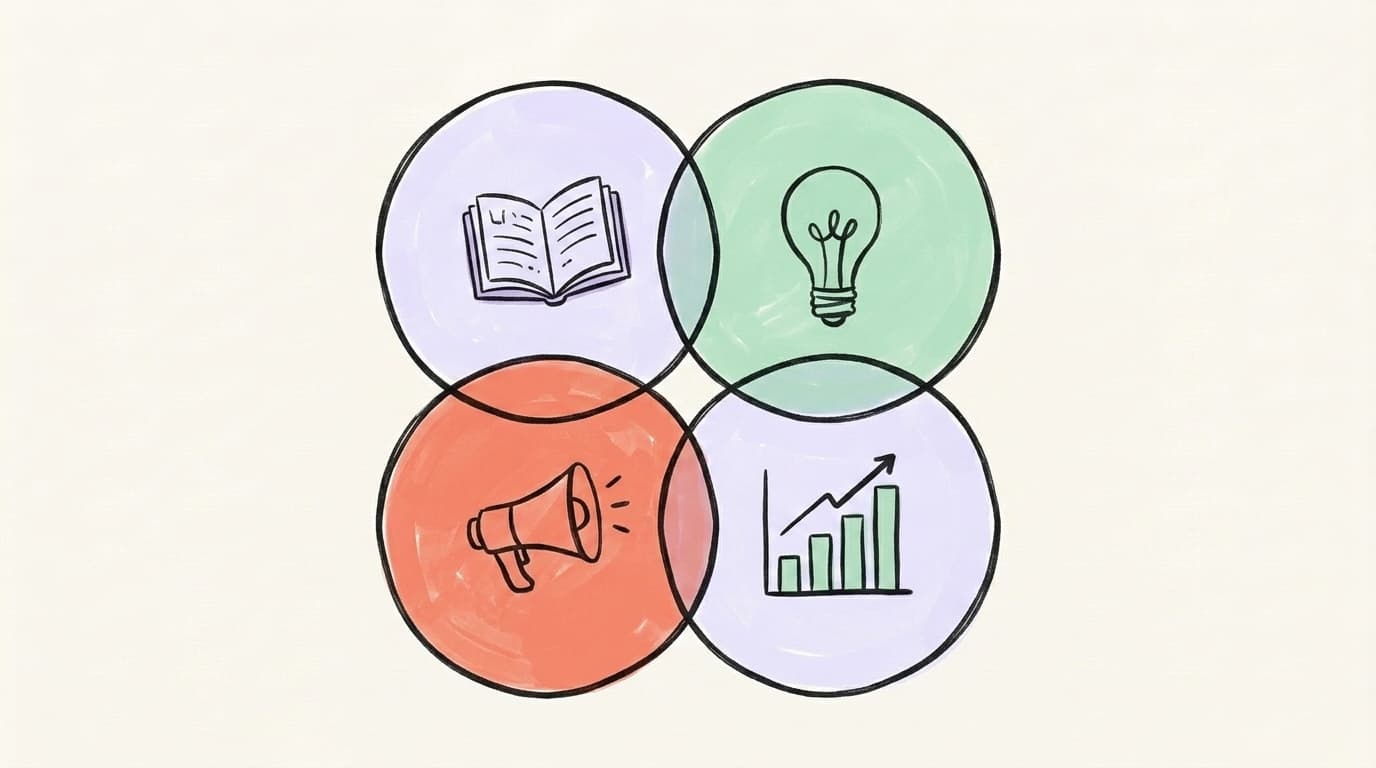
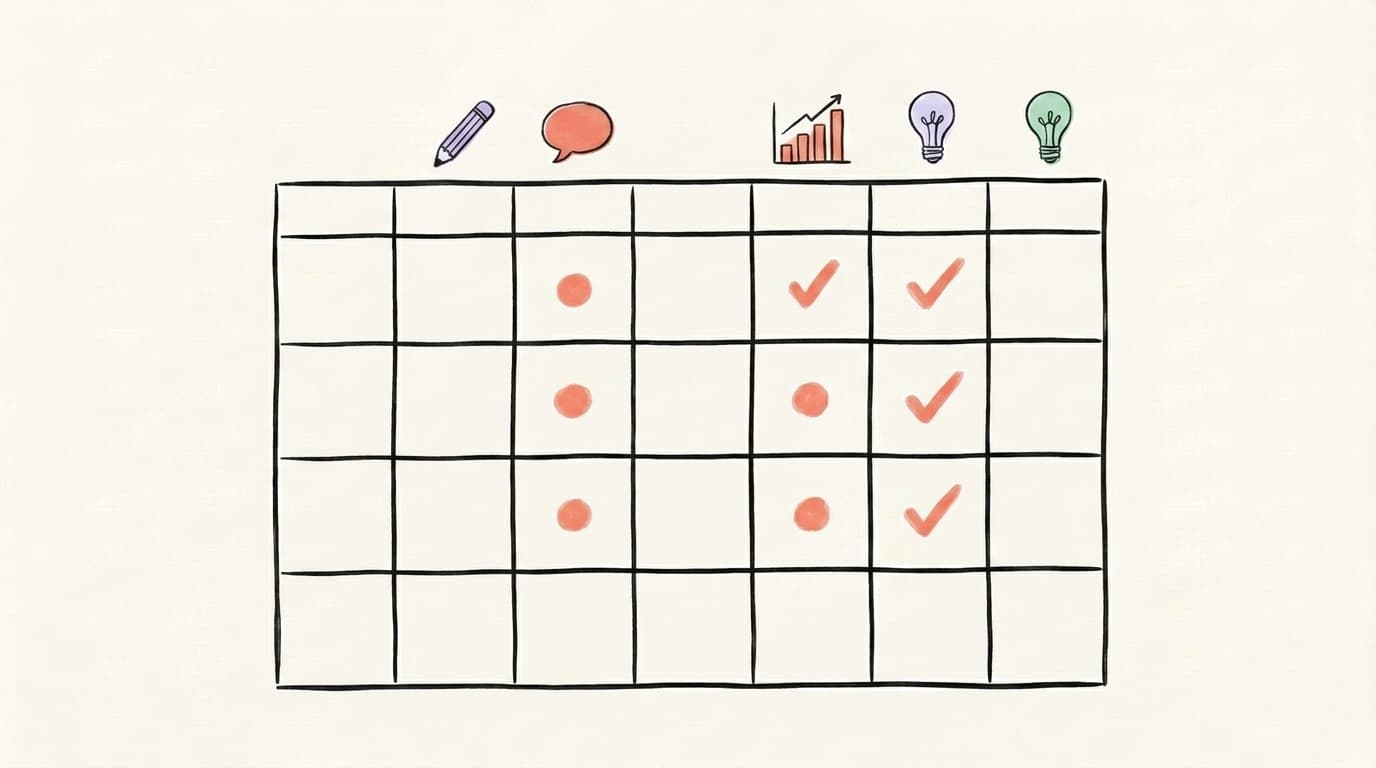
If you run this rotation, a week might look like: Monday story, Tuesday tip, Wednesday opinion, Thursday data, Friday carousel (any pillar). Every post slots into a pillar. You never start from zero.
What Should You Not Post on LinkedIn?
What you should not post on LinkedIn in 2026 has gotten much clearer as the algorithm has sharpened. Seven things reliably tank your reach. External links in the post body cut reach by roughly 60%. The old "put the link in the first comment" workaround has been partially suppressed too, so the cleanest move is to deliver the full value inside the post itself and save the link for your profile or newsletter — here's how to run a LinkedIn newsletter well. Engagement bait like "Comment YES if you agree" now triggers NLP-based penalties that suppress the entire post. Off-niche content — a data scientist suddenly posting about crypto — gets throttled because the algorithm uses your past posts, headline, and about section to tag you with a "topic DNA." Also avoid: generic "I'm hiring" graphics from the company page, 100-tag spam, vague inspirational quotes with no context, and anything that reads like a press release. The LinkedIn 2026 algorithm changes analysis covers the full suppression list.
A quick-skip list:
- External links in the body copy (keep value in-post, save the link for your profile or newsletter)
- Engagement bait phrases ("tag someone who needs this")
- More than 3-5 hashtags
- Content that drifts off your core topic
- Posts where you don't reply to the first 10 comments
- Reposts with no added commentary
- Screenshots of other platforms' posts (X screenshots in particular)
How Often Should You Post on LinkedIn?
You should post on LinkedIn 2-5 times per week in 2026. That's the documented sweet spot for growth without burnout, based on Buffer's analysis of 2 million+ LinkedIn posts. Going from once a week to 2-5 times per week delivers a roughly 1,182 impressions-per-post lift — it's the biggest jump in the entire frequency curve, and the single highest-leverage change for most creators. Going from 2-5 to 6-10 posts per week still helps, but much less dramatically, and going above 11 posts barely moves the needle. For solo founders and creators, 3-4 high-quality posts per week is the realistic sustainable pace — enough to stay visible without cannibalizing your own reach. Posting more than that usually means quality drops, and a low-dwell, low-comment post tends to pull down the reach of your next one regardless of how often you hit publish. Cadence matters, but only once the post itself earns the attention it's asking for.
Frequency quick-reference:
- Solopreneur / founder: 3-4 posts/week
- Business / B2B SaaS: 3-5 posts/week, mixed across founder + team
- Student / job seeker: 2-3 posts/week while active in search
- Large company page: 3-5 posts/week, heavily supplemented by employee advocacy
Post consistency beats post frequency. Three posts a week, every week, for six months will outperform seven posts one week and nothing for the next three.
How Do You Never Run Out of LinkedIn Post Ideas?
You never run out of LinkedIn post ideas when you stop trying to invent new ones and start systematically mining what you already know. Most content droughts happen because creators sit down to "come up with an idea" instead of harvesting one from their existing work. The creators who post consistently for years — like Pierre Herubel, who got 30M LinkedIn impressions in a year using this exact approach — build simple capture systems and revisit them weekly. The three best idea sources are: your client or customer conversations (their questions are your posts), your own work logs (what you did this week is content), and your backstory (the lessons from your career are unique to you). Pair these with a running "swipe file" of posts that resonated with you, and you'll have more ideas than writing time.
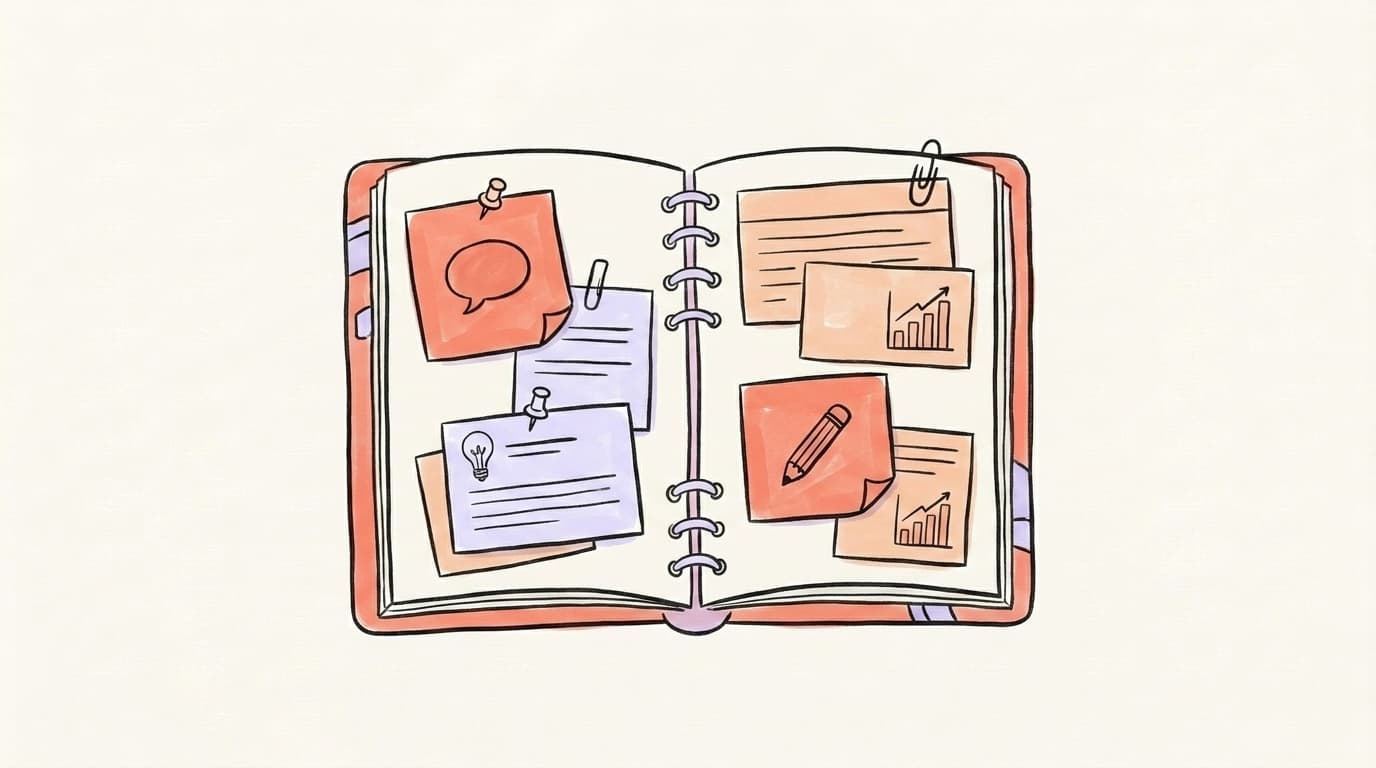
A lightweight system that works:
- Keep a running "post ideas" note. Every client call, every weird Slack message, every "huh, that's interesting" moment goes in. You're harvesting, not writing.
- Batch by pillar on one day a week. Sit down Sunday, pull 5 ideas from your note, assign each to a pillar (story/tip/opinion/data), and outline them in 2-3 bullet points each.
- Repurpose across platforms. A thread that worked on X can become a LinkedIn carousel. A LinkedIn story can become a Threads post. Tools like Postory connect your X, Threads, and Bluesky accounts so you can repurpose one idea across all of them in a click.
- Review what hit. Once a month, look at your top 3 posts by engagement and ask what they had in common. That pattern is your voice.
Shipping the Same Ideas Beyond LinkedIn
The hardest part isn't knowing what to post — it's sitting down on a Tuesday at 9pm and turning "I have a vague idea" into an actual publishable post. Postory closes that gap on X, Threads, and Bluesky. You paste an idea, pick a format (story, tip, opinion), and get a platform-native draft you can edit in 30 seconds — so one good idea becomes three posts, which is exactly how the creators with consistent feeds actually operate.
Generate post ideas with AI — start free on Postory, no card needed. See how our AI post writing feature turns one prompt into a polished draft tailored to each platform.
FAQ
Q: What should I post on LinkedIn if I'm just starting out?
Start with story posts about your work. Pick one project, lesson, or moment from the past week and write 3-5 paragraphs about it — what happened, what you thought, what you learned. Don't try to sound like an expert. Sound like yourself. Post 2-3 times in your first week, reply to every comment, and repeat. You'll build a voice faster than you'll build a framework.
Q: What should I post on LinkedIn to get noticed?
The content that gets you noticed is specific, contrarian, and self-contained. Share one strong opinion most of your industry doesn't hold, or one real story with a lesson that's yours. Avoid generic "5 tips for success" posts — they blend into the feed. Pair a sharp opening line with a clear point and one concrete example, and you'll get more engagement than a polished but generic post.
Q: How long should a LinkedIn post be?
Text posts do best between 150 and 1,500 characters in 2026. The first 150 characters are the most important — they decide whether someone clicks "see more" and gives you dwell time. For longer posts, use short paragraphs (1-2 sentences) and line breaks to make it scannable. Carousels should be 8-10 slides, and videos should stay under 60 seconds unless you're genuinely teaching something complex.
Q: Should I post every day on LinkedIn?
Only if your quality stays high. For most people, 3-4 posts per week consistently beats 7 daily posts that feel forced. The 2026 algorithm penalizes low-quality posting more than it rewards high frequency, so consistency and substance matter more than daily cadence. If you can post 5 quality posts in a week, great — if you can only manage 3 good ones, post 3.
Q: What should I not post on LinkedIn as a student?
Avoid "please hire me" posts, tagging 20 recruiters at once, reposting generic motivational quotes, and anything that implies you think you're owed a job. Also skip posts that complain about the job market without adding perspective — they read as venting, not networking. Stick to posts that show what you can do and how you think.
Q: Can I repost the same content on LinkedIn?
Not the same post, no — LinkedIn's algorithm deprioritizes duplicate content. But you can rewrite and reframe the same underlying idea across different posts. A story you told in April can become an opinion post in July with a different angle. The 80/20 rule applies: reuse the substance, rewrite the form.
Q: What's the best time to post on LinkedIn?
The standard "Tuesday through Thursday, 9-11 AM or 1-3 PM in your audience's time zone" answer is everywhere for a reason — it's a safe starting window — but it's also generic and true of most B2B platforms. What actually matters more is whether you can reply to comments in the first hour, because that engagement velocity moves the needle more than the posting time itself. Test two or three windows against your own analytics before committing.
Q: Does LinkedIn penalize external links?
Yes. Posts with links in the body copy see roughly 60% less reach than identical posts without links. The workaround is to put the link in the first comment and mention "link in comments" in the post, but even that's been partially suppressed in 2026. The best approach is to deliver the full value inside the post itself — what's called "zero-click content" — and save links for your profile or newsletter.
Related articles
LinkedIn Carousels: Specs, Templates, and Writing Tips
Create LinkedIn document posts with the 2026 specs, six templates, and practical tips for hooks, slide structure, and calls to action.
May 31, 2026
What Is the Best AI LinkedIn Post Generator?
An honest guide to picking an AI LinkedIn post generator in 2026 — what each tool really does, where it fails, and how to not sound like a bot.
Apr 24, 2026
The Best AI Twitter/X Thread Generators Compared (2026)
Nine AI Twitter thread generators, ranked by what each is genuinely best at — plus how to pick the right one for your stage and budget.
Jul 1, 2026