 Tom Turcotte@TomTurcotteTech
I think this is a great feature, scheduling is one way to stay consistent and I know when I am not around I am using this tool. Great work Vadym supporting organic growth!
Drafts, scheduled and archived posts for all your social accounts in one workspace. No subscription — you pay only when a post goes out.
Try the live demo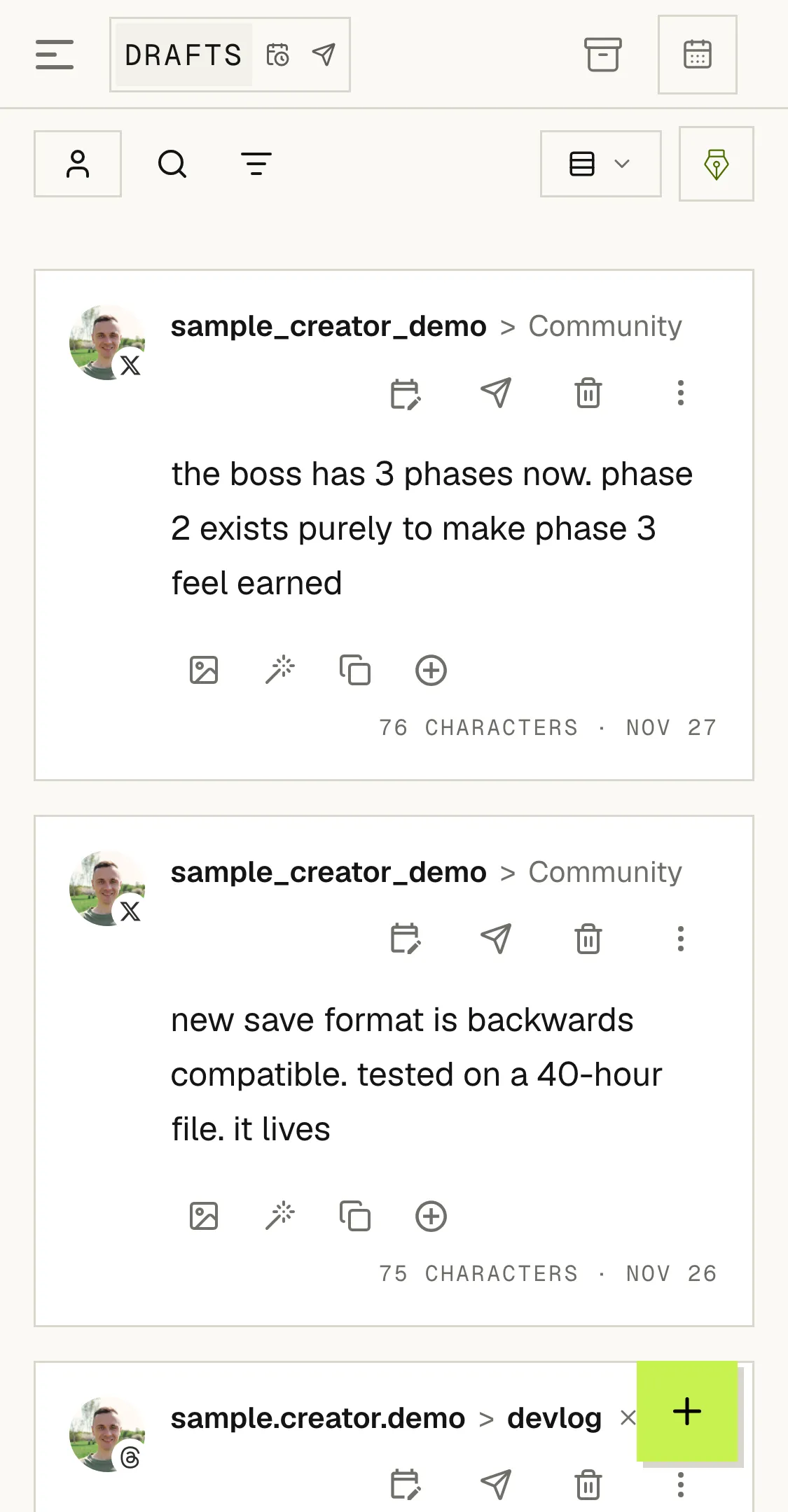
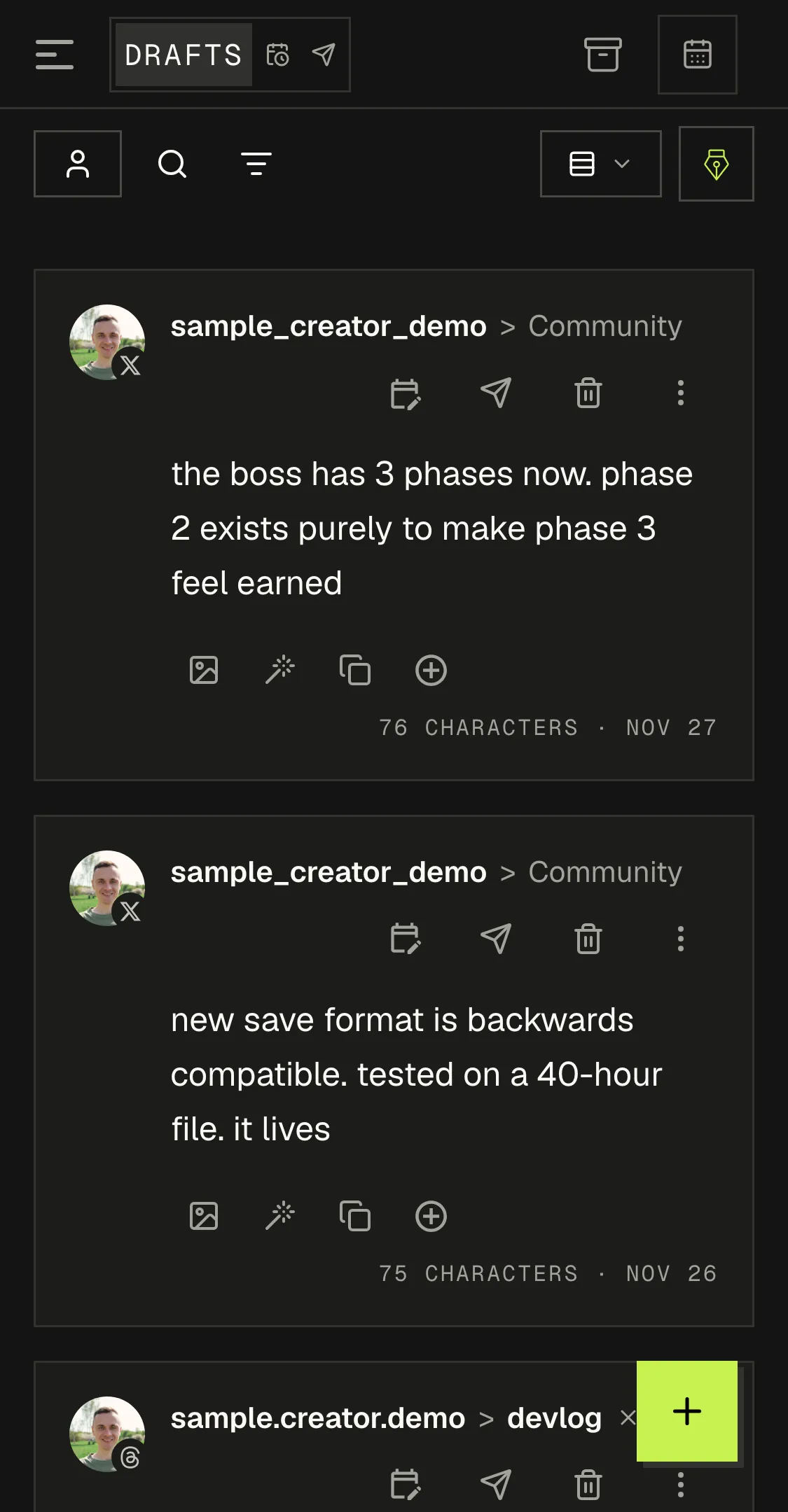
The real board with sample posts — open one, switch tabs, filter by account. This is the Drafts Workspace you get when you sign up.
A post moves left to right and never leaves the board.
Single post or thread, any mix of your connected accounts. Saved here until you schedule or publish it.
Edit text, media, accounts or time until it goes out, or unschedule it back to Drafts. A failed delivery is flagged, never silent.
Every published post, newest first, with its stats. Archive what you're done with and restore it to Drafts any time.
Everything below ships today in the workspace and the post editor.
Find a post by text, or narrow any tab to a date range.
Filter the board to one account. Home shows each account on its own.
A flat list, or posts grouped by day. Switch any time.
Multi-part posts, each part with its own media.
One editor picks every account a post goes to, and when.
Tag posts with coloured tags and filter the calendar by them.
Share a read-only link to a post before it goes out; turn it off any time.
Likes, replies and reposts on each published post, plus views where the network gives them, one click from its calendar card.
A post made in an AI app, through the API or by a repeat carries a badge that says so.
Ask for a rewrite, a shorter version or a different angle without leaving the post. Optional, and it uses credits only when you use it.
X, Threads, Bluesky and LinkedIn. Publishing and the Post Assistant use credits; no subscription.
Each network through its own login. We never see your password.
Open the editor from the board, pick accounts, save. It is on the board.
Pick a time or send it now. Credits are charged only when it goes out.
The board, search, filters, drafts and archive cost nothing. Credits are spent only when a post is delivered.
Charged per delivery to one account, on success only. A thread counts as one post. A post that never went out costs nothing.
$10 buys 1,000 credits — about 333 published posts. Credits never expire. No subscription. See pricing →
Tom Turcotte@TomTurcotteTechI think this is a great feature, scheduling is one way to stay consistent and I know when I am not around I am using this tool. Great work Vadym supporting organic growth!
 Omar@omarvvvr
One of the coolest tool I ever used
 Moonfarm 🇸🇪@moonfarm_dev
Wow, Postory looks awesome, I really need a tool like this to save me time from managing all my social accounts!
 Ashish Kumar@afkashish
great feature Vadym, you just solved the lazy problem.
 Thomas Tao@Thomas_Tao_1
Telegram alerts are probably the stickier update here. A lot of tools only become part of the workflow when they show up in the place people already check without thinking.
 Pieter Bosma ⚡@pgbpgbpgbpgbpgb
Sweet man! That would be epic to explore.
 Jana@BratDotAI
This is one of the best uses of AI 🙌
Three tabs: Drafts, Scheduled and Published, plus the Archive. Each post shows its target accounts and, once scheduled, its delivery time. Failed deliveries are counted on the Scheduled tab.
Yes. Filter the board to one account, and Home groups everything per account: drafts, upcoming deliveries and what went out.
Yes. Open it, change the text, media, accounts or time, and save. You can also unschedule it back to Drafts or archive it. See scheduling →
Yes. Share preview makes a read-only link with each account's version, the thread parts, the first comment and the media. Anyone with the link can see it; turn the link off and it stops working.
Two things: a post delivered to an account, and a Post Assistant request. Drafts, scheduling, archive, search, filters and restore spend nothing. No subscription.
X (Twitter), Threads, Bluesky and LinkedIn. One post can go to any mix of your connected accounts on those platforms; on LinkedIn it goes out as a single post.
3 credits per delivery to one account, on success only. A thread counts as one post. New accounts get 20 welcome credits; $10 buys 1,000 credits, and they never expire. See pricing →