
How to Write LinkedIn Posts That Get Engagement

Great LinkedIn posts follow a repeatable structure: a scroll-stopping hook under 140 characters, a scannable body between 1,200 and 2,000 characters, and a question-based CTA. Post, reply to comments within 30 minutes, and skip the "Comment YES" engagement bait.
Most LinkedIn posts flop for the same reason: they look like walls of text and read like press releases. The ones that get traction are not written by better writers. They are written by people who follow a structure. This post breaks that structure down so you can copy it.
What Is the Anatomy of a High-Performing LinkedIn Post?
A high-performing LinkedIn post has five parts that each do a specific job: the hook (first 1-2 lines), the expansion (one setup paragraph), the body (the actual value, broken into short chunks), the payoff (the insight or takeaway), and the CTA (the question that invites a reply). Long-form posts in the 1,000-2,000 character range consistently outperform short ones, according to AuthoredUp's LinkedIn algorithm breakdown, which studied thousands of posts. That is around 200-350 words, or a comfortable minute of reading. Shorter can still win, but only if the hook is extraordinary. Longer tends to lose people unless the payoff is worth the commute. Before you write anything, know which section you are working on. That one habit separates posts that feel intentional from posts that feel like journal entries.
How Do You Write a Hook That Stops the Scroll?
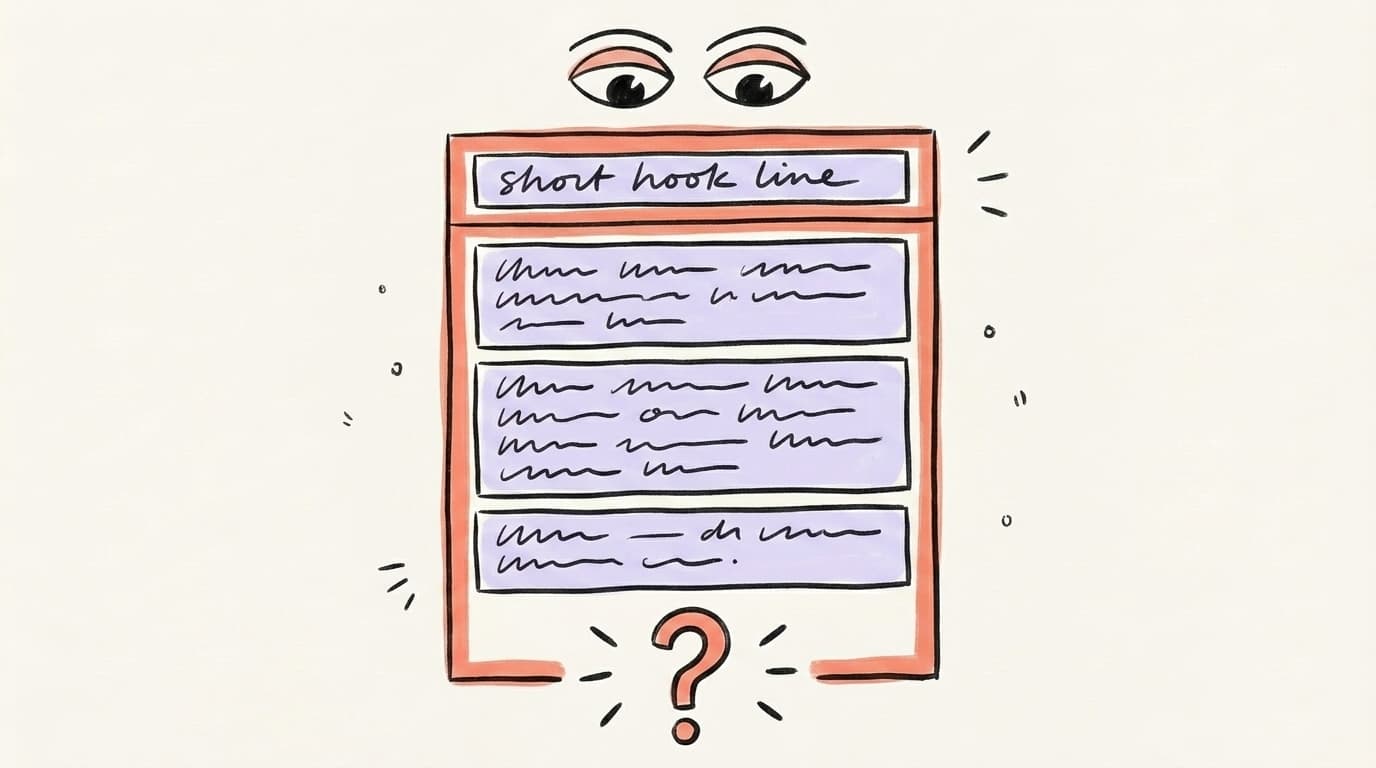
The hook is the first two lines — everything before the "...see more" cutoff. On mobile, that cutoff is roughly 140 characters; on desktop, around 210. Write for mobile and you cover both. A good hook does three things: triggers curiosity, signals the topic, and makes the reader feel the post is about them. Pierre Herubel, whose content generated 27 million views on LinkedIn in 2024, uses four reliable patterns: a specific number ("21 B2B tactics for 2024"), a painful problem statement ("Most founders lack clarity on marketing"), a surprising before/after, or an unexpected list ("I don't live in San Francisco. I haven't raised funds. I didn't get a big idea."). Avoid generic openers like "I've been thinking lately..." or "Excited to share..." — they signal filler. Your hook is the only part 90% of readers will ever see. Treat it that way.
AI that learns your voice
Posts that actually sound like you
Postory's AI writes drafts in your voice — not generic AI mush — so you publish faster and still sound human.
Herubel walks through his five-step writing process here:
What Are the LinkedIn Post Formatting Rules?
LinkedIn is a skim-first platform. Readers look at shape before they read words. Formatting is not decoration. It is retention. Keep paragraphs to 1-2 sentences each. Use blank lines liberally. Aim for a Grade 5-7 reading level — short words, short sentences, no jargon. Emojis work in moderation (1-5 per post) as visual anchors for bullet points, but skip them in the hook. Hashtags have almost no distribution impact in 2026 — use 2-3 relevant ones at the end, not a pile of them. Native text outperforms external links, so if you are linking to something, drop the link in the first comment instead of the body. And always write in the native composer — pasted text from Google Docs sometimes strips line breaks, which is the single fastest way to kill a post's readability before anyone has a chance to read it.
Ideal LinkedIn Post Length
There is no single right length on LinkedIn — there are three useful zones, and the right one depends on what you are trying to do. Short posts (150-300 characters) work when you are making a single sharp observation or a punchy hot take that does not need setup. Medium posts (600-900 characters) work for a tip, a quick story, or a tight contrarian argument. Long-form posts (1,200-2,000 characters) work best when you have genuine depth to share — a mini-essay, a step-by-step breakdown, a story with a clear lesson. LinkedIn's algorithm actively rewards long-form when it is good, because length drives dwell time — the number of seconds a reader spends on your post before scrolling, which is one of the strongest signals the ranking model uses. Long does not mean padded. If your post is 1,800 characters and 400 of them are throat-clearing, cut the throat-clearing. The goal is density, not volume.
Which LinkedIn Post Frameworks Work Every Time?
Five frameworks cover the vast majority of high-performing posts on LinkedIn, and you can rotate through them without the feed feeling repetitive. Each one solves a specific problem: how to structure a thought so it lands. PAS (Problem-Agitate-Solution) names a pain, makes it sting, then resolves it. BAB (Before-After-Bridge) contrasts a past state with a present one and explains the shift. Listicle opens with a thesis and delivers numbered points. Story + lesson walks through a specific moment and extracts a principle from it. Hot take states a contrarian view and defends it in 3-5 beats. Pick a framework before you start writing — not after. Staring at a blank LinkedIn composer without a structure is how you end up posting something that feels vaguely inspirational and lands nowhere.
Here are the five in one line each:
- PAS: "Most LinkedIn posts flop. Here's why → here's what to do instead."
- BAB: "6 months ago I posted into the void. Today I get inbound daily. What changed:"
- Listicle: "5 hooks that doubled my engagement last month:"
- Story: "A client fired us last quarter. Here's what it taught me about feedback:"
- Hot take: "Engagement pods are dead. Here's what's replacing them:"
How Should You End a LinkedIn Post?
End with a question — but a narrow one. Broad CTAs like "What do you think?" get scrolled past because answering them requires effort. Narrow ones like "What's the last post that made you stop scrolling?" are easy to answer and give readers a concrete memory to pull from. This matters because of how the algorithm weighs responses: longer, substantive comments carry meaningfully more algorithmic weight than likes or one-word replies. A good ending question is specific, low-effort to answer, and connects back to the post's core point. Skip engagement bait like "Comment YES if you agree" or "Tag a friend who needs this" — LinkedIn now actively suppresses posts using those patterns, so they cost you reach instead of buying it. And once you post, show up in the comments within 30 minutes — posts where the author replies early consistently pull more total comments, because each reply from the author resurfaces the post in the feed.
Before and After: A Real Post Rewrite
The fastest way to see how much structure matters is to watch the same idea written two ways. Below is a typical LinkedIn draft — the kind most people write on a Tuesday morning before a meeting. It has a real thought inside it, but the thought is buried. Then we rewrite it using everything covered above: a specific hook, short stacked lines, a concrete before-and-after contrast, and a narrow question at the end. Same underlying point. Wildly different result in the feed. Read both and notice which one you would actually stop scrolling for.
Before (flat, buried, generic):
In today's fast-paced digital landscape, I wanted to share some thoughts on how important it is to be consistent on LinkedIn. I've been posting for a while now and I've noticed that the people who show up regularly tend to build stronger networks and get more opportunities. Consistency really is key. What do you think about posting frequency? Let me know in the comments!
After (hook, structure, narrow CTA):
I posted once a week on LinkedIn for 6 months.
Got 3 inbound leads.
Then I switched to 3x a week — same topics, same style.
In 8 weeks: 27 inbound leads.
The difference wasn't the writing. It was showing up before anyone forgot I existed.
What's the longest you've gone without posting before a lead went cold?
Same underlying idea. One reads like a journal entry. The other reads like a conclusion.
How Can AI Help You Write Better LinkedIn Posts?
AI is not a replacement for having something to say. It is a replacement for the blank page and the third rewrite. The workflow that actually works: bring the raw thought, let AI do the formatting. Dump a voice note, a meeting takeaway, or a bullet list of what you want to say. Ask the model to draft it in a specific framework (PAS, BAB, listicle), at a specific length, with a question at the end. Then edit ruthlessly — cut anything that sounds like AI wrote it (the word "crucial," em-dashes followed by a summary, "in today's landscape"). AI is a first-draft accelerator, not a publish button. The best posts still come from your insight, your experience, and your voice. What AI removes is the friction between having the idea and having a draft.
Start Writing Better LinkedIn Posts With Postory
Postory turns a rough idea into a structured LinkedIn draft in seconds. Paste a thought or prompt, set the length, and get a draft that is formatted for LinkedIn's skim-first feed — then edit, approve, and publish without leaving the app.
Try Postory free — let AI write your first draft, then ship it in under a minute.
For more on what to post: browse our LinkedIn post ideas guide. If you are still nailing down when to publish, our best time to post on LinkedIn breakdown covers the timing side. And if you want AI drafting built in, that lives in Postory's AI post writing feature.
FAQ
Q: How long should a LinkedIn post be for maximum engagement?
Long-form posts in the 1,000-2,000 character range — roughly 200-350 words — consistently outperform short ones. Shorter posts can still work for sharp single-point takes, but they need an extraordinary hook.
Q: What is the best LinkedIn post hook formula?
Four formulas consistently work: a specific number, a painful problem statement, a surprising before/after, or an unexpected list about yourself. Keep it under 140 characters so it fits above the mobile "see more" fold.
Q: How often should I post on LinkedIn?
Three to five times per week is the sweet spot. Posting less than once a week means the algorithm forgets you exist. Posting more than once a day usually cannibalizes your own reach.
Q: Do hashtags still matter on LinkedIn?
Barely. Hashtags have minimal impact on distribution in 2026 — the algorithm primarily uses dwell time, comments, and content relevance. Use 2-3 relevant hashtags if you want, but stuffing 10+ does not help.
Q: Why do my LinkedIn posts get no engagement?
The most common reasons: weak hook, wall-of-text formatting, posting at low-traffic times, engagement-bait phrases the algorithm now suppresses, or not replying to early comments. Fix the hook and formatting first.
Q: Should I put links in LinkedIn posts?
Put links in the first comment, not the body. LinkedIn reduces distribution for posts with outbound links in the main text. Post natively, drop your link in a comment, and add a short "link in comments" note at the end.
Related articles
LinkedIn Carousels: The Format That Outperforms Text Posts 3:1
Carousels (LinkedIn document posts) reliably beat plain text on reach. Get the 2026 specs, 6 templates, and the hook formula for your LinkedIn content strategy.
May 31, 2026
What Is the Best AI LinkedIn Post Generator?
The honest guide to picking an AI LinkedIn post generator in 2026 — what each tool actually does, where it fails, and how to keep your posts from sounding like a bot.
Apr 24, 2026
What to Post on LinkedIn: 12 Ideas That Actually Work in 2026
Stuck staring at the "Start a post" box? Here are 12 proven LinkedIn post types, specific ideas for businesses, students, and job seekers — plus what to skip.
Apr 16, 2026