
What Is the Best AI LinkedIn Post Generator?

The best AI LinkedIn post generator depends on what else you need. Taplio is best if you live exclusively on LinkedIn. AuthoredUp is best for formatting and previews. ChatGPT + a scheduler is the best free DIY setup if you're willing to edit hard.
Most "AI LinkedIn post generator" tools produce the same thing: polished, emoji-heavy, corporate-safe paragraphs that every LinkedIn reader has learned to scroll past. The tool isn't the problem — it's picking the wrong one and skipping the edit.
What Makes a Good AI LinkedIn Post Generator?
A good AI LinkedIn post generator does three things well: it writes in your voice (not a generic "thought leader" voice), it understands LinkedIn-specific formatting, and it helps you ship the post — not just draft it. Voice matters most. If the tool doesn't ingest samples of how you actually write, you'll spend more time rewriting than you saved. Formatting matters second: LinkedIn rewards line breaks, short paragraphs, and a strong hook in the first two lines before the "…more" cutoff. A generator that produces dense text blocks will underperform no matter how good the idea is. Shipping matters third: a tool that drafts but can't schedule, repurpose, or publish means you still copy-paste into LinkedIn and hope you remember to post. LinkedIn's 2026 algorithm weighs dwell time heavily — dense, generic posts get skipped, which tanks reach for everything you post afterward.

Which AI LinkedIn Post Generators Are Worth Using in 2026?
The six AI LinkedIn post generators worth using in 2026 are Taplio, ChatGPT paired with a scheduler, AuthoredUp, ContentIn, Supergrow, and Hootsuite's OwlyWriter AI. The list mixes AI drafting tools with editing and formatting tools — AuthoredUp, for example, is built around formatting, previews and a hook library. Beyond that, what differs is what else they do, who they're built for, and how much voice control you get. I've grouped them by what they're best at — not by price or marketing noise. Expect to pair most of them with at least one other tool in practice. LinkedIn-only suites like Taplio cover content deeply but stop at LinkedIn and leave X, Threads, and other networks untouched. General AI tools like ChatGPT cover writing but do nothing about scheduling, cross-posting, analytics, or voice memory between sessions. Multi-platform tools cover creation, scheduling, and cross-posting across several networks, but aren't laser-focused on LinkedIn-only extras like engagement pods or viral-post libraries. Your pick depends on whether LinkedIn is your only channel, whether you need scheduling built in, and whether you're willing to edit hard.
AI that learns how you write
Posts written in your own style
Postory's AI drafts from your past posts — not generic AI mush — so you publish faster and still sound human.
- Taplio — Best for LinkedIn-only power users.
- ChatGPT + a scheduler — Best free DIY setup.
- AuthoredUp — Best for polishing, not generating.
- ContentIn — Best for solopreneur personal brands.
- Supergrow — Best for carousel-heavy feeds.
- Hootsuite OwlyWriter AI — Best if you're already inside Hootsuite.
Is Taplio Worth It for LinkedIn-Only Users?
Taplio is worth it if LinkedIn is your only platform and you want every LinkedIn-specific feature under one roof. It combines AI post generation, a viral-post inspiration library trained on a massive corpus of high-performing LinkedIn posts, a scheduler, engagement tools, and lead-gen features into a single LinkedIn suite. The viral-post library is the real differentiator — you can search by topic or creator and see what's working right now, then use the AI to spin variations on hooks and angles. The downside: Taplio is expensive, and its cheapest plan strips out the AI features, meaning the realistic entry point is higher than the sticker price you see on the pricing page. It also does nothing for X, Threads, or any other network, so if you spread your content across platforms you'll end up paying for a second tool anyway. If you've made a deliberate bet on LinkedIn-only growth and want the deepest LinkedIn-native toolset available, Taplio is the strongest option. For a direct feature and pricing comparison, see our Taplio alternatives breakdown.
ChatGPT + LinkedIn (Best Free DIY Setup)
ChatGPT plus LinkedIn's native composer is the best free AI LinkedIn post generator setup — if you're willing to edit hard. The workflow is simple: paste a rough idea or a voice sample into ChatGPT, ask it to draft a LinkedIn post in a specific tone and length, edit the draft to strip AI tells, and post. The upside is total cost control (zero if you already have a ChatGPT account) and maximum voice flexibility — no tool is trying to shoehorn you into a template. The downside is friction: you'll rewrite more than you think, there's no scheduling, no analytics, and no consistent voice from one draft to the next unless you build your own prompt library. For people posting once or twice a week who don't want another SaaS subscription, this setup works fine. For anyone posting daily or trying to stay consistent across platforms, the switching cost between ChatGPT, LinkedIn, a separate scheduler, and a notes app adds up fast — at that point a dedicated tool is usually worth the subscription.
Here's a great walkthrough of how one creator uses AI prompting to draft a month of LinkedIn posts in under 30 minutes — it's the clearest demo of the ChatGPT approach I've found:
The Other Four: AuthoredUp, ContentIn, Supergrow, Hootsuite
These four round out the list. Each is genuinely good at one thing but has a clear ceiling that keeps it out of the top three, which is why they're grouped rather than individually ranked. AuthoredUp is a LinkedIn text editor — not really a generator. It gives you rich formatting, a hook library, and post previews inside a Chrome extension, which is excellent if you already have ideas and just want them to look good before publishing. ContentIn is pitched at solo personal-brand builders; it leans heavily on personal-style training and is strong on first-person narrative posts, but weaker on B2B or analytical content where the voice pattern is less useful. Supergrow is built around LinkedIn carousels — if your feed is 70% carousel posts, it's worth looking at, but it's narrow and won't replace a general writing tool. Hootsuite's OwlyWriter AI is bundled inside Hootsuite; if you're already paying for Hootsuite it's a fine freebie, but in my testing the writing quality is the weakest on this list, so Hootsuite isn't worth buying for OwlyWriter alone. If none of those four fit your situation, default back to the top three.
Do AI LinkedIn Posts Actually Sound Authentic?
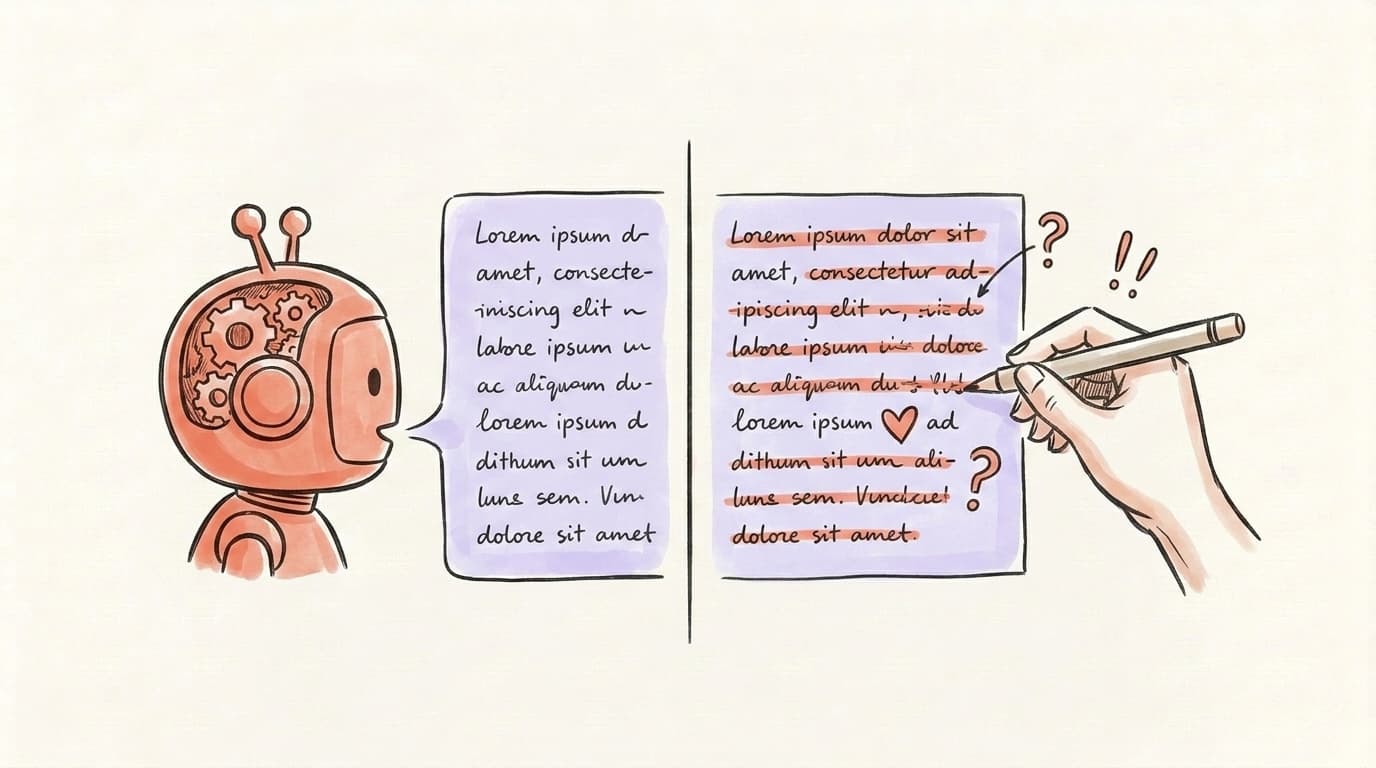
Out of the box, no. AI LinkedIn posts sound authentic only when you feed the tool enough of your own writing to learn from and then edit the output before publishing. Every AI LinkedIn post generator in 2026 draws from the same pool of LLMs (mostly GPT-4 class and Claude), which means they share the same default tells: em-dashes everywhere, three-item lists that sound like TED talk openers, phrases like "game-changer" and "let that sink in," and emoji-heavy bullet points. Readers have been trained to spot this pattern, and LinkedIn's algorithm reportedly weights dwell time and authentic engagement — so posts that get skipped in the first hour rarely recover. Tools that let you paste in 10-20 of your own past posts as voice samples produce meaningfully better drafts than tools that only take a topic prompt. Still, no current tool is good enough to ship first-draft output. The authentic-sounding posts you see from heavy AI users are almost always human-edited drafts, not raw AI output. Budget a few minutes of editing per post.
How Do You Edit AI-Generated LinkedIn Posts to Match Your Style?
You edit AI-generated LinkedIn posts to match your style by running a short, repeatable checklist that strips the default AI tells and puts specific human detail back in. The edit is where AI posts become yours — without it, the draft is a liability, not a shortcut. Here's the checklist I run on every AI-generated LinkedIn post before publishing; it takes about five minutes and catches 90% of the "this sounds like AI" markers that make readers scroll past. The core moves are: kill the em-dashes, cut the throat-clearing intro, break any three-item list in the hook, inject one specific detail (a name, a number, a moment only you remember), shorten the CTA, and read the result out loud. Each step targets a pattern trained into every GPT-class model; applying them consistently is what separates posts that read as yours from posts that read as generated. Skip the checklist and the draft becomes the reason your reach drops. Do it every time and the draft is a true first draft, not a finished post.
- Kill the em-dashes. Replace with periods or commas. AI loves the em-dash; humans mostly don't use two per sentence.
- Cut the opening throat-clear. Phrases like "Let me tell you something," "Here's the thing," or "I want to share a quick story" are AI padding. Start with the concrete detail instead.
- Break up the three-item list. If the draft has a "X, Y, and Z" triple in the first two lines, rewrite it as one specific thing. AI reaches for threes; good hooks pick one.
- Add one specific detail only you know. A client's name, a dollar figure, the exact thing someone said in a meeting on Tuesday. This is the single fastest way to make a post feel human.
- Shorten the CTA. AI defaults to long wrap-up paragraphs. Cut to one line or delete entirely.
- Read it out loud. If it sounds like a LinkedIn influencer impression, it is one. Rewrite the sentences that feel performative.
For a deeper walkthrough of LinkedIn-specific writing patterns that actually perform, see our guide on what to post on LinkedIn.
What About the Platforms LinkedIn Doesn't Cover?
If LinkedIn is one of several places you publish, the same "blank composer" problem shows up again on every other network. If you publish elsewhere too, check which networks your chosen tool supports before planning the workflow around it.
That's the gap Postory fills. It doesn't publish to LinkedIn — its platforms are X, Threads, and Bluesky — but its AI post writing learns your style from your existing posts and drafts platform-native versions for all three, scheduled from one calendar. Pair it with a LinkedIn tool above and the whole week is covered.
Try Postory free — keep your LinkedIn workflow, and stop hand-writing everything else.
FAQ
Q: What is the best free AI LinkedIn post generator?
The best free setup is ChatGPT paired with LinkedIn's native composer. It costs nothing if you already have a ChatGPT account and gives you the most voice flexibility, but you'll rewrite more and manage scheduling manually. Most dedicated tools also offer a free tier worth testing before you commit.
Q: Can AI LinkedIn post generators match my writing style?
Yes, but only if the tool lets you train it on your own writing. Look for tools that accept voice samples — 10-20 of your past posts — instead of just a topic prompt. Tools that only take a topic produce generic "thought leader" output. Even the best voice-matching tools need a five-minute edit before publishing.
Q: Will LinkedIn penalize AI-generated posts?
LinkedIn doesn't ban AI content, but its algorithm weights dwell time and authentic engagement, which means generic AI posts get skipped and lose reach. The penalty is behavioral, not explicit. Edit the draft, add specific personal details, and AI-generated posts perform fine.
Q: How much does a good AI LinkedIn post generator cost?
Based on public pricing pages as of April 2026, most solid tools with AI generation and scheduling fall roughly between $25 and $65 per month. LinkedIn-only suites like Taplio sit at the top of that range; multi-platform tools often come in lower. Free tiers exist but usually cap generations per month.
Q: Should I use a LinkedIn-only tool or a multi-platform one?
Use Taplio if LinkedIn is your only platform and you want every LinkedIn-specific feature (viral post library, engagement tools, lead gen). If LinkedIn is one of several channels, a multi-platform tool that handles writing, repurposing, and scheduling elsewhere will serve you better. See our Taplio alternatives comparison for a detailed breakdown.
Q: How long does it take to generate a LinkedIn post with AI?
Generation itself takes 10-30 seconds. Editing takes another 3-7 minutes if you want the post to sound human. Plan for 5-10 minutes total per post — much faster than writing from scratch, but not the "one-click and publish" fantasy that some tools market.
Q: Can I use ChatGPT directly for LinkedIn posts?
Yes, and for low-volume posting it's a perfectly good option. The trade-off is no scheduling, no analytics, no cross-platform repurposing, and no built-in voice memory between sessions. If you post more than twice a week or across multiple platforms, a dedicated tool saves meaningful time.
Related articles

Gemini MCP: Connect X, Threads and Bluesky
Gemini MCP setup connects Gemini CLI or eligible web users to Postory tools for X, Threads and Bluesky. Start with account reads and drafts.
Oct 24, 2026

The Best AI Twitter/X Thread Generators Compared (2026)
Nine AI Twitter thread generators, ranked by what each is genuinely best at — plus how to pick the right one for your stage and budget.
Jul 1, 2026

LinkedIn Carousels: Specs, Templates, and Writing Tips
Create LinkedIn document posts with the 2026 specs, six templates, and practical tips for hooks, slide structure, and calls to action.
May 31, 2026