
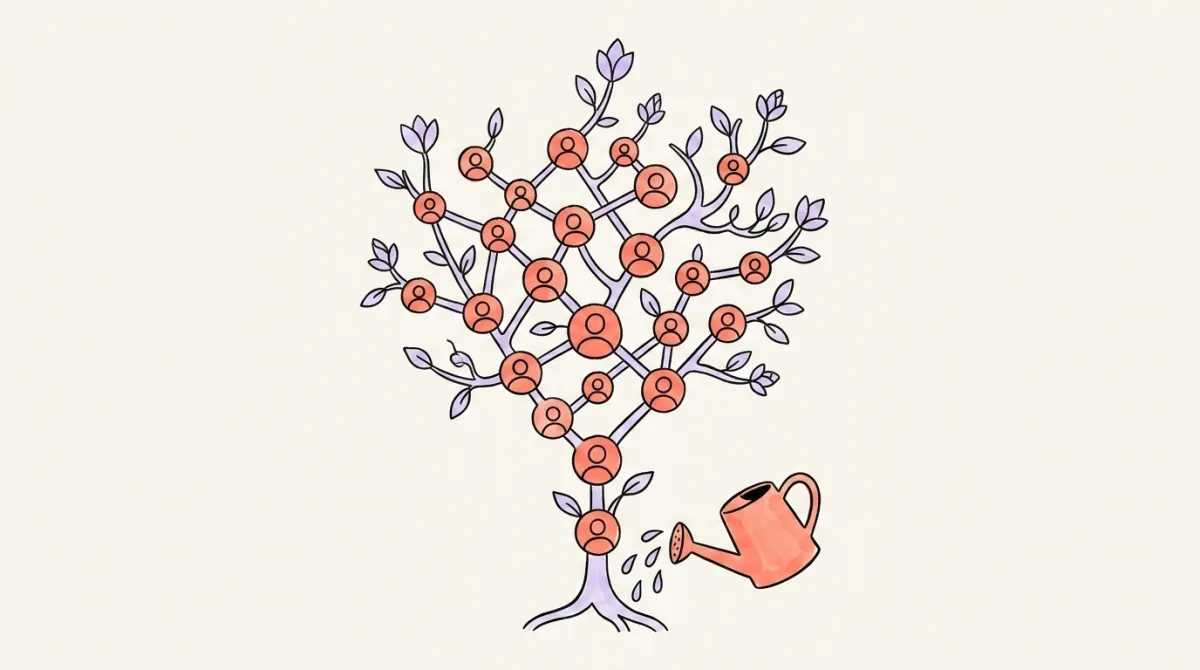
How to Grow on LinkedIn: Followers, Connections & Network

LinkedIn growth in 2026 is two games played at once — broadcast (followers via content) and 1:1 (connections via targeted requests). Win both by picking a narrow niche, optimizing your profile for discovery, posting 3-5x per week, and sending 20-50 relevant connection requests per week to people adjacent to your target audience, so you stay well under LinkedIn's rate limits.
Everyone wants to "grow on LinkedIn," but most people never stop to ask what they're actually trying to grow. Followers? Connections? Real relationships that turn into jobs, clients, or opportunities?
The answer is all three — and they grow differently. This guide breaks down exactly how to grow on LinkedIn in 2026, from profile setup to a 30-day plan that combines content (broadcast growth) and connection requests (1:1 growth) without triggering LinkedIn's rate limits.
Followers vs. Connections: What's the Difference?
Followers and connections are two different things on LinkedIn, and understanding the distinction is the first step to growing on LinkedIn intentionally. A connection is a two-way relationship — both people see each other's content and can message each other directly. A follower is one-way — they see your content in their feed, but you don't see theirs, and there's no DM channel unless they connect with you. Connections max out at 30,000. Followers are unlimited. When someone connects with you, they automatically become a follower too, so every connection counts as a follower, but not every follower is a connection. If you want more reach, chase followers. If you want more conversations (job leads, client DMs, warm intros), chase connections. Most people growing on LinkedIn need both — which is why the strategy in this post works on two tracks in parallel.
If you're building a personal brand, becoming an industry voice, or trying to reach a big audience, followers are the metric. Switch your profile to "Follow" as the primary button (Settings → Visibility → Followers → toggle on "Make Follow primary"). This way, people who discover your content from a viral post hit "Follow" instead of sending connection requests — and you avoid filling your 30,000-connection cap with strangers who'll never talk to you. Thought leaders, creators, and founders almost always run follow-primary profiles.
If you're in sales, job-hunting, or building a B2B network where individual relationships matter, keep "Connect" as primary. Every connection opens a DM channel. Recruiters, sales reps, freelancers closing deals, and anyone whose growth depends on 1:1 conversations should stay connection-focused until they hit a few thousand connections in their target market — then reconsider.
How Do You Optimize Your LinkedIn Profile for Discovery?
Your profile is the landing page for every post you publish and every connection request you send. Before you chase growth, make sure the profile is actually ready to convert a visitor into a follower or connection. LinkedIn's algorithm now uses a single AI ranking system called 360Brew — a 150B-parameter foundation model that reads profiles and posts semantically to decide who sees what — so fuzzy, generic profiles get fewer impressions than focused ones. Complete profiles with a clear photo, headline, and about section rank higher in LinkedIn search and convert more visitors into followers than half-filled ones. The goal isn't to look "polished" — it's to make your niche unmistakable in the first 3 seconds so the algorithm and humans both know what you do. A great profile answers three questions instantly: Who are you? What do you do? Who do you do it for?
The 5 profile elements that matter most
- Photo — clear headshot, face visible, professional but not stiff. Not your logo, not a vacation photo.
- Banner — this is free billboard space. Write who you help and what outcome you deliver. Make it readable on mobile.
- Headline — not your job title. A benefit-driven line: "I help B2B founders turn LinkedIn into a pipeline engine" beats "Founder at Acme Corp."
- About section — first 2 lines are what people see before clicking "see more." Hook them there. Then tell your story and list what you help with.
- Featured section — pin 3-4 best posts, a case study, or a link to your calendar/website. This is your proof.
Once your profile is sharp, posting content actually compounds — people who land on your profile from a viral post are much more likely to follow.
AI that learns your voice
Posts that actually sound like you
Postory's AI writes drafts in your voice — not generic AI mush — so you publish faster and still sound human.
What Content Strategy Actually Attracts Followers?
Content is how you grow followers at scale — one post can reach tens of thousands of people, which no amount of connection requests can match. The LinkedIn algorithm in 2026 rewards niche depth and engagement quality, not viral luck. Sprout Social's 2026 algorithm guide describes how LinkedIn begins testing distribution to a portion of your network and then expands or contracts reach based on engagement quality — which means the first hour of reactions and comments largely determines how far the post travels. The trick is picking three core topics and writing about them consistently. Chris Donnelly, who runs a 1.2M-follower LinkedIn account, says 80% of your content should fall into three topic pillars tied directly to your profile's stated expertise. Post outside those pillars and the algorithm stops pushing your content — it doesn't know who to show you to.
Here's a great breakdown of the 2026 LinkedIn algorithm and what's actually working now:
What formats work in 2026
- Text posts with strong hooks — the first line does 80% of the work. Open with a specific claim, a contrarian take, or a number.
- Document/carousel posts — industry benchmark data puts document posts at 6.6% average engagement, the highest of any format.
- Short native video — 30-90 seconds, uploaded directly (not a YouTube link). Growing fastest of any format.
- Comments on bigger accounts in your niche — not a format, but the fastest way to get seen before you have followers. Write thoughtful 2-3 sentence replies, not "great post!"
Want deeper tactics? See our guide on what to post on LinkedIn for angles that actually get read.
How Do You Send Connection Requests That Get Accepted?
Sending connection requests is the fastest way to grow your network on LinkedIn — but only if people accept them. A 2025 study of 16,492 requests found the average acceptance rate is around 37%, and anything under 20% is a red flag that can get your account restricted. The trick is who you send to, not what you write — the same study found adding a note barely moves acceptance (26.4% with note vs. 26.4% without). What does move it is targeting people who already engage with your content or share mutual connections. Cold requests to strangers with no context get ignored or worse, flagged. And LinkedIn caps weekly invitations somewhere in the range of 100-200 depending on your Social Selling Index (SSI) score and acceptance rate, so every wasted request is a missed opportunity.
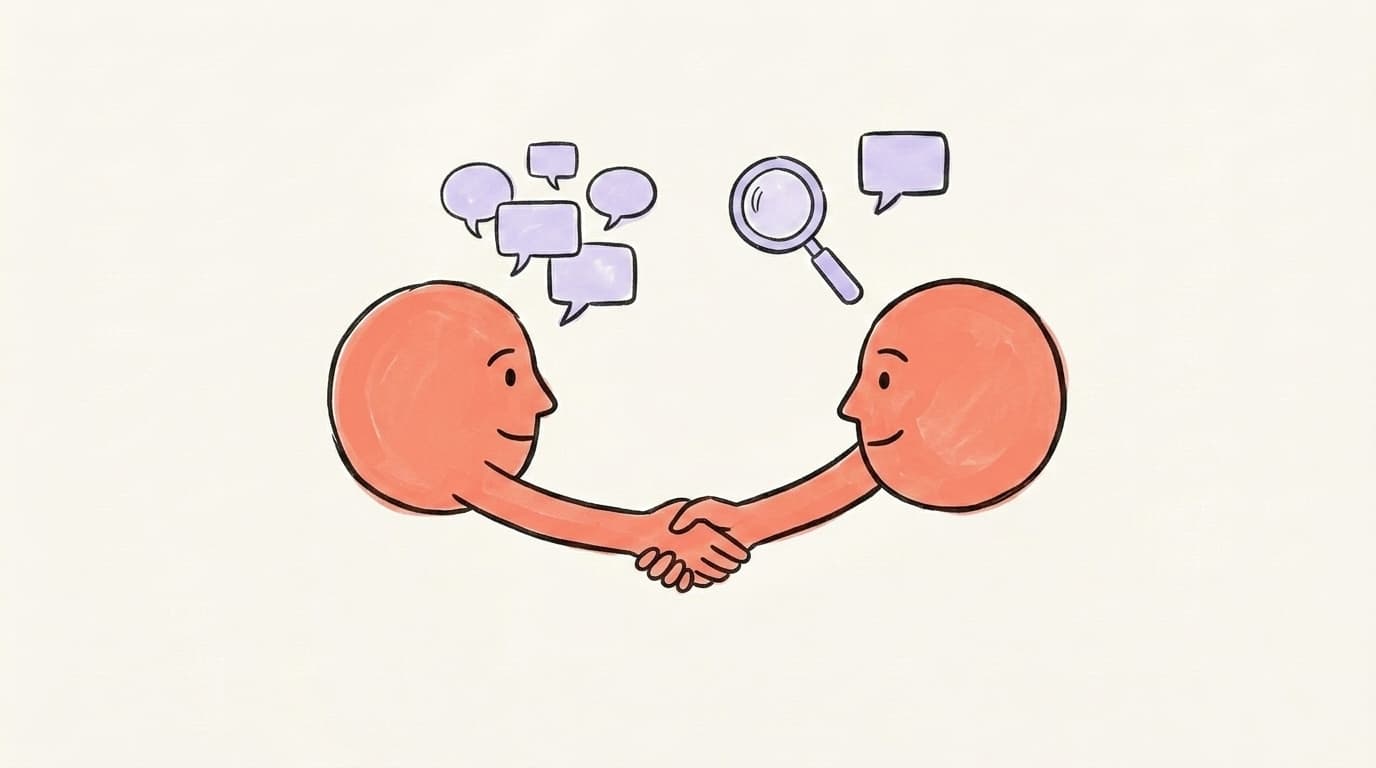
Who to target
- People who engaged with your last 5 posts — commented, reacted, or reshared. They already know you.
- People who engaged with posts in your niche from creators you follow. They're your audience — they just haven't met you yet.
- 2nd-degree connections with 5+ mutuals in your space. The mutuals are social proof.
- Event attendees — if you both RSVP'd to a LinkedIn event, you have a conversation starter.
Who to avoid
- Random 3rd-degree profiles with zero context. Low acceptance, high flagging risk.
- Anyone you haven't interacted with who has a closed-looking profile (no posts, no activity).
- More than 20-30 requests per day — spread them out to avoid pattern detection.
The "engage first, connect second" move: Comment thoughtfully on someone's post 2-3 times over a week before sending the request. Mention the comment in your note. Acceptance rates jump significantly when someone recognizes your name.
What Posts Make People Want to Connect With You?
Not all content grows followers the same way. Some posts attract connection requests — others just get likes. Posts that drive connections usually do one of three things: they demonstrate you're helpful (tactical how-to posts with specific advice), show you're credible (case studies, results, frameworks), or signal you're "their kind of person" (contrarian takes, opinion pieces, stories). Generic motivational posts get engagement but not connections — nobody wants to connect with someone who posts platitudes. Tactical posts are the ones that get saved, and saves are increasingly highlighted by LinkedIn creators and growth analyses as a strong algorithmic signal — probably because they signal deep intent, not a passing tap. Every time someone saves one of your posts, they're marking your content as worth returning to, and they're way more likely to follow or connect when they come back. Focus 60% of your content on genuinely useful posts (lists, frameworks, mistakes to avoid), 30% on stories or opinions, and 10% on lighter conversational posts.
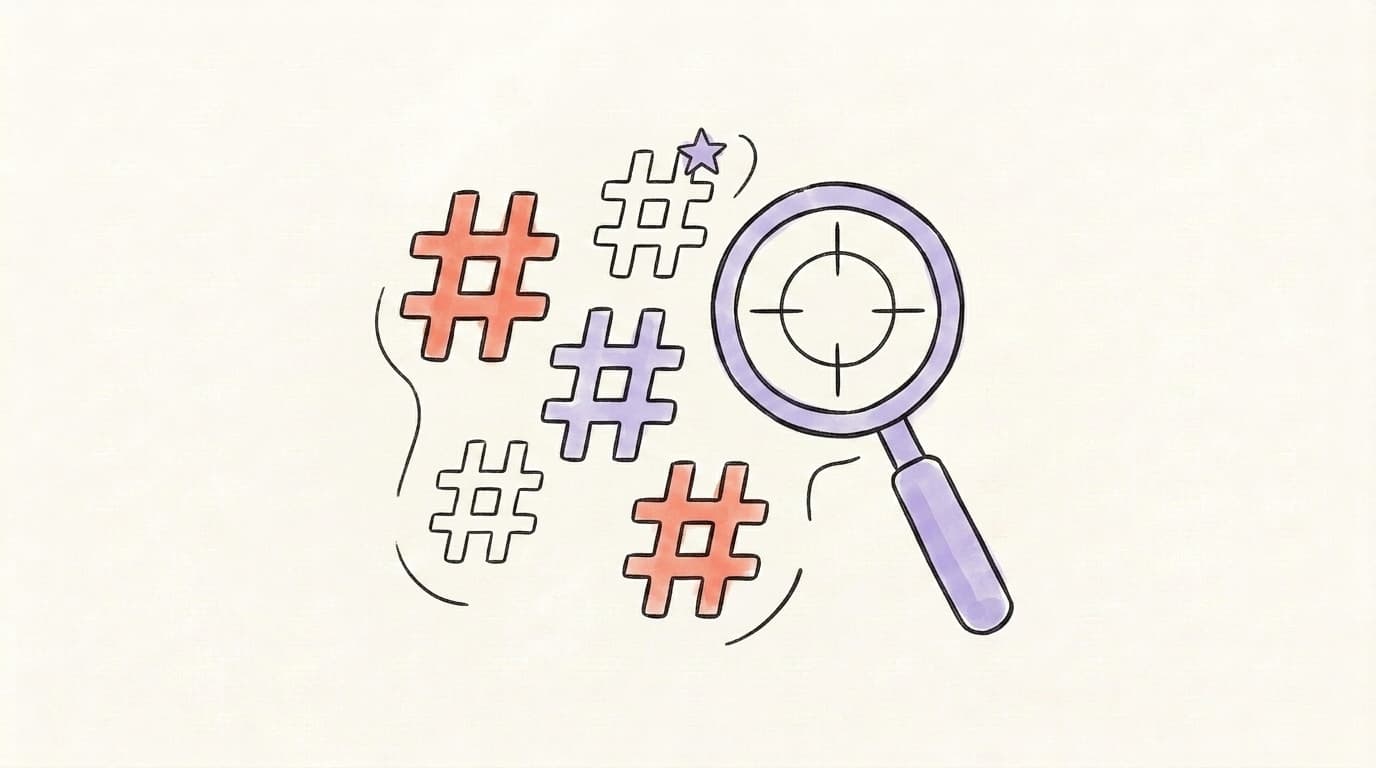
How Do You Use Hashtags on LinkedIn to Get Found?
Hashtags on LinkedIn in 2026 matter less than they did three years ago, but they're still useful as metadata. Sprout Social's hashtag guide recommends 1-5 relevant hashtags per post, emphasizing that relevance and strategic selection matter more than volume. The algorithm uses hashtags to categorize your content for discovery, not to amplify it. Use 3-5 hashtags per post, mixing one broad tag (#Marketing) with specific niche tags (#B2BSaaS, #DemandGen). Broad hashtags like #business or #motivation have millions of followers but almost zero chance of showing your post in a targeted feed. Niche hashtags have smaller audiences but much higher relevance — your post is competing against 100 others instead of 100,000. Place hashtags at the end of the post, not sprinkled throughout the text. And skip any you'd never use naturally in conversation — hashtag stuffing looks spammy and makes the algorithm de-rank your content.
How Do You Network on LinkedIn Without Being Spammy?
"Networking" on LinkedIn has a bad reputation because most people do it wrong. They blast connection requests, slide into DMs with "checking in?" messages, or pitch within the first two replies. That doesn't work — it's why most LinkedIn inboxes are full of ignored messages. Real networking on LinkedIn in 2026 is slow, specific, and value-first. The rule of thumb: give three times before you ask once. Share someone's post with a thoughtful add-on, comment on their content publicly, or DM them a resource that's genuinely relevant — then, later, ask if they'd hop on a call. People who do this land in the "top performer" band for outreach reply rates, while generic cold pitching drags reply rates into the single digits — Cleverly's 2026 LinkedIn benchmarks report puts top performers at 30-50% reply rates and SaaS-industry averages under 5%. The difference isn't what you write — it's whether you earned the attention first. And if you don't have anything useful to offer yet, that's fine: just keep engaging publicly and let the relationship build naturally. Not every connection needs to become a conversation.
How Does LinkedIn Growth Differ for Students, Career Changers, and Businesses?
Growing on LinkedIn looks different depending on who you are. A student has no work experience but plenty of time and a genuine learning story to tell; a career changer has past experience but risks confusing the algorithm if their profile still screams their old job; a business has authority but struggles with the personal-vs-page reach gap that's widened dramatically in 2026. The tactics change, but the core principle doesn't — niche down around where you're going (not where you've been), post consistently about what you're actively doing or learning, and engage in other people's content publicly before you ask anyone for anything. Students often grow fastest because they post about their learning journey, which is more relatable than polished corporate takes. Career changers grow fastest when they commit to writing in public about their transition. Businesses grow fastest when the founder posts personally instead of hiding behind the company page. Here's how each profile should adapt the playbook.
For students
Focus on what you are learning, not what you've done. Post about projects, courses, books, and takeaways from industry events. Connect with alumni of your school and people at companies you want to work for. Students who post 2x a week for 6 months routinely land interviews just from recruiters finding their profile.
For career changers
Rewrite your headline around where you're going, not where you've been. Write about what you're learning in the new field — public learning is magnetic. Connect with people already in your target role, not just peers from your old job.
For businesses
Personal profiles out-reach company pages by a wide margin, with Refine Labs' analysis of their own personal vs. company page engagement reporting personal posts generating roughly 5x the engagement of page posts. Post from the founder's personal account, not the company page — and have employees amplify. The company page is a resume; the personal profile is the storefront. Businesses chasing growth should invest 80% of effort in founder/employee profiles and 20% in the company page.

How Often Should You Post to Grow on LinkedIn?
Posting frequency matters, but not as much as most people think. Cleverly's 2026 LinkedIn benchmarks report shows pages that post at least weekly grow about 7x faster than pages that post monthly, and posting 2-3 times per week roughly doubles engagement over weekly-only posting. For personal profiles, the sweet spot is 3-5 posts per week. Below that, the algorithm deprioritizes you. Above 5, quality usually drops and engagement thins out because your audience can't keep up. Consistency matters more than frequency — 3 posts a week for 6 months beats 10 posts a week for 3 weeks followed by silence. The most common mistake is burning out after a sprint. Pick a cadence you can hold for 90 days and build from there. If you're starting out, commit to 3 posts a week — two tactical, one personal/story — and keep it going. Reach takes 60-90 days to compound; don't judge the system after one week. For the deeper breakdown, see our guide on what to post on LinkedIn.
The 30-Day LinkedIn Growth Plan (Followers + Network Combined)
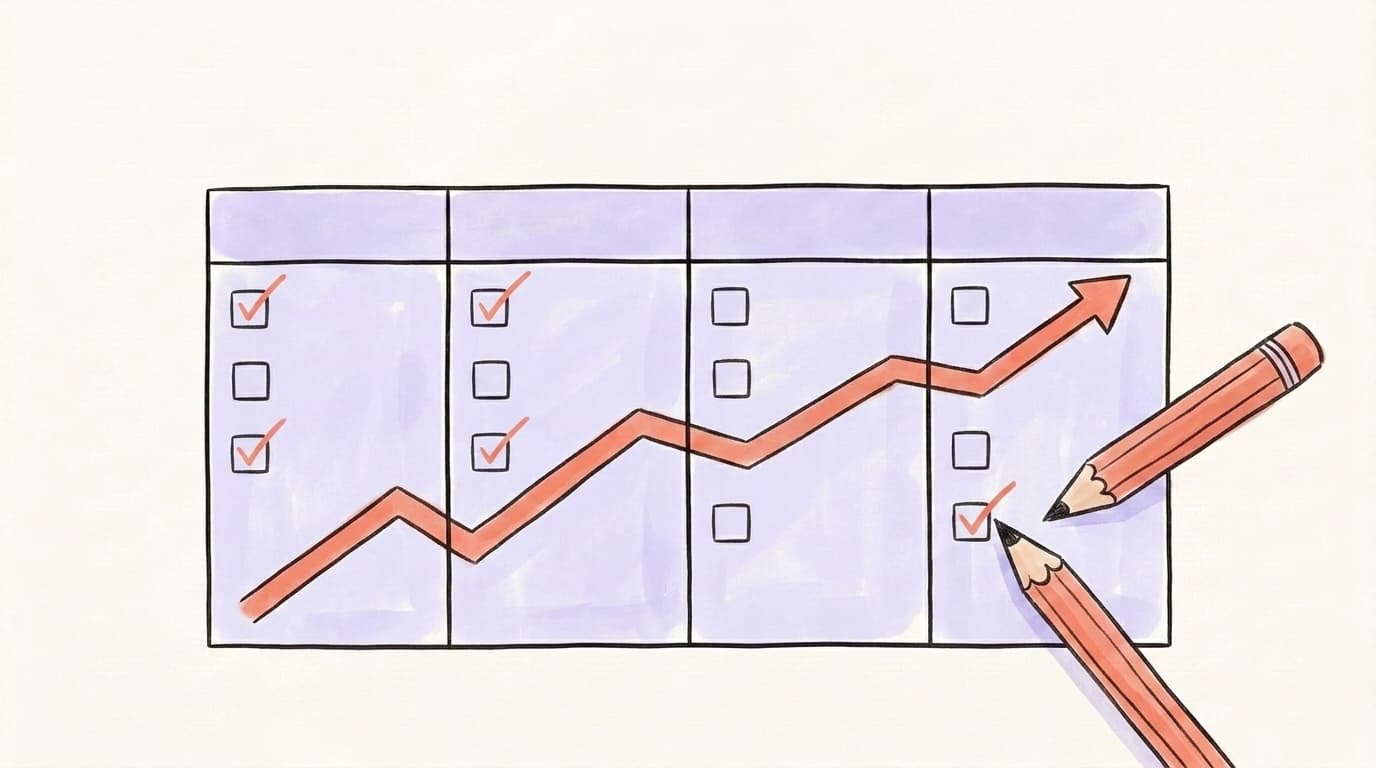
Here's a concrete 30-day plan that grows both followers and connections at the same time. It assumes you post 3x a week and send ~20 connection requests per week — volumes that keep you well under LinkedIn's limits.
Week 1: Setup
- Rewrite your headline and banner around a specific niche.
- Pin 3 featured posts (or a case study link).
- List your 3 core topics — every post for the next month fits one of them.
- Make a list of 20 creators in your niche. Follow them, turn on notifications for 5.
Week 2: Engage before you post
- Comment thoughtfully on 5 posts per day from your creator list. 2-3 sentences, specific, not generic.
- Publish 3 posts this week — one tactical, one story, one opinion.
- Send 10 connection requests to people who engaged with your comments this week.
Week 3: Consistency
- Publish 3-4 posts. Try a document/carousel post this week.
- Send 15-20 connection requests — target people who engaged with your posts or your comments.
- DM 3 people you've been interacting with publicly. No pitch — just continue the conversation.
Week 4: Review and double down
- Check analytics: which post type got the most saves and comments?
- Do more of what worked. Drop what didn't.
- Send 20 more connection requests. Post 3 times. Keep engaging daily.
After 30 days, you'll have posted ~12 times, sent ~50-60 connection requests, and engaged on ~100 posts. Most people see their first viral-ish post (10K+ impressions) somewhere between days 20-60 if they're consistent.
Running the Same Plan Beyond LinkedIn
The 30-day plan above works — if you actually follow it. The part most people quit on isn't the strategy; it's the daily mechanics of turning ideas into drafts and getting them out the door 3x a week. Postory handles that "publish 3x a week" mechanic on X, Threads, and Bluesky — turning rough ideas into drafts and scheduling them from one place — so if you run this plan on more than LinkedIn, only one of those tabs stays manual.
Try Postory free — run the 30-day plan without fighting the blank page every morning.
FAQ
Q: How long does it take to grow on LinkedIn?
Most people see noticeable growth (a few hundred new followers and a meaningful lift in post reach) after 60-90 days of consistent posting 3x per week. The first 30 days are usually slow because the algorithm is still learning your niche. If you're still flat after 90 days, the issue is almost always content quality or niche clarity — not time.
Q: How many connection requests can I send per week on LinkedIn?
LinkedIn limits invitations to roughly 100-200 per week, but the exact cap varies based on your acceptance rate, Social Selling Index, and account age. Most people should send 20-50 per week max — quality beats volume, and low acceptance rates trigger restrictions. Spread them across the week instead of sending 50 in one day.
Q: Should I add a note to connection requests?
The data suggests notes don't significantly change acceptance rates on their own. What matters more is whether the person recognizes you — from your content, a shared connection, or a public comment. If you do add a note, keep it under 300 characters, mention a specific reason (a post of theirs, a mutual connection, a shared event), and skip the pitch.
Q: Is it better to have more followers or more connections on LinkedIn?
It depends on your goal. If you're building a personal brand or want reach, followers matter more — you can have unlimited followers but only 30,000 connections. If you're in sales, recruiting, or need to DM people, connections are more valuable because they open a direct-message channel. Most serious users switch their profile to "Follow primary" once their connection count gets crowded with people they'll never actually talk to.
Q: How do I grow LinkedIn followers as a beginner with zero audience?
Start by engaging before you post. Leave thoughtful comments on 5-10 posts per day from creators in your niche for two weeks. Their audience sees your comments, visits your profile, and follows if your content matches their interests. Then start posting 3x a week on a narrow topic. This "engage first, post second" approach gets you your first 500-1,000 followers faster than cold posting into a void.
Q: How often should I post on LinkedIn to grow my network?
3-5 posts per week is the sweet spot for personal profiles. Below 3, the algorithm deprioritizes you. Above 5, quality usually drops. Consistency beats frequency — posting 3 times a week for 6 months will grow your network faster than posting 10 times a week for a month then going silent.
Q: Do hashtags still work on LinkedIn in 2026?
Yes, but they're less important than they were. Use 3-5 hashtags per post, mixing one broad tag with 2-3 niche-specific ones. Skip hashtag stuffing — posts with 8+ generic hashtags get de-ranked by the algorithm. Hashtags help with discovery and categorization, but great content hooks and consistent posting matter more.
Q: How do I grow on LinkedIn as a business?
Post from founder and employee personal profiles, not just the company page. Personal profiles out-reach company pages substantially — Refine Labs' own analysis found employee profiles generated roughly 5x the engagement of their company page despite having 46% fewer followers. Use the company page for proof (case studies, milestones) and the founder's profile for thought leadership and stories. Have employees amplify company posts to extend reach.
Related articles
What Does It Mean to Boost a Post on LinkedIn?
Wondering what it means to boost a post on LinkedIn? Here's how boosting works, what it costs, and when (or if) you should actually do it.
Apr 25, 2026
How to Get More Engagement on LinkedIn?
The real LinkedIn engagement playbook for 2026 — what the algorithm rewards, which formats win, and how to spark the comments that actually move reach.
Apr 25, 2026
X Premium vs Premium Plus: Is Either Worth It in 2026?
X Premium vs Premium Plus: compare features, reply visibility, real reach data, Grok limits, and which paid tier is worth it for your account.
Oct 14, 2026