
What Does It Mean to Boost a Post on LinkedIn?

To boost a post on LinkedIn means paying to turn one of your existing organic posts into a sponsored ad shown to a wider, targeted audience. It's faster and simpler than running a full LinkedIn ad campaign, but with fewer targeting and creative options. Boost a post that's already getting traction — don't pay to rescue one that's flopping.
You hit Post, watched a few hours of impressions tick up, and now there's a Boost button under it. Should you click it? What does it actually do? And how is it different from running a real LinkedIn ad?
This post breaks down exactly what a boosted post on LinkedIn is, how much it costs, when it makes sense, and when your money is better spent elsewhere.
What Is a Boosted Post on LinkedIn?
A boosted post on LinkedIn is an existing organic post you pay to promote so it reaches more people than it would on its own. According to LinkedIn's official help docs, boosting lets you "extend their reach through an advertising campaign" — you pick an objective, define an audience, set a budget, and LinkedIn turns that organic post into a sponsored one in the feeds of people you target. The post itself doesn't change. Your existing likes, comments, and shares stay attached. The only visible difference is a small "Promoted" tag near the top so viewers know it's paid. Boosting was originally a Page-only feature, billed through Campaign Manager, and it requires Super Admin or Content Admin access on the LinkedIn Page. As of 2025, LinkedIn started testing boosting for posts from personal profiles too, though the rollout is gradual and not every account sees the option yet. If you don't see a Boost button, you're not doing anything wrong — it's just not enabled for your profile.
What you can and can't boost
LinkedIn lets you boost posts with text, single images, videos, documents, articles, newsletters, or events. You can't boost posts that contain polls or job listings, per LinkedIn's eligibility rules. Multi-image carousels and reposts can't be boosted from the Page flow.
Boosted Post vs. LinkedIn Ad: What's the Difference?
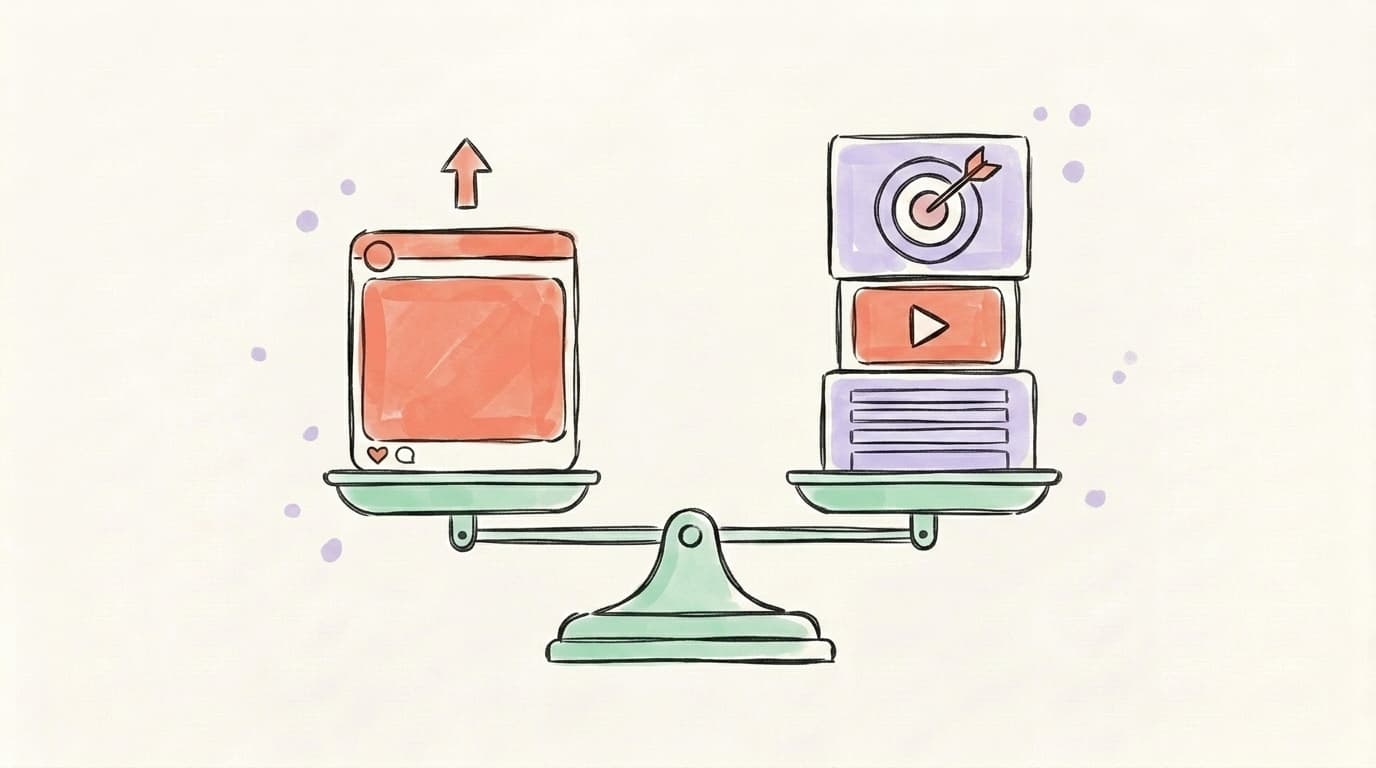
A boosted post and a full LinkedIn ad both run through the same auction system and bill through the same ad account, but they're built for different use cases. A boost is the simplified, one-click path: you take a post that already exists, pick from a short list of objectives (engagement, brand awareness, website visits, video views, lead generation, follower growth), and launch in under five minutes. A Campaign Manager ad is the full-featured path: you can build entirely new creative, run carousel and message ads that don't exist as organic posts, A/B test variants, layer detailed targeting (job title, seniority, skills, company list uploads, retargeting from your website), and access conversion-focused objectives. Boosted posts use a smaller subset of LinkedIn's targeting attributes and don't support the deepest conversion-tracking setups. A boost is a megaphone for a post you already published; an ad is a custom campaign built around a goal. Most experienced LinkedIn advertisers use both — they boost organic posts that are over-performing and run dedicated Campaign Manager ads for lead-gen offers, demos, or product launches.
Grow on autopilot
Grow your account without the guesswork
Postory turns what works into a repeatable posting system across X and Threads — so you grow consistently.
Quick comparison
| Boosted post | Campaign Manager ad | |
|---|---|---|
| Setup time | ~5 minutes | 30+ minutes |
| Creative | Existing organic post only | New ad creative, multiple formats |
| Objectives | ~6 (awareness, engagement, leads, etc.) | Full list incl. conversions, job applicants |
| Targeting | Basic LinkedIn audience attributes | Full attribute stack + matched audiences + retargeting |
| A/B testing | No | Yes |
| Best for | Amplifying posts already getting traction | Cold-traffic campaigns with a specific goal |
How Do You Boost a Post on LinkedIn?
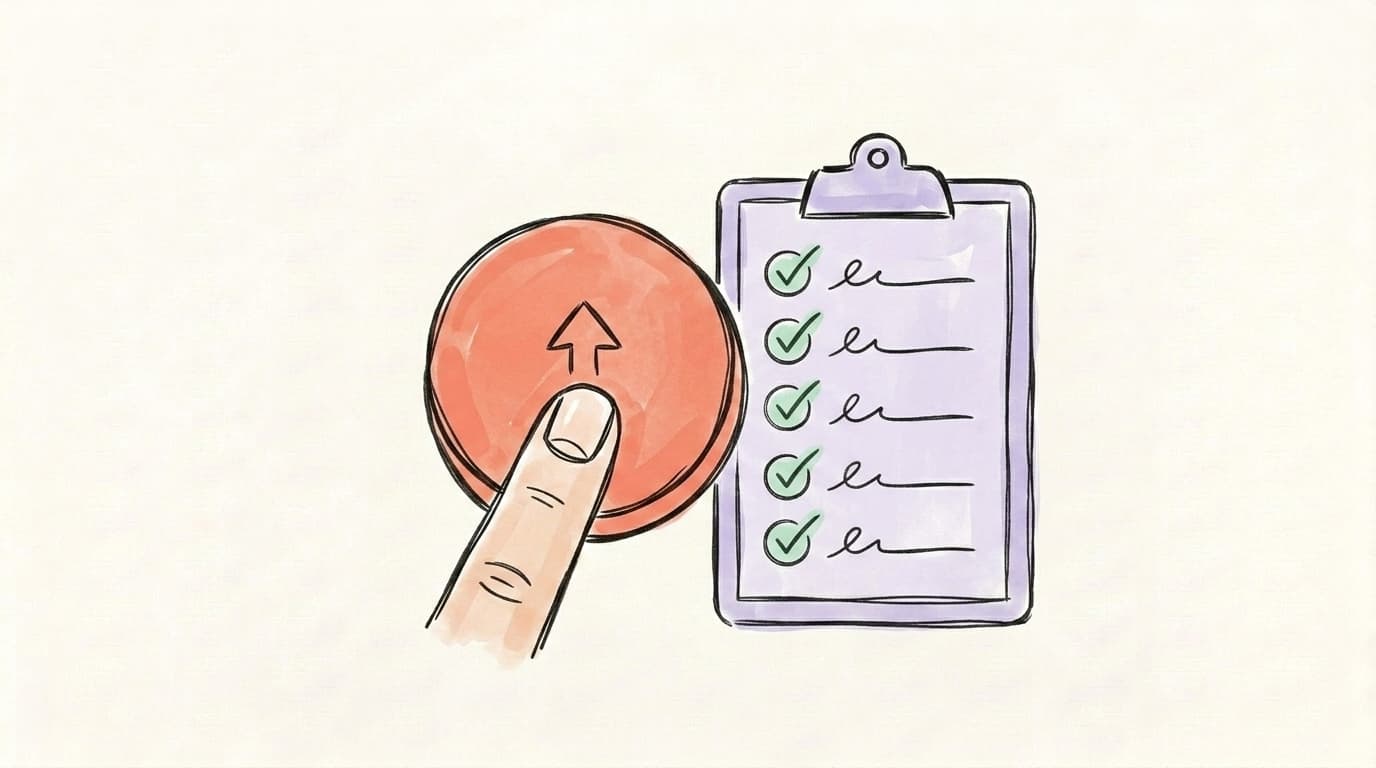
To boost a post on LinkedIn, open the post you want to promote, click the Boost button in the upper-right of the post, and step through the five short prompts: pick an objective, define your audience, set a daily or lifetime budget, choose a schedule, and add payment. Most people finish in under ten minutes. The Boost button only appears on posts that are eligible (text, image, video, document, article, or event posts — not polls or job listings) and only for accounts that have boost access (Page admins, or personal profiles where LinkedIn has rolled the feature out). If you don't see it, that's the most common reason. The flow itself is intentionally streamlined: LinkedIn handles the bidding for you, auto-creates an ad account in the background if you don't have one, and approves most boosts within an hour. Below is the exact step-by-step for a Page post — the personal-profile flow is nearly identical, with one important caveat at the end.
- Find an eligible post. Go to your LinkedIn Page admin view (or your profile if personal boosting is enabled for you). The Boost button appears next to posts that meet the format rules above.
- Click Boost. This opens the boost setup panel. You'll see your post preview on the right so you can confirm it's the one you want.
- Pick an objective. Engagement is charged per engagement; Brand awareness is charged per impressions/reach; Website visits is charged per click. Match the objective to what you actually care about — boosting a thought-leadership post for "engagement" is different from boosting a product post for "website visits."
- Define your audience. Use LinkedIn's attributes — location, job title, seniority, industry, company size, skills. Turn off "audience expansion" if you want LinkedIn to stay strictly within the targeting you set.
- Set budget and schedule. Pick a daily or lifetime budget and a start/end date. LinkedIn auto-bids using its "maximum delivery" model.
- Review and launch. Add a payment method if your ad account doesn't have one. LinkedIn approves most boosts within an hour.
Mitchell Gould walks through the exact flow for both Page and personal posts in under 13 minutes:
One quirk worth noting: when you boost a post for the first time, LinkedIn auto-creates a Campaign Manager ad account in the background and asks you to associate a Page with it. After that, all future boosts and ads bill through that same account.
How Much Does It Cost to Boost a LinkedIn Post?
LinkedIn doesn't publish a fixed minimum, but in practice the floor sits at around $10 USD per day for most regions, with a recommended starting budget of $25 per day for at least 7 days to give the algorithm enough data to optimize. LinkedIn's own campaign-budget documentation shows example math like $100/day × 31 days = $3,100 lifetime — illustrative, not minimums. Real-world advertiser guides put the practical entry point at $70–$175 for a useful first test ($10–$25/day across a week). You're charged on a CPM, CPC, or CPE basis depending on objective: brand awareness bills per 1,000 impressions, website visits per click, engagement per engagement. WebFX puts the average LinkedIn CPC at $2–$3 and CPM at $5–$8 per 1,000 impressions, with a $2.00 minimum bid; boosted posts often run cheaper than dedicated Campaign Manager ads because the creative is already proven organically. Don't think of boost cost as "what does one boost cost" — think of it as "what's the smallest budget that will give me readable results." Below ~$50 total, you'll get noise. Around $100–$200, you'll start to see whether the audience and creative actually click together. Beyond that, it scales the same way any ad does.
When Should You Boost a LinkedIn Post (and When Shouldn't You)?
Boost a post when it's already over-performing organically with the right kind of audience — high comments, lots of shares, decent dwell — and you've genuinely hit your network's ceiling. That's the use case LinkedIn built the feature for. The boost extends content that's already proven into adjacent professional audiences who'd never see it otherwise. Don't boost a flop. If a post got 200 impressions and three likes from your team, paying LinkedIn to show it to strangers won't fix it — you'll just spend money distributing weak content to a colder audience. The mistake most first-time boosters make is treating Boost as a way to save underperformers. It's an amplifier, not a rescue button. The right test: would you be proud if a stranger in your target audience saw this post as their first impression of you? If yes, boost. If you'd cringe a little, don't.
Good times to boost
- A post got unusually high engagement from your audience and you want to push it to lookalike professionals
- An event announcement (LinkedIn Live, webinar, launch) where you need RSVPs fast
- A case study or product post that converts when people see it
- Recruiting content where you want specific job titles to see your culture posts
Bad times to boost
- Brand-new posts with no organic signal (let it breathe for 24–48 hours first)
- Posts asking for engagement you wouldn't want strangers to give ("comment 'YES' below…")
- Anything you're not sure about — boost is paid distribution, not validation
Organic Reach vs. Boosted Reach: Which Has Better ROI?
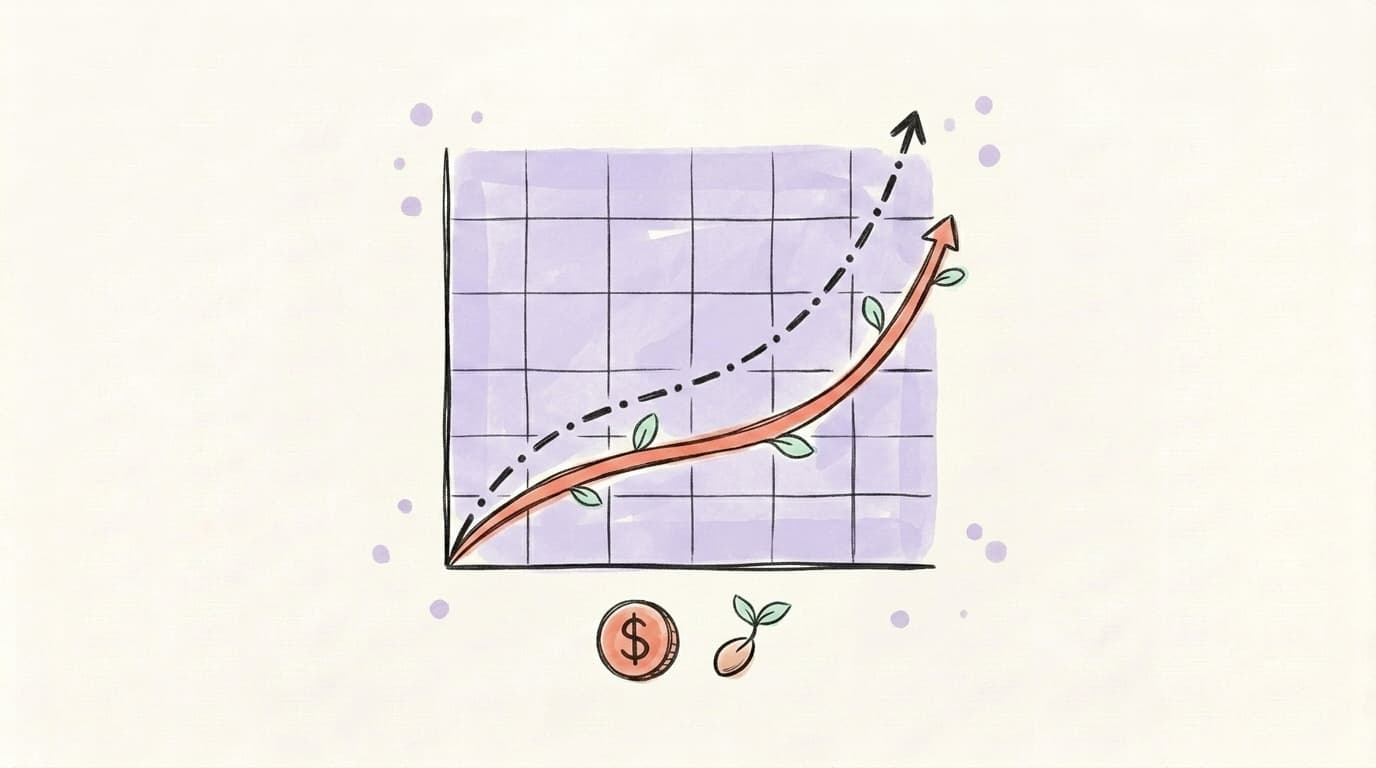
For most creators and small B2B brands on LinkedIn, organic still wins on per-dollar ROI — boosting wins on speed and precision. A consistent organic LinkedIn presence (3–5 posts a week, comments on other people's posts, replies in your DMs) compounds for free. Every post improves your profile's authority signal, every comment trains the algorithm on who you write for, and every meaningful interaction stays in front of those people in their feed for days. Boosted posts, by contrast, deliver reach the moment you pay — but the second you stop paying, the reach stops too. The math that matters: if you can get 5,000 organic impressions a week through good content and the LinkedIn algorithm doing its job, that's effectively free distribution worth somewhere between $50 and $250 in equivalent ad spend. Boosting only pays back when you're amplifying a post that already converts at a higher rate than your average organic post — say, a webinar signup or a demo request. Then the boost moves a known-good unit faster. The teams that get the most out of LinkedIn don't choose organic or paid. They build a strong organic engine first using the playbook in how to get more engagement on LinkedIn, find the 1-in-20 post that hits, then boost that specific post to extend it.
Get Organic Reach First With Great Content — Then Decide if Boosting Is Worth It
Boosting is a multiplier, not a starting point. If your organic posts are landing 50 impressions, a $100 boost won't fix the underlying problem — it'll just make a quiet post slightly less quiet at a much higher cost.
The teams that get real ROI on LinkedIn build a posting habit first. They write consistently, publish at the times their audience is active, and watch which posts actually break out. Once one does, that's the post worth boosting.
Building that organic pipeline is the same job on every platform. Postory covers the ones LinkedIn tools don't — it plans, writes, and schedules for X, Threads, and Bluesky, so the consistency habit you're building for LinkedIn doesn't stop there.
- AI post writing — turn a rough idea into a publish-ready post in seconds
- Social media scheduling — queue posts at peak engagement times across X, Threads, and Bluesky
- Post management — see which posts are over-performing, so you actually know which ones are worth boosting
Try Postory free — build the organic habit everywhere else, then decide what (if anything) is worth paying to amplify.
FAQ
Q: Should I boost my LinkedIn post or run a regular ad?
Boost when you have an existing organic post that's already over-performing and you want to push it to a wider audience fast. Run a Campaign Manager ad when you have a specific conversion goal (demo signup, lead form, webinar registration) and want full targeting and creative control. Most marketers use both, not one instead of the other.
Q: Can I boost a post from my personal LinkedIn profile?
Sometimes. LinkedIn rolled out personal-profile boosting starting in 2025, but the feature is gradually being enabled and not every account has access yet. If you don't see a Boost button on your personal posts, the feature isn't live for you — boosting from a Company Page is still your fallback.
Q: What's the minimum budget to boost a LinkedIn post?
LinkedIn's practical minimum is around $10 per day, but most advertisers recommend starting at $25 per day for at least seven days so the algorithm has enough data to optimize. Anything under $50 total is usually too little to read meaningful results from.
Q: How long should a LinkedIn boost run?
Seven days is a reasonable starting duration. It gives LinkedIn's auto-bidding enough time to learn which audience segments respond, and it gives you enough data to decide whether to extend, increase the budget, or stop. Shorter runs (1–3 days) are fine for time-sensitive content like event RSVPs.
Q: Will boosting a post help my organic reach afterward?
Not directly. The likes, comments, and shares your boost generates do stay attached to the post, which can make the post look more credible to organic viewers later. But LinkedIn doesn't reward boosted posts with extra ongoing organic distribution — once your budget runs out, the post's organic signal goes back to normal.
Q: Why don't I see the Boost button on my post?
A few reasons: the post format isn't eligible (polls, job ads, and some carousels can't be boosted); you don't have admin access to the Page; or, on personal profiles, the boosting feature simply hasn't been enabled for your account yet. LinkedIn rolls features out gradually.
Q: Can I boost an old LinkedIn post?
Yes — you can boost posts that are weeks or even months old, as long as they meet the format rules. Boosting an old high-performer is actually one of the smartest uses of the feature: you already know it resonated, so you're amplifying proven content rather than gambling on something new.
Q: Is boosting a LinkedIn post worth it for solo creators?
Usually no — at least not as a first move. Solo creators get more value from posting consistently, commenting on bigger accounts in their niche, and slowly compounding organic reach. Save the boost for a single standout post per quarter that actually deserves the spotlight.
Related articles

How to Get More Engagement on LinkedIn?
The real LinkedIn engagement playbook for 2026 — what the algorithm rewards, which formats win, and how to spark the comments that actually move reach.
Apr 25, 2026
Follower to Following Ratio on X: What's Good in 2026
Your follower to following ratio on X, explained: how to work it out, what counts as a good one, where X uses it, and how to fix a bad one.
Oct 18, 2026
Who Doesn't Follow You Back on X (Twitter)? How to Check
See who doesn't follow you back on X (Twitter): the manual check, what to look for in a tool, and who you shouldn't unfollow anyway.
Oct 18, 2026