
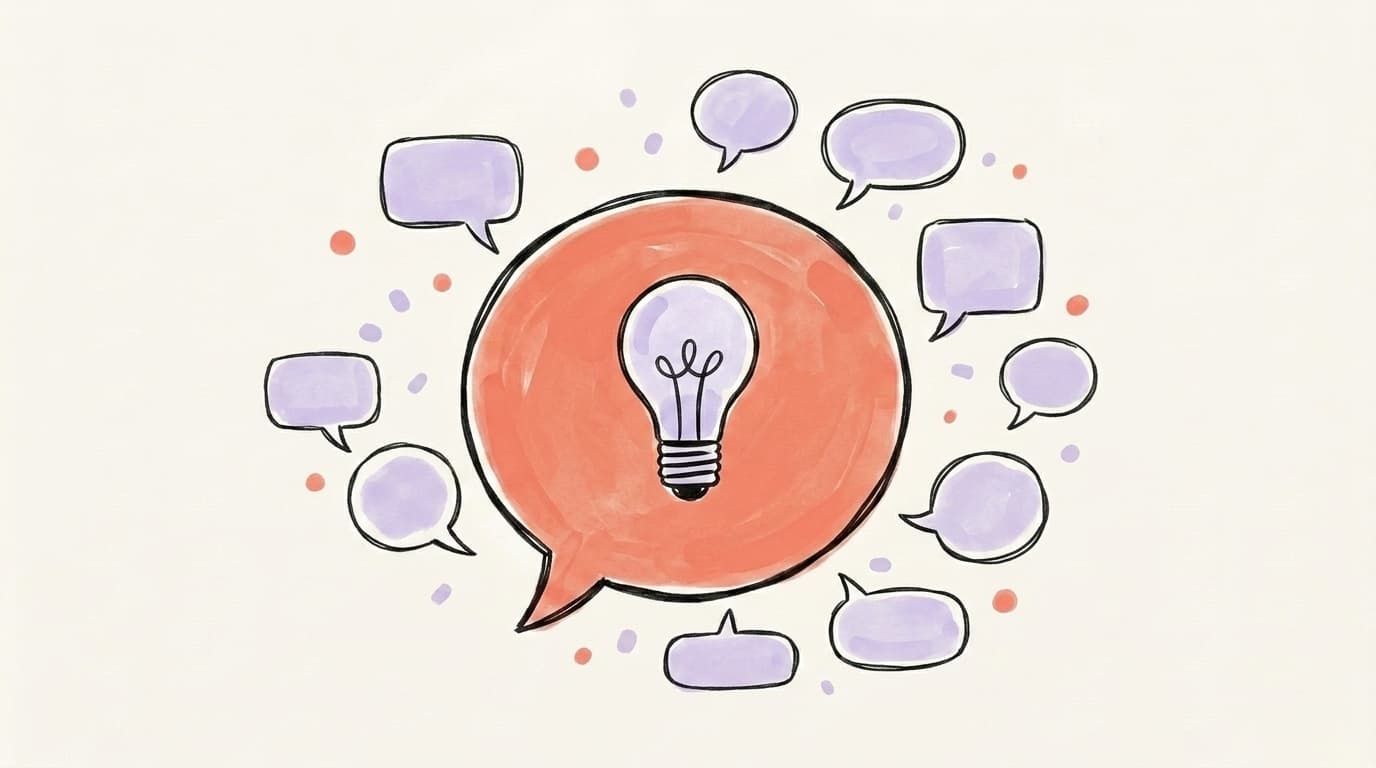
What to Comment on LinkedIn Posts?

LinkedIn's 2026 algorithm rewards depth, not noise. Comments that add a perspective, an example, or a question — and that land in the first 60 minutes — pull profile views. Generic agreement does nothing. This post breaks down what to comment on different post types, gives you templates you can adapt, and shows you how a comment-first strategy builds reach over time.
You opened LinkedIn. There's a post from someone you want on your radar. You start typing "Congrats!" — then close the tab. Because deep down, you know "Great post!" isn't doing anything for you.
The good news: figuring out what to comment on LinkedIn posts isn't a guessing game. There are clear patterns for what works on different post types, and the algorithm has gotten much better at separating real engagement from filler. Here's the playbook.
Why Do LinkedIn Comments Matter for Your Growth?
What Should You Comment on Different Types of LinkedIn Posts?
Not every post needs the same kind of comment. The right comment depends on what the original post is trying to do — celebrate, teach, provoke, or vent — and matching that intent is what makes you sound like a person and not a bot. Broadly, LinkedIn posts fall into four buckets you'll see every day in your feed: personal milestones (new job, promotion, anniversary), thought leadership (a take, a framework, a strong opinion), how-to or educational posts, and personal stories or vulnerable shares. Each one rewards a different angle. On a milestone, your job is to celebrate specifically. On a thought-leadership post, your job is to extend or politely complicate the idea. On a how-to, your job is to add a real example or a missing nuance. On a personal story, your job is to be human and short. Get the bucket right, and the comment almost writes itself. Get it wrong — for example, leaving a "great point" on a vulnerable share — and you read as tone-deaf.
What to Comment on LinkedIn Post Congratulations (New Job, Promotion, Anniversary)
When someone posts that they've started a new job, earned a promotion, or hit a work anniversary, the goal of your comment is to make them feel specifically seen — not just acknowledged in a wave of "Congrats!" The way to do that is to reference something concrete: the company they're joining, the work that got them there, a memory from when you collaborated, or what you think they'll do well in the new role. Generic congratulations comments are among the easiest comments for recipients to skim past — they pile up in the dozens and blur together. A two-sentence comment that names the role and adds a small, sincere observation will outperform a hundred "Congratulations!" replies in both human response and algorithmic weight. If you've never worked with the person but want to congratulate someone in your network, anchor your comment in why the move matters in the industry — "This is a strong hire for [Company]; their content team has been one to watch" reads as informed, not sycophantic.
Grow on autopilot
Grow your account without the guesswork
Postory turns what works into a repeatable posting system across X, Threads, and LinkedIn — so you grow consistently.
Templates you can adapt:
- "Huge congrats on the [Role] at [Company], [Name]. Knowing how hard you push on [specific skill/project], they've made a great call."
- "This one's earned. The [project/launch] last year was the kind of work that gets noticed — wishing you a great first 90 days."
- "Year [N] already? Time flies. The way you've shifted into [new focus] over the last 12 months has been fun to watch from over here."
How to Comment on Thought Leadership Posts (Add Value, Don't Just Agree)
Thought leadership posts are where commenters either build authority or expose themselves as filler. The single biggest mistake is leaving a comment that just restates the post's main point in different words. The algorithm reads that as low-signal, and so do humans. Instead, your comment should do one of three things: add a concrete example from your own experience, push back on a specific part with a different angle, or extend the framework to a case the original post didn't cover. Comments longer than ~10 words that add genuine value and spark a back-and-forth are the ones Louise Brogan's LinkedIn comment guide and other practitioner sources flag as high-performing. Asking a thoughtful follow-up question is especially powerful because it pulls the original poster back into the comment thread — and nested replies are weighted heavily by the new ranker. The format that works: one-sentence reaction → one-sentence specific reason or example → optional question. Skip the throat-clearing. Don't open with "Such a great post" — just say the thing.
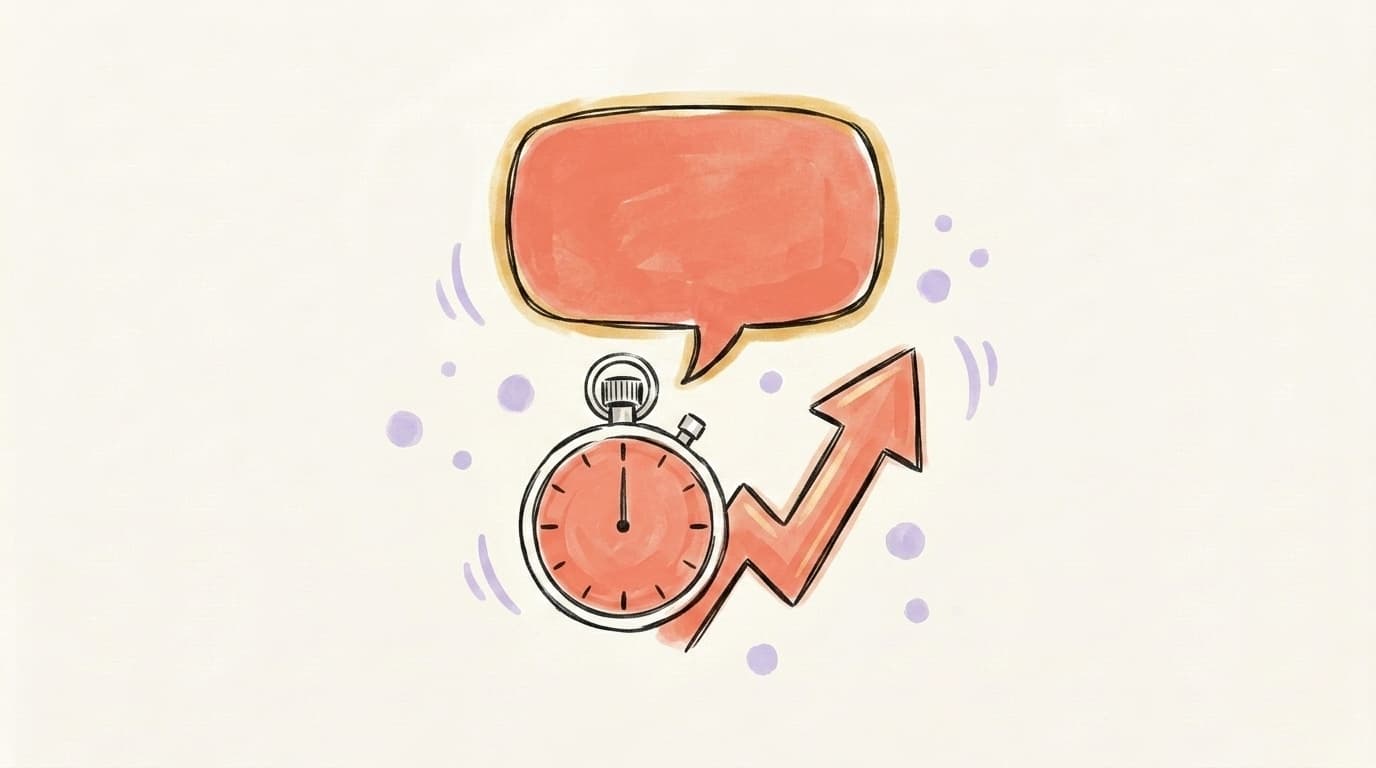
When Should You Comment? (The Golden Hour Rule)
When you comment matters almost as much as what you say. LinkedIn weights engagement that happens in the first 30–60 minutes of a post going live far more than engagement that trickles in later. Multiple practitioner guides, including the LinkedIn commenting playbook from Engagekit, point to that early-hour window as the difference between getting pinned at the top of a viral thread and getting buried under fifty replies nobody scrolls to. Practically, this means following 20–30 people whose content you actually want to engage with, turning on bell notifications for the most important ones, and spending your commenting time on fresh posts rather than yesterday's. A late comment on a post that's already got reach still gets seen. An early comment on a post that's about to take off rides the whole wave with it. If you only have 15 minutes a day for LinkedIn engagement, spend them inside that golden hour.
LinkedIn Comment Templates You Can Adapt
Templates won't think for you, but they break the staring-at-the-cursor moment. Use these as scaffolding, then plug in the specific detail that makes the comment yours. The pattern for every one of these is the same: react, add specific value, optionally ask. Anything you copy-paste verbatim across multiple posts will read as canned and underperform.

For a thought-leadership post you agree with:
"This matches what we've seen on [your context] — specifically [one concrete example, 1 sentence]. The piece I'd add is [small extension]. Curious if you've run into [specific edge case]?"
For a thought-leadership post you partly disagree with:
"Mostly with you on this, but I'd push back on [specific claim]. In our case, [counter-example, 1 sentence]. Wonder if it changes by [variable]?"
For a how-to or educational post:
"Step [N] is the one most people skip. We learned that the hard way when [short story]. The other thing I'd add: [missing nuance]."
For a personal story or vulnerable share:
"Reading this on a Monday and it hit. The [specific phrase from the post] line in particular. Thanks for sharing — and good luck with what's next."
For a hot take or contrarian post:
"Saved this. The [specific point] is the one nobody wants to say out loud. What's your read on [related question]?"
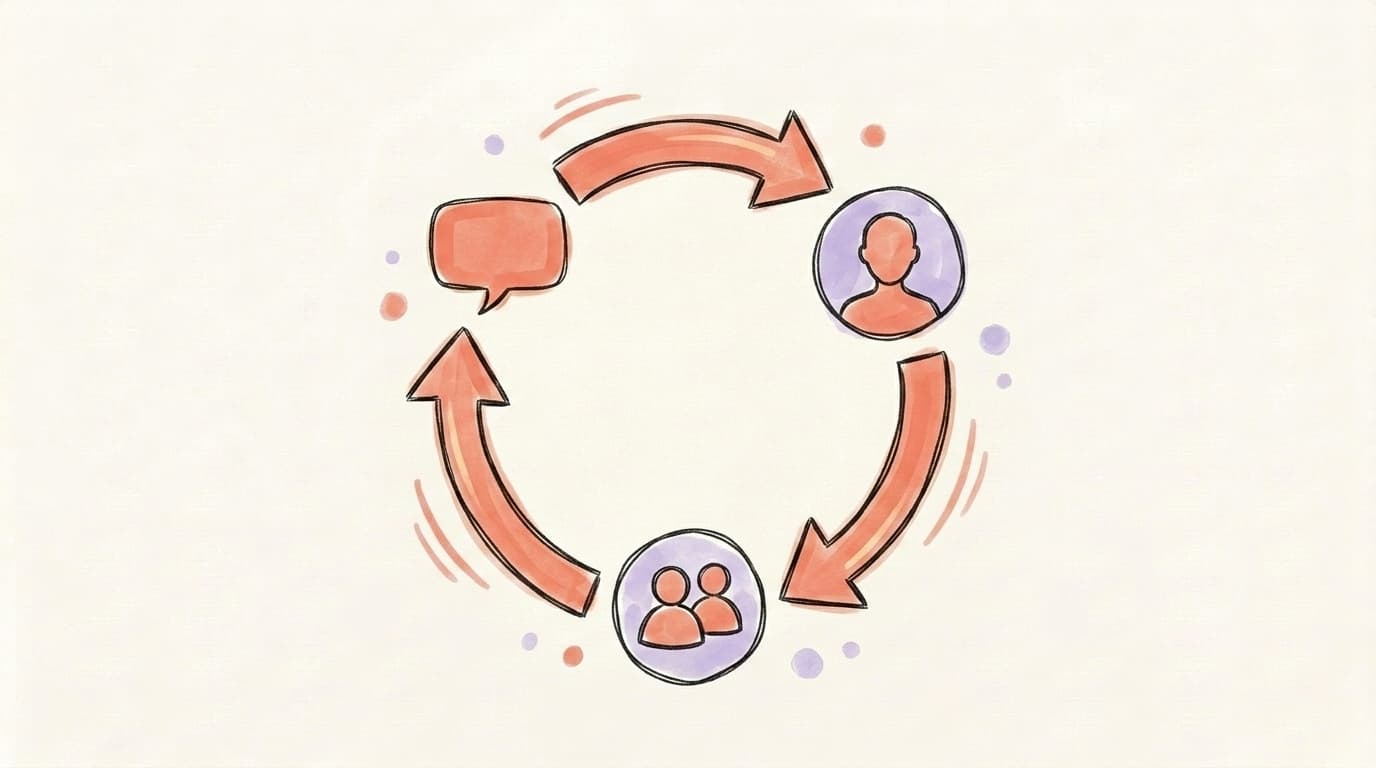
What Is the Comment-First Growth Strategy?
The comment-first growth strategy means you grow your LinkedIn presence primarily by commenting on other people's posts — not by trying to write viral posts of your own from a standing start. The logic is simple: writing a great post and getting it seen is hard when you have 200 followers. Writing a great comment on a great post and getting it seen is much easier, because the post is already pulling the audience in for you. People click through to your profile when a comment makes them curious, and over a few months you can build the followers and credibility that make your own posts work. The mechanics, as Chris Donnelly explains in his 2026 algorithm breakdown, come down to consistency and quality. You don't need to be everywhere — you need to be visibly thoughtful in the rooms where your future customers, employers, or peers already hang out. Over time the same 30–50 accounts will start to recognize you, the original posters will reply to your comments, and your own posts will land with built-in warmth.
Here's Chris Donnelly's full breakdown of how the 2026 LinkedIn algorithm is actually rewarding depth and what that means for commenters and creators alike:
How Many LinkedIn Comments Should You Leave Per Day?
A reasonable target for most people is 5–10 thoughtful comments per day, on a curated list of 20–30 accounts whose audience overlaps with the audience you want to reach. The number isn't magic — what matters is that the comments are substantive, relevant, and ideally placed inside the golden-hour window. Going much above 10 a day usually means quality starts to slip and you drift into "great post" territory, which is worse than not commenting at all. Going much below 5 makes it hard to build the recognition that powers the comment-first strategy. Treat it as a 15–20 minute daily habit rather than a binge: open LinkedIn, scan recent posts from your target list, leave 5–10 comments that each take 60–90 seconds to write, and close the tab. If you batch this with your own posting cadence — for example, scheduling your post in the morning and commenting once it's been live for an hour to keep the thread warm — the two efforts compound.
Grow Your Visibility on LinkedIn — Start with Great Content
Comments build distribution. Posts give people a reason to follow you once they show up. The two work together: a comment-first strategy without your own posts means people see your name but have nowhere to land; posts without comments means you're shouting into an empty feed.
Postory helps with the post side. Our AI post writing drafts LinkedIn posts in your voice from a rough idea, and our social media scheduling keeps a steady cadence so when someone clicks through from your comment, your profile actually has something to read. If you're working on the bigger picture, our guides on how to get more engagement on LinkedIn and how to grow on LinkedIn cover the rest of the playbook.
Try Postory free — write LinkedIn posts that give your comment strategy somewhere to send people.
FAQ
Q: What is the best comment to put on a LinkedIn post?
The best comment is one that adds something the original post didn't already say — a concrete example, a small disagreement, an extending question, or a specific observation. Length isn't the goal, but most strong comments end up around 2–4 sentences. Avoid generic agreement and skip opening throat-clearing.
Q: What to comment on a LinkedIn post for congratulations?
Reference what the person actually did to earn it — the company, the role, a project you remember — instead of leaving a bare "Congrats!" Two specific sentences will mean more to the recipient and perform better in the feed than a one-word reply.
Q: Are short comments bad for LinkedIn growth?
Short isn't the problem — empty is. A two-sentence comment with a real observation outperforms a long comment that just restates the post. The algorithm and humans both prefer specific over generic, regardless of length.
Q: How quickly should I comment after a post goes live?
The first 30–60 minutes carry the most weight. Comments inside that window are more likely to stay pinned near the top of the thread and contribute meaningfully to how the post itself gets distributed.
Q: Can I use AI to write LinkedIn comments?
You can use AI to draft a starting point, but ship it only after you've added a specific detail from your experience or a concrete example from the post. Pure AI comments read as generic and will tank your visibility instead of helping it.
Q: Should I comment on posts from people I don't know?
Yes — the comment-first strategy depends on it. Pick people whose audience overlaps with the audience you want, and contribute genuinely. Done well, this is how you become known to a network you weren't part of.
Q: How many LinkedIn comments per day is too many?
More than about 15–20 thoughtful comments a day usually means the quality is dropping. The goal is consistent, recognizable presence on a small set of accounts, not maximum volume.
Q: Will commenting too much get me restricted on LinkedIn?
Manual commenting at human speeds is fine. The risk comes from automation tools that post identical or near-identical comments in bulk — those can trigger restrictions and, more importantly, get caught and discounted by the algorithm.
Related articles

What Does It Mean to Boost a Post on LinkedIn?
Wondering what it means to boost a post on LinkedIn? Here's how boosting works, what it costs, and when (or if) you should actually do it.
Apr 25, 2026
How to Get More Engagement on LinkedIn?
The real LinkedIn engagement playbook for 2026 — what the algorithm rewards, which formats win, and how to spark the comments that actually move reach.
Apr 25, 2026
LinkedIn Polls: Use Them or Skip Them in 2026?
Polls still post big engagement numbers in 2026 — but most of it is hollow. Where polls fit in a LinkedIn content strategy, and when to skip them.
Jun 7, 2026