

How to Host an X Space in 2026: Requirements, Setup, Step by Step

Know what's capping your growth before you host
A Space sends people to your profile. Get it graded first — bio, avatar, posting consistency, reply habits and timing out of 100 — so the visitors it sends actually follow.
Any X account can host a Space — no follower minimum, no Premium, no cost. You need the iOS app or x.com in a browser; the rebuilt X for Android app has no Space button. Title it, pick up to three topics, schedule it a day or two out, and promote it.
There is no gate on hosting an X Space. The 600-follower requirement was retired in 2021, there is no account-age rule, and you do not need a paid plan. The only real requirement in 2026 is an app that still has the button — which is not every X app any more. Below: the requirements in full, the step-by-step host flow with the current UI, a pre-Space checklist, how to fill the room, and the shows worth listening to before you run your own.
What Do You Need to Host an X Space in 2026?
Almost nothing. There is no follower minimum and no account-age gate on a regular Space — Twitter opened hosting to everyone in October 2021, scrapping the old 600-follower threshold, and the rule never came back. You do not need X Premium or a checkmark. Ticketed Spaces, the one feature that ever carried follower conditions, was discontinued in 2022, so there is nothing left to qualify for. There is no verification check, no payment method on file and no minimum account age either — if you can post, you can host. What you do need is a client that can still create one: hosting works in the iOS app and on the web at x.com, but not in every current X app. Add a mic, headphones, a charged phone and a title, and you meet every requirement there is.
The app question is the one that actually trips people up. Space creation is missing from the rebuilt X for Android app and from X Lite — the plus button there opens the post composer and nothing else, which is why the option disappeared for Android users in July 2026. X said then that hosting was coming back to Android within a couple of weeks and pointed people at the web version in the meantime; as of publication it still isn't there, so check your own app before you plan around it.
How Do You Host an X Space, Step by Step?
On mobile, press and hold the compose button and tap the Spaces icon; on the web, open "Create your Space" from the left sidebar. Either way the flow is the same six decisions: name it, tag it, choose live or scheduled, decide on recording, invite speakers, and go. The title is the part people skip and shouldn't — it is what X shows in the purple bar at the top of your followers' timelines and what the Spaces tab recommends you by, so write the topic, not a mood. Topics matter for the same reason: you can select up to three, and they feed the recommendation surface that puts your room in front of people who don't follow you. Recording is a one-way door — you enable it before you start, never during — and on current app versions the replay stays up until you delete it.
Grow on autopilot
Grow your account without the guesswork
Postory turns what works into a repeatable posting system across X and Threads — so you grow consistently.
- Open the composer. Mobile: press and hold the compose button, tap the Spaces icon. Web: sidebar → "Create your Space". Mobile browser: go to
x.com/i/spaces/startin a real browser, not the in-app one. - Write the title. Specific and searchable — "How we got our first 100 paying users" beats "Founder chat".
- Pick up to three topics so X can recommend the room to the right listeners.
- Start now or schedule. Scheduled Spaces can be set up to two weeks ahead and give listeners a reminder button.
- Turn on recording before you go live if you want a replay.
- Invite speakers — up to two co-hosts and ten more speakers, 13 mics in total. Listeners are unlimited.
What Should Be on Your Pre-Space Checklist?
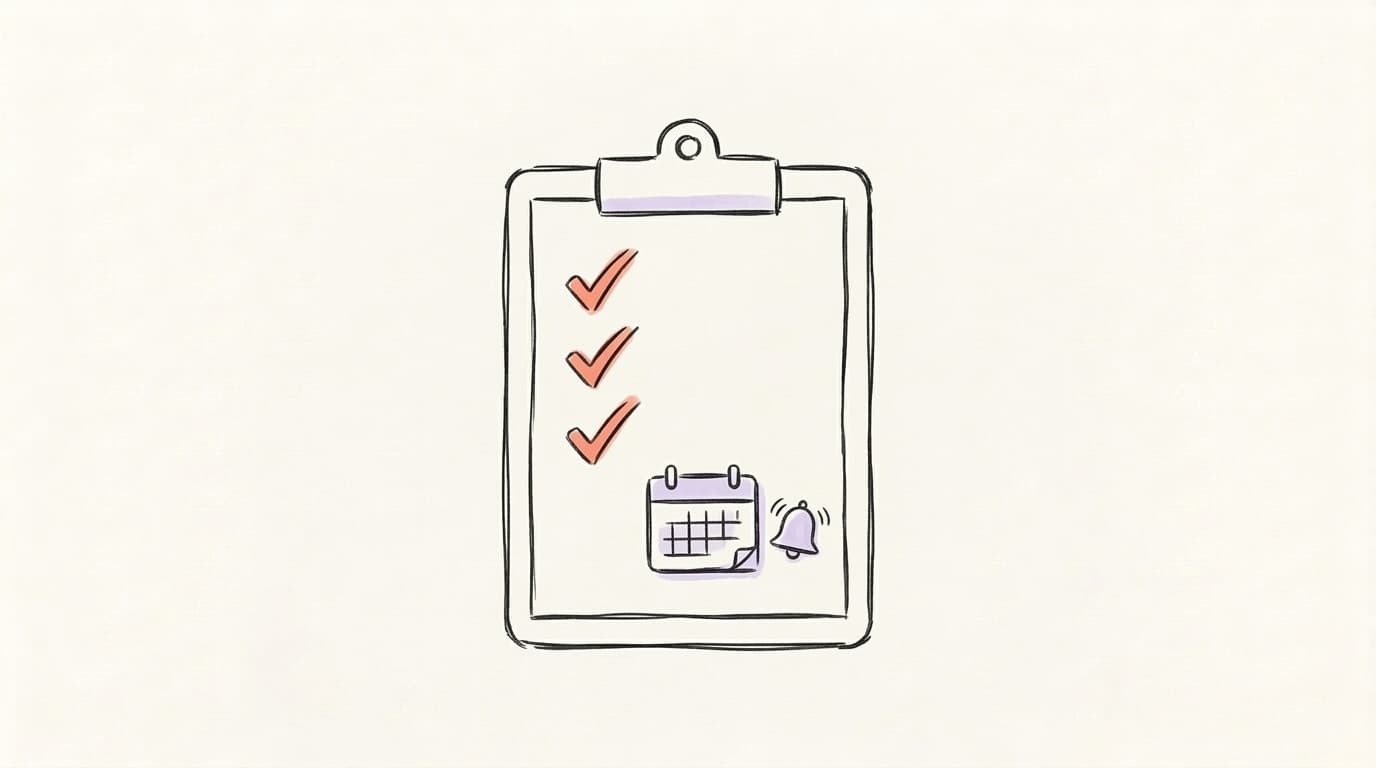
The pre-Space checklist comes down to three things: schedule it, promote it, prep the setup. Scheduling is not a growth hack, it is plumbing: a scheduled Space gets a profile slot and a reminder button that a spontaneous one never has. Announce the room at least a day ahead with a pinned post, then send a second reminder about an hour before you go live; that second nudge is what converts the people who meant to come. On setup, test your audio and use wired or decent wireless headphones so the room isn't fighting an echo — live audio also drains a battery fast, so start plugged in. Line up one or two speakers in advance as well. A host talking alone into silence is the fastest way to lose a listener in the first minute, and a single scheduled guest fixes it.
- Schedule 24–48 hours out with a clear, specific title.
- Pick your topics — up to three — so X recommends you to the right listeners.
- Promote with a pinned post, then a reminder ~1 hour before going live.
- Line up speakers — invite one or two in advance.
- Prep an outline — three or four talking points, so there is no dead air.
- Test audio and charge your phone.
How Do You Get Listeners to Show Up?
Attendance is not an algorithm problem, it is a distribution problem — and the fix is to borrow rooms before you build one. Guest on three to five Spaces in your niche first: you get reps, you learn who hosts weekly, and your name reaches people who don't follow you yet. Then bring those hosts into your own room as speakers, so their audiences get the notification too. Beyond that, four things reliably fill a Space: a pinned post people can reply to while they listen, a verbal ask ("follow if this is useful — I run this room every Tuesday") repeated two or three times rather than once, shout-outs that tag your speakers by handle, and a close that previews the next session. Consistency beats all of it. A weekly room at a fixed time compounds; a random one-off does not.
To find rooms worth guesting in, follow 15–20 regular hosts in your topic — X surfaces Spaces from accounts you follow at the top of your timeline as a purple bar — and check the Spaces tab, which lists live and scheduled rooms. If your posts around the Space are getting no traction either, the problem may be upstream of audio: see our guide to increasing your X impressions and the broader playbook on how to grow on Twitter.
What Are the Best X Spaces and Shows to Listen to in 2026?
The record-setting ones are news events — Donald Trump's August 2024 campaign Space with Elon Musk, Musk's 2023 announcement room with Ron DeSantis, the BBC's 2023 Musk interview. Listener counts for those were reported wildly differently depending on who was counting, and none of them are a template for anything. The Spaces worth your time are the recurring shows: Mario Nawfal runs daily news rooms that are the closest thing X has to talk radio, and every active niche has two or three hosts holding a fixed weekly slot. Build your own shortlist rather than borrowing a ranking: open the Spaces tab, which lists what is live now and what is scheduled next, follow the hosts whose rooms keep appearing there, and let X put their purple bar at the top of your timeline. A week of listening tells you who to ask for a mic.

What Happens to the Recording After Your Space Ends?
If you enabled recording before going live, the Space stays on your profile as a replay until you delete it — indefinite recording replaced the old 30-day expiry in 2022, though Spaces recorded on very old app versions still expire. That replay is usually worth more than the live session: the live audience hears you once, but the recording keeps working for the people who never showed up. Download the audio, pull a transcript, and mine it for the sharpest five to ten lines — each one is a post. Clips work too, since X supports sharing short segments of a recorded Space with captions. The bottleneck is the manual part: turning 45 minutes of talking into clean, postable text. That is the gap Postory's AI post writing fills — paste the transcript, get posts in your own voice, ready to schedule.
Start Growing on X with Postory
A Space is the top of a funnel, not the whole thing. Someone hears you think out loud and follows; what keeps them is the posting you do the other six days of the week. So capture every room instead of letting it evaporate.
Record the Space, drop the transcript into Postory's AI post writing, and turn one conversation into a batch of posts you can schedule across X, Threads and Bluesky.
Try Postory free — turn a Space recording into a week of posts in minutes.
FAQ
Q: Do you need a minimum follower count to host an X Space?
No. Any X account can host a Space regardless of follower count or account age. The 600-follower threshold from the beta was removed in October 2021 and never returned, and no paid plan is required. The real constraint is attendance, not permission — an unpromoted Space with no audience starts empty, which is why guesting on established rooms first is the smarter move for a small account.
Q: Can you host an X Space from a desktop browser?
Yes. Open "Create your Space" from the left sidebar on x.com and you can title, schedule and run a Space from the browser. This is currently the workaround for Android users whose app lost the button: the rebuilt X for Android app and X Lite ship without Space creation, so use iOS, the desktop web, or open x.com/i/spaces/start in a mobile browser (a real browser, not the in-app one).
Q: How many people can speak in an X Space?
Thirteen mics in total — the host, up to two co-hosts, and up to ten other speakers. Everyone else joins as a listener and can raise a hand to request the mic, which the host or a co-host approves. Listener numbers are unlimited. In practice, keeping four or five active speakers makes a room far easier to moderate than filling every slot.
Q: How long should an X Space run?
Thirty to sixty minutes is the working range. That is long enough for listeners to settle in and hear your ask more than once, and short enough to hold energy without the conversation sagging. A fixed weekly slot matters more than length — a predictable 45-minute room builds a returning audience in a way a one-off two-hour marathon does not.
Q: How long do X Space recordings stay available?
Indefinitely, on current app versions — the replay sits on your profile until you delete it, and X guarantees at least 30 days regardless. The old blanket 30-day expiry was retired in 2022. You cannot switch recording on mid-session, though, so decide before you go live.
Q: Can you schedule an X Space in advance?
Yes, up to two weeks ahead. A scheduled Space appears on your profile with a reminder button listeners can tap — the one distribution surface a spontaneous room doesn't get. Pair it with a pinned announcement a day or two before and a second reminder about an hour out.
Q: Does Threads have anything like X Spaces?
No. Threads has no live audio format, so a Space is X-only — the closest equivalent is posting a recap or clip afterward. If you do cross-post and the result won't load for other people, that's a separate issue: see our guide to content not being available on Threads.
Related articles
X/Twitter Hashtags in 2026: Use, Skip, or Hurt You?
Hashtags built Twitter. In 2026 they're mostly dead weight — here's the data on when they help and when they quietly cost you reach.
May 29, 2026

X Bio Ideas: 30 Examples + the Formula That Gets Follows (2026)
30 X bio ideas you can copy, plus the 160-character formula behind them — what to keep, what to cut, and how to test it.
May 22, 2026

The X Algorithm in 2026: What xAI Just Open-Sourced, and How to Actually Grow on X
xAI's biggest algorithm drop landed on May 15, 2026 — the full For You stack. Here's what it says about growing on X, straight from the Rust and Python files.
May 16, 2026