
How to Repurpose Podcast Content (Without Rerecording Anything)

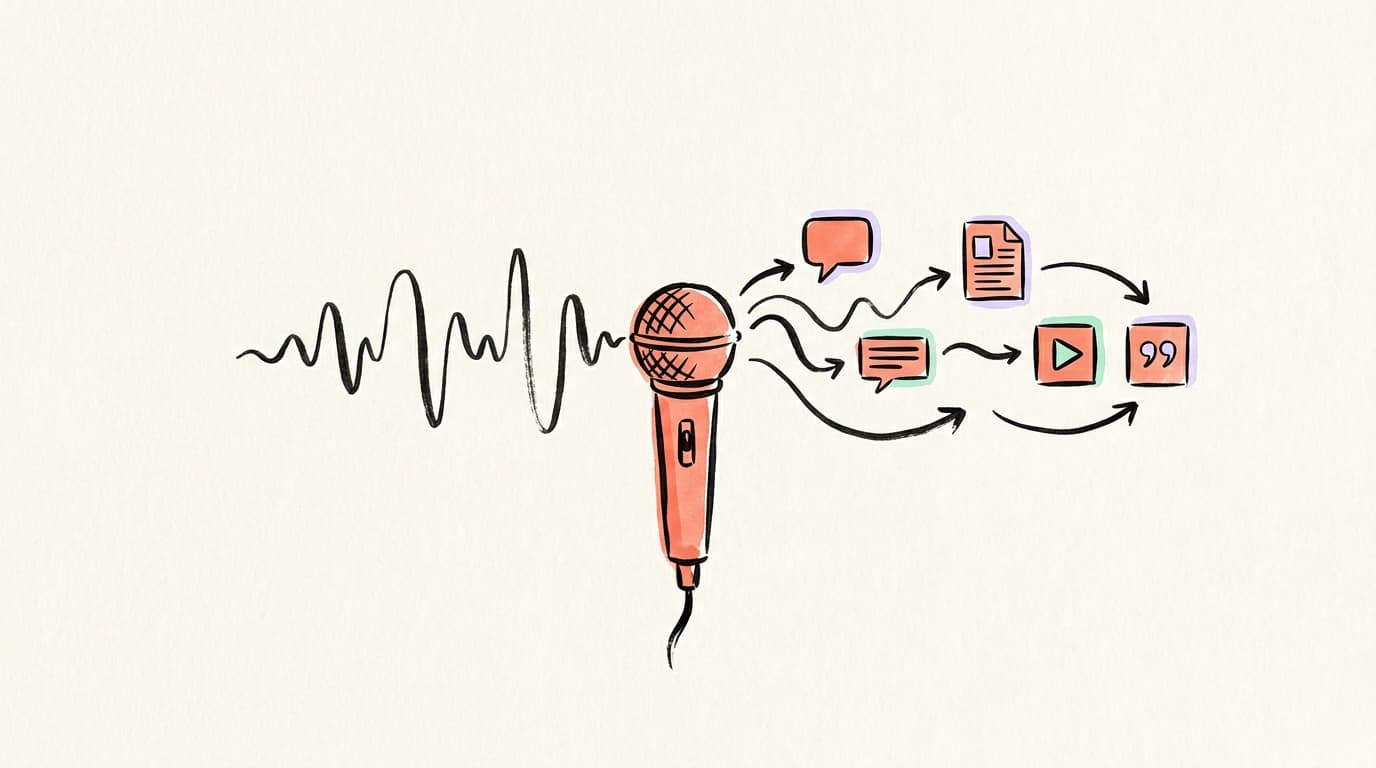
A 30-minute podcast episode already contains a week's worth of social content. You just need a repeatable process to extract it — start with the transcript, pull 3-5 key moments, then reshape each one for LinkedIn, X, a blog post, audiograms, and quote cards.
You recorded a 45-minute episode. Maybe 500 people listened. Then the episode disappeared into the feed and never came back.
That's the problem almost every podcaster has — and the fix isn't posting more episodes. It's doing more with the ones you already have. Below is the exact system for how to repurpose podcast content into a week (or two) of social posts, blog articles, and video clips.
Why Do Most Podcasters Leave So Much of Their Content Unused?
Most podcasters treat an episode as a one-time drop: record, edit, publish, forget. But a single 30-minute episode contains roughly 4,500-5,000 words of spoken content (at ~150 words per minute of natural speech) — more than enough raw material for a week of social media posts across every platform you're on. The problem is rarely the content; it's the workflow. The episode goes live, grabs a short spike of downloads, and then slides into the archive where nobody ever finds it again. Meanwhile, the best 60 seconds of that conversation — the line that would actually make someone follow you — never leaves the audio file. Repurposing isn't about squeezing more out of "old" content. It's about giving your best ideas a chance to reach the much larger slice of your audience who will never sit through a full episode but will happily read a LinkedIn post, scroll a thread, or watch a 60-second clip.
What Does Repurposing Podcast Episodes Actually Mean?
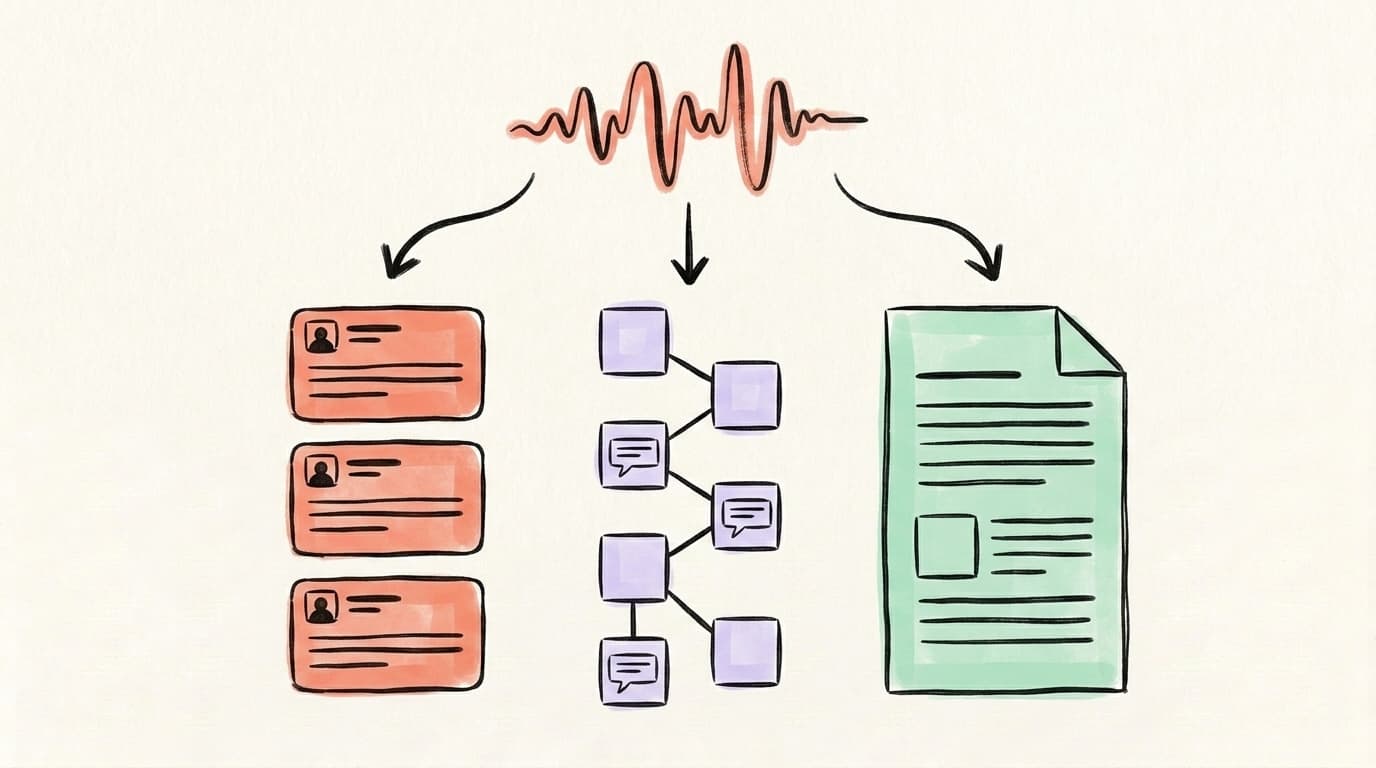
Repurposing podcast episodes means taking the ideas, stories, and quotes inside an episode and reshaping them into formats built for different platforms — not just slapping the same clip on every channel. A good repurposing workflow starts from the transcript, not the audio. You scan the text for five kinds of moments: punchy quotes that stand alone, personal stories that illustrate a point, frameworks or numbered lists, controversial takes that spark discussion, and actionable tips someone can use today. Each of those moments then gets shaped to fit one specific platform: a story becomes a LinkedIn post, a framework becomes an X thread, a sharp one-liner becomes a quote card, and the whole conversation condenses into a blog post that ranks in search. The platform format matters more than the source medium. A compelling story you told on mic doesn't "become content" by being cut into a 10-second clip — it becomes content by being rewritten for the feed where people will actually read it.
How Do You Turn a Podcast Episode Into LinkedIn Posts?
A single 30-minute episode usually yields 3 to 5 strong LinkedIn posts, not one. The mistake is writing one summary post and moving on — you leave the best material on the cutting-room floor. Instead, read through your transcript with a highlighter and mark every moment that could stand alone without the rest of the episode around it. A story the guest told. A framework you walked through. A counterintuitive opinion. A specific number or result. Each highlighted moment becomes one post. Don't quote the transcript verbatim — spoken language doesn't read well on screen. Rewrite it in your own voice, keep the first line punchy enough to earn the "see more" click, and end with a question that invites a reply. For LinkedIn specifically, short paragraphs (1-2 sentences) and line breaks between them make the post scannable on mobile.
AI that learns your voice
Posts that actually sound like you
Postory's AI writes drafts in your voice — not generic AI mush — so you publish faster and still sound human.
Here's the simple pattern that works:
- Hook (line 1): the sharp claim, number, or surprise from the episode
- Context (2-3 lines): where it came from — episode, guest, setup
- The substance: the story, framework, or lesson — broken into short lines
- Takeaway: one concrete thing the reader can do with it
- Question: invite a reply, not just a like
Schedule these across the week so a single episode keeps showing up in the feed instead of dumping everything on launch day. For more on the platform-specific tactics, see our guide on how to repurpose content.
How Do You Turn a Podcast Episode Into an X Thread?
X threads work best for frameworks, numbered lists, and "here's what I learned" style breakdowns — which is exactly the structured content buried in most podcast conversations. Find the one section of the episode that's most list-shaped: the five mistakes, the three-step process, the seven lessons. That's your thread. Write the opening tweet as the payoff, not the setup — tell readers exactly what they'll get if they keep scrolling, and include a specific number ("5 things", "3 mistakes") to anchor the curiosity. Each following tweet covers one point, keeps the character count tight, and ends in a way that pulls the reader down. Close with a CTA tweet linking to the full episode — this is where thread-to-listener conversion actually happens. One episode usually produces one strong thread; don't force two weak ones from the same material.
How Do You Chain a Podcast Episode Into a Blog Post and Social Posts?
This is the step most podcasters skip and shouldn't — and it pays off more than any other move in the chain. The chain runs: episode → blog post → social posts from the blog post. Turning your episode into a written blog article does two things at once. First, it gives you a page that ranks in Google for the topic you talked about — podcasts themselves don't rank, but blog posts built from them do. Second, it creates a much cleaner source for social content, because the blog post has already reshaped spoken words into tight written prose. Start with the transcript, pull out the core argument, and rewrite it as a 1,200-1,500 word article with proper headings and structure. Once the blog is live, every H2 section becomes a potential LinkedIn post or tweet, and the whole thing becomes the "read more" destination you link to from social. The exact same logic applies to video episodes — see how to repurpose video content for that workflow.
How Do You Make Audiograms and Quote Cards From Podcast Episodes?
Audiograms are short video clips that pair a waveform with audio from your episode, usually with captions burned in. They work because audio-only content doesn't autoplay in feeds, but video does — so an audiogram lets your audio steal a bit of video's distribution. Pick a 30-90 second moment where a guest or host makes a strong, self-contained point, add captions (most people watch muted), and export it vertical for X, LinkedIn, and Threads. Quote cards are the still-image version: pull one line from the transcript, set it on a branded background, and post. Both formats share the same rule — the line has to land on its own, without the 20 minutes of context that surrounded it on mic. If you find yourself thinking "you had to be there," it's not the right clip. The best test: read the quote out loud cold. If a stranger would stop scrolling, you've got one.
What Are the Best Tools for Podcast Repurposing?
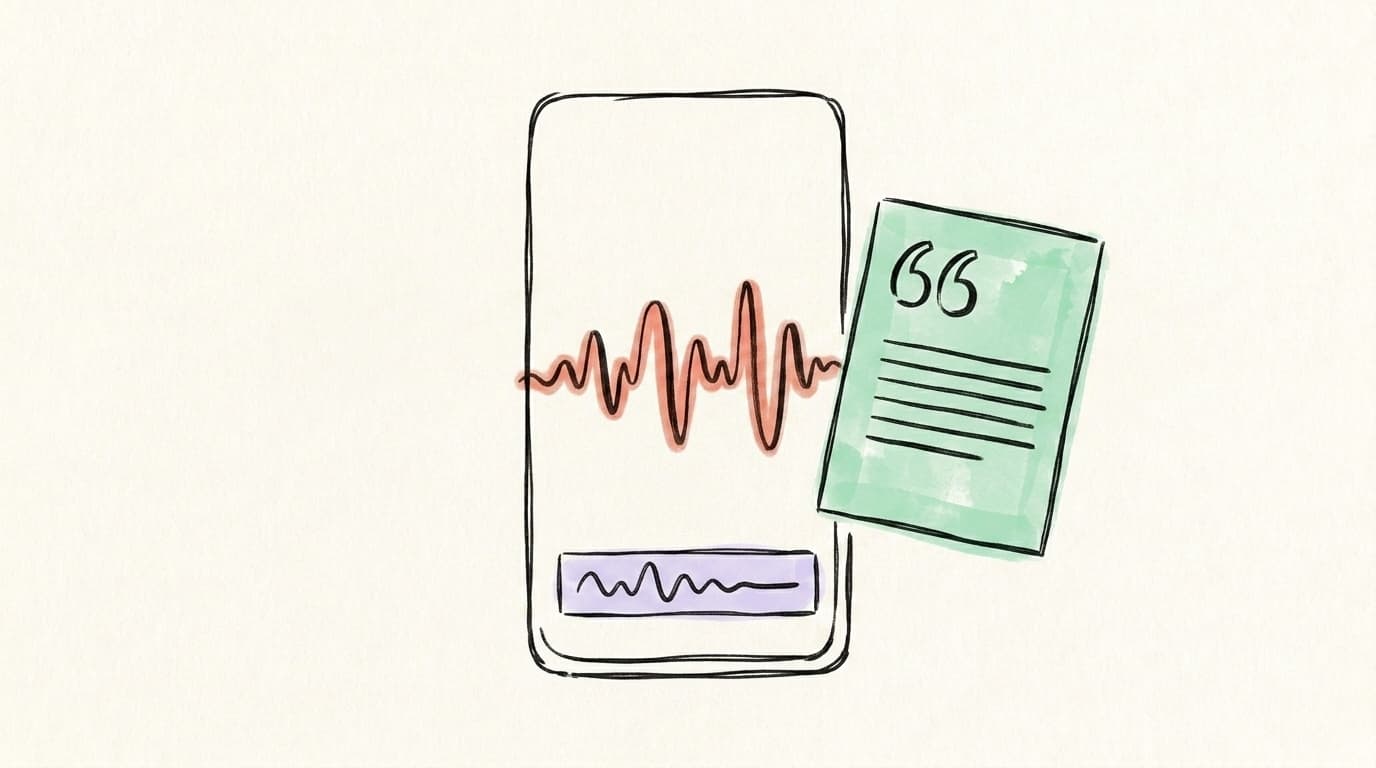
The best podcast repurposing stack is three tools, not ten: one transcription tool, one clip/audiogram tool, and one writer-plus-scheduler. That's it. Most podcasters over-shop this step — they try five tools, stitch nothing together, and end up back in a Google Doc. You don't need all of these. You need one tool from each row below, picked once, used every week. Transcription is the foundation because every other step pulls from the text. Clip and audiogram tools matter more for audio-only shows that need to steal video distribution in the feed. Writing and scheduling is where most of the time goes — and where a tool that drafts platform-native posts from a transcript saves the most hours per episode. Pick one from each row and stop auditioning alternatives.
- Transcription & text extraction: Descript edits audio by editing text, auto-generates transcripts, and lets you pull quotes and summaries; Rev is the paid alternative when you need human-level accuracy.
- Clips and audiograms: Opus Clip and Headliner auto-detect strong moments and turn them into captioned vertical videos; Descript covers this too if you want one tool for both.
- All-in-one podcast repurposing: Castmagic and Capsho take an audio upload and spit out show notes, social captions, quote cards, and blog drafts.
- Writing and scheduling: Postory generates platform-native drafts from a transcript and schedules them to LinkedIn, X, and Threads — the "content into calendar" step of the chain.
Here's a short walkthrough from Descript on how clip creation actually looks inside one of these tools:
The tool isn't the point. The point is having a default tool for each step so you don't spend 20 minutes every Monday deciding which one to use.
What Does a Weekly Podcast Repurposing System Look Like?
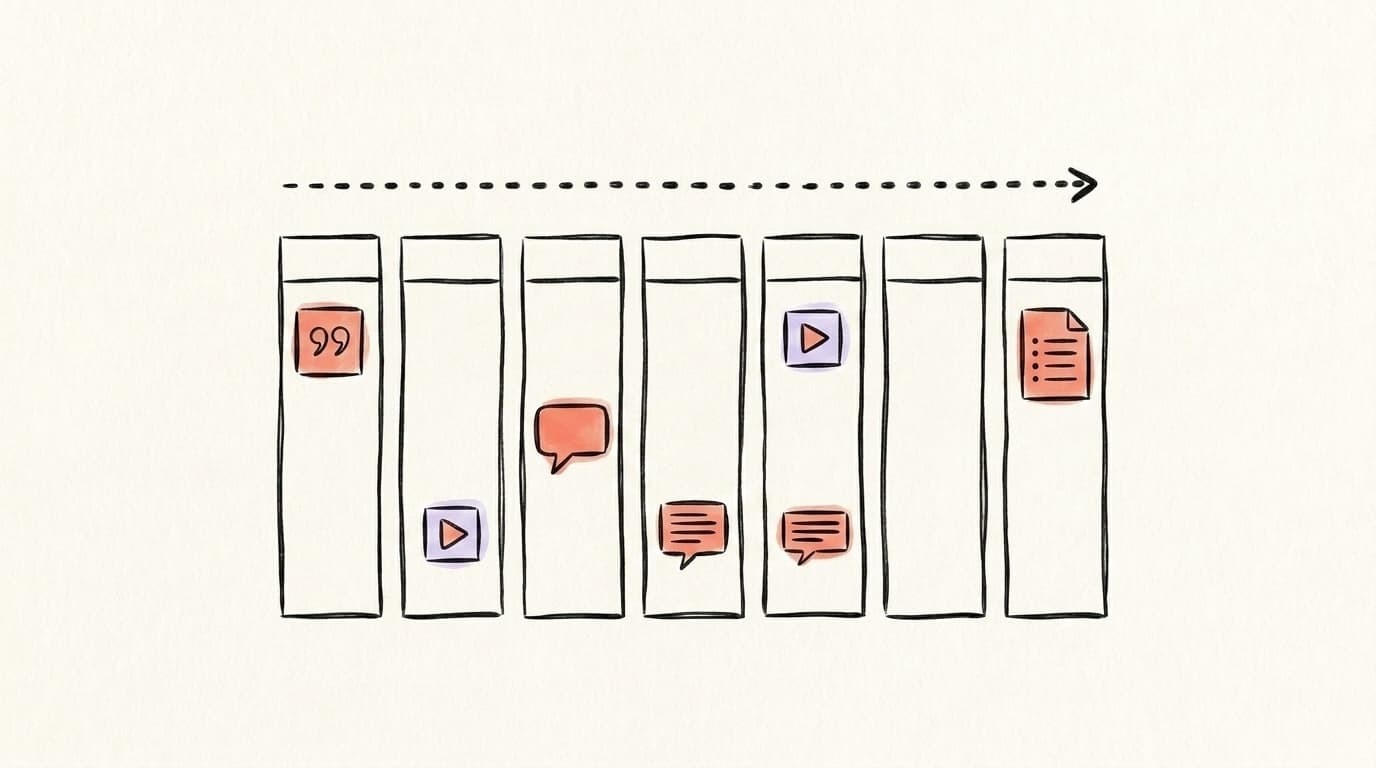
A repurposing system works only if it's repeatable and fits into the same block of time each week. The rhythm that actually survives a busy month is simple: one decision day, one writing block, one production block, one scheduling block — each tied to a specific weekday so the work is never "something I'll do later." Most podcasters fail at repurposing not because they can't write, but because every episode feels like a fresh, blank-page project. A weekly cadence fixes that by turning repurposing into a pipeline instead of a creative act. You make one strong decision upfront (which 5-7 moments matter), then the rest is execution. Below is a simple podcast content strategy that takes roughly 2-3 hours total per episode, spread across the week so no single day carries it all:
- Monday — Transcribe and mark up. Upload the episode to your transcription tool. Read the full transcript and highlight 5-7 strong moments (quotes, stories, frameworks, takes). This is the only "creative" step; the rest is execution.
- Tuesday — Write the blog post. Take the strongest 2-3 moments and structure them into a 1,200-1,500 word blog article with proper H2s. Publish or queue it.
- Wednesday — Draft the LinkedIn posts. Turn each highlighted moment into one LinkedIn post using the hook-context-substance-takeaway-question pattern. Aim for 3-5 posts per episode.
- Thursday — Draft the X thread. Pick the most list-shaped section, write a 6-10 tweet thread, close with a link to the episode or blog.
- Friday — Clips and cards. Cut 2-3 audiograms or vertical video clips. Make 2-3 quote cards from the sharpest lines.
- Weekend — Schedule. Queue everything across the next 7-10 days so the episode stays in the feed long after it launched.
The system isn't rigid. If Wednesday gets eaten by a client call, shift the posts to Thursday. What matters is that every episode runs through the same pipeline, because a pipeline that runs 40 weeks a year beats a perfect workflow that runs 4.
Start repurposing your podcast with Postory
Once you have the transcript, most of the heavy lifting is drafting platform-native posts — the exact kind of reshaping that takes forever by hand and is boring enough that it tends to get skipped. That's what Postory is built for. Paste your podcast transcript → get a week of social content drafted for LinkedIn, X, and Threads, then review, edit, and schedule from one place using multi-platform publishing and social media scheduling.
The best podcast content strategy is the one that actually runs every week. Postory handles the boring steps so you can focus on the 20 minutes that matter — picking which moments to repurpose.
FAQ
Q: How many social posts should I create from one podcast episode?
Aim for 5-10 posts from a 30-minute episode: 3-5 LinkedIn posts, 1 X thread, 2-3 audiograms or video clips, and 2-3 quote cards — plus one blog post. Anything more than that usually means you're forcing weak material. Fewer is fine; more is rarely better.
Q: Should I repost the same content on LinkedIn and X?
No. Rewrite each moment for the platform. LinkedIn rewards longer posts with structure and a clear takeaway; X rewards sharp, concise hooks and threads. The underlying idea can be the same, but the wording, length, and format need to change or both posts will underperform.
Q: How long does it take to repurpose one podcast episode?
With a repeatable workflow and the right tools, 2-3 hours per episode. The transcript step is 5-10 minutes with AI transcription, the writing and clip creation is where most of the time goes. Without a workflow, people easily burn 6-8 hours per episode — which is why most stop doing it.
Q: Do I need video to repurpose my podcast?
No, but it helps. Audiograms (audio + waveform + captions) work even for audio-only shows and get significantly more reach than posting an audio link. If you record video too, you unlock vertical clips for Reels, Shorts, and TikTok — but a purely audio show can still drive a full repurposing workflow.
Q: What's the difference between an audiogram and a podcast clip?
An audiogram is a short audio-first video: waveform or static image + audio + captions, usually 30-90 seconds. A podcast clip (or "video clip") is cut from a video recording of the episode, showing the host or guest on camera. Clips tend to get more engagement when available; audiograms are the fallback for audio-only shows.
Q: How old can a podcast episode be before it's not worth repurposing?
There's no expiration date on a good idea. If an episode from 18 months ago still has a strong framework or a quote that holds up, repurpose it. Evergreen topics (strategy, frameworks, principles) repurpose fine at any age; time-sensitive content (news, product launches) goes stale faster and usually isn't worth the effort after 3-6 months.
Q: Can AI tools fully automate podcast repurposing?
Not yet — and treating them as "press button, get content" usually produces posts that feel generic. AI is great for transcription, first-draft social posts, and clip suggestions; humans are still better at picking which moment is actually strong, and at rewriting drafts in your voice. The workflow that works: AI does the 80% mechanical work, you do the 20% editorial work on top.
Related articles
How to Use Content Repurposing Tools (And Which Ones Are Actually Worth It)
Content repurposing tools turn one piece of content into ten — but only if you pick the right one. Here's how to choose and use them.
Apr 26, 2026
How to Create Video Content for Social Media?
A practical 2026 guide to making social media videos that get watched, shared, and repurposed across LinkedIn, X, and Threads.
Apr 25, 2026
How to Cross-Post on Social Media?
A practical guide to cross-posting without tanking your reach — what to copy, what to rewrite, and which tools actually save time.
Apr 22, 2026