
Why Am I Losing Followers on Twitter (X)? 6 Reasons (2026)

See why your followers left you on X
Postory re-reads your followers daily or weekly, looks up each account that left and shows only proven changes: unfollowed, deleted or suspended, or went protected. From the day you start.
A falling follower count isn't always people unfollowing you; often X removed accounts or people deactivated. The shape of the drop tells you which, and only real unfollows are about your posts.
If you're asking why am I losing followers on Twitter, the honest answer is that X, formerly Twitter, counts six different events as the same minus sign. It's easy to read all of them as "people unfollowed you". Below: the six causes, how to read the shape of your drop, how to check which one hit you, and what to do about each.
Why Am I Losing Followers on Twitter? The Short Answer
Your follower count drops when an account leaves your followers list, for any reason. Six reasons cover almost every loss:
- X removed spam and bot accounts in a sweep.
- X locked accounts that follow you, which takes them out of follower counts.
- Followers were suspended.
- Followers deactivated or deleted their accounts.
- Follow-for-follow accounts left again.
- Real people unfollowed you.
Only the sixth says anything about your content, and X notifies you of none of them.
Sudden Drop vs Slow Bleed: Read the Shape First
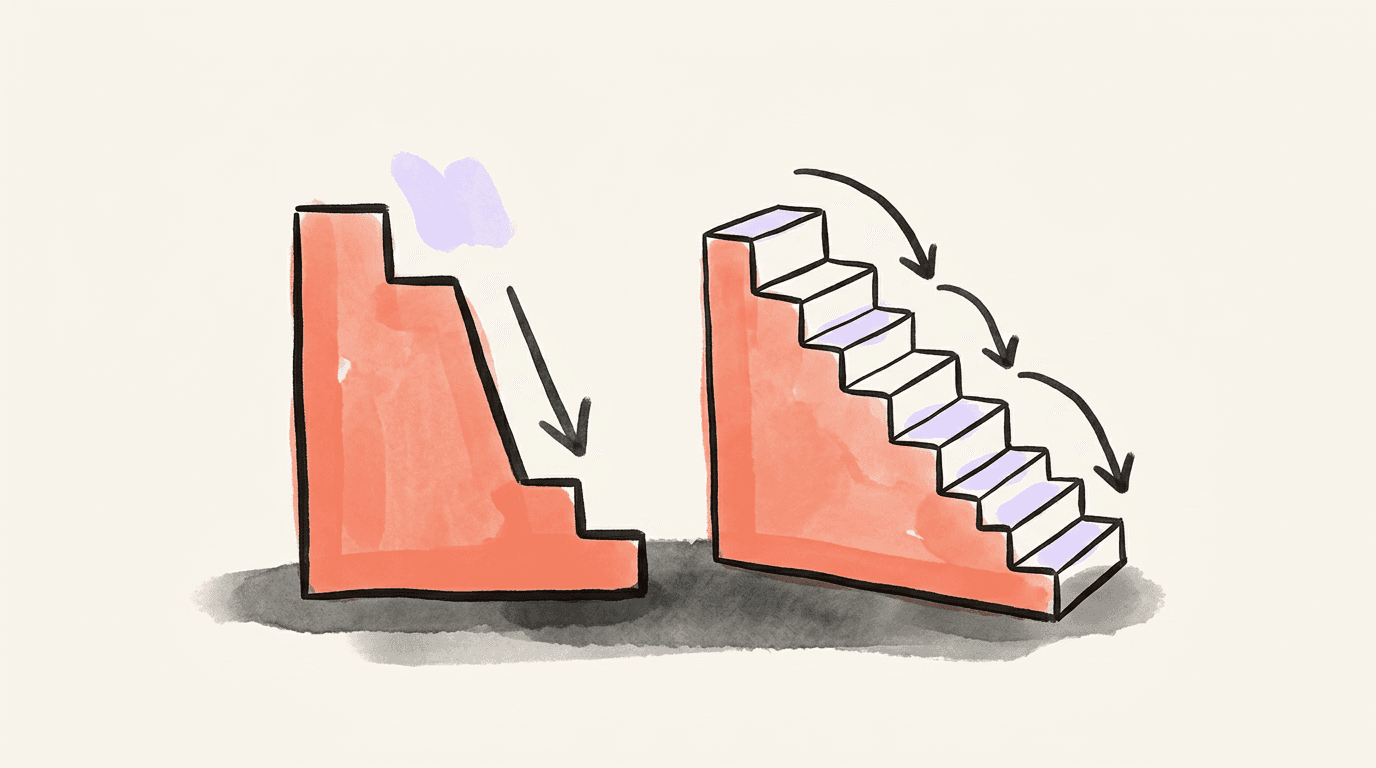
Before you blame a post, look at how the number fell.
- One step down on a single day, then flat. Many accounts left at once: X acting on accounts, not people deciding. Other accounts usually report the same dip that week.
- A slow bleed, a few a day for weeks. That's people choosing to leave, or follow-for-follow accounts trickling off.
- A dip right after one post or one argument. Real unfollows, and you know which post.
- A dip right after you unfollowed a batch of accounts. Follow-back accounts noticed and left.
A drop that partly comes back days later can be locked accounts being unlocked.
X Removed Spam and Bot Accounts (a Purge)
X removes inauthentic accounts in waves, and every removed bot leaves every followers list it sat in at once. In April 2026, X's head of product Nikita Bier said the platform was identifying and suspending 208 bots per minute, and some accounts reportedly lost over 20,000 followers while it ran.
Nobody unfollowed those creators; the accounts were removed out from under the count. For the timeline of recent sweeps, see our Twitter bot purge guide.
Locks work the same way at a smaller scale. X's own Following FAQs say: "When accounts are locked, we remove them from follower counts across profiles globally." When Twitter first applied that rule in 2018, it said most people would see a change of four followers or fewer.
Accounts Were Deleted, Deactivated or Suspended
- Deactivated. X's deactivation page says a deactivated account's handle and public profile "will not be viewable". Deactivation lasts 30 days; after that the account is deleted.
- Suspended. X says that most of the accounts it suspends are "spammy, or just plain fake", and the profile shows "Account suspended".
- Deleted or removed for inactivity. X may remove long-inactive accounts too, on no published schedule; see does X delete inactive accounts.
Each drops off your list just like an unfollow.
People Actually Unfollowed You (and the Usual Reasons Why)
Follow-for-follow churn. Some accounts follow you only to get a follow back, then leave once they have it, or when you unfollow them. X's platform manipulation policy names this "follow churn": "following and then unfollowing large numbers of accounts in an effort to inflate one's own follower count." Losing them costs you nothing.
Real unfollows. The research is old but consistent. A 2011 study tracked 1.2 million Korean-speaking Twitter users and interviewed 22 Korean users: they unfollowed accounts that posted many tweets in a short time, wrote about uninteresting topics, or shared the mundane details of their lives. A 2012 paper by the same lead author found people are less likely to unfollow accounts that acknowledge them.
In practice: posting bursts, drifting off the topic people followed you for, never replying, and the one divisive post that shows up as a same-day dip.

How to See Which Kind of Loss It Was
- Look for a sweep. If many accounts report a drop the same week, it's a purge or a wave of locks. Ignore it.
- Open the profile of a follower you think left. "Account suspended" means suspended. A profile that won't load means deactivated or deleted. A padlock means they went protected, so a tracker can't read whether they still follow you. A live profile without the Follows you badge means they unfollowed.
- Compare two snapshots of your followers list to get the names in the first place. Our guide to who unfollowed you on X shows how to do it by hand, and our unfollower apps comparison checks the tools that do it for you.
Every method starts the day you start it. Nothing can show who left before your first snapshot.
What to Do About It (and What Not to Do)
Match the fix to the cause:
- Purge, locks, suspensions, deletions: nothing. Your real audience didn't change.
- Follow-for-follow churn: stop trading follows.
- Real unfollows: look at what you posted before the dip. Space out bursts, stay near the topic people followed you for, and reply to the people who reply to you.
What not to do:
- Don't mass-follow to win the number back. X's policy names "indiscriminate following" — following or unfollowing many unrelated accounts in a short time — as manipulation.
- Don't buy followers. Bought followers are the kind of accounts sweeps remove.
- Don't read it as a shadowban. A shadowban hits your reach, not your follower count; see our X shadowban guide if your views fell too.
If you want to trim followers you don't want, see how to remove followers on X.
Start Tracking Lost Followers on X with Postory
Postory Followers re-reads your X followers daily or weekly, looks up each account that left and shows only proven changes: unfollowed, deleted or suspended, or went protected, from the day you start. Each unfollower says whether you still follow them; you also get new followers, followers you don't follow back, a +/− weekly summary and chart, and an email when something changed.
It costs 1 credit per 100 followers per update, at least 2; 100 credits = $1, with no subscription. Postory never unfollows or removes anyone for you. Signed in? Open Followers in the app.
Start with Postory — know which followers left, and why.
FAQ
Q: Does X notify you when someone unfollows you?
No. X notifies you about new followers but sends nothing when someone unfollows, and there's no setting to turn that on. To find out who left, compare snapshots of your followers list by hand or with a tracker.
Q: Is losing followers on X normal?
Yes. Every account loses some followers to unfollows, deactivations and X's own removal of spam and locked accounts. A steady trickle alongside steady gains is ordinary churn; only a sustained net decline is worth investigating.
Q: Why did I lose so many followers on Twitter overnight?
A large drop on a single day almost always means X removed or locked accounts in bulk, not that hundreds of people unfollowed you at once. Check whether other accounts reported a drop the same day before changing anything about your posting.
Q: Is losing followers a sign of a shadowban?
No. A shadowban limits who sees your posts and search results; it doesn't remove anyone from your followers list. If your follower count fell but your views held, it's not a shadowban. If your views fell too, check your reach separately.
Q: Why do my followers keep disappearing on Twitter?
A slow, steady loss is usually real unfollows or follow-for-follow accounts coming off again. Look at posting frequency, topic drift and whether you reply to people, and at whether the losses follow a batch of your own unfollows.
Q: Do lost followers come back after a purge?
Removed bots don't. Locked accounts can: X takes locked accounts out of follower counts, and a follower that unlocks its account can count again. Deactivated accounts can be reactivated by their owner within 30 days.
Q: Can I see who unfollowed me before I started tracking?
No. X keeps your current followers list, not its history, so no tool can reconstruct who left before its first snapshot. Postory Followers, like every tracker, starts on the day you turn it on.
Related articles
Twitter Unfollowers: 6 Best Apps to Track Them on X (2026)
Twitter unfollowers, checked: 6 apps that still track who unfollowed you on X in 2026 — access, price, history and what each can prove.
Oct 18, 2026
How to See Who Unfollowed You on X (X Won't Tell You)
How to see who unfollowed you on X (Twitter): X sends no alert and keeps no history. Check by hand, or let a tracker show proven unfollows from today on.
Sep 8, 2026
How to Track Twitter Followers and Follower Count Over Time
Track Twitter followers over time: see any X follower count, what X Analytics shows, and how to log growth, new followers and who left.
Oct 18, 2026