
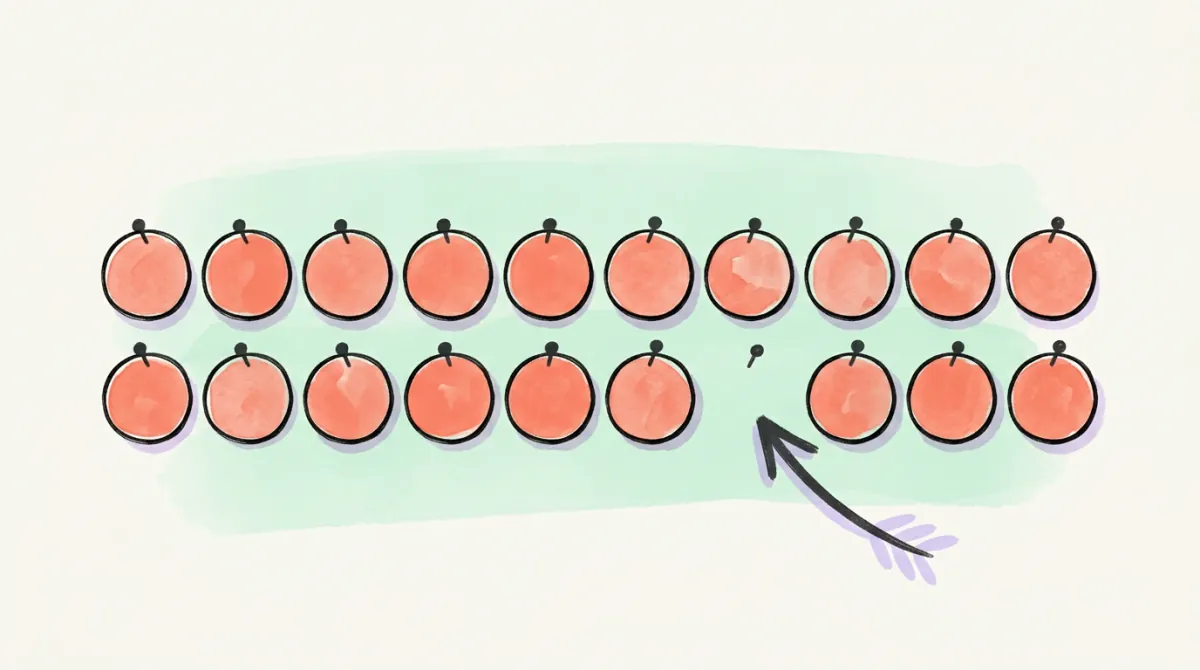
How to See Who Unfollowed You on X (X Won't Tell You)

See who unfollowed you on X, from today on
Postory re-reads your followers daily or weekly, looks up every account that left and shows only what it proved: unfollowed, deleted or suspended, or went protected. Plus new followers.
Nothing can tell you who unfollowed you unless something was already watching. Every unfollower tracker compares two snapshots of your followers list. You can take those snapshots yourself, free, without handing over account access — or let a tracker take them and show only the unfollows it can prove, from the day it starts.
Your follower count is lower than last week and X said nothing about it. Working out how to see who unfollowed you on Twitter — X, formerly Twitter — comes down to a single mechanic, and every unfollower tracker runs on it: snapshot your followers now, snapshot them later, subtract. See that, and you can run it yourself or judge a tool honestly before connecting it.
Does X Tell You When Someone Unfollows? (No — and It Keeps No History)
No. X notifies you when someone follows you. When they leave, nothing happens: no push, no email, no line in your notifications tab. Don't take our word for it — open Settings → Notifications → Preferences and look for an unfollow toggle. There isn't one to switch on.
There's no record after the fact either. X keeps your current followers list, not the change log behind it. So the answer is two-part: not from anything X shows you, and not retroactively from anywhere else. Nothing can reconstruct who left last month unless something was already watching last month — which is load-bearing for everything below.
The one case that needs no tool at all
If you already suspect a specific person, open their profile. When an account follows you, X shows a small Follows you badge next to their handle; if the badge is gone and you remember it being there, they aren't following you any more — though a suspension or a block reads the same way. That check takes seconds.
How Unfollow Trackers Actually Work: Two Snapshots, One Diff
Most trackers — browser extension, web app, "free unfollowers checker" — do the same three things:
- Read your followers list and store it.
- Read it again later, on a schedule.
- Subtract. Anyone in the old list but not the new one gets labelled an unfollower.
The better ones then look each missing account up; more on that in the Postory Followers section below.
X's API does emit unfollow events — the Activity API fires follow.unfollow — but each account you want watched needs its own paid subscription slot, and every tier caps how many. A tracker's customer base has to fit that cap, so consumer trackers poll instead: hourly, daily, whatever their pricing supports.
Two consequences:
- Your history starts the day the tool starts. On day one it holds one snapshot and nothing to compare it to.
- A diff sees departures, not reasons. A suspended bot, a deleted account and a real person who got bored look identical in the subtraction.
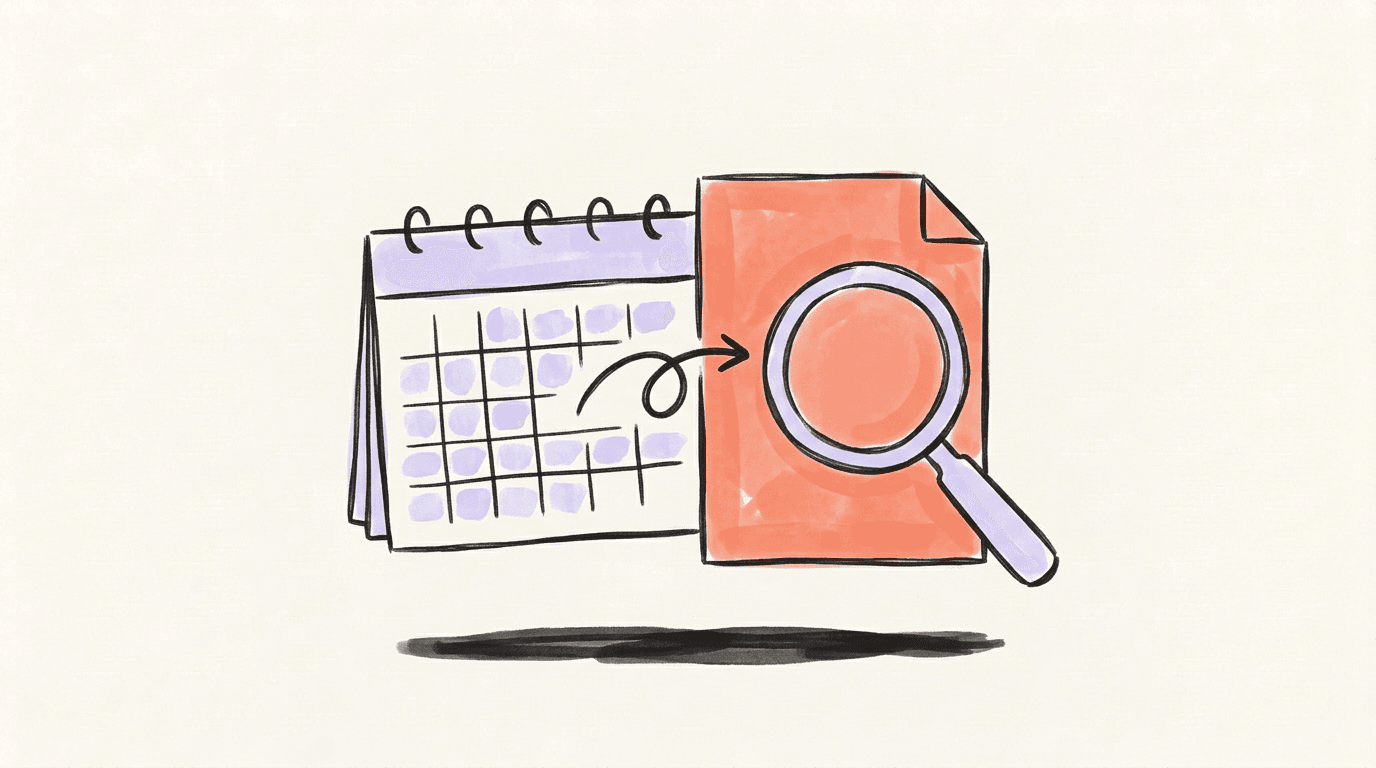
How to See Who Unfollowed You on Twitter by Hand, Without Giving Anyone Access
- On desktop, open your own profile and click Followers.
- Scroll in chunks, copying as you go — a select-all at the end can miss rows.
- Paste into a plain text file dated today —
followers-2026-09-08.txt— and keep only the@handlelines. Display names and bios change; handles don't, so the diff stays clean. - Repeat in a week or two into a second dated file.
- Compare the two.
On macOS or Linux, the comparison is one line:
comm -23 <(sort followers-2026-09-08.txt) <(sort followers-2026-09-22.txt)
Anything it prints was in the old list and isn't in the new one. Without a terminal, paste each list into its own spreadsheet column and use a lookup — same subtraction.
It has two limits worth saying out loud: it's comfortable at a few hundred or a few thousand followers and a chore beyond that, and it only works forward. Your first file is your zero point, exactly like a tracker's.
What about your X data archive? Settings → Your account → Download an archive of your data sends a zip containing follower and following files — but they hold numeric account IDs, not handles, as community documentation of the archive format has flagged for years. Resolving every ID to a name is slower than copying the list off the page — which also arrives now, not days later.
What Access a Tracker Asks For — and What That Means
If the manual route isn't for you, know what you're trading. Two shapes:
An OAuth connection. You sign in with X and approve a permission screen; the app then reads your follower list on its own schedule, while you're asleep. Read that screen instead of clicking through it. Reading your followers is one thing; posting, following and unfollowing on your behalf is another, and some of these tools ask for both, because the same product also sells bulk unfollowing.
A browser extension. It runs inside your logged-in session on x.com — no permission screen, no server-side connection, but it reads whatever that session can, and updates itself whenever the developer ships.
Whichever shape you pick:
- Never type your X password anywhere but x.com, and never paste session cookies into a website. A legitimate tracker needs neither.
- Know how to revoke before you grant. Settings → Security and account access → Apps and sessions → Connected apps.
- Distrust instant history. Any tool offering "everyone who unfollowed you this year" the moment you connect cannot have that data — the diff needs a first snapshot, and yours doesn't exist yet.
We make one ourselves, Postory Followers, and it's held to the same test: it connects through X itself, so there's no password to hand over, and tracking only reads your follower and following lists. The X connection also lets Postory publish the posts you schedule; it has no permission to follow or unfollow, and Postory never follows or unfollows for you.
Why Your Follower Count Dropped When Nobody Unfollowed
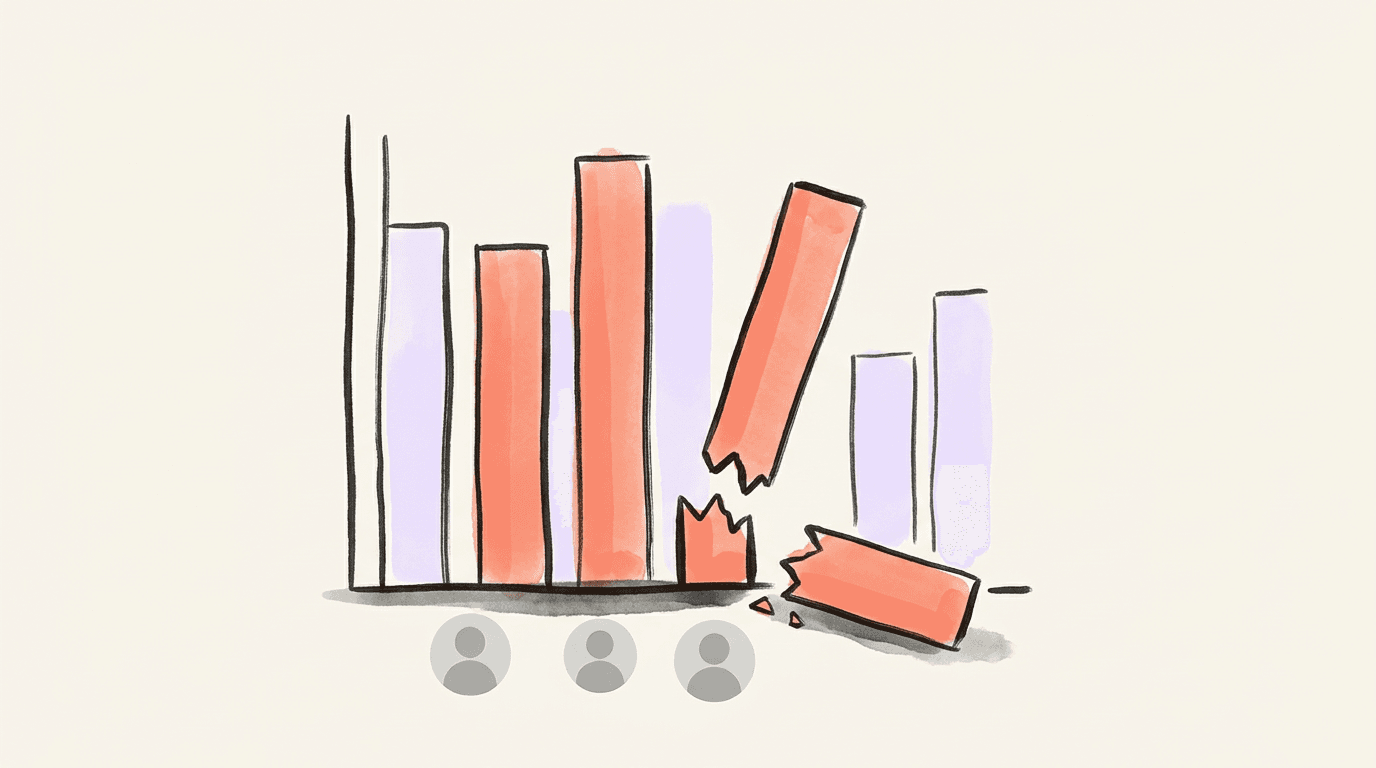
Before you hunt for names: a falling count often has nothing to do with anyone choosing to leave.
X removes accounts in waves. During an April 2026 sweep, head of product Nikita Bier said the platform was suspending 208 bots per minute, and creators lost thousands of followers within days while it ran. Nobody unfollowed them — the accounts were deleted out from under the count. Same for anyone who deactivates, gets suspended or deletes: they leave your followers list exactly the way an unfollow does. X may remove inactive accounts too, on no published schedule: see does X delete inactive accounts.
There's plain lag too: when the number on your profile and the length of your actual list disagree, trust the list.
This is where a diff misleads. A tracker hands you fifty "unfollowers", you read it as a verdict on last month's posting, and half those handles no longer resolve. Click a few before drawing conclusions about your content. Postory Followers does that clicking for you: it marks those accounts deleted or suspended, not unfollowed.
Track Who Unfollows You with Postory Followers
Followers is the tracker we built so that each departure arrives with a reason.
Connect your X account once and pick daily or weekly updates. Each update re-reads your followers list and compares it with the last one. Every account that left is then looked up one by one before it's shown, and only proven changes appear, each with its reason: unfollowed, deleted or suspended, or went protected.
Each update also shows:
- who unfollowed you, the update that caught it, and "you still follow them" where you do;
- new followers since the last update;
- followers you don't follow back yet;
- a +/− summary for the week and a chart;
- an email only when something changed, plus a weekly digest.
Two limits. The first is the manual method's too: history starts the day you turn tracking on, and day 0 takes the first snapshot and lists no unfollows. And X leaves some accounts out of a follower list, so a missing name is never reported on its own; if the lookup can't prove a change, you don't see one.
It costs 1 credit per 100 followers per update (at least 2 credits), checking who left included. 100 credits = $1, there's no subscription, and you see the cost before you turn tracking on. At 500 followers that's 5 credits an update, about 150 a month on daily updates or 20 on weekly. If credits run out, tracking pauses and tells you so. X only. Already signed in? Open Followers in the app.
For the other direction, the accounts you follow that went dead, Following Cleaner names them: no sign-up, from $4.99, and you tap unfollow on X yourself. To trim who follows you, see removing followers on X.
FAQ
Q: Can you see who unfollowed you on X?
Not from X itself — there's no notification, no list and no history. You can see it by comparing a snapshot of your followers list against an earlier one, which is what every unfollower tracker does under the hood and what you can do by hand with two dated text files.
Q: How do I know who unfollowed me on Twitter without an app?
Save your followers list to a dated text file today, save another in a week or two, and compare the two files. For a single suspected account, skip all of that: open their profile and look for the Follows you badge. If it's missing, they aren't following you.
Q: Does X notify you when someone unfollows you?
No. Follows generate a notification; unfollows generate nothing at all. Open Settings → Notifications → Preferences and you'll find no unfollow option to enable, because the event isn't surfaced anywhere in the app.
Q: How do I find who unfollowed me on X for free?
The manual snapshot-and-compare method costs nothing and requires no account access. Postory Followers costs credits, 1 per 100 followers per update (at least 2), and in return it looks up every account that left and shows only the changes it proved. Free tools exist, but "free" usually means you're paying with standing access to your account instead of money — read the permission screen and decide whether that trade is one you want.
Q: Can I see who unfollowed me before I started tracking?
No, and no tool can, Postory Followers included. The method is subtraction between two snapshots, so anything that happened before the first snapshot was taken leaves no trace to subtract. Followers starts at day 0: the day you turn it on, it saves your list as it is and lists no unfollows. Treat any product promising a full back-catalogue of past unfollowers as guessing.
Q: Are unfollower trackers safe to connect to my X account?
It depends entirely on what you grant. Reading your followers is low risk; permission to post, follow and unfollow on your behalf is not, and some of these tools ask for the second because they also sell bulk unfollowing. Never type your X password outside x.com, never paste session cookies anywhere, and check Settings → Security and account access → Apps and sessions before and after. Postory Followers connects through X itself, with no password, and tracking only reads your follower and following lists; Postory never follows or unfollows for you.
Q: What does Postory Followers show when someone unfollows you?
The account, the reason and the update that caught it. The reason is one of three, each proven by a lookup of that account: unfollowed, deleted or suspended, or went protected. Each unfollower also says whether you still follow them, so you can decide on X whether to keep following. An account the lookup can't prove isn't shown; a failed lookup is retried at the next update.
Q: Why did I lose followers on X overnight when nobody unfollowed me?
Account removals. X suspends spam and bot accounts in waves, and every suspended, deactivated or deleted account drops off your followers list exactly like an unfollow. A count that fell overnight across many accounts at once is usually a sweep, not your posting.
Related articles
Why Am I Losing Followers on Twitter (X)? 6 Reasons (2026)
Why am I losing followers on Twitter (X)? Purges, deleted or suspended accounts, or real unfollows — how to tell which one hit you and what to do.
Oct 18, 2026
Twitter Unfollowers: 6 Best Apps to Track Them on X (2026)
Twitter unfollowers, checked: 6 apps that still track who unfollowed you on X in 2026 — access, price, history and what each can prove.
Oct 18, 2026
Twitter Analytics: Find Where You Lose Followers
Twitter Analytics can show where follower growth stalls. Use real X data to compare impressions, profile visits and follows, then adjust your next posts.
Oct 20, 2026