
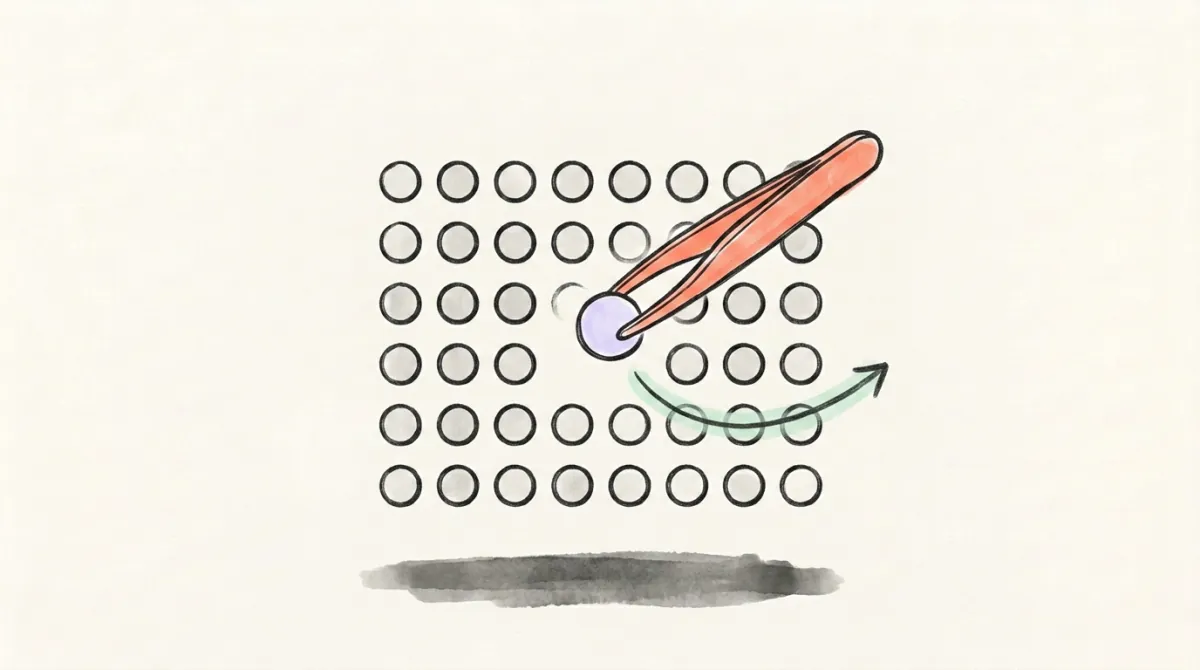
How to Remove Followers on X

The other list: the accounts you follow
This post is about your followers. A Following check works the other side — every account you follow checked one at a time for silence, suspension and bot signals, then handed back by name, worst first. We build the list, you tap unfollow on X.
Removing a follower is your profile → Followers → that account's ··· menu → the remove option. It tidies your list. It does not hide a public account from anyone, and the list worth an evening of your time is the other one — the accounts you follow.
Someone's sitting in your followers list you'd rather wasn't — an ex-colleague, a client you stopped working with, the fourth crypto account this week. Learning how to remove followers on X takes about ten seconds once you know where the control lives. The rest of this covers what the how-to posts skip: what actually changes when you do it, what to check when the option isn't where you expect, and why the pile of bot followers isn't the list worth your evening.
How to remove a follower on X, step by step
The route is the same idea on every surface: get to your followers list, find the account, open its menu, take the remove option.
- Open your own profile — your handle and avatar, not the home feed.
- Open Followers. Read the label twice — Following and Followers sit next to each other and look nearly identical.
- Find the account. There's a search field on that list; typing the handle beats scrolling past four thousand rows.
- Open the overflow menu — the small ··· on that account's row, or the same menu on their profile page.
- Take the remove option and confirm.
Labels and menus move between releases. Don't memorise a position on screen; memorise the path — your profile, Followers, that account's own menu. If the menu on the list row looks short, open the person's profile and use the menu there instead.
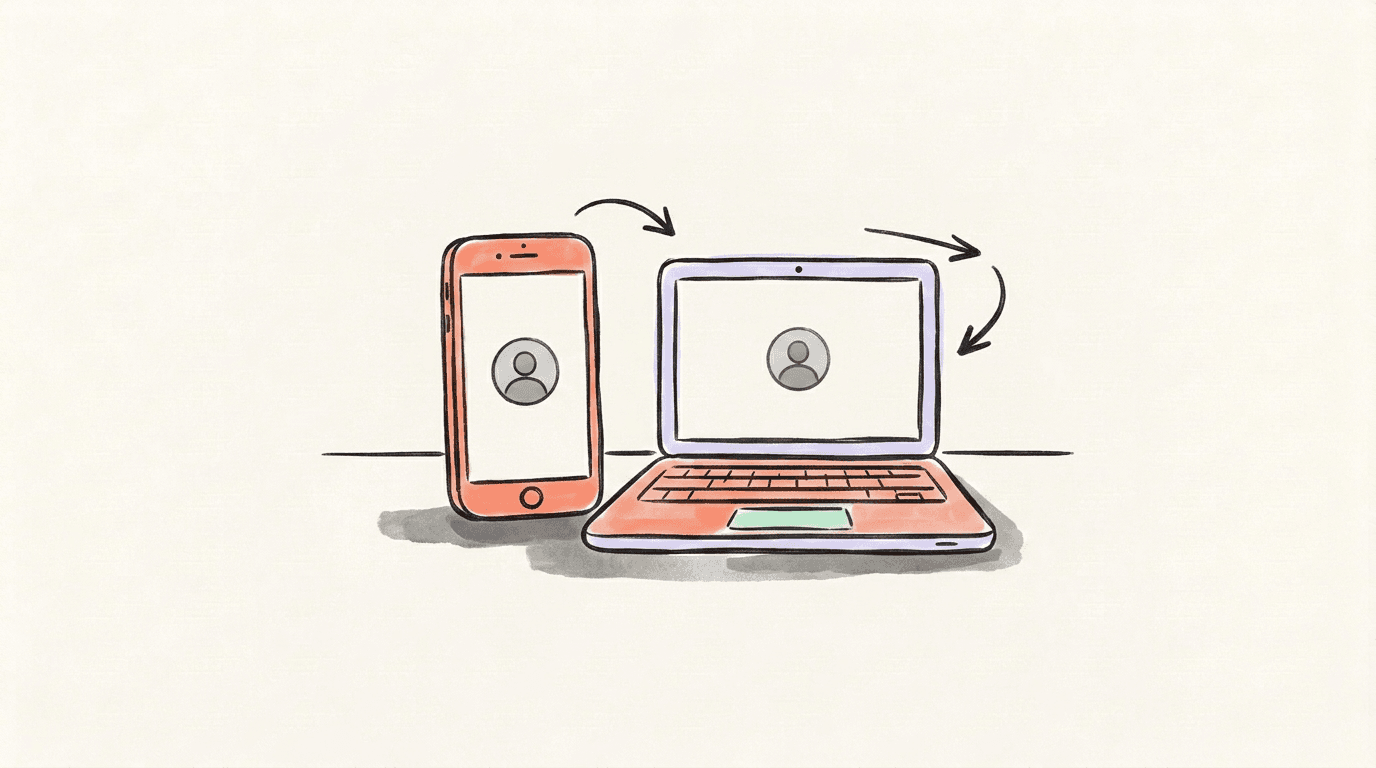
How to remove followers on X on your phone (iPhone or Android)
Same path, smaller screen. Open the app, tap your avatar to reach your profile, tap Followers, find the account, tap the ··· on their row or on their profile, and take the remove option.
If it isn't where you expected on iPhone or Android, don't conclude anything yet. Open x.com in your phone's browser, sign in, and walk the same path there. The app and the browser are two builds of the same product, and they don't always carry the same layout on the same day.
What actually changes when you remove a follower
On your side, one thing changes: that account is off your followers list, and your count drops by one.
What it doesn't do is hide you. If your account is public, your posts are public — to that person, to a second account they open tomorrow, to anyone with a browser and no login at all. Check it in thirty seconds: open a private browsing window, go to x.com/yourhandle, and look at what loads. Everything visible there is what a removed follower can still see.
That gap is the whole misunderstanding. Remove is list hygiene, not access control. If the goal is that one specific person can't read you, remove is the wrong tool — the next section has the right ones.
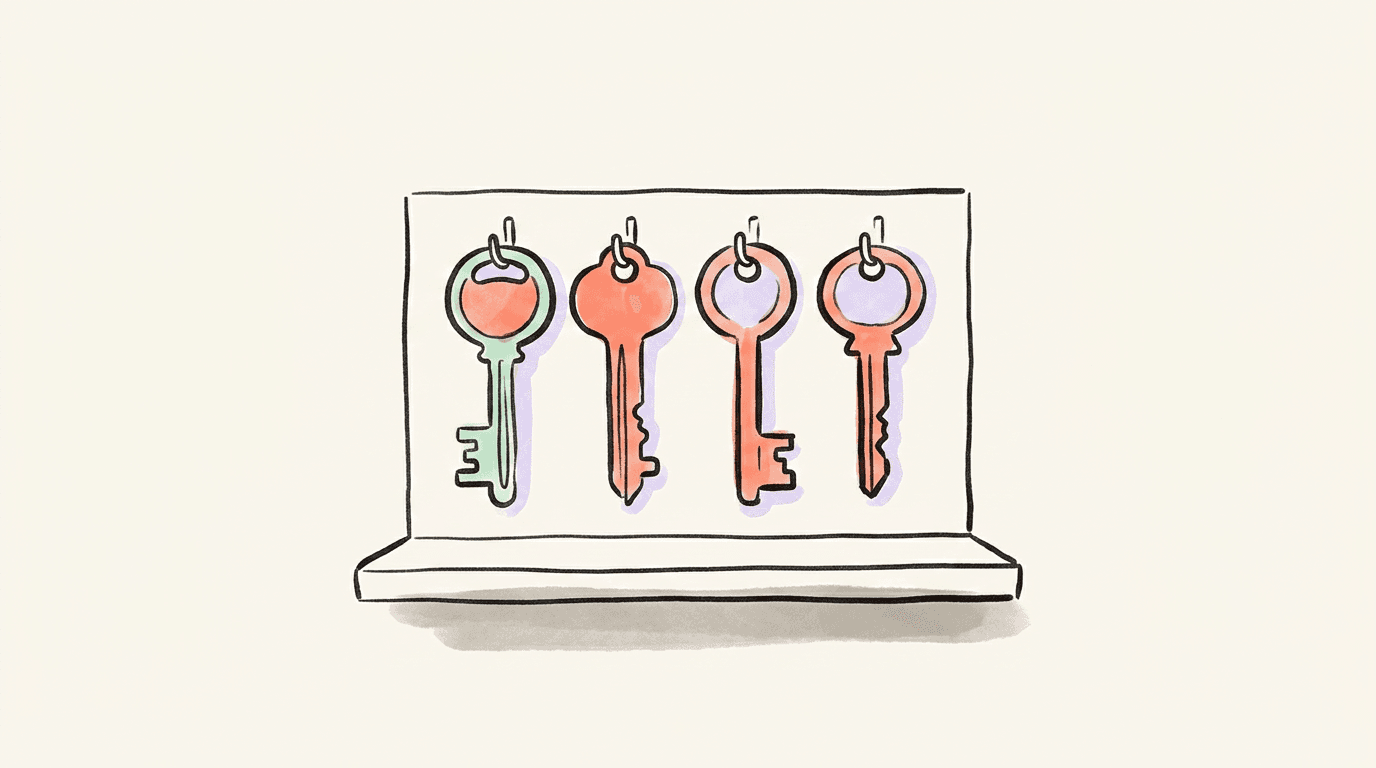
Remove vs block vs mute vs protecting your posts
Four controls, four different jobs:
| Control | Where it lives | What it's for |
|---|---|---|
| Remove | Your followers list → that account's ··· menu | Your list. One account, off it. |
| Block | The account's profile → ··· menu | The heavy one, for when you want the door shut. |
| Mute | The same ··· menu | Your own timeline. The on-screen label tells you what it covers. |
| Protect your posts | Settings → Privacy and safety | Who can see your posts from here on. |
Blocking is what people reach for when removing didn't do what they hoped. Apply it, then look at your own profile from a logged-out window: still public. That's the part no explainer makes concrete.
Protecting your posts and pruning your followers are separate jobs. Read the setting's own description before you flip it, turn it on, then go back to your followers list: the accounts already there are still there. Protection governs what happens next, not what already happened.
When you can't find the "remove this follower" control
Work through these in order before you assume anything:
- Check which list you're on. Following and Followers are one tap apart. The remove option belongs to the followers list.
- Confirm they're actually following you. Search your followers list for the handle. Plenty of accounts that reply to you constantly have never followed you.
- Switch surfaces. In the app? Open x.com in a browser. In a browser? Try the app.
- Update and restart. An app build a few versions behind is the most boring explanation and a common one.
- Fall back to block. It sits in the same profile menu, and it's the control that's easiest to find when everything else is hiding.
If you came here wanting to clear hundreds at once: check your own menu, then work by criteria, not by scrolling. Decide what you're cutting first — no avatar, no posts, a bio full of ticker symbols — then clear the list in short sessions instead of one long purge. And be careful with any browser extension offering to sweep your followers for you: to act on your account it needs your logged-in session, which is exactly the access an account takeover needs.
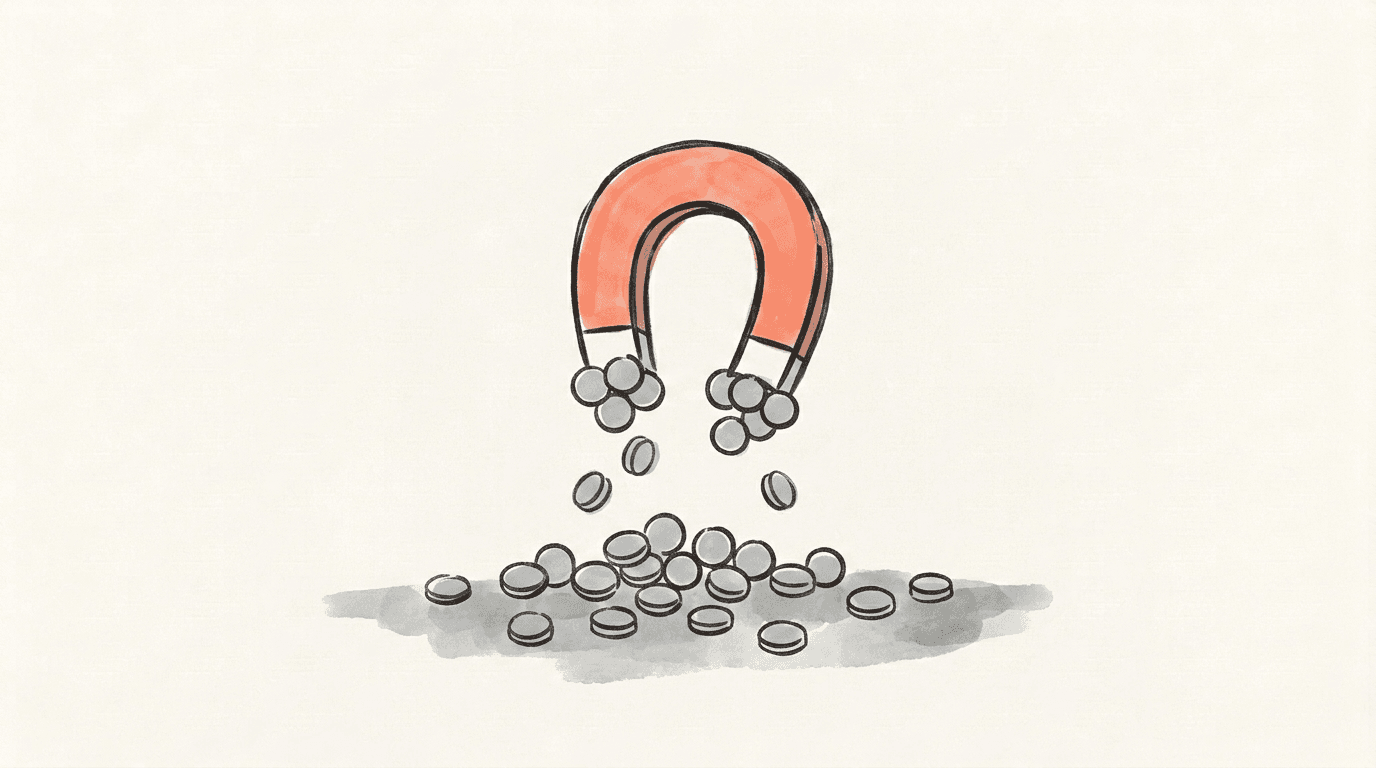
Cleaning up a followers list that's full of bots
Bot followers arrive on their own, and they leave on their own too. X runs removal waves: during one sweep in April 2026, the company's head of product, Nikita Bier, said X was suspending 208 bots per minute. That's why follower counts dip for no reason you can trace back to anything you did — we mapped the pattern in our guide to the X bot purge.
Which makes hand-removing bot followers a poor use of your time. A fake account in your follower count doesn't read you, doesn't reply, and doesn't change a thing about what you post.
The list that does shape your day is the other one: the accounts you follow. It fills your feed, it's public, and it has real ceilings attached — X's follow limits change shape entirely once you're following 5,000 accounts. The dormant accounts you followed in 2019 are still in there taking up the room.
That's a different job from removing followers, and it's the one we built a tool for.
Start cleaning up your X account with Postory
Postory's Following Cleaner works on the accounts you follow — not your followers. Two different lists, and it only reads the first. Hand it a handle, no login and no sign-up, from $4.99, and it comes back with names: the dormant, the deleted, the ones that never post. If half your feed is accounts that stopped posting years ago, the cleaner names them. The unfollowing happens on X, by you — Postory has no permission to touch anybody's follow button.
For the followers side, Postory Followers re-reads your followers daily or weekly and shows new followers and who unfollowed you, each one looked up first. No subscription.
The cleaner is a one-off. The app is separate: try Postory free — write and schedule your X, Threads and Bluesky posts.
FAQ
Q: How do I remove followers on X on my phone?
Your avatar → Followers → that account's ··· menu → remove. Identical on iPhone and Android. If the menu comes up short in the app, load x.com in your phone's browser, sign in, and try there — the two builds don't always carry the same layout on the same day.
Q: Can you mass remove followers on Twitter?
Check your own ··· menu before you take anyone's word on what X does and doesn't offer — controls move between releases, and we don't publish guesses about them. For working through a long list: decide what you're cutting (no avatar, no posts, spam bio), then clear it in short sessions rather than scrolling. Treat any extension promising to sweep your followers for you as a security decision, not a convenience one — it needs your logged-in session to act on your account.
Q: Why can't I remove followers on Twitter?
Check four things in order: that you're on your Followers list and not Following, that the account actually follows you, that you've tried the other surface (app versus x.com in a browser), and that your app is up to date. If it's still hiding, the block control is in the same profile menu.
Q: Does removing a follower on X notify them?
Nothing on your side tells you either way, and we won't guess. What you can verify is your own account: they leave your followers list and your count drops by one. Don't build a plan on an assumption about their end — if you need someone not to see your posts, block does something you can actually check.
Q: How do I remove followers on a private Twitter account?
The same way as on a public one: your profile, Followers, that account's ··· menu, remove. Look in Settings → Privacy and safety for the option to protect your posts, and read what it says on screen. Turn it on, then check your followers list — the accounts already there are still there. The two jobs are separate.
Q: Can a removed follower still see my posts?
Yes, if your account is public — tidying your own list changes nothing about what a public profile shows to a browser with no account behind it. Load your profile in a browser you aren't signed in to, and whatever renders there is what they can still read. If you want the door shut rather than the list tidy, that's what blocking is for.
Q: Should I remove bot followers on X?
Rarely worth the time. X removes them in waves on its own, and a fake follower doesn't read you or affect your posting. The cleanup with a real payoff is on the accounts you follow, since that list feeds your timeline and runs into X's follow limits.
Q: Does removing followers help my reach on X?
There's no evidence that a smaller follower list improves distribution, and we won't pretend otherwise. Remove followers for your own comfort — who's in the room, who's counted. If reach is the actual problem, that's a different investigation: start with what you're posting and how often, not with who's following.
Related articles
Does X Delete Inactive Accounts? What the Policy Says
Does Twitter delete inactive accounts? X's policy says accounts may be removed for prolonged inactivity — but it names no deadline. Here's what it says.
Sep 9, 2026
"Rate Limit Exceeded" on X/Twitter: What It Means, How Long
X says "Rate limit exceeded"? What the error means, how long it lasts, why it is not a shadowban, and what to do while you wait.
Sep 7, 2026
X Follow Limits 2026: 400 a Day and the 5,000 Ratio
X follow limits in 2026: the 400-a-day cap and the 5,000 ratio rule — plus the hourly and unfollow numbers X has never published.
Aug 19, 2026