

How to Track Twitter Followers and Follower Count Over Time

Track your X followers over time, by name
Postory re-reads your followers daily or weekly: new followers, who left and why, and a chart of every update. From the day you start.
X keeps no history of who followed or left; only Premium's X Analytics charts follows and unfollows, as numbers. To track Twitter followers over time, write the number down on a schedule yourself, or use a tool that saves your follower list at each update and shows who joined and who left.
If you want to track Twitter followers, the first surprise is how little X, formerly Twitter, keeps. Your profile shows today's follower count, not last week's, and it never says who moved it. Below: how to see any account's count, what X Analytics adds for your own, why the number jumps on its own, and how to keep a history of your follower count, with names, from today on.
How to See a Twitter (X) Follower Count
Any public account: open the profile. The follower count sits under the bio, next to the following count. Tap it to open the followers list, which has a separate tab for verified followers. Large counts are rounded on the profile (12.3K, not 12,318).
A protected account: you still see the number, but not the list, until the owner approves your follow request.
Your own account: the same place on your profile, plus X Analytics if you pay for Premium (next section).
A live counter: sites such as Livecounts.io show any account's X follower count as a full, ticking number. Its own page notes the X counter "updates only every 30 seconds due to heavy limitations." That's one number, now: close the tab and nothing is kept.
What X Analytics Shows About Follower Growth, and What It Doesn't
X Analytics is the only built-in view of Twitter follower growth, and it's for paying users: Brandwatch's guide says it "can only be accessed through a Premium Account" (Brandwatch, 2025). You reach it from the Premium menu on desktop or in the app, and its graphs can be set to different date ranges.
What it shows, per Fedica's analytics guide (Fedica sells its own analytics tool):
- your follower count, and your verified follower count
- daily numbers of follows and unfollows
What it doesn't show:
- Names. Fedica puts it plainly: X Analytics "reports followers, engagements and unfollows as numbers rather than as lists of accounts."
- Why someone left. An unfollow, a suspended account and a deleted account are all just a minus.
- Anyone else's account. It covers yours only.
So Analytics answers "how many" on a given day. It can't answer "who", and that's the part people usually mean when they ask for their Twitter follower history.
Why a Twitter Follower Count Is Not a History
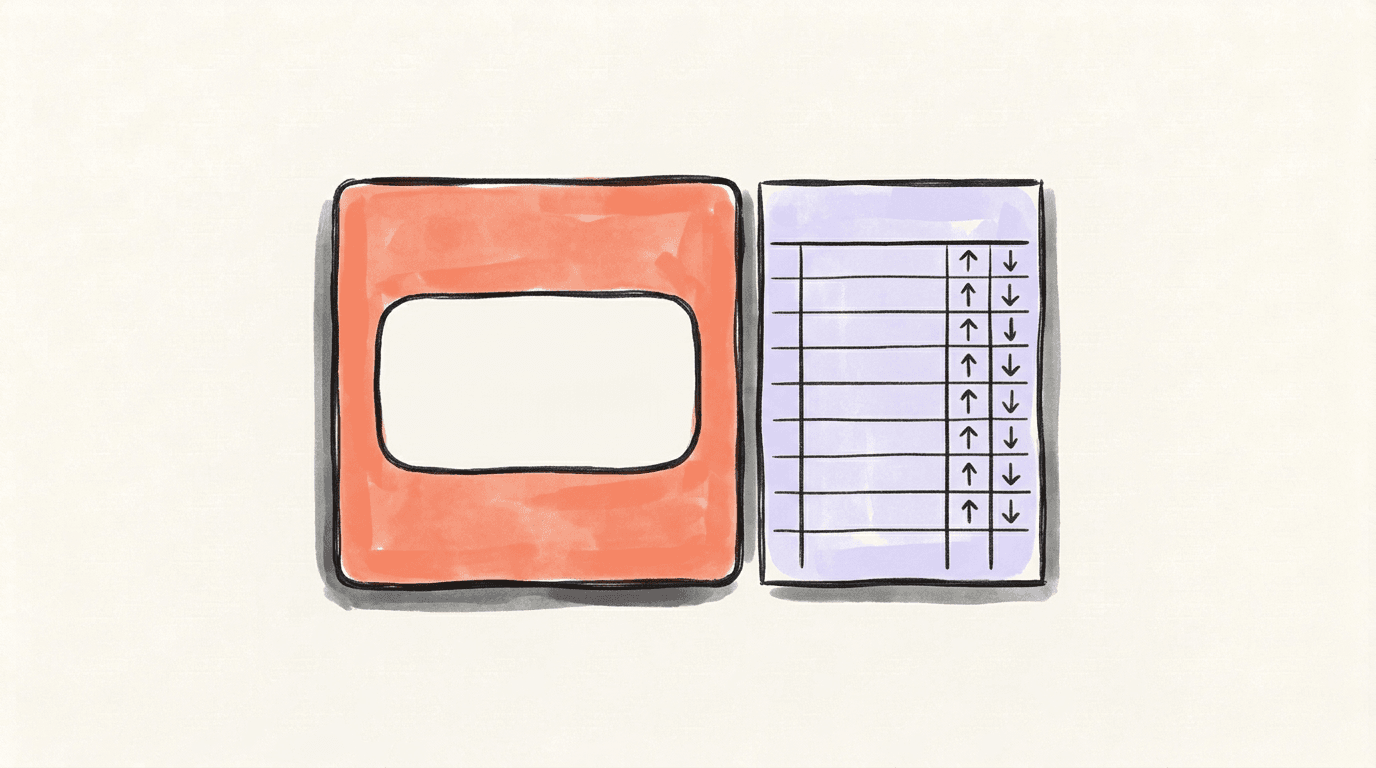
A count is a reading; a history is a log of readings. X keeps your current followers list, not a dated record of who followed or left; only Premium's X Analytics charts follows and unfollows, as numbers. A history with names has to be saved by someone, going forward.
The number also moves for reasons that have nothing to do with you:
- Bot sweeps. In April 2026, X's head of product Nikita Bier said the team was "identifying and suspending 208 bots per minute". Every removed bot leaves every followers list it was in.
- Locked accounts. X's Following FAQs say: "When accounts are locked, we remove them from follower counts across profiles globally." When the rule started in 2018, Twitter said "most people will see a change of four followers or fewer".
- Deactivated and suspended accounts drop off the same way.
- Real unfollows: people who chose to leave.
A log is what lets you tell these apart: a one-day step down across many accounts is a sweep; a slow slide is people. For the full breakdown, see why you're losing followers on X.
How to Track Twitter Followers and Your Count Over Time
A manual log in a spreadsheet
It takes a minute per reading:
- Make four columns: date, follower count, change since last row, notes.
- Read the count at the same time each day or week. Use the full number, from a live counter or X Analytics, not the rounded profile figure.
- Fill in the change as this row minus the last one.
- Write one line of notes: a post that took off, a thread, an argument, or news of a purge.
- Leave a missed day blank. Don't guess a number in later; a gap is honest, an estimate isn't.
After a month you have a real chart of Twitter follower growth, and the notes column tells you what moved it. What it can't tell you is who.
Tools that keep the log for you

Some websites chart a public account's count over time, but they only hold data from the day they started tracking that account, and sites come and go. Before you trust one, open it and check that it still covers X today and has a chart for the account you want.
For your own account, an X followers tracker can save your full followers list at each update instead of just the number. That's the only way to get names: two saved lists, compared. Our guide to who unfollowed you on X shows the comparison by hand, and our roundup of unfollower apps checks the tools that do it for you.
How to See New Followers on X
X does tell you about new followers, just not in a form you can keep:
- Notifications. Open the Notifications tab; new follows show up there, often grouped into one entry when several arrive together.
- Your followers list. Open it from your profile to see the accounts that follow you now. Newest followers usually come first, but there are no dates, so it can't tell you who is new since last week.
Neither one tells you who left. X sends nothing when someone unfollows, so the only way to know is to compare your list with an earlier copy.
Start Tracking Who Joined and Who Left with Postory
Postory Followers (our product) tracks your own connected X account; no password. Each update, daily or weekly, re-reads your followers list and compares it with the last one. Every account that left is looked up one by one, and only proven changes are shown: unfollowed, deleted or suspended, or went protected. Each unfollower says whether you still follow them.
You also get new followers since the last update, followers you don't follow back, a +/− summary for the week, and a chart of new and lost followers for each update that shows your follower count at that point. You get an email when something changed, and a weekly digest.
History starts the day you turn it on: day one saves your list as it is. It costs 1 credit per 100 followers per update, at least 2; 100 credits = $1, no subscription, and credits never expire. If credits run out, tracking pauses and says so. Signed in? Open Followers in the app.
Start with Postory to see who joined and who left, by name.
FAQ
Q: How can I see my Twitter follower history?
X keeps no history of who followed or left. X Analytics, for Premium users, charts daily follows and unfollows as numbers over a date range, but without names. For a history with names, a tracker has to save your followers list at each update from the day you start it.
Q: Can you see someone else's follower history on X?
Not from X. A live counter shows another account's count right now, and a few websites chart public accounts' counts from whenever they began tracking them. No tool can show who followed or unfollowed someone else before it began saving that account's list.
Q: Why does my follower count drop for no reason?
Often because X removed accounts, not because people left. Bot sweeps, locked accounts, and deactivated or suspended accounts all leave your followers list. A sharp one-day drop is almost always a sweep; a slow, steady slide is real unfollows.
Q: How do I track Twitter followers without a tool?
Keep a spreadsheet: the date, the full count, the change since the last row, and a one-line note. Read the count at the same time each day or week. It shows your growth, though not who joined or left.
Q: Is the Twitter follower count on a profile exact?
Small counts are exact. Larger ones are rounded on the profile, so 12,318 shows as 12.3K. For the full X follower count, use a live counter or, for your own account, X Analytics.
Q: Can Postory track another person's followers?
No. Postory Followers tracks only your own connected X account. It doesn't cover other people's accounts, or Threads and Bluesky.
Q: Can I see who followed me before I started tracking?
No. X keeps your current followers list, not its past, so any tracker, Postory Followers included, starts on the day you turn it on.
Related articles

How to Increase X/Twitter Impressions Without Buying Ads
What X impressions actually are, and 10 tactics that get more eyes on your posts — without spending a dollar on ads.
May 27, 2026
Follower to Following Ratio on X: What's Good in 2026
Your follower to following ratio on X, explained: how to work it out, what counts as a good one, where X uses it, and how to fix a bad one.
Oct 18, 2026
Twitter Fake Followers: How to Spot and Remove Them on X
Twitter fake followers: how to spot bots and dead accounts among your X followers, run a quick audit, and remove them without hurting your account.
Oct 18, 2026