
Who Doesn't Follow You Back on X (Twitter)? How to Check

Flag who doesn't follow you back, and who's dead
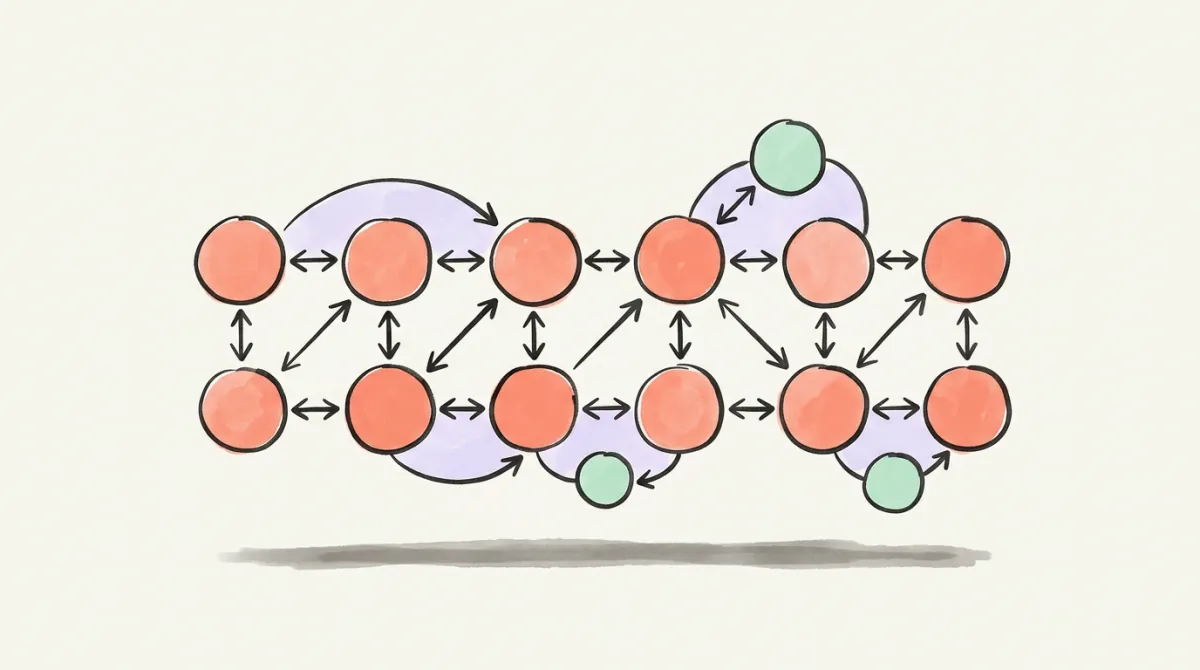
The scan checks the accounts you follow one at a time and flags which of them don't follow you back, who went silent, and who's suspended or bot-shaped, worst first. We build the list, you tap unfollow on X.
X marks every account that follows you with a Follows you label, so your Following list already shows who doesn't follow you back; it just won't filter them for you. A tool can make the list at scale. Either way, a non-follower list isn't an unfollow list: news outlets, brands and experts will never follow you back, and they're often the best accounts you follow.
Say you follow 900 accounts and have 400 followers: plenty of them don't follow you back on Twitter. Which ones? X shows you, one row at a time, and has no button that lists them all. Here's the manual check, why the old free apps faded, what a tool should and shouldn't ask for, and the judgment call most guides skip: who to keep even though they'll never follow back.
How to See Who Doesn't Follow You Back on X
X puts the answer on two screens. We checked both on x.com in October 2026.
- On a profile. Open any account you follow. If it follows you, a Follows you label sits next to its @handle. No label, no follow back.
- In your Following list. Open your profile, tap Following, and scroll. Every account that follows you carries the same Follows you label in its row. The rows with it are your Twitter followers who follow back; the rows without it are your non-followers.
That's the whole native method. It's fine at a couple of hundred follows. At a few thousand it's an evening of scrolling, and nothing you can export: X's Following FAQs describe a following list and a followers list, but no view that compares the two.
Why Free "Not Following Back" Apps Faded
Outside apps did that comparison, mostly by reading X's API. In March 2023, X's developer team launched new paid API access tiers, and hours later the follower-analytics tool Followerwonk posted that it was down because its app appeared to have been suspended.
Following cleanup
Find every dead account you follow
The X Following Cleaner checks your following list one account at a time and hands you the named list of dead accounts and bots — you tap unfollow on X. No sign-up, from $4.99.
Today the X API is pay-per-use: reading a following or followers list costs $0.010 per account returned. An account that follows 2,000 and has 2,000 followers is 4,000 accounts, or $40 for one full comparison at that rate. That cost is one reason "free" non-follower apps cap how much they read, charge you, or earn some other way.
Checking at Scale: What to Look for in a Tool
If scrolling isn't realistic, a tool can build the list. Judge it on three things.
- It never asks for your password. X's authenticity policy names sharing login data such as passwords, tokens or cookies with a malicious third-party app or website as one way accounts get compromised. A legitimate checker needs your handle or an X sign-in, never your password.
- Read the permission screen. Seeing who doesn't follow you back only takes reading. Permission to follow and unfollow on your behalf is a different grant, and it's the one mass-unfollow tools need.
- Be wary of one-click mass unfollow. X's automation rules say you "may not follow or unfollow X accounts in a bulk, aggressive, or indiscriminate manner." Its follow-limit page also bans "follow churn" and following or unfollowing many unrelated accounts in a short time, "particularly by automated means", and says aggressive follow behavior can get an account locked.
We checked which unfollower-tracking apps still work in 2026 in the best Twitter unfollower apps.
Should You Unfollow Non-Followers on Twitter?
Not all of them. A non-follower list is not an unfollow list. X's Following FAQs define following as subscribing to someone's posts. Following someone was never a trade.
Keep accounts that won't follow back and were never going to:
- news outlets, publications and official accounts;
- brands, tools and products you use;
- experts, writers and founders whose posts you read;
- friends who rarely use X but whose posts you'd miss.
Drop the ones that cost you something:
- accounts that stopped posting or never posted;
- suspended or deleted accounts still sitting in your list;
- bots and follow-for-follow accounts that unfollowed once you followed back;
- anyone whose posts you scroll past every time.
X's follow limit only uses your ratio once you follow 5,000. Its limits page lets every account follow 400 accounts a day, and past 5,000, further follows depend on a ratio specific to your account. Ranking is a separate question: the ranking code X open-sourced in 2023 lowered the reputation score of accounts following more than 2,500 with a high following-to-followers ratio, and what X weighs today isn't published. At 5,000, pruning frees room; our follow-limit guide covers which accounts to drop first. Unfollow in small batches, by hand.
The Other List: Followers You Don't Follow Back
There's a mirror question: which of your followers don't you follow back? Open your Followers tab. Any follower you don't follow shows a Follow back button in its row, so this direction is a quick scroll.
Don't mix the lists up. The first holds accounts you might unfollow. This one holds people already interested in you, where a follow back or a reply can be worth more than any cleanup. It also isn't the list of people who left; that one needs snapshots over time, covered in how to see who unfollowed you on X.
Postory Followers keeps that direction for you on a connected X account. Each daily or weekly update shows new followers, followers you don't follow back yet, read against your following list, and who left, with only proven changes: unfollowed, deleted or suspended, or went protected. It costs 1 credit per 100 followers per update (minimum 2), 100 credits = $1, with no subscription, and history starts the day you turn it on. Postory never follows or unfollows for you. Already signed in? Open Followers.
Start Cleaning Your Following List with Postory
Analyze before you unfollow. Postory's X Following Cleaner checks the accounts you follow one at a time and flags who doesn't follow you back. It's built to find who to drop first, not to list every non-follower; for the complete list, the manual Following-list check above is the honest answer. It also finds dead accounts (no posts in 30+ days), accounts that never posted, suspended or deleted ones, and bot-shaped accounts found by live probes for search ban, search-suggestion ban and reply deboost. Protected accounts are held back, never called dead.
You enter your handle: no sign-up, no login, no connection. $4.99 checks the 100 most suspicious of your last 1,000 follows; a check of everyone you follow (up to 5,000) is priced from your following count before you pay, from $4.99, once. You get a named list, worst first, with the reason on each row and a link to each profile. We build the list; you tap unfollow on X, and keep the experts and news accounts you chose to follow. There's also an in-app version for signed-in accounts: Following.
Try Postory free — and see what your X account needs next.
FAQ
Q: Does X notify someone when you unfollow them?
No. X's Following FAQs say it plainly: "X does not send a notification when you unfollow someone." X won't tell them; they'd see it in their followers list, on your profile, where the Follows you label would be gone, or through an unfollower tracker.
Q: How do I see who doesn't follow me back on Twitter without an app?
Open your profile, tap Following, and scroll. Every account that follows you has a Follows you label in its row; the rows without it don't follow you back. It's free and safe, just slow beyond a few hundred accounts.
Q: Does unfollowing people who don't follow back hurt my reach?
Not by any rule X publishes today. The ranking code X open-sourced in 2023 lowered the reputation of accounts following more than 2,500 with a high following-to-followers ratio; what X weighs now isn't public. What it does document is the risk on the other side: aggressive following and unfollowing, especially automated, breaks its rules and can get an account locked. Prune slowly and by hand.
Q: How many accounts can I unfollow on X in a day?
X doesn't publish an unfollow number. Its limits page lists a technical follow limit of 400 a day, and nothing for unfollows. Its rules still ban bulk or aggressive unfollowing, so go slowly and unfollow by hand.
Q: Should I follow back everyone who follows me on X?
No. Follow back the people whose posts you want in your timeline. Following back bots or follow-for-follow accounts fills your feed with posts you'll never read and brings you closer to the 5,000 line, where further follows depend on your ratio.
Q: What's the difference between a non-follower and an unfollower?
A non-follower is an account you follow that doesn't follow you, whether it never did or stopped. An unfollower is someone who was in your followers list and left. You spot the first by the missing Follows you label; X shows nothing for the second, so that needs a tracker or your own snapshots.
Q: Can Postory unfollow non-followers for me?
No. The Following Cleaner works from your public handle, with no login and no connection, so it can't change your account. It builds the list with a reason on each row; you open each profile and tap unfollow on X yourself.
Related articles
Follower to Following Ratio on X: What's Good in 2026
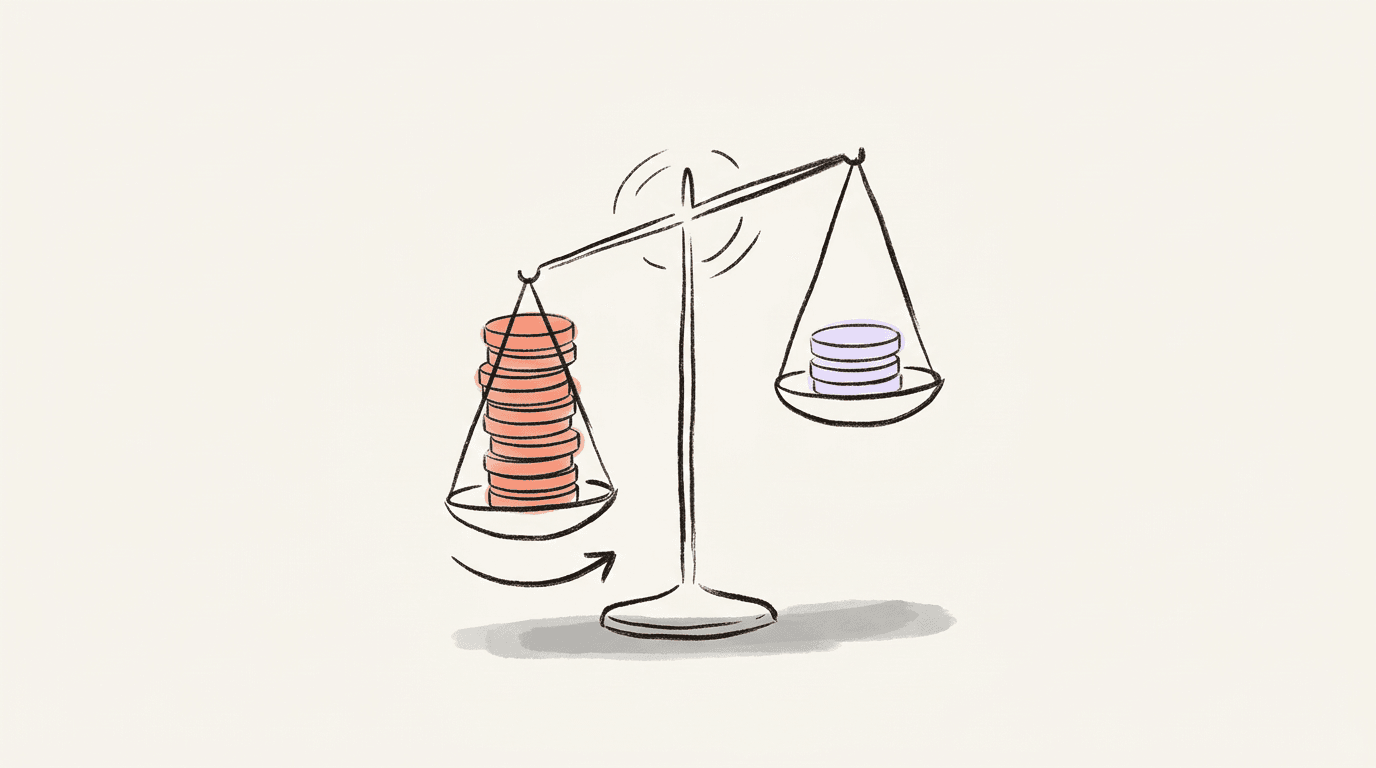
Your follower to following ratio on X, explained: how to work it out, what counts as a good one, where X uses it, and how to fix a bad one.
Oct 18, 2026
Do Hashtags Still Work on X (Twitter) in 2026?
Most X posts don't need them, but not all: the three cases where one hashtag still pays, how many is too many, and the habits that cost you reach.
May 29, 2026
How to Host an X Space in 2026: Requirements, Setup, Step by Step
Everything you need to host an X Space in 2026 — account requirements, the exact setup steps, and how to get listeners to show up.
May 23, 2026