
What Is Meta Threads? A Plain-English Explainer

Threads is Meta's text-first social network, launched in July 2023. It's tied to your Instagram account, posts can be up to 500 characters with photos or 5-minute videos, and as of June 2026 Meta reports 500 million monthly active users — having passed X in mobile daily users.
If you've heard the word "Threads" thrown around and weren't sure if people meant Twitter threads, a Slack workflow, or yet another social app — they mean the app. This is the plain-English version: what Threads is, when it launched, how it works, and whether it's worth your time.
What Is Meta Threads? (The One-Sentence Answer)
Meta Threads is a text-based social network built by Instagram's team, designed for short public conversations. Think of it as Meta's answer to Twitter (now called X) — you write posts up to 500 characters, attach photos or short videos up to 5 minutes long, and reply to other people's posts in branching conversations. Unlike a private messenger, everything you post is public by default and discoverable by other Threads users. The app is owned by Meta — the same parent company that runs Facebook, Instagram, and WhatsApp — and your Threads account is tied directly to your Instagram account, so your username, profile photo, and verification status carry over automatically. As of January 2026, Threads has over 141 million daily active users on mobile, which edges out X for the first time, and, as of June 2026, Meta reports 500 million monthly active users globally.
If you want the corporate ownership detail, we cover it in Is Threads owned by Meta?.
When Did Threads Launch and Why?
Threads launched on July 5, 2023, and it broke a record on its way out the door. The app hit 100 million sign-ups in five days — making it the fastest-growing consumer app in history at the time, beating ChatGPT's previous record. Two million signed up in the first two hours; 30 million by end of day one. The timing wasn't an accident. Elon Musk had bought Twitter in late 2022 and spent the following months rate-limiting feeds, charging for blue checks, and gutting moderation — and Meta moved fast to offer disaffected users a familiar replacement. Mark Zuckerberg pitched Threads as "a friendly place" for public conversation. Growth slowed sharply after the initial spike — daily active users fell more than 80% by the end of July 2023, from a 44 million peak down to around 8 million — but the platform stabilized, climbed back, and kept growing over the following years, reaching the 400 million monthly active user milestone Meta announced in August 2025.
How Does Threads Work? (Posts, Replies, Reposts)
Threads works almost exactly like early Twitter, with a handful of Instagram-flavored twists. You write a short text post — up to 500 characters — and other people can like it, reply to it, repost it to their followers, or quote it with their own commentary on top. Replies build into nested public conversations that anyone can jump into. Your home feed is shaped by an algorithm that watches who you follow, what you reply to, and what you spend time on. There's also a chronological "Following" feed if you want the unfiltered version, and a separate "Fediverse" feed if you've opted into Meta's ActivityPub integration. Compared to early Twitter, Threads gives you almost double the character count, longer videos, and a tighter link to Instagram for identity and discovery. Compared to Instagram, it strips out the visual polish and lets you post raw text in seconds.
AI that learns your voice
Posts that actually sound like you
Postory's AI writes drafts in your voice — not generic AI mush — so you publish faster and still sound human.
Here are the core mechanics:
- Posts. You can post up to 500 characters of text per post. You can add photos, links, or videos up to 5 minutes long. As of 2025, you can also attach "text attachments" up to 10,000 characters that don't count toward the limit — useful for long-form drops inside a short post.
- Replies. Tap reply on any post and your response gets threaded underneath it, building a public conversation. Reply chains can branch deep — anyone can jump in.
- Reposts and quote posts. Like X's retweet and quote-tweet. A repost shares someone's post to your followers as-is. A quote post lets you add your own commentary above it.
- Feeds. There's an algorithmic "For you" feed (Meta picks what you see), a chronological "Following" feed (only people you follow), and a Fediverse feed if you've opted into federation.
- Profile. Your bio, profile photo, and username all come from Instagram. Your Threads followers are separate from your Instagram followers, though.
- DMs. Threads recently added direct messages in 2025 — a feature it launched without. Most people still use Instagram DMs.
Here's a quick walkthrough that covers the basics in plain language:
If you want the full step-by-step, see our guide on how to post on Threads.
How Is Threads Different From Twitter/X?
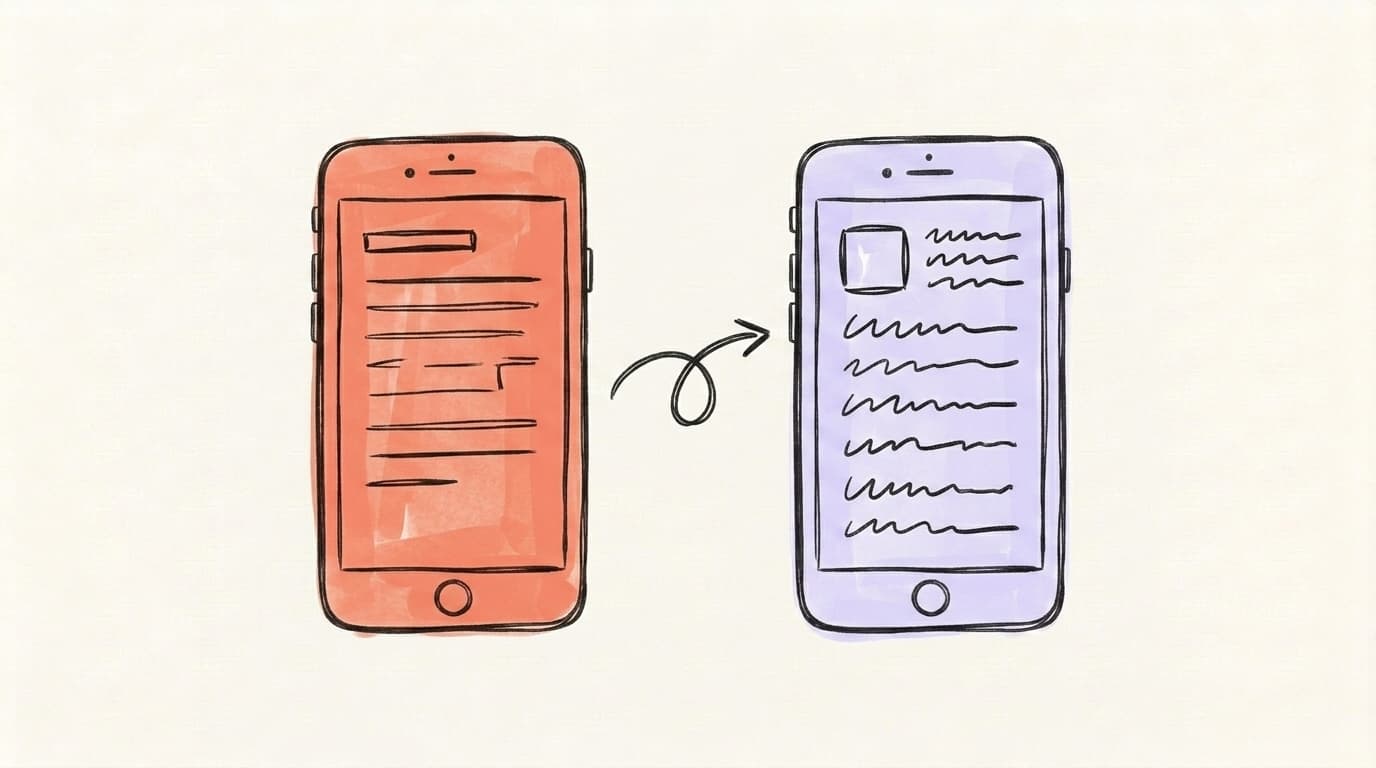
Threads is the calmer, Instagram-flavored cousin of X. They look almost identical at a glance — a text-first feed, replies, reposts, likes, an algorithmic "For you" tab — but the underlying culture and feature set diverge in ways that actually matter for how you use them day to day. Threads gives you 500 characters per post versus X's 280. Threads allows 5-minute videos versus X's 2 minutes 20 seconds on free accounts. Threads is tied to Instagram for sign-up and identity; X is fully standalone. Threads supports the open ActivityPub protocol, letting users on Mastodon follow you cross-platform; X does not. Meta originally restricted political content recommendations on Threads in 2024, but Adam Mosseri reversed that policy in January 2025 — Threads now recommends political content again by default, though the platform's culture still skews less news-heavy than X's, and you can dial it down to "less" in settings. The result is two apps that look the same but feel very different in practice.
| Feature | Threads | X (Twitter) |
|---|---|---|
| Character limit | 500 | 280 (4,000 for Premium) |
| Video length | 5 minutes | 2 minutes 20 seconds (4 hours for Premium) |
| Default feed | Algorithmic "For you" | Algorithmic "For you" |
| Account sign-up | Requires Instagram | Standalone |
| Ads | Began rolling out in 2025 | Heavy ad load |
| Politics/news emphasis | Recommendations reinstated Jan 2025 (after 2024 restriction) | Central to the platform |
| DMs | Yes (added 2025) | Yes |
| Fediverse support | Yes (ActivityPub beta) | No |
The biggest cultural difference is how each platform handles political content. Adam Mosseri (the head of Instagram and Threads) restricted political recommendations on Threads in 2024, then reversed course in January 2025 — political content is back in the algorithmic feed by default, with three user-controlled levels (less / standard / more). X leans the other way: politics and breaking news are core to its identity. The net effect today is that Threads' culture still skews less news-focused than X's, even though the algorithmic policy has converged somewhat. If you want a deeper breakdown, see Threads vs Twitter.
How Is Threads Different From Instagram?
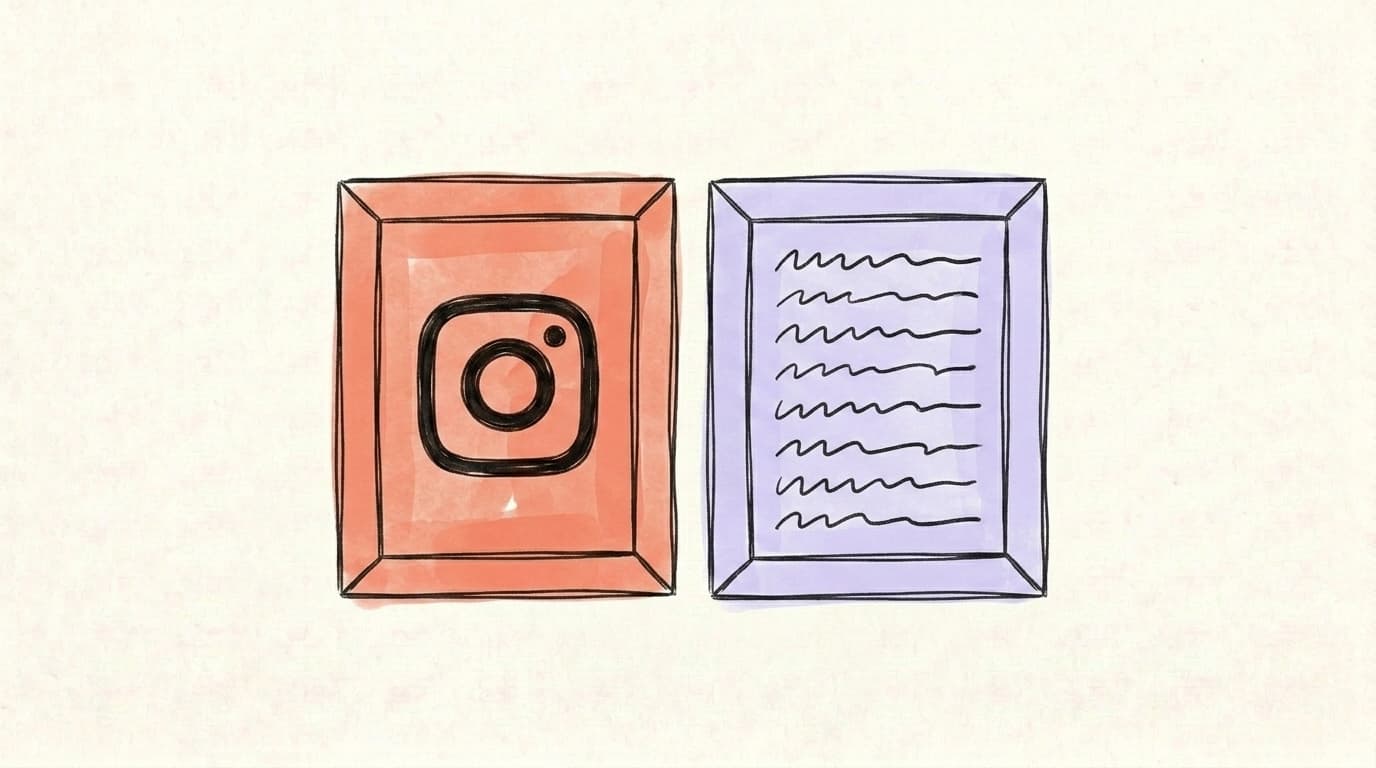
Instagram is built around photos and Reels; Threads is built around text. That's the core difference, and almost everything else follows from it. The two apps share your login, your username, your profile photo, and parts of your following graph — but the content formats and the rhythm of posting are completely different. On Instagram, the cost of a post is high: you need a polished photo, an edited Reel, a caption that earns the visual. On Threads, you can fire off a one-line observation in ten seconds and it works. That low friction makes Threads more like a running commentary stream, while Instagram is your highlight reel. You'll also notice Threads doesn't have stories, doesn't have a grid view, doesn't have shopping tags, and doesn't push you to maintain a visual aesthetic. Practically, many creators use Instagram for their finished work and Threads to talk about that work — sharing behind-the-scenes context, asking their audience questions, and joining broader conversations in their niche.
Who Is Threads For (And Who It Isn't)?
Threads makes sense for some people and is a waste of time for others. The platform is at its best for text-first creators who already have an Instagram presence and want a low-effort second place to publish — writers, founders, marketers, designers, educators, and anyone who treats their main output as ideas-in-words rather than visuals. It's also a fit for people who want a calmer version of X, especially in niches like books, parenting, fitness, design, and marketing where Threads has built much stronger communities than X has in 2026. It's a worse fit for people whose core use of social media is real-time news, sports commentary, or political discussion — that energy still mostly lives on X — and for businesses that need built-in monetization features today, since Threads' creator-payout and ad infrastructure is thinner than X's, YouTube's, or TikTok's. Here's the honest split.
Threads is a fit if you:
- Already have an Instagram audience and want a low-effort way to post text updates to them.
- Want a calmer, less politicized version of X — especially for niches like books, fitness, design, parenting, or marketing.
- Create text-first content (writers, founders, marketers, educators) and want a second platform with growing reach.
- Want to ride the platform earlier — discovery is still surprisingly easy compared to mature networks, and follower counts can scale fast.
Threads probably isn't for you if you:
- Rely on real-time news, sports commentary, or political discussion — that energy still mostly lives on X.
- Don't use Instagram and don't want to start. You can sign up with a Threads-only profile now, but the ecosystem still assumes you have an IG account.
- Need built-in monetization through ads or subscriptions today — Meta is rolling out Threads ads, but creator monetization is thinner than on X or YouTube.
If you're a business deciding whether to invest, we wrote a longer take on this: Threads for Business: Is It Worth It?
How Do You Start Posting on Threads in 5 Minutes?
You don't need a strategy doc to get going on Threads — five minutes of setup is enough to publish your first post. Download the app, log in with your Instagram account, decide whether your profile is public or private, follow 20-30 accounts in your niche to teach the algorithm what you care about, and write a first post. That's the entire onboarding. The platform deliberately keeps it light because most people who download a new social app abandon it during sign-up if it feels heavy. What actually matters happens after that first post: figuring out what resonates with your specific audience, which times of day get the most replies, and how Threads' algorithm rewards reply-heavy conversations over broadcast-style posts. The first week is a calibration period — don't grade yourself on it. Here's the step-by-step:
- Download the Threads app from the Apple App Store or Google Play, or visit threads.com on the web.
- Log in with your Instagram account. Your username, profile photo, and bio will import automatically. You can edit them after sign-up.
- Decide if you want a public or private profile. Public is the default and is how most people use it — private restricts your posts to approved followers only.
- Follow 20-30 accounts in your niche. This is the single most important step. Threads' algorithm uses who you follow and engage with to shape what you see — and it works fast. Follow generously at the start.
- Write your first post. Anything. An observation, a question, an opinion. Don't overthink it — the early posts mostly exist to teach the algorithm what you're about.
That's the whole onboarding. Most of the actual learning happens over your first two weeks: figuring out what resonates with your audience, what time of day to post, and how Threads' algorithm rewards reply-heavy conversations versus broadcast posts.
Start Posting on Threads with Postory
Threads rewards consistency, not virality on a single post. The hard part isn't writing one Thread — it's writing five a week without burning out. That's what Postory's AI post writing is for: generate Threads-ready drafts in your voice, edit, and schedule them across X, Threads, and Bluesky from one place.
Generate your first Threads posts free on Postory — no card needed.
FAQ
Q: Is Threads the same as Instagram?
No. Threads and Instagram are separate apps built by the same team at Meta. They share your login, username, and parts of your following graph, but Threads is text-first and Instagram is photo/video-first. You can use one without using the other.
Q: Is Threads owned by Meta?
Yes. Meta — the parent company of Facebook, Instagram, and WhatsApp — built and owns Threads. The app is operated by the Instagram team, with Adam Mosseri running it. See Is Threads owned by Meta? for the full corporate breakdown.
Q: Is Threads free?
Yes, Threads is free to use. Meta makes money through ads, which began rolling out in 2025. There's no paid subscription required to post or use core features.
Q: What's the character limit on Threads?
Threads posts can be up to 500 characters. You can also add a text attachment up to 10,000 characters that doesn't count against the 500-character limit, which is useful for sharing longer-form content inside a short post.
Q: Can I use Threads without Instagram?
Yes, but with caveats. Meta originally required an Instagram account to sign up. As of late 2024, you can create a Threads-only account, but the broader ecosystem (suggested follows, identity, profile defaults) still assumes you have one.
Q: How is Threads different from X (Twitter)?
Threads has a 500-character limit (vs. X's 280), allows 5-minute videos, and is tied to Instagram. It restricted political recommendations in 2024 but reversed that policy in January 2025 — political content is back in the algorithm with three user-controlled levels. X is standalone, more news-and-politics-heavy, and has a paid subscription tier with extended features.
Q: Does Threads have ads?
Yes. Meta began rolling out ads on Threads in early 2025, after the user base passed 300 million monthly active users in late 2024. The ad load is still significantly lighter than on Facebook or Instagram, but it's growing.
Q: How many people use Threads?
As of June 2026, Meta reports 500 million monthly active users, up from the 400 million milestone it announced in August 2025, and as of January 2026 the app has roughly 141 million daily active users on mobile — edging out X's mobile DAU for the first time.
Related articles
What Is a Ghost Post on Threads? It Disappears in 24 Hours
A ghost post on Threads disappears 24 hours after you publish it — replies go to your DMs and only you see who engaged. Here's how to make one, and when to.
May 18, 2026
How to Edit a Threads Post (and What to Do After 15 Minutes)
Yes, you can edit a Threads post — but only for 15 minutes. Here are the steps, and what to do if that edit window has already closed.
May 18, 2026
How to Post on Threads: Step-by-Step (Text, Photos, Replies)
How to post on Threads step by step — text, photos, videos, replies and edits — plus what to do when a post won't publish.
May 16, 2026