
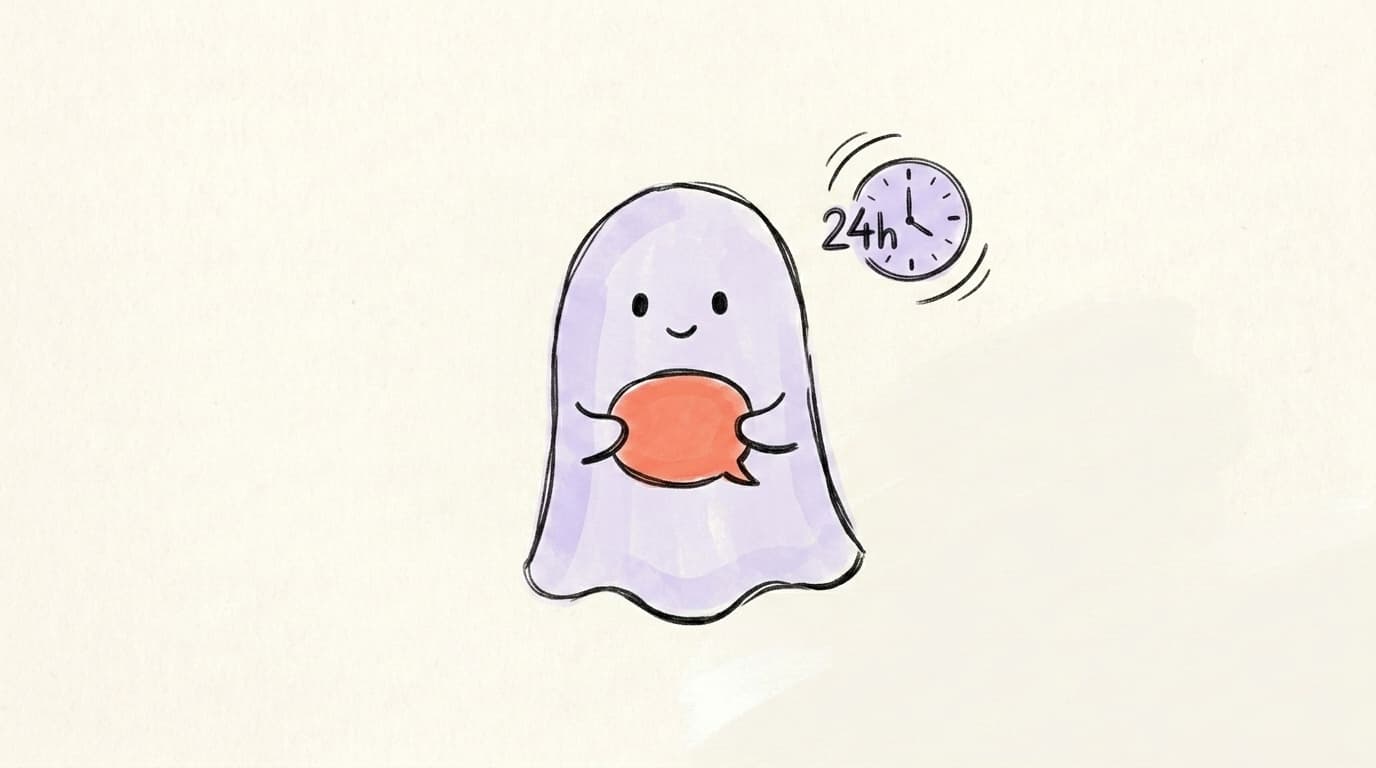
What Is a Ghost Post on Threads? It Disappears in 24 Hours

A ghost post is a 24-hour disappearing Threads post — replies go to your DMs and only you see who engaged. Meta shipped the feature on October 27, 2025. This guide shows you how to make one, when to use it, and what it actually does to your reach.
If you've opened the Threads compose screen recently and spotted a little ghost icon next to the Post button, that's not a Halloween Easter egg. It's a real, fully-shipped feature — and it changes how you can use Threads in ways most creators haven't figured out yet.
This guide covers exactly what a ghost post is, how to make a ghost post on Threads in about 15 seconds, the three real reasons creators use them, and what they likely do to your algorithmic reach.
What Is a "Ghost Post" on Threads, Actually?
A ghost post on Threads is a text post that automatically disappears from your public profile and the feed 24 hours after you publish it. Meta calls them ghost posts in its official announcement — the name matches the in-app icon you tap to enable the feature, which launched globally on October 27, 2025 on both iOS and Android. Ghost posts behave like normal posts while they're live: people can see them in their feed, like them, and reply. But the engagement is private to you — only the original poster can see who liked or replied, and replies are sent to your DM inbox instead of appearing as a public thread underneath. After 24 hours, the post moves to your account archive, where you can still read it and review the engagement, but the public can't. Think of it as Threads' answer to Stories — except text-first and built for private conversation rather than disappearing photos. Strategically, that makes ghost posts a separate publishing surface from your normal feed: a place to test, react, or open DM threads without anything sticking to your profile.
How Do You Make a Ghost Post on Threads? (Step by Step)
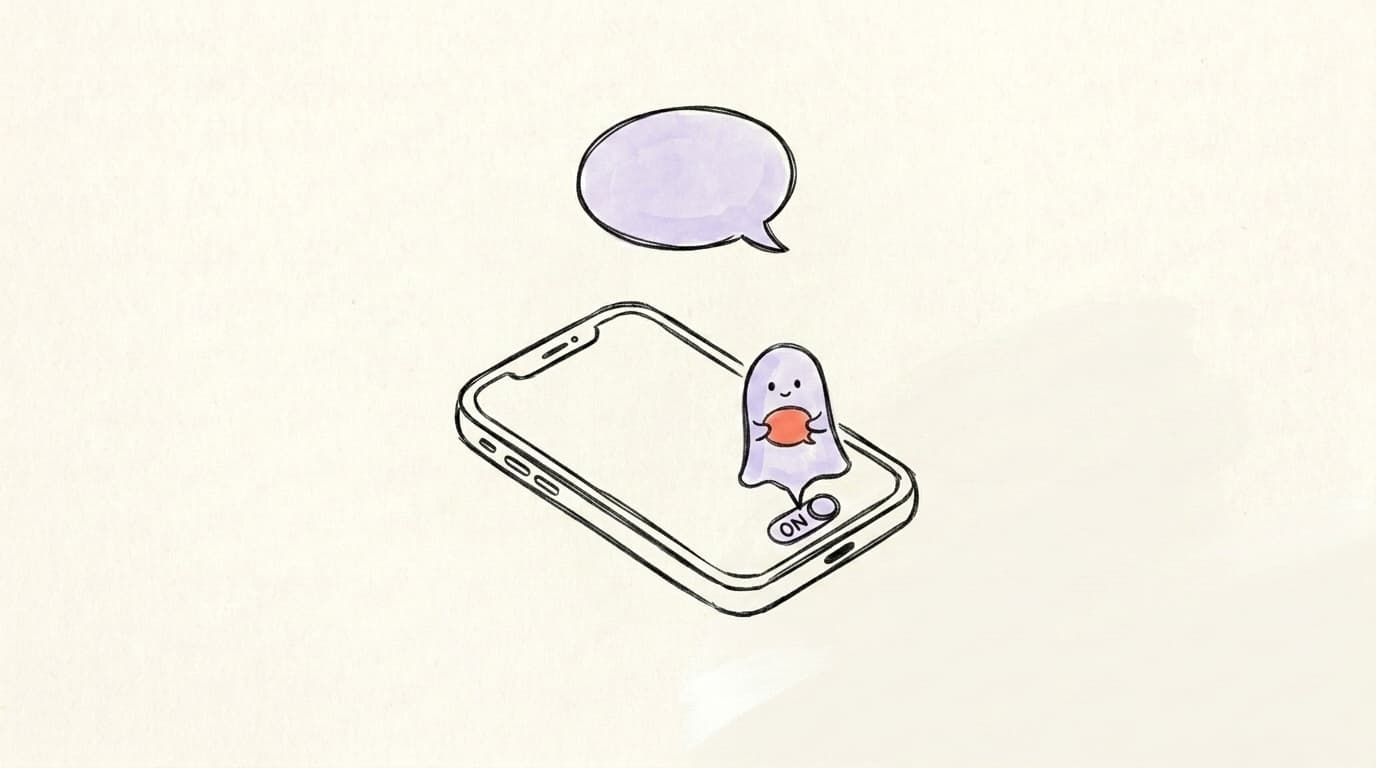
Making a ghost post on Threads takes about 15 seconds once you know where the toggle lives. The feature is rolled out to everyone on the latest version of the app, so if you don't see it, update Threads from the App Store or Play Store first — older app versions simply don't show the ghost icon at all. The toggle sits next to the Post button on the compose screen, not buried in settings or in a separate menu, which means the decision to ghost a post is made at the very last moment before publishing. Once enabled, the rest of the flow is identical to publishing a regular Thread, with one important visual difference: the post appears as a grey dotted speech bubble with a countdown timer so followers immediately know it's temporary. Here's the full step-by-step:
- Open Threads and tap the compose button. That's the pencil-in-a-square icon in the bottom navigation, or the plus icon on your profile.
- Look for the small ghost icon next to the Post button at the top right of the composer.
- Tap the ghost icon to toggle it on. When active, it's highlighted — that's your signal you're in ghost mode.
- Write your post. Same character limit and formatting as a normal Thread.
- Hit Post. It publishes immediately, appears in feeds with a timer badge, and auto-archives after 24 hours.
Profile analysis
See how your profile really scores
Postory analyzes your X, Threads or Bluesky profile and shows exactly what to fix to get more reach. Audits run on credits, bought in packs.
Here's a 2-minute walkthrough from ForceRestart showing exactly what the toggle looks like in the app:
Why Do Creators Use Ghost Posts? (3 Real Reasons)
Ghost posts look like a casual feature at first glance, but creators are using them in deliberate, surprisingly strategic ways. The disappearing nature isn't just about removing off-brand takes — it changes the incentive structure around what you can publish. When a post is permanent, every word has to fit your "brand." When it disappears in 24 hours, you can experiment, react to news, or have raw conversations without committing to them forever. That matters because the biggest blocker to posting more often isn't time — it's the fear that a weak post will sit on your profile forever, dragging down the average. Ghost posts remove that drag entirely. You can publish ten experimental hooks in a week and end the week with a clean profile, having learned which angles your audience actually responds to. Three patterns have emerged from how creators are actually using the feature: testing, reacting, and direct outreach. Each one solves a different problem that permanent posts don't.
Reason 1: Stealth content testing
Drop a hook, opinion, or hot take as a ghost post and watch what happens. If it pops off, you know the angle works — repost it as a permanent Thread the next day with refined wording. If it flops, no one will remember it tomorrow. You've effectively turned your feed into an A/B testing environment without any of the long-term reputational cost.
Reason 2: Reactive, time-bound content
Live commentary, hot takes during a news cycle, or "shower thought" observations don't need to live on your profile forever. A ghost post lets you participate in a real-time conversation without cluttering your grid with content that'll feel stale in a week.
Reason 3: Closer DM funnels
Because replies route directly to your DMs, ghost posts naturally pull engaged followers into private conversation. Smart creators use this for soft pitches, beta sign-ups, and audience research — anything where a one-on-one conversation beats a public reply thread.
Ghost Posts vs. Hidden Replies vs. Drafts — What's the Difference?
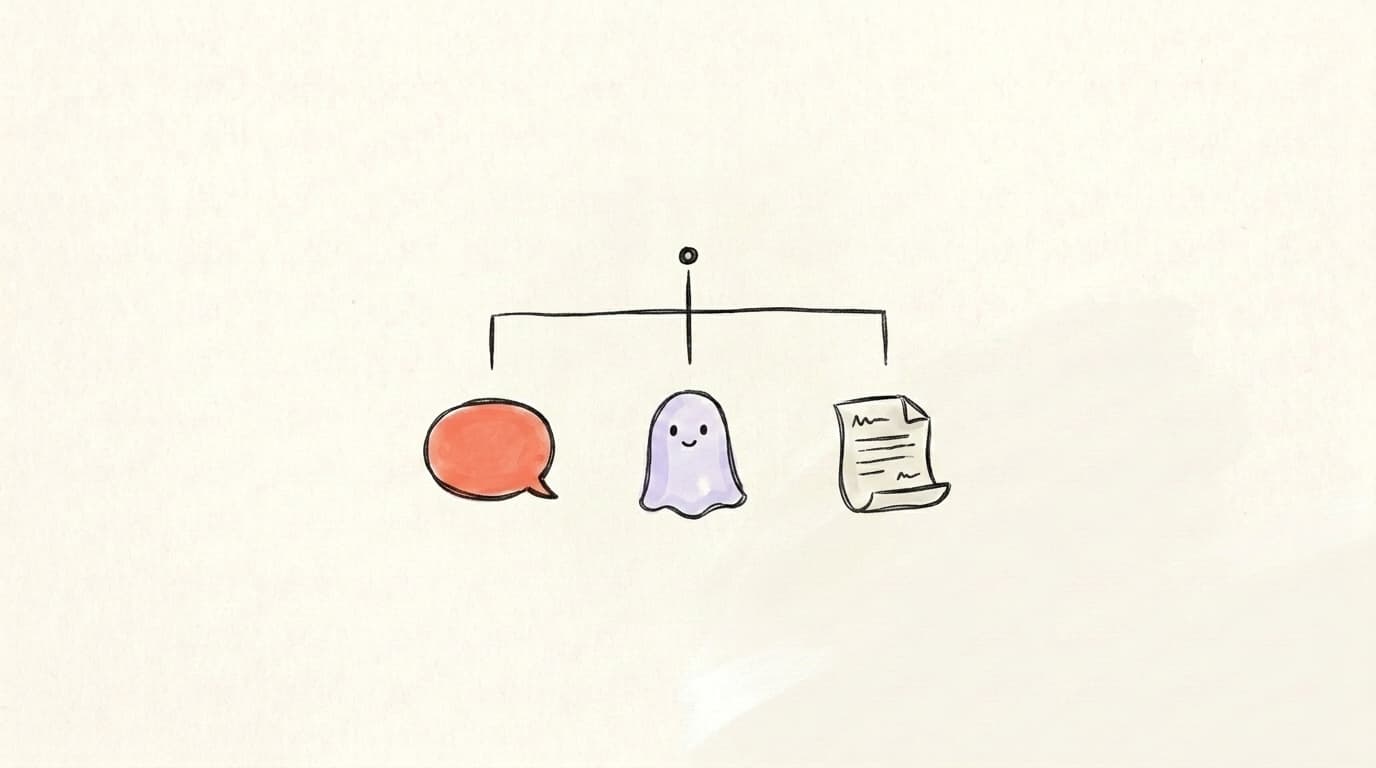
People confuse these three constantly because they all involve "invisible" content in some way, but they solve completely different problems. A ghost post is public for 24 hours, then archived — the visibility is intentional and time-bound. A hidden reply is a reply someone else left on your post that you've collapsed so casual scrollers don't see it, while you keep the option to engage with it later. A draft is not published at all — it lives in your compose screen, invisible to everyone but you, until you decide to send it. The table below makes the distinctions explicit, but here's the short version you can memorise: ghost posts are about ephemerality, hidden replies are about moderation, and drafts are about preparation.
| Feature | Ghost Post | Hidden Reply | Draft |
|---|---|---|---|
| Visible to public? | Yes, for 24 hours | No (hidden by post owner) | No (not published) |
| Where does it live? | Feed → your archive | Under your post, collapsed | Compose drafts only |
| Replies? | Sent to your DMs | Already hidden | N/A |
| Best for | Testing, reactive content | Moderating reply threads | Preparing posts in advance |
If you're new to the platform and still figuring out the basics, our complete walkthrough on how to post on Threads covers the rest of the publishing surface.
Do Ghost Posts Affect the Threads Algorithm?
Meta hasn't confirmed how ghost posts are weighted, but the rest of the Threads algorithm tells us what to expect. The platform's core ranking signals — outlined in our deep dive on the Threads algorithm — are heavily reply-driven, with replies and conversation depth weighted more heavily than likes. That ranking model creates a structural problem for ghost posts: because replies route to DMs instead of staying public underneath the post, the algorithm gets very different signals than it does from a regular Thread. There's no public reply thread to measure depth on, no back-and-forth between strangers to count. The like signal still works, but Threads has consistently optimized for conversations, not silent likes — meaning ghost posts likely get less algorithmic distribution than equivalent regular posts.
That said, ghost posts aren't dead on arrival. They still appear in followers' feeds, they still accumulate likes, and they can still go viral within their 24-hour window. The takeaway: ghost posts are a tool for intentional short-form content, not a hack for getting more reach.
Are Ghost Posts Ethical?
Ghost posts are completely above-board — Meta built and promoted them, and using them isn't gaming any system. But there are two grey areas worth thinking about. The first is content accountability: if you say something bold, controversial, or potentially harmful in a ghost post, the fact that it disappears doesn't undo the screenshots that always get taken. Treat ghost posts as "less permanent" not "consequence-free." It also doesn't undo Meta's moderation rules — Threads' Community Guidelines apply to ghost posts the same way they apply to permanent posts, so a 24-hour shelf life won't protect you from a strike if the post crosses a line. The second grey area is manipulation: using ghost posts to drop something inflammatory, harvest the DM responses, and then have the post quietly vanish before anyone can push back publicly. That's the kind of behaviour that earns reputation damage on platforms where screenshots travel faster than the original post — think of a creator subtweeting a rival, banking the engaged DMs, then claiming "I never said that." The honest test: would you be comfortable if a screenshot of your ghost post resurfaced in six months? If yes, post it.
When Should You Not Use a Ghost Post?
Ghost posts are great for some things and a terrible fit for others. Don't use a ghost post when you're publishing evergreen content — guides, frameworks, lessons, "best of" lists — because that's exactly the content that should sit on your profile and keep accumulating engagement long after publish day. A "5 lessons from my first year freelancing" post is the kind of thing a stranger might find from a search six months later; ghost it and that future reader never sees it. Don't use one for announcements that people might miss in the 24-hour window — a product launch, a podcast episode drop, an event invite. Half your followers won't open the app within 24 hours, and once it archives they have no way to catch up. Don't use one for anything you want to drive consistent traffic to, because it can't be linked to once it archives — if you'd want to paste the URL in a newsletter or pin it to your profile, it needs to be a regular post. Use ghost posts for the opposite: short-life content, real-time reactions, experimental hooks you might rework later, and casual conversation starters where the value is in the response, not the artifact.
Draft Ghost Posts (and Everything Else) Inside Postory
If you're juggling ghost posts, regular Threads, replies, and content for X, the bottleneck isn't the toggle — it's keeping everything coordinated. Postory gives you a single workspace where you can draft Threads replies and ghost posts before they go live, review them outside the heat of the compose screen, and decide what's worth turning into a permanent post later. See post management for the full workflow.
Try Postory free — draft, organize, and schedule your Threads content (ghost posts included) in one place.
FAQ
Q: How long does a ghost post on Threads last?
A ghost post stays publicly visible for exactly 24 hours from the moment you publish it. After that window, it automatically moves to your account archive, where only you can see it. The post never gets deleted — it just stops being public.
Q: Can other people see my ghost posts?
Yes, ghost posts appear in your followers' feeds and on your profile during the 24-hour window. They look like normal posts with a small timer badge and a slightly different visual treatment so followers know they're temporary. Only the engagement (who liked, who replied) is private to you.
Q: What happens to replies on a ghost post?
Replies don't appear as a public thread underneath your post. Instead, they're routed directly to your Threads DM inbox. You can respond privately, ignore them, or use them as a soft DM funnel.
Q: Can I attach images or videos to a ghost post?
No. Ghost posts are text-only at launch — images and videos aren't supported. If that changes, the attachment icons will appear when the ghost toggle is on; until then, the composer hides them once you flip the ghost on.
Q: How do I edit a ghost post on Threads?
You can edit a ghost post the same way you'd edit a regular Thread — tap the three-dot menu on your post and select Edit, as long as you're within Threads' standard edit window. Our guide on how to post on Threads covers edit behaviour in more detail. Once a ghost post archives after 24 hours, you can still view it but you typically can't edit and re-publish it.
Q: Do ghost posts hurt my reach?
Probably yes — but only relative to a comparable regular post. Because replies go to DMs instead of staying public, the algorithm has fewer public conversation signals to work with, and Threads weights conversation depth heavily. Use ghost posts when the ephemerality is the point, not when you're trying to maximise reach.
Q: Where do ghost posts go after 24 hours?
They move to your account archive, accessible from your profile settings. You can still see the content, the like count, and the replies that came in via DM, but the post is no longer visible to anyone else or discoverable in search.
Q: Can I turn a draft into a ghost post?
Yes. When you open a draft from your compose drafts, you can toggle the ghost icon before publishing. The draft itself doesn't carry any "ghost" flag — the decision is made at publish time. This is useful if you write content in advance but want to decide on the day whether it should live forever or vanish.
Related articles
What Is Meta Threads? A Plain-English Explainer
Meta Threads is a text-based social app from the company behind Instagram. Here's what it is, how it works, and who should actually use it.
May 19, 2026
How to Edit a Threads Post (and What to Do After 15 Minutes)
Yes, you can edit a Threads post — but only for 15 minutes. Here are the steps, and what to do if that edit window has already closed.
May 18, 2026
How to Post on Threads: Step-by-Step (Text, Photos, Replies)
How to post on Threads step by step — text, photos, videos, replies and edits — plus what to do when a post won't publish.
May 16, 2026