
How to Edit a Threads Post (and What to Do After 15 Minutes)

You can edit a post on Threads for up to 15 minutes after publishing. Tap the three-dot menu, hit Edit, change the text, tap Post. After 15 minutes the option disappears. Editing within the first hour can interrupt early engagement signals — so for typos in your first hour, delete-and-repost is often safer than an edit.
You hit "Post," reread your Threads post, and there it is — a typo right in the hook, a wrong stat, or a link that doesn't work. The clock is now ticking, and you have a decision to make.
This guide covers exactly how to edit a post on Threads, what the 15-minute window actually does, and the algorithmic trade-off that's easy to overlook in the moment.
How Do You Edit a Post on Threads (Step by Step)?
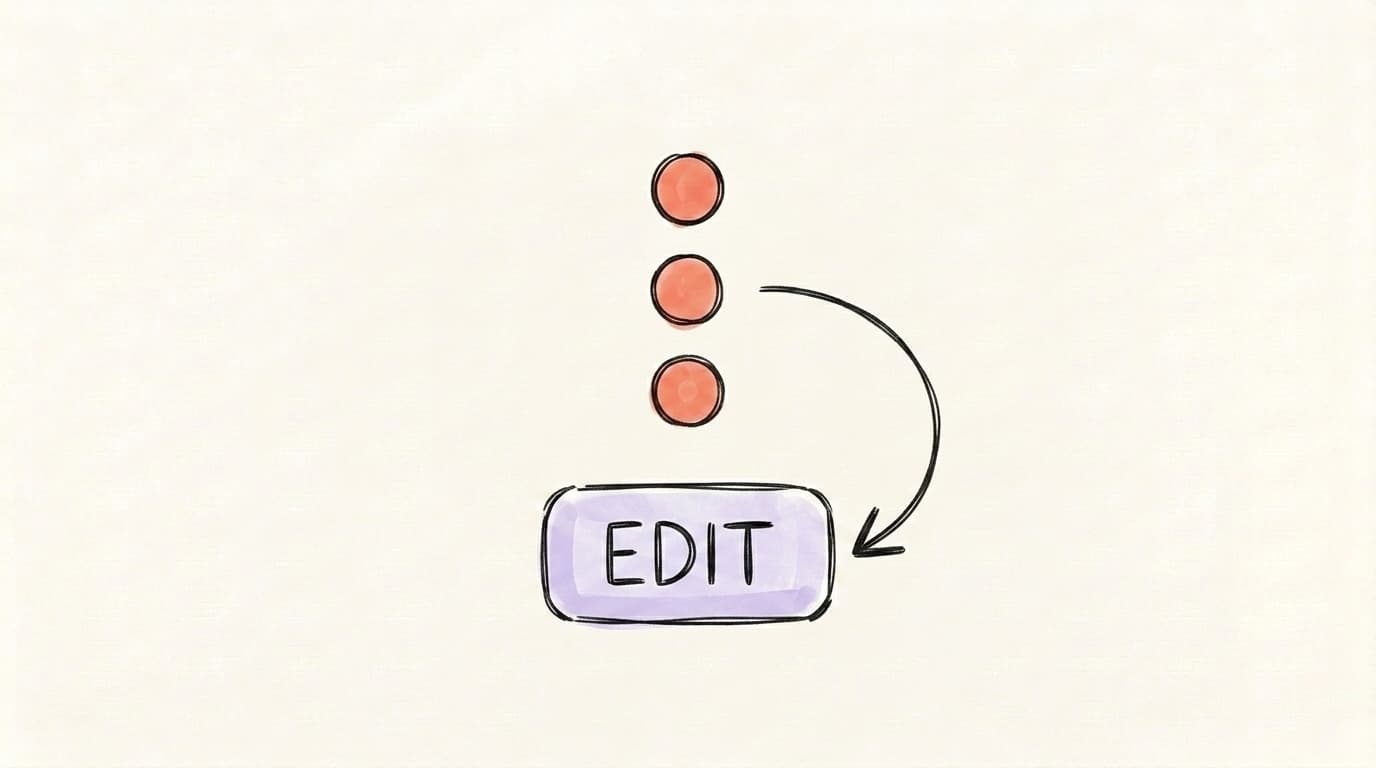
To edit a post on Threads, open the post, tap the three-dot menu (•••) in the top-right corner, select Edit, change the text, and tap Post to save your changes. The whole thing takes about ten seconds — but only if you do it within the 15-minute window that opens the moment you publish. After that, the Edit option disappears completely, and your only options are to delete the post or leave it as-is. Threads originally launched the feature with a 5-minute window in January 2024, then extended it to 15 minutes in October 2024 (NewsBytes coverage). The timer is non-extendable. There is no premium upgrade, no Edit Pro, no workaround through the web client — every account gets the same fifteen minutes. The good news: this is enough time to catch most real mistakes if you actually reread your post once after publishing instead of immediately switching apps.
What you can and cannot edit
The edit window only covers text. You can fix typos, swap out a word, change a link, or rewrite an entire sentence. What you can't do is touch the media — once a photo, video, or GIF is attached, it's locked in for the lifetime of the post. If you uploaded the wrong image, editing won't help you. Your only option is to delete the post and start over.
Mobile vs. web
The flow is identical on the iOS app, the Android app, and threads.net on desktop. Three-dot menu → Edit → save. The only practical difference is that on desktop the menu opens as a small dropdown next to the post; on mobile it's a bottom-sheet modal.
What Is the 15-Minute Edit Window on Threads?
The 15-minute edit window is Meta's compromise between letting people fix mistakes and preventing the kind of bait-and-switch editing that hurt early versions of "tweet editing" elsewhere. The countdown starts the second you publish, runs in real time, and is permanent and non-resettable. There's no extension if you start editing at 14:55 — once the timer hits zero, the Edit option vanishes from the three-dot menu, and the post becomes immutable text from that point on. Unlike X, where editing is gated behind X Premium, Threads gives the edit feature to every account for free. The trade-off is the short window. At launch, Meta framed the feature, per Social Media Today, as a way to "account for mistakes and errors that you notice after uploading" — fixes, not rewrites. That framing matters. If you're trying to use the edit window to A/B test hooks or quietly swap out a take that isn't landing, you'll run out the clock before you've finished thinking about it.
AI that learns your voice
Posts that actually sound like you
Postory's AI writes drafts in your voice — not generic AI mush — so you publish faster and still sound human.
What happens after 15 minutes
After 15 minutes, the post is locked. Your only options in the three-dot menu become things like delete, hide like counts, or change who can reply. If you spot a mistake at minute 16, your choices are: leave it, delete and repost (losing engagement), or quote-correct it with a reply.
Does Editing a Threads Post Reset Reach?
Editing a Threads post does not technically reset reach — your post keeps the same ID, the same replies, and the same like count. But editing inside the first hour can quietly interfere with how the algorithm distributes the post, because Threads heavily weights engagement velocity in early ranking decisions. Threads — like X and Instagram — looks at how fast a post is accumulating likes, replies, and reshares early in its life to decide whether to push it to a wider audience. RecurPost's breakdown of the Threads algorithm puts it plainly: "posts rapidly accumulating likes, replies, and shares receive top placement," with engagement weighted by effort (replies and reposts count more than likes). The clearest cost of editing in that window is attention: the minute you spend in the editor is a minute you're not replying to early commenters, which is the signal Threads rewards most. It's plausible that the post also briefly hiccups for viewers loading it mid-edit, but Meta hasn't confirmed this. None of this is a confirmed manual penalty — Meta hasn't published anything saying "edited posts get less reach." But the indirect effect is real.
The practical rule
If your post has been live for under 60 minutes and you spot a typo, you're trading 30 seconds of editing for 30 seconds of not replying to early comments. On Threads, where reply depth matters more than likes, those 30 seconds can cost real distribution. For minor typos, leave them. For something that's actually wrong — a broken link, a wrong number, a misnamed person — fix it.
When Should You Edit a Threads Post vs. Repost It?
Edit when the fix is small and the post is performing well. Repost when the fix is structural, when the post is already underperforming, or when you noticed the mistake more than 15 minutes after publishing. The 15-minute edit window forces this decision quickly, and most creators default to one of two extremes — either editing reflexively for every typo (and risking the engagement-velocity hit) or never editing at all (and shipping mistakes that actually matter). Neither default is right. Consider a post that's two minutes old, has zero replies, and contains a wrong year in a stat: editing is the obvious move. Now consider a post that's twelve minutes old, has forty replies, and is missing an apostrophe: editing risks more than it fixes. The decision depends on three variables: how old the post is, what kind of mistake it is, and whether the post is already getting traction. Here's the short matrix most experienced Threads users run in their head:
- Typo, post under 15 min old, no engagement yet → edit
- Typo, post under 15 min old, already getting replies → leave it, reply with a correction
- Wrong link or wrong fact, any age under 15 min → edit immediately
- Wrong image, any age → can't edit media, delete and repost
- Anything more than 15 min old → delete and repost, or live with it
The "delete and repost" path resets your engagement to zero — you lose any likes and replies the original gathered. That's painful if the post already had traction, but it's the only way to get a clean version live after the edit window closes. The honest answer most of the time is: if it's not actually wrong, just embarrassing, leave it. Threads moves fast, and your followers have already scrolled past it.
How Do You Fix Typos Without Killing the Algorithm?
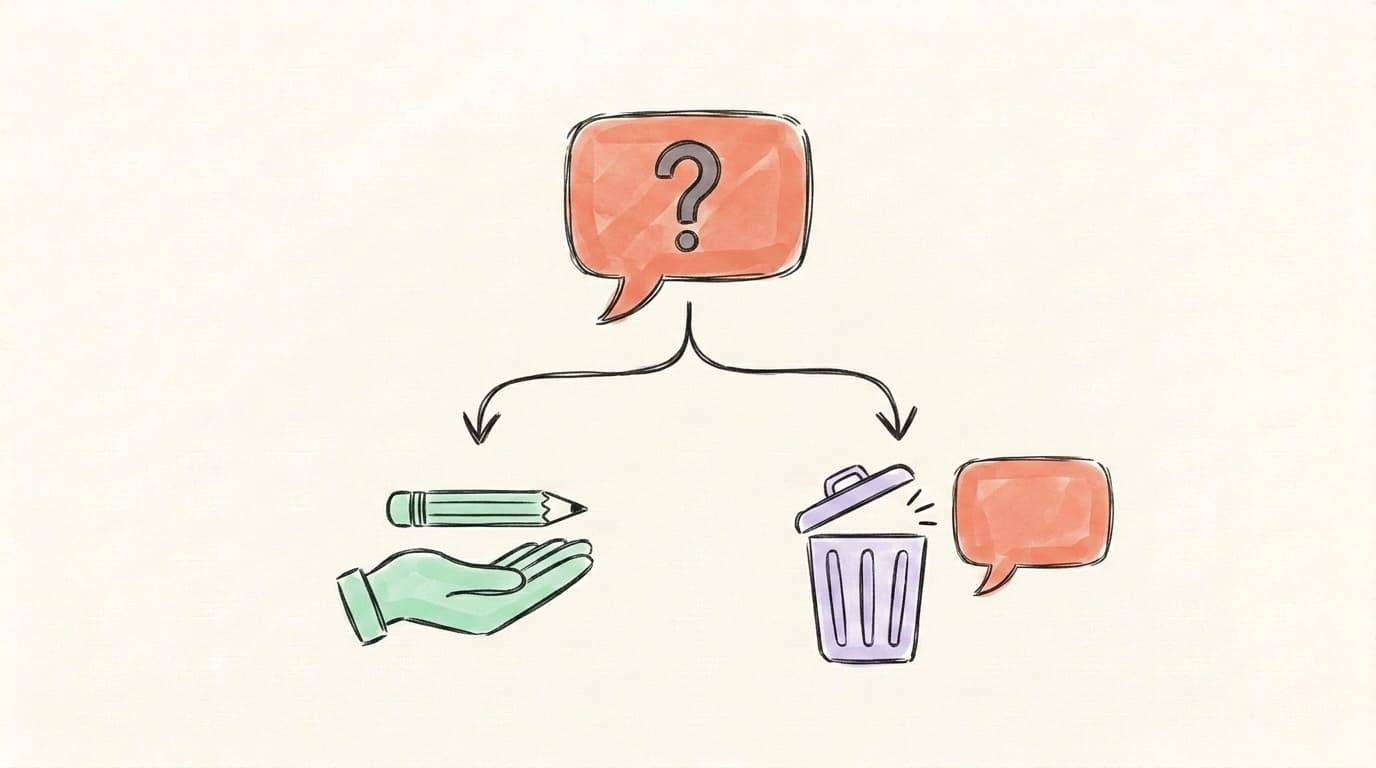
The cleanest way to fix typos without hurting reach is to catch them before you hit Post — but since that's not always possible, the second-best move is to either edit immediately (within the first 60 seconds, before any engagement arrives) or reply to your own post with the correction instead of editing later. Speed matters because the engagement window has barely opened in the first minute — there's almost nothing for the edit to interfere with, and the algorithm hasn't started measuring velocity yet. If you spot a typo at minute 2 with 50 likes already in, you're in the awkward middle: editing might cost you a few percent of distribution velocity, but leaving it costs you some credibility with new readers landing on the post. For purely cosmetic typos at that stage — a missing apostrophe, a duplicate word — most experienced creators just leave them and move on to replying to comments.
A reply-correction works well when the mistake is factual rather than cosmetic. You quote-correct yourself ("update: meant Tuesday, not Thursday"), the original post keeps all its engagement, and your followers see you fixed it. This is the technique journalists use on X, and it transfers cleanly to Threads.
The one move that rarely works: deleting a post that's already gone viral to fix a small typo. You're trading thousands of impressions for a clean version that the algorithm will have to rediscover from scratch.
How Do Edits Show Up to Followers? (The Edit Label)
When you edit a Threads post within the 15-minute window, the post gets marked as edited so followers can see a change was made — but Threads does not show edit history or previous versions of the post. According to the platform's launch coverage and current behavior, an edited indicator appears next to the timestamp on edited posts; tapping it gives a basic notification that the post was edited, but you can't see what the original said (Social Media Today's coverage noted this at launch). This matters for two reasons. First, you don't need to worry about followers seeing your typo — once it's edited, the original version is gone permanently. Second, you also can't sneak a stealth change past anyone paying attention — the "edited" mark is permanent, so a post that got controversial replies and then quietly changed its take is visibly flagged. The mark stays for the lifetime of the post.
How Do You Catch Mistakes Before Posting With AI Preview?
The most reliable way to avoid the edit dilemma is to catch typos and structural mistakes before you publish — by writing, previewing, and reviewing in a tool that shows you exactly what the post will look like on Threads before it goes live. Posting directly from the Threads composer is the highest-risk path: tiny text on mobile, no preview, and a publish button that's one tap away from making your typo permanent for everyone. A draft-and-preview workflow flips that. You write the post in a planning tool, see it rendered alongside the platforms it's going to, and only then push it live. By the time the post actually publishes, the 15-minute window is a safety net you almost never need — instead of your only line of defense.
This is the workflow Postory's post management is built around: a kanban board where every Threads draft lives in a column with a live per-platform preview, then a one-click publish to X, Threads, and Bluesky at once. The point isn't "never use Edit on Threads" — the point is to make Edit a backup, not a workflow.
Preview your Threads post before you publish — with Postory
Preview your Threads post exactly as followers will see it — before you publish. Postory's post management board gives you a live per-platform preview, kanban-based drafts, scheduling, and one-click publishing across X, Threads, and Bluesky. Catch the typo on the kanban card, not on the live feed.
Try Postory free — preview, schedule, and publish to Threads without the 15-minute panic.
FAQ
Q: How long do you have to edit a post on Threads?
You have 15 minutes from the moment you tap Post. The timer is fixed and starts the instant the post publishes — there's no way to extend it, pause it, or restart it. After 15 minutes, the Edit option disappears from the three-dot menu permanently.
Q: Can you edit a Threads post after 15 minutes?
No. Once the 15-minute window closes, the post is locked. Your only options are to delete the post (which removes all its engagement) or leave it as-is. Some creators reply to their own post with a correction as a workaround.
Q: Can you edit photos or videos in a Threads post?
No — the edit window only covers text. You can't add, remove, or replace any media attached to a published post. If you uploaded the wrong image or video, you'll need to delete the post and create a new one.
Q: Does editing a post on Threads notify followers?
Editing doesn't send a push notification, but the post is visibly marked as edited next to the timestamp. Anyone who sees the post after you edit can tell it was changed, though they can't see what the original said.
Q: Does editing a Threads post hurt the algorithm?
There's no confirmed manual penalty for editing, but editing inside the first hour can interrupt engagement velocity — the signal Threads' algorithm uses to decide whether to push a post wider. For typos at minute 2 of a viral post, the safer move is often to leave them. For genuinely wrong info, fix it.
Q: What is a ghost post on Threads?
A ghost post is a Threads post that disappears after 24 hours. Replies go to your DMs instead of the public timeline, and only you can see who interacted with it. Ghost posts use a dotted speech bubble in the feed so they're easy to spot.
Q: How do I publish a post on Threads in the first place (before I'd ever need to edit one)?
Tap the compose button (the pencil-and-paper icon in the bottom nav), write your post in the text field, optionally attach photos or video, then tap Post — and the 15-minute edit window starts from that tap. For the full walkthrough including link previews, replies, and reposts, see our guide to posting on Threads.
Q: Can I edit a Threads reply?
Yes — the same 15-minute window applies to replies. Tap the three-dot menu on your own reply, hit Edit, change the text, save. The "edited" indicator works the same way it does for top-level posts.
Q: Should I delete and repost if I miss the edit window?
Only if the post is underperforming or the mistake is actually misleading. If the post is doing well, the cost of deleting (losing all engagement) usually outweighs the benefit of a clean repost. Most experienced creators reply with a correction instead.
Related articles
What Is Meta Threads? A Plain-English Explainer
Meta Threads is a text-based social app from the company behind Instagram. Here's what it is, how it works, and who should actually use it.
May 19, 2026
What Is a Ghost Post on Threads? It Disappears in 24 Hours
A ghost post on Threads disappears 24 hours after you publish it — replies go to your DMs and only you see who engaged. Here's how to make one, and when to.
May 18, 2026
How to Post on Threads: Step-by-Step (Text, Photos, Replies)
How to post on Threads step by step — text, photos, videos, replies and edits — plus what to do when a post won't publish.
May 16, 2026