
The Threads Profile Audit Checklist (15 Minutes)

Most Threads profiles bleed followers because of fixable basics — a vague bio, a stale pinned post, posting gaps. This 12-point audit takes 15 minutes and tells you exactly what to change before you write another post.
You've been posting on Threads for a few weeks. Your follower count is crawling. Engagement feels random. Before you blame the algorithm, blame the profile — because often the leak isn't your content, it's the page people land on after they tap your handle.
This post is a 15-minute audit. Twelve checks, in order, with a clear pass/fail for each. Run it once before your next posting cycle and you'll know exactly what's underperforming.
Why Should You Audit Your Threads Profile Before You Post More?
Auditing your Threads profile matters because the platform's algorithm rewards engagement velocity in the first 30–90 minutes after you post — and engagement velocity is downstream of profile quality. When someone sees your post in the feed and taps your name, they land on your profile. If the bio is vague, the photo is fuzzy, and the pinned post is from August, they bounce. No follow. No reply. No second look. According to Buffer's breakdown of the Threads algorithm, the ranking system now leans into timeliness, active engagement, and topical relevance — and away from accounts you originally followed via Instagram but stopped interacting with. That means how to post on Threads effectively isn't only a content question — it's a profile question first. A 15-minute audit catches the leaks before they cost you another month of flat growth.
What Is the 12-Point Threads Profile Audit?
The 12-point Threads profile audit is a fixed checklist that covers every element a visitor sees before they decide to follow you, grouped into four areas: identity, content surface, posting history, and discoverability. You run it top-to-bottom, mark each item pass or fail, and end up with a punch list of fixes you can apply in one sitting. It's designed to take 15 minutes — not 15 hours — because most creators don't need a deep audit, they need a fast one they'll actually finish. Postory built this checklist by mapping the signals that the Threads algorithm prioritizes in 2026 — early engagement velocity, reply depth, topical relevance, and active follower interaction — to the exact things you can change on your profile right now. Each check ties back to a decision a visitor makes in the three seconds between tapping your name and deciding whether to follow, so the order matters: identity first, content surface second, posting history third, discoverability last. Here are the 12 checks:
- Profile photo — high-res, recognizable, matches your other platforms
- Display name — searchable, includes a keyword if relevant
- Username — short, memorable, identical to your X/IG handles where possible
- Bio first line — answers "who is this for"
- Bio middle — credibility signal (numbers, results, who you've worked with)
- Bio CTA — clear next step (subscribe, link, "DM me for X")
- Link — works, points to the right destination, tracks if needed
- Pinned post — your single strongest hit, not your latest
- Last 9 posts (the visible grid) — consistent format and voice
- Posting cadence — last 14 days has 8+ posts with no 3-day gaps
- Reply ratio — you're replying more than you post (Mosseri's rule)
- Cross-platform consistency — bio, photo, and link match X/IG/LinkedIn
Profile analysis
See how your profile really scores
Postory analyzes your X, Threads or Bluesky profile and shows exactly what to fix to get more reach. Audits run on credits, bought in packs.
Open your profile (mobile or web) and walk through all 12. Fails get written down. Don't fix anything yet — finish the audit first, then batch the fixes.

What Mistakes Should You Fix in Your Threads Bio First?
The five most common Threads bio mistakes are: writing for yourself instead of your audience, listing job titles instead of outcomes, stuffing emojis as a substitute for clarity, burying the link or CTA, and leaving the Instagram-shared bio on its default Instagram framing. Your Threads bio caps at 150 characters and is shared with Instagram by default, so every character has to do double duty. The first line is the only one most visitors actually read — it should answer "who is this for and what do they get" in plain language. The middle is for proof: a number, a result, a recognizable company, or a specific niche claim. The last beat is a CTA — what you want them to do next. Skip any of these and the bio becomes a wall of nouns instead of a pitch.
The five fixes:
- Vague identity ("Creator | Writer | Coffee") → swap for a specific audience claim ("Helping solo founders write better X threads")
- Title soup ("CEO, Founder, Speaker, Author") → replace with one outcome you deliver
- Emoji wallpaper (five emojis, no verbs) → cut to one emoji max, lead with words
- No CTA (just a name) → add a direct ask: "DM me 'AUDIT' for a free profile review"
- Mirroring Instagram exactly → if your IG bio talks about photos and your Threads is about writing, write a hybrid that works on both
If you want the full breakdown of what to write, our Threads bio ideas guide has 30+ examples by niche.
What Are the Profile Photo and Banner Standards on Threads?
Threads has no banner image today — unlike X, where the profile banner is prime real estate — so your profile photo carries all the visual weight. Use a high-resolution headshot or recognizable logo — at least 400×400 to look sharp on retina screens — cropped so the subject fills the circle without awkward dead space at the edges. Faces outperform logos for personal brands because Threads' culture is conversational and people follow people. The photo also has to match your other accounts — Threads pulls from Instagram by default, and visitors often check you on X or LinkedIn before they follow, so a different photo on each platform breaks recognition and costs you the follow. If your face is in shadow, the background is busy, or the crop cuts off your chin, fix it before anything else on this list. It's the cheapest 30-second improvement on the audit.
Quick fixes:
- Crop so your face takes up roughly 60% of the circle
- Use a plain background (single color, blurred, or simple gradient)
- Match the photo across Threads, X, Instagram, and LinkedIn
- Skip filters that change your face shape — you want recognition, not retouching
How Should You Use a Pinned Post on Threads?
You should use your pinned posts as your strongest lead-ins — not your latest updates — because they're the only content guaranteed to be seen by every profile visitor. Threads lets you pin up to 3 posts to the top of your profile, and most creators waste those slots on whatever they posted last week. The strongest play is to use one slot only and make it count: your highest-performing piece in the format you want to be known for, or a deliberately-written introduction post that says "here's who I am and here's what I cover." If you do use all three, give each one a distinct job — one intro, one proof point (your best-performing hit), and one CTA post for your newsletter or DM funnel. What doesn't work is leaving them empty, leaving them stale (more than 90 days old), or pinning anything off-topic that confuses what your profile is about. Replace pins every quarter, or sooner if a new post outperforms a current one.
Pinned post candidates that work:
- Your highest-engagement post from the last 90 days
- A short intro post: "I'm [name], I write about [niche], here are the 3 topics I post about most"
- A list post that delivers value standalone ("5 lessons from X")
- A CTA post for your newsletter, free resource, or DM funnel
How Do You Check Your Threads Posting History for Consistency Gaps?
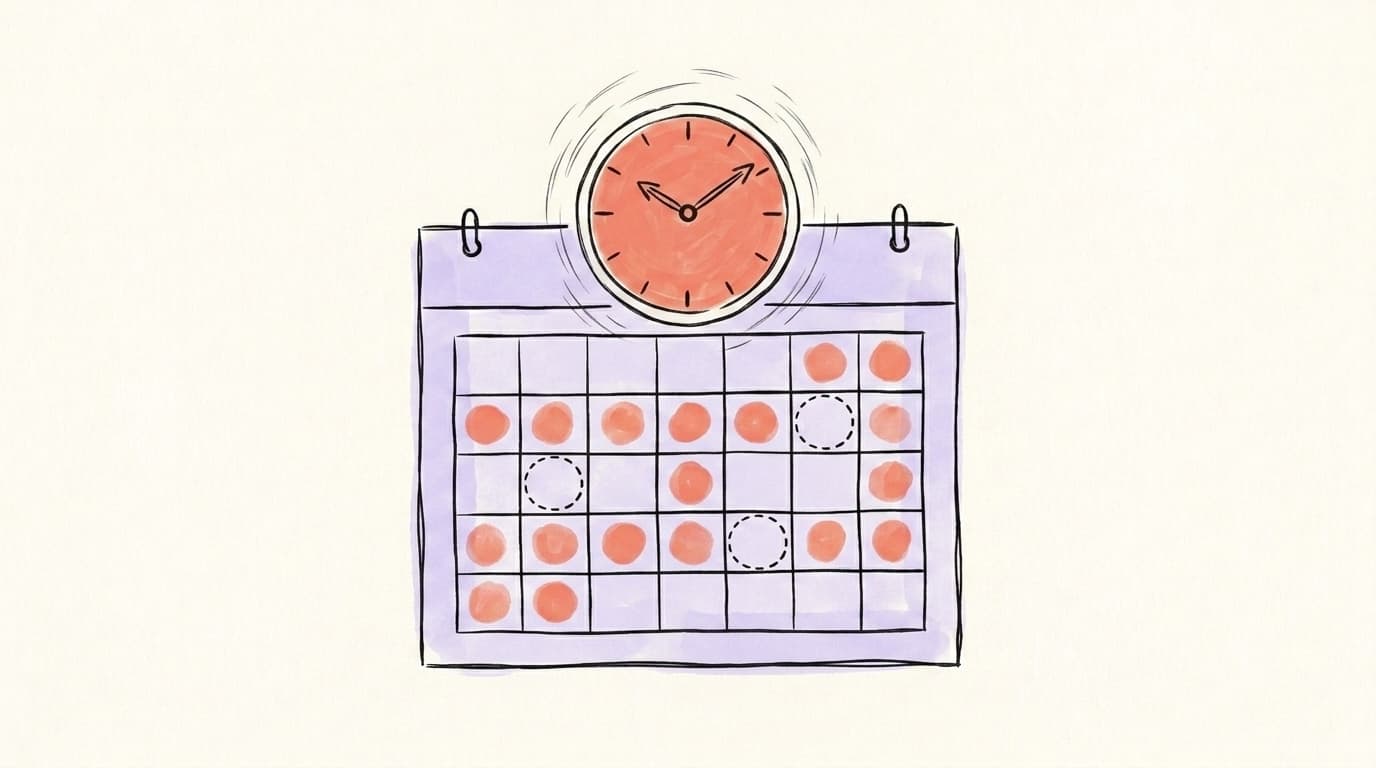
You check posting history by scrolling your profile and looking for two specific failures: gaps longer than 3 days, and clusters of low-effort posts. Posting frequency matters because inconsistency resets the momentum the algorithm builds around your account — every silence drops your baseline reach, and you have to climb back up the next time you post. Most accounts that grow consistently post once a day or more. Open your profile, look at the timestamps on your last 14 days of posts, and count. If you see a 3-day silence followed by three posts in one hour, that's a consistency gap and a binge — the worst possible pattern for the algorithm because it signals an inactive account that occasionally panics. The goal is steady output: one to three posts a day, replies in between, no week-long silences. If your history shows gaps, the fix is calendar-level, not post-level: batch a week of posts in one sitting and schedule them out.
Here's a quick walkthrough from Metricool covering the algorithm signals and cadence patterns that decide how your profile performs:
Are You Posting on Threads the Right Way Already?
You're posting on Threads the right way if four things are true: you publish 1–3 posts a day, you reply to other accounts more than you post, you mix formats (single-post hooks, multi-post threads, and image posts), and you respond to your own comments within the first hour. Mosseri's recurring advice to creators is that "the sum of all your replies is about as valuable as the sum of all your posts" — meaning replies aren't a side activity, they're half the strategy. If you're only broadcasting, your reach will plateau no matter how good your bio is. The "right way" also includes the basics: text posts up to 500 characters, a single image or short video for visual punch, and the long-form text attachment feature (up to 10,000 characters per Meta's Creators account) for posts that need depth. If you're missing any of those four, that's an audit fail to fix this week.
The four-part check:
- Volume — 1–3 posts a day, every day
- Reply ratio — at least 2x as many replies as original posts
- Format mix — single posts, threads, and visuals across the week
- First-hour responsiveness — you reply to your own comments while the algo is still scoring the post
If you want the full content playbook behind each of those, what works on Threads in 2026 breaks down format performance by post type.
How Do You Run This Audit Automatically With Postory?
You run the audit automatically by connecting your Threads account to Postory's Social Media Analyzer — there's no URL to paste — and it scores your profile across up to five dimensions: consistency, replies, content mix, profile, and timing, returning a /100 grade with ranked fixes in a few minutes. The manual audit in this post and the analyzer cover overlapping ground, but the analyzer removes the self-grading bias and pulls real numbers from your post history instead of asking you to eyeball them. It surfaces the highest-impact fixes for your specific account based on where you're scoring lowest, so you know whether to start with posting cadence, content variety, profile basics, or posting times. Most creators discover at least one blind spot they missed manually — usually a posting gap longer than they realized or a content mix that's heavier on one format than they thought. The analyzer works on Threads, X and Bluesky, so you can get a multi-platform read in the same session. Threads and Bluesky are audited through a connected account; on X you can also audit any public handle without connecting it — that run costs extra credits.
Run this audit automatically — connect your Threads account and Postory's analyzer scores it /100 in a few minutes. Every run costs credits: Postory is pay-as-you-go, with no subscription. Try the Social Media Analyzer and get your fix-list before your next posting cycle.
FAQ
Q: How long does a Threads profile audit take?
A manual audit using this 12-point checklist takes about 15 minutes if you go straight through without fixing things along the way. Save fixes for after the audit so you finish with a clear punch list. Running it through Postory's analyzer takes a few minutes: you connect your Threads account and get a /100 score with ranked fixes when the run finishes.
Q: How often should I audit my Threads profile?
Every 90 days at a minimum, plus any time you change your niche, launch something new, or notice a sudden drop in engagement. Quick checks on the pinned post and posting cadence can happen weekly — those are the items most likely to go stale fastest.
Q: Does my Threads bio have to match my Instagram bio?
Not anymore. Threads now lets you write a Threads-only bio that overrides the shared Instagram version, but the default is still synced. If your audiences differ between the two platforms, write a Threads-specific bio that speaks to who actually follows you there.
Q: What's the ideal posting frequency on Threads in 2026?
One to three original posts per day, plus 2–5x that volume in replies on other people's posts. Posting at least a few times a week is the minimum to keep the algorithm's account-level signals warm, but accounts that grow fastest sit at the higher end of the daily range and pair their original posts with consistent replies on other people's content.
Q: Should my Threads pinned post be my most recent post?
No — pin your single best-performing post or a deliberately-written intro post, not your latest. The pinned slot is the only post every profile visitor will see, so it should do work, not just show recency.
Q: How do I post on Threads from a desktop?
Go to threads.net, log in with your Instagram credentials, and click the "+" icon or "Start a thread" prompt to compose. Web posting supports the same 500-character limit, images, and video as the mobile app, and as of May 2026 the web version also supports direct messages for accounts in the rollout.
Q: Why isn't my Threads profile growing even though I post every day?
Daily posting alone doesn't trigger growth — the algorithm also weights engagement velocity (replies and likes in the first 30 minutes), reply ratio, and follower-relationship signals. If your profile fails the bio or pinned-post checks above, even strong content lands on a page that can't convert visitors into followers.
Q: Does the Threads algorithm penalize posting gaps?
Indirectly, yes. Long silences reduce your account-level activity signal and slow down how quickly your next post gets distributed. The algorithm doesn't issue a penalty in a punitive sense, but cold accounts get less initial reach when they post again than warm accounts do.
Related articles

How to See Likes on Threads: Who Liked Your Post
Tap the like count — not the heart — to see every account that liked your Threads post on iPhone, Android or web, and why your own likes stay private.
May 18, 2026
Threads Posting Frequency: How Often Is Too Often?
The honest, data-backed answer to how often you should post on Threads — by stage, by niche, and built so you don't burn out.
May 22, 2026
Cross-Post From X to Threads Without Losing Reach
Copy-pasting a tweet straight into Threads gets ignored on both. Here are the six edits that make one idea land natively on X and Threads.
May 22, 2026