

Threads Bio Ideas: 30 Examples That Hook Your Profile Visitor

Threads bios are capped at 150 characters and sync from Instagram, but Meta added two underused growth levers in 2025: up to 10 topic tags and up to 5 links. The bios pulling profile clicks today combine a clear identity, a specific value proposition, social proof, topics, and a single link — not Instagram-style emojis and vibes. Below: the 5-element framework, 30 niche examples, and how to A/B test your bio in 30 days.
If someone lands on your Threads profile, you have about two seconds to convince them to tap "Follow" instead of swiping back to feed. Most people waste that window writing their bio like an Instagram caption — three lines of emojis, a vague tagline, no link, no topics, no reason to stick around.
This guide is the fix. We'll cover what's actually different about Threads bios in 2026, the 5-element framework, 30 example bios across founder, creator, B2B, agency, and coach niches, and how to test which version of your bio actually converts profile visits into follows.
What's Different About a Threads Bio vs. Instagram or X?
A Threads bio is capped at 150 characters and synced directly from your Instagram bio — you cannot write a separate Threads-only bio inside the app. According to Meta's Instagram Help Center, the two profiles share that single 150-character field. For comparison, X allows 160 characters and Instagram captions go up to 2,200. The bio field itself is identical to Instagram's, which is why so many users just copy what was already there — and miss what makes Threads different.
Threads added two profile features in 2025 that Instagram doesn't surface the same way: profile topic tags (up to 10) and profile links (up to 5, added in May 2025). Meta says posts tagged with topics generally receive more views than those without; your profile topics share the same taxonomy, so picking ones that match what you actually post compounds the effect. That makes your topic picks part of growth strategy, not decoration. Treat the bio + topics + links as one connected unit, not three separate fields.
The cultural difference matters too. Threads users skew text-first and conversational. A bio that reads like a personal-brand pitch deck feels off; a bio that sounds like the way you'd introduce yourself at a meetup tends to land.
What Are the 5 Elements of a Threads Bio That Converts?
Every Threads bio that consistently converts profile visits into follows hits five elements in 150 characters or fewer. Drop any of them and the bio gets vague, salesy, or forgettable. The five are: identity (what you are in three words or fewer), value proposition (the specific outcome you help with or talk about), social proof or specificity (a number, a name, a credential — something concrete that filters out fakes), topics (your 10 profile tags, treated as discoverability not decoration), and link (the one URL that converts a follow into something more — a newsletter, a product, a free guide).
Most bios we audit are missing three of the five — usually the proof point, the topic tags, and a deliberate link order. The fix is not "add more emojis." It's adding the missing structural pieces in the right order, in the same 150 characters you already have, then layering on the topic and link fields Meta added in 2025.
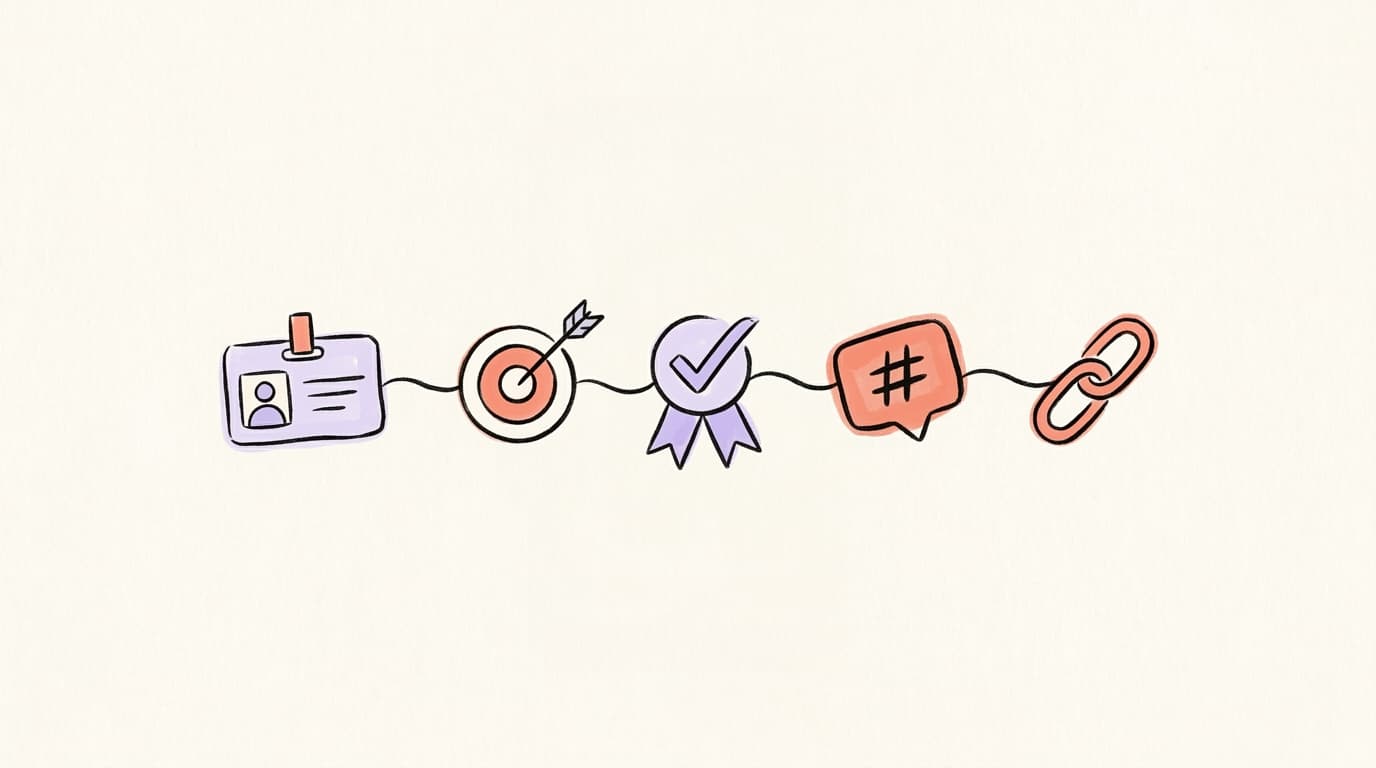
Here's the breakdown:
- Identity — Founder. Creator. B2B writer. Three words max. Don't bury the lead under metaphors.
- Value prop — What outcome do you help people get? "Helping SaaS teams ship 3x more content" beats "passionate about content marketing."
- Social proof or specificity — A number, client name, or credential. "ex-Stripe", "$2M ARR", "10K subscribers", "writing daily since 2023." One concrete fact does more than five adjectives.
- Topics (tags) — Add up to 10 from Threads profile settings. Mine your most-engaged posts for the tags Threads' algorithm already associates with you.
- Link — Pick one primary link. If you add 5, the first one is what most people will click. Make it count.
Grow on autopilot
Grow your account without the guesswork
Postory turns what works into a repeatable posting system across X and Threads — so you grow consistently.
What Are the Best Threads Bio Examples for Each Niche?
The bios below are templates — fill in the brackets with your specifics. Each one fits the 150-character limit and hits at least four of the five framework elements. A niche-specific bio works harder than a generic one because the proof point that lands with a founder audience (ARR, customer count, investor names) is different from what lands with a creator audience (subscriber count, newsletter cadence, podcast rank), and different again from what works for an agency (client roster, ad spend managed, case studies) or a coach (clients served, outcome timelines, credential). "Fill in the brackets" means swapping the placeholders for your real numbers and names — don't paste a template with the brackets still in it. Before you pick a bucket, ask: who is the visitor I'm trying to convert, and what one concrete proof point would make them trust me in two seconds? Then jump to the matching niche below. Pair the bio you pick with 5–10 relevant topic tags from your Threads profile settings and one primary link in position 1 — newsletter, product, free guide, whichever is closest to revenue or list-building for you right now.
The creator walks through 20 niches that are working on Threads right now — useful for picking which bio template below to start with:
Founder Bios (1–6)
- Founder of [product]. Helping [audience] [outcome]. Building in public, $[ARR] and climbing. ↓ free trial
- [Name] · Founder, [company]. We turn [problem] into [outcome] for [niche]. ex-[recognizable employer].
- Bootstrapping [product] to $1M ARR. Posting the wins, losses, and dashboards. ↓ this week's MRR
- Solo founder. [Product] — [one-line value prop]. 12K signups since [month]. DMs open.
- Building [product] for [audience]. We help [outcome] in [timeframe]. Featured in [recognizable outlet].
- CEO, [company]. Helping [B2B niche] [outcome]. Raised $[X]M. Writing about pricing, hiring, and pipeline.
Creator Bios (7–12)
- Writing about [topic] for [audience size] readers. Daily threads. New essay every Sunday. ↓ subscribe
- Content strategist → full-time creator. 50K across socials. Sharing the playbook week by week. ↓ newsletter
- I help [audience] [outcome] without [common objection]. 200+ posts. Free starter kit ↓
- [Niche] creator. Ex-[former job]. Writing the playbook I wish I had at 25. ↓ free templates
- [Topic] writer. 4 years in. Threads is my notebook — receipts and screenshots, not theories. ↓ archive
- Building a media brand around [niche]. Newsletter (8K), podcast (top 5 in [category]). ↓ all links
B2B / SaaS Bios (13–18)
- Head of Content, [company]. We help [niche] [outcome]. Sharing what's working in B2B content this week.
- Demand gen for SaaS. $0 → $10M ARR playbooks. Mostly threads, occasionally LinkedIn rants. ↓ free audit
- SaaS marketer at [company]. I post the experiments most teams don't talk about. ↓ this month's wins
- B2B copywriter. Clients include [recognizable names]. Booked through [month]. ↓ writing samples
- Product marketer · ex-[recognizable SaaS]. Sharing positioning, pricing, and launches. New post daily.
- Founder + GTM lead at [company]. Helping [niche] go from idea to first 100 customers. ↓ playbook
Agency Bios (19–24)
- We're [agency]. We do [specific service] for [niche]. 50+ clients shipped. ↓ case studies
- Creative studio for [niche] brands. We make [outcome] feel inevitable. ↓ portfolio
- Performance marketing agency. $40M+ ad spend managed. Sharing what's working this quarter. ↓ inquire
- Boutique [type] agency. 6 people, 30 clients, zero hiring plans. ↓ how we stay small on purpose
- Branding agency for [niche]. We rebuilt [recognizable client]. Now booking Q3. ↓ work
- Content agency. We turn one podcast into 30 posts a month. ↓ free repurposing teardown
Coach & Consultant Bios (25–30)
- Career coach for [niche, e.g. PMs in tech]. Helped 300+ get offers in 90 days. ↓ free roadmap
- Sales coach. 12 years at [recognizable company]. Now help founders close their first $1M. ↓ call
- Fitness coach for [niche, e.g. busy dads]. 90-day program, 2,000+ clients. ↓ start
- Executive coach for first-time managers. Frameworks > hacks. Weekly thread on people problems.
- Money coach. Helped clients pay off $4M in debt. Posting the spreadsheets that did it. ↓ free template
- Content coach for solo creators. From 0 → 10K in 6 months, twice. Now teaching the system. ↓ join
Which Threads Bio Mistakes Kill Profile Clicks?
The biggest reason bios under-convert isn't bad writing — it's structural mistakes that signal "ghost account" or "low-effort copy-paste from Instagram." When a profile visit fails to convert into a follow, it's usually because the bio answered the wrong question. Visitors want to know: who are you, what do you talk about, why should I trust you, and where do I go next? If your bio answers "what's your favorite emoji?" instead, they bounce in under two seconds and you never see them again. Here are the patterns that consistently lose follows, paired with what to do instead. Run your own bio against this list before you A/B test anything — there's no point testing wording variations on a bio that's missing an entire framework element. Fix the structural problems first, then optimize the wording inside each fixed element.
- Vague identity. "Writer. Thinker. Coffee lover." reads as filler. Replace with a specific identity tied to your work.
- No value proposition. If a stranger can't tell what outcome you help with, the bio is decoration.
- All emojis, no claims. Emojis are fine as separators. They are not a substitute for a sentence.
- No topics set. You're leaving the 10-tag discoverability slot empty. Free distribution, ignored.
- Five links, all equal weight. Most profile clicks go to the first link. Order them by what you actually want people to do.
- Borrowed from Instagram unchanged. Your IG bio was probably written for a different audience and intent. Audit it.
How Do You A/B Test a Threads Bio?
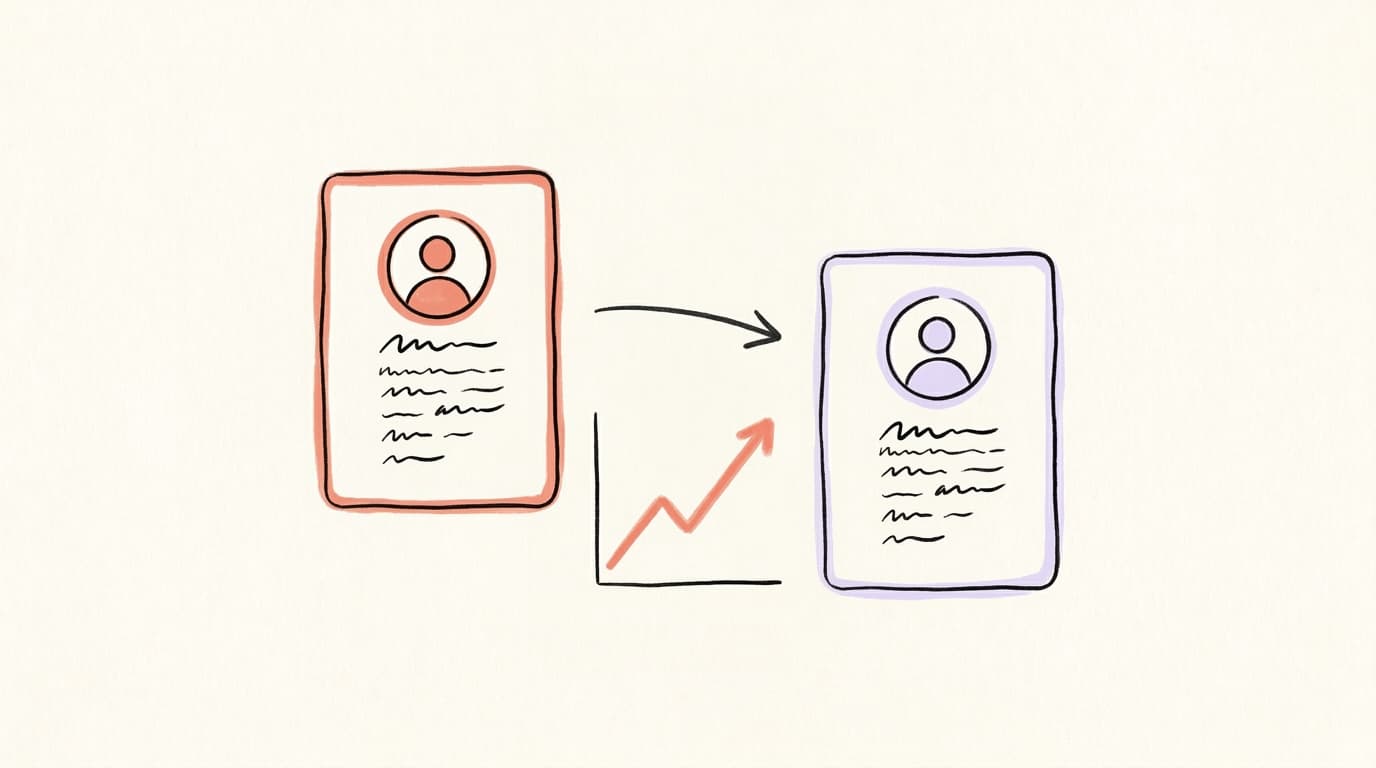
You don't need a fancy tool — you need a 30-day window and a notebook. Pick one variable to change per week (identity line, value prop, topic mix, link order), keep the rest of the bio frozen, and screenshot your profile views + follower count at the start and end of each week. Threads' built-in insights show profile visits and follows under the Insights tab on your profile, so there's no extra tooling required. The metric that matters is follows per 100 profile visits — your follow rate. In our experience auditing creator profiles, bios that hit all five framework elements tend to show a meaningful lift in follow rate over bios missing two or three elements. You won't know your own baseline until you measure it, which is exactly the point of Week 1 below.
A workable 30-day plan:
- Week 1 — baseline. Don't change anything. Record profile visits and follows. This is your control.
- Week 2 — rewrite the value prop. Make it specific. Same identity, same link, same topics. Compare follow rate to Week 1.
- Week 3 — update topics. Pull the 10 tags most aligned with your recent best-performing posts. Bio text frozen.
- Week 4 — link order. Move your single most important link to position 1. Watch click-through if you can.
After 30 days you'll have four data points on what actually moves the needle for your account — which beats copying a bio you saw on someone else's profile.
How Do You Connect Your Threads Bio to X and LinkedIn?
Since Threads, X, and LinkedIn are the three text-first platforms most creators and founders are showing up on, your bios should read like the same person — not three different people with three different value props. The fastest cross-platform identity check: write your identity line and value prop once, then paste them as the first 20 words of every bio. Adjust character limits as needed (X gets 160, Threads/IG get 150, LinkedIn headlines get 220), but the core identity stays identical across all three. If someone follows you on Threads, finds your X, and sees different positioning, you lose the cross-platform compounding effect. The fix isn't to copy-paste the same string into all three bios. It's to write the same promise in three platform-appropriate phrasings, and to use the same profile photo so visual recognition does some of the work.
How Do You Audit Your Threads Bio With AI?
Running your bio past another human is slow and the feedback is usually vibes-based. Running it through an AI profile analyzer is faster and the feedback is structural. A good analyzer grades your account across the dimensions that actually drive growth — how consistently you post, how much you reply, your content mix, profile clarity, and timing — checks character count, flags missing or off-niche tags, audits your link order, and ranks your fixes from highest to lowest impact. The point isn't to optimize for a score — it's to surface the structural problems you'd otherwise need a second opinion to catch, and to get them ranked so you fix the highest-leverage one first. Postory's Social Media Analyzer grades your X, Threads, or Bluesky profile across up to five dimensions — consistency, replies, content mix, profile, and timing — returns a /100 score, and ranks the highest-impact fixes; bio issues surface under the profile dimension. Every run costs credits: Threads and Bluesky are audited through a connected account, and auditing a public X handle instead costs extra.
Run Your Threads Profile Through Postory
Writing 30 example bios is the easy part. Figuring out which fixes will actually move your follow rate is the hard part. That's what we built Postory's Social Media Analyzer for — connect your Threads account, run it through, and get a /100 score with a ranked list of bio fixes in a few minutes. Once your bio is converting, Postory's AI post writing uses your tone and past posts as reference so every new Threads post sounds like the same author — visitors who land on your profile from a viral post recognize the person they followed.
Want to go deeper on what's actually working on the platform right now? Read what's working on Threads in 2026 next.
Try Postory — analyze your Threads bio, fix what's broken, then write the posts that bring profile visitors in.
FAQ
Q: What's the character limit for a Threads bio?
150 characters, same as Instagram. The bio is synced between the two apps — you can't have a separate Threads-only bio. Spend the limit on identity, value prop, and one proof point; let your topic tags and links carry the rest.
Q: How do I add topics to my Threads bio?
Go to your profile, tap Edit profile, then Profile topics. You can add up to 10. Pick tags that match what you actually post about — Meta's data says posts associated with topics get more views, so this is discovery-level free distribution.
Q: How many links can I put in my Threads bio?
Up to 5, as of Meta's May 2025 update. Most profile visitors only click the first one, so put your single most important link in position 1 — newsletter signup, free guide, product page — and treat the rest as secondary.
Q: Should my Threads bio be the same as my Instagram bio?
The text is the same field by default, but it doesn't have to read like an Instagram caption. Threads users skew text-first and conversational — drop the emoji-heavy aesthetic and write something a stranger can scan in two seconds.
Q: How often should I update my Threads bio?
Run a 30-day test cycle: change one element per week (value prop, topic mix, link order) and compare follow rate per 100 profile visits. Once you find a version that clearly beats your baseline, lock it for 60–90 days before touching it again.
Q: How do I post on Threads from my desktop?
Threads has a web version at threads.net where you can post the same way you would in the app — click the Post button, write up to 500 characters, attach media if you want, and publish. You can also schedule Threads posts ahead of time using Postory's social media scheduling if you'd rather batch your week in one sitting.
Q: Can I edit a post on Threads after publishing?
Yes — Threads added native post editing and extended the window to 15 minutes in late 2024. Tap the three dots on your post and select Edit to fix typos or rephrase before the edit option locks.
Q: Does my Threads bio affect what posts get distributed?
Indirectly, yes. Threads' algorithm uses your profile topics and recent post history to decide who sees your content. A bio that signals one clear niche — combined with topic tags that match that niche — tends to compound better than a bio that's "a little bit of everything."
Related articles
The 20 Best Hook Formulas for X, LinkedIn, and Threads
20 copy-paste hook formulas that stop the scroll on X, LinkedIn, and Threads — plus how to tune each one per platform.
Jun 16, 2026
Threads Monetization 2026: Does Threads Pay Creators?
No creator fund, no ad-revenue share, no tips: Threads doesn't pay directly in 2026. What brands actually pay, and the funnel creators use instead.
May 21, 2026
Do Hashtags Work on Threads? Yes, But Only One Tag
Threads doesn't have hashtags like Instagram — it has topic tags, and you only get one per post. Here's how to use them right in 2026.
May 21, 2026