
How to Repurpose Video Content (Turn One Video Into 10+ Social Posts)

Video is the best source content to repurpose because it's already dense with ideas, quotes, and structure. Transcribe it, extract 5-10 "moments," then rewrite each one for the platform you're posting to. One 20-minute video can cover a full week of content.
You already spent hours filming. The worst thing you can do is post it once and move on. This guide walks through exactly how to turn a video — yours or someone else's — into a week's worth of social posts that actually read like they belong on each platform.
Why Is Video the Best Source Content to Repurpose?
Video is the best source content to repurpose because every minute contains more usable material than any other format. A 20-minute talking-head video is roughly 3,000 words of script, 5-10 clear takeaways, a handful of quotable lines, and at least one or two emotional or funny moments. All of that is raw fuel for shorter content. Unlike a blog post, video also gives you a second layer — tone, facial expression, delivery — that translates well into clips and B-roll. And because you already thought through the argument when you recorded it, the hardest part of writing (figuring out what you actually believe) is done. Repurposing isn't "writing from scratch slower." It's unpacking content that already exists and reshaping it for places where your audience actually hangs out.
What video gives you that a blog post can't:
- Direct quotes in your own voice — great for LinkedIn or X posts where tone matters
- Short clips for Reels, Shorts, and TikTok without filming anything new
- A structure that's already been tested on a live or recorded audience
- Screenshots and thumbnails you can pull as static images
How Do You Turn a YouTube Video Into 10 Social Media Posts?
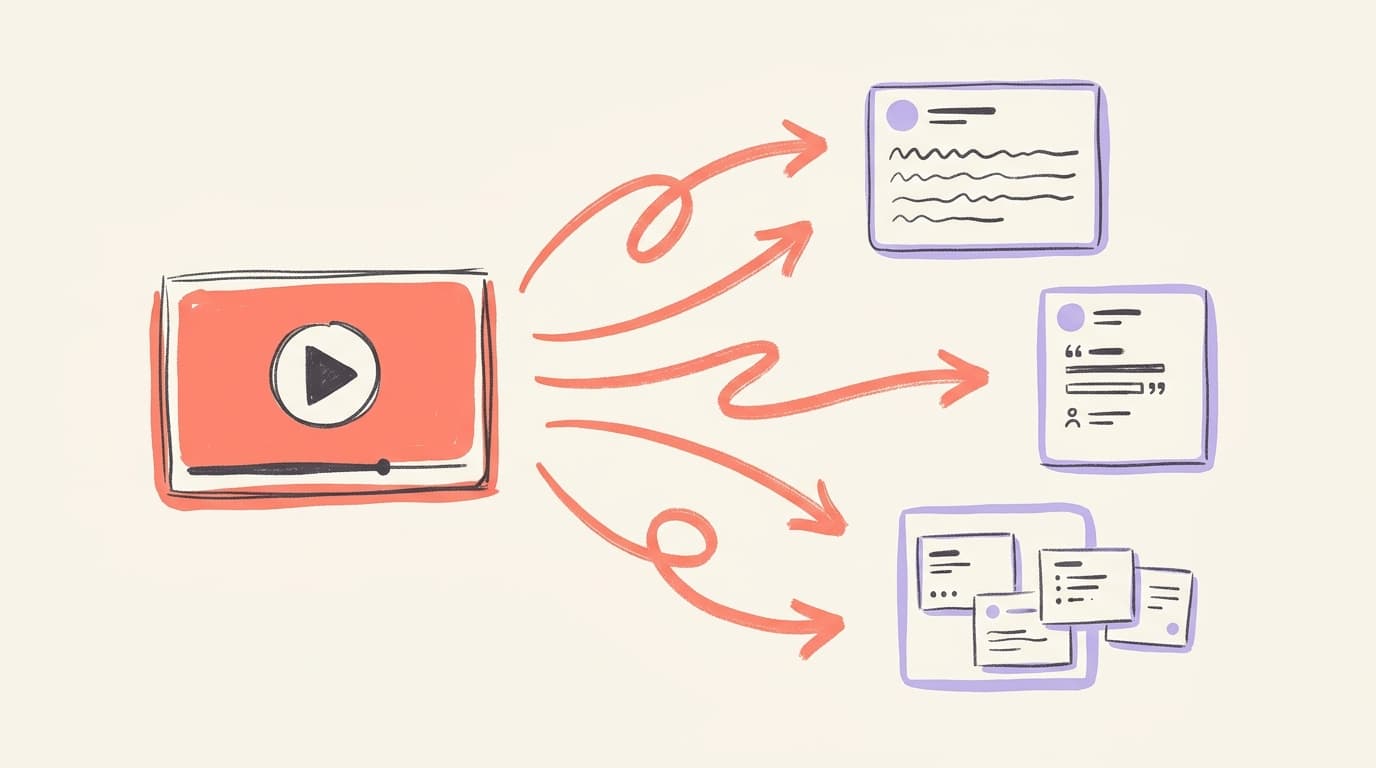
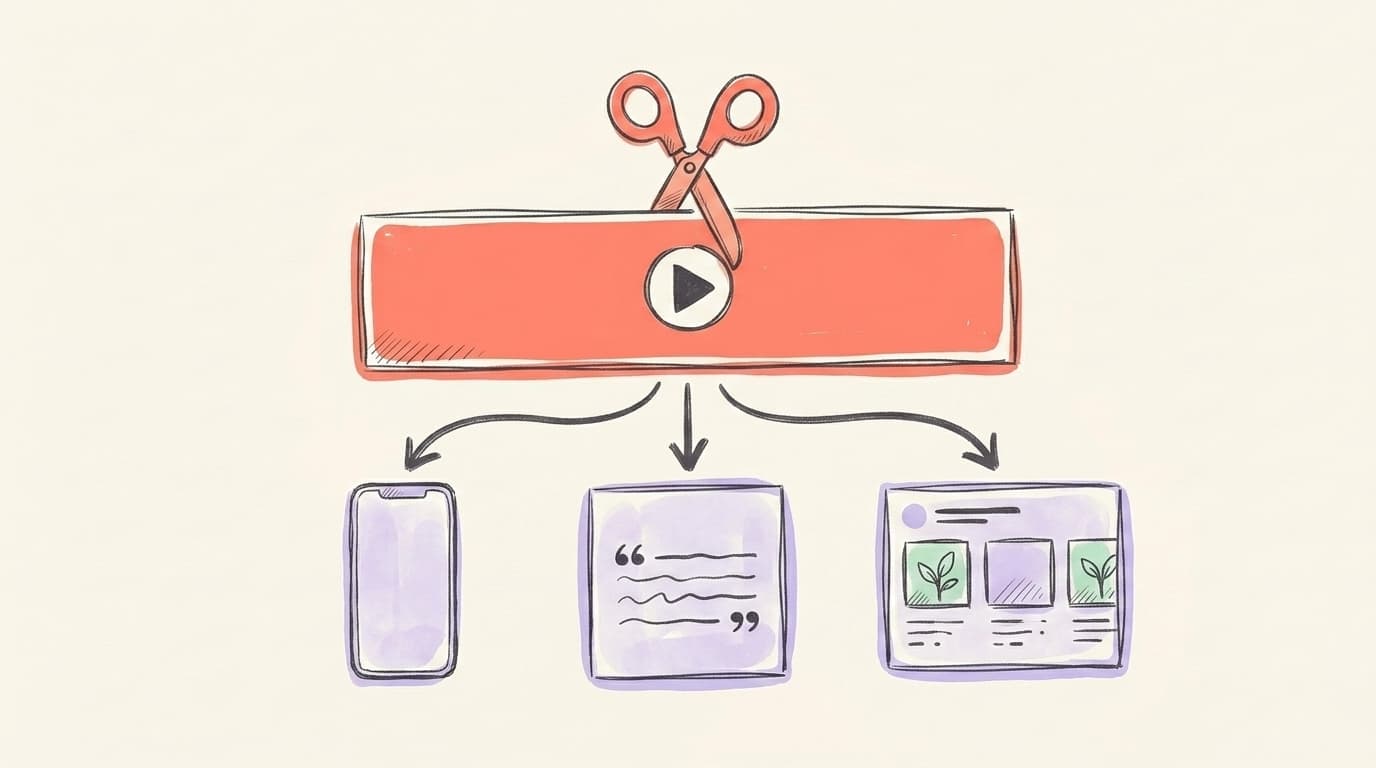
The fastest way to turn a YouTube video into 10 social media posts is to transcribe it first, then map each section to a different platform format. Start by running the video through a transcription tool — YouTube's built-in captions, Descript, or Otter all work. Skim the transcript and mark every sentence that reads like a standalone insight, question, or punchy line. In a 20-minute video you'll typically find 8-12 of these. Each one becomes the seed for a post. Don't try to cram the whole video into one tweet — that's cross-posting, not repurposing. Instead, treat every "moment" as its own piece of content and rewrite it for where it's going.
AI that learns your voice
Posts that actually sound like you
Postory's AI writes drafts in your voice — not generic AI mush — so you publish faster and still sound human.
Here's how one video maps to 10 posts:
- X/Twitter thread — the main argument in 6-8 tweets
- LinkedIn long post — one key lesson with a story around it
- LinkedIn carousel — the 5-step framework as slides
- Threads post — a hot take pulled from a controversial moment
- Short-form clip (Reels/Shorts/TikTok) — your best 45-second explanation
- Quote card — a single sentence as a graphic
- X single tweet — the spiciest one-liner
- LinkedIn poll — a question the video asks the audience
- Email newsletter blurb — the TL;DR with a link back to the video
- Blog post — the full transcript, cleaned up and subheaded
Here's a solid walkthrough of the actual chopping-up process from VEED Studio:
How Do You Turn a Webinar Into a LinkedIn Carousel and Thread?
Turn a webinar into a LinkedIn carousel and thread by treating the webinar as a skeleton and the social posts as fresh text written on top of it. Webinars are usually 45-60 minutes, which means they contain 3-5 "acts" — the hook, the main frameworks, the examples, the Q&A. For a LinkedIn carousel, pick one framework and turn each step into a slide: cover slide with the promise, one slide per step (5-7 max), one slide with the payoff, one CTA slide. For a thread — on X or Threads — pull the same structure but write it as text. Start with a hook line that states the problem, then walk through each step in one short post. End with what the reader should do next. The Q&A section is a goldmine: every question becomes a future post on its own. Don't waste it.
Carousel formula:
- Slide 1: The problem (question form works best)
- Slides 2-6: Steps, each with one sentence and one visual
- Slide 7: The result
- Slide 8: "Save this" + your name
Can You Go the Other Way — Short Clips Into Text Posts?
Yes, you can absolutely turn short-form video into text posts — this is called reverse repurposing and most people skip it. If you have a 60-second Reel or TikTok that performed well, the script for that clip is already a polished, punchy piece of writing. Paste the transcript into a doc, clean up the pauses, and you have the opening of a LinkedIn post or an X post ready to go. The performance data tells you the hook works. You just need to expand the middle. A 45-second Reel script is roughly 110 words — enough to become the opening of a 300-word LinkedIn post with two paragraphs of context. This is especially useful if you post a lot of short video but your LinkedIn feed is empty — the hard thinking is already done, you just need to rewrite in longer form. One Reel can become one LinkedIn post, one X post, and one Threads post in about fifteen minutes.
What Tools Do You Need for Transcribing and Repurposing Video?
You only need two or three tools for repurposing video content: a transcription tool, a platform-specific rewriting tool, and — if you want short-form clips — a clipping tool. For transcription, the options are simple — YouTube auto-captions (free, decent), Descript (paid, best editing), Otter (paid, best for live meetings), or Whisper if you want to self-host. Any of them will get you 95%+ accuracy on clean audio. For short-form video clipping, Opus Clip and Vizard auto-detect highlight moments. For rewriting the transcript into platform-native posts — captions, hooks, threads — you want something that understands the tone of each platform, not just a general chatbot. A generic chatbot prompt tends to flatten your voice into a bland LinkedIn-template rhythm and strip out the specifics that made the original video worth watching. That's where a purpose-built tool saves hours over generic prompting.
Minimum stack:
- Transcription: YouTube captions, Descript, or Otter
- Short-form clips: Opus Clip, Vizard, or manual with CapCut
- Text repurposing: Postory (YouTube URL → platform-ready posts) or ChatGPT with a saved prompt
What Does a Weekly Video Repurposing Workflow Look Like?
A good weekly video repurposing workflow follows a "record once, post everywhere" pattern and takes about 90 minutes total per video. Record or pick one long-form piece — a YouTube video, a podcast episode, a webinar, or even a meeting. Transcribe it the same day while it's fresh. Spend 20 minutes extracting moments into a simple spreadsheet: column A is the quote, column B is the platform, column C is the date you'll post it. Rewrite each moment for its platform (this is where an AI tool helps — platform tone is specific). Queue everything in your scheduler and let it run for the next 7-10 days. The next week, do it again with a new source video. You're building a flywheel where one hour of recording feeds a full week of posts.
How Does Postory Turn Videos Into Social Posts?
Postory takes a YouTube URL and turns it into platform-ready posts for LinkedIn, X, and Threads in a couple of minutes. Paste the link, and Postory pulls the transcript, finds the strongest moments, and writes each one in the voice of the target platform — short and punchy for X, narrative for LinkedIn, conversational for Threads. It's built on the exact workflow above, just automated. You can edit everything before publishing, so you stay in control of the final post. If you're already making video content and not repurposing it, this is the fastest way to start.
Try Postory free — turn any YouTube video into platform-ready social posts in a couple of minutes.
For the bigger picture on repurposing across formats (not just video), see our content repurposing guide. If you want to go deeper on the AI side, the AI content repurposing playbook covers prompts and workflows in detail.
FAQ
Q: How long does it take to repurpose a video into social posts?
With a transcript in hand, expect 30-60 minutes to produce 5-10 posts manually, or under 5 minutes with a purpose-built tool. The bottleneck is usually rewriting for platform tone, not finding the ideas — the video already has those.
Q: What's the difference between repurposing and cross-posting video?
Cross-posting is uploading the same video file to multiple platforms with no changes. Repurposing is reshaping the content — pulling quotes, clipping moments, rewriting into text — so each version feels native to the platform it's on. Cross-posting is lazy. Repurposing is leverage.
Q: Should I repurpose my own videos or other people's?
Start with your own, because you already own the rights and you know the context. Repurposing other people's videos as text posts is fine if you quote and credit them — but don't re-upload their clips without permission.
Q: How many times can I repurpose the same video?
A single 20-minute video can realistically fuel 10-20 posts across platforms. After that, diminishing returns kick in. The rule of thumb: if you're still finding fresh angles after post 10, keep going. If you're stretching, move on to a new source.
Q: What's the best video length for repurposing?
15-30 minutes is the sweet spot. Shorter than 10 and you don't have enough raw material. Longer than 45 and your transcript becomes hard to navigate. Podcasts and webinars are the exception — they're long by design, but the Q&A sections are the goldmine, not the whole thing.
Q: Can I repurpose video content using AI without it sounding generic?
Yes, but only if you feed the AI real source material (the transcript) and give it platform-specific instructions. Generic prompts produce generic output. Tools built specifically for social repurposing give better results than asking ChatGPT to "make this a LinkedIn post." Always edit the final version before posting.
Q: Does repurposing hurt SEO or reach?
No — if anything, it helps. Each platform lives on its own URL and domain (linkedin.com, x.com, threads.net), so search engines treat each version as separate content rather than a duplicate. Different angles of the same idea also reach different people across platforms. The only thing that hurts reach is reposting the exact same file with no adaptation.
Related articles
How to Use Content Repurposing Tools (And Which Ones Are Actually Worth It)
Content repurposing tools turn one piece of content into ten — but only if you pick the right one. Here's how to choose and use them.
Apr 26, 2026
How to Create Video Content for Social Media?
A practical 2026 guide to making social media videos that get watched, shared, and repurposed across LinkedIn, X, and Threads.
Apr 25, 2026
How to Cross-Post on Social Media?
A practical guide to cross-posting without tanking your reach — what to copy, what to rewrite, and which tools actually save time.
Apr 22, 2026