
AI Content Repurposing: How to Turn 1 Post Into 10

AI content repurposing turns one piece of content into 10+ platform-ready posts in minutes instead of hours — but only if you go beyond "paste into ChatGPT." Here are 5 workflows that actually work, what AI still gets wrong, and how to pick the right tool.
You wrote a great blog post. It performed well. And then... it sat there. One URL, one format, one platform.
Meanwhile, that post contains 3 X threads, a handful of Threads conversation starters, a Bluesky take, and a newsletter section. The ideas are already there — you just need to extract and reshape them. That's AI content repurposing, and it's the single biggest efficiency lever most content teams aren't pulling.
If you are rebuilding each platform's version of a post from scratch, repurposing can reduce that repeated work — and the workflow below is how to run it.
How AI Actually Repurposes Content
Let's be clear about what AI repurposing is not: copying your blog post into ChatGPT and asking for "a shorter social version." That gives you a watered-down summary that sounds like every other AI-generated post in the feed.
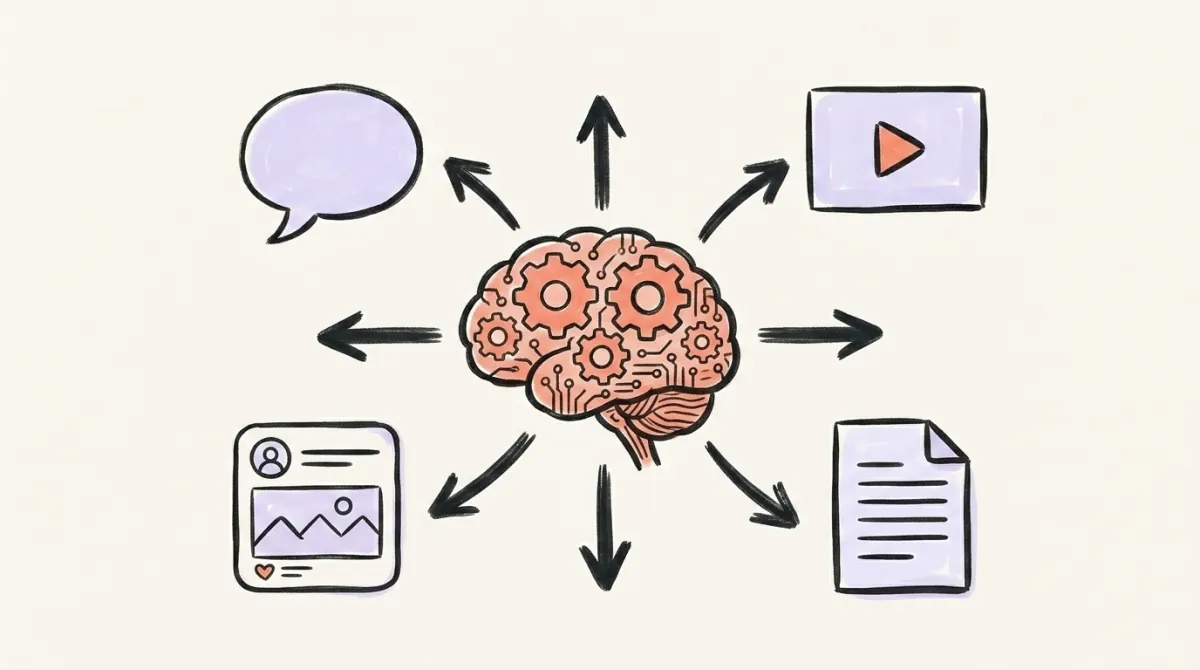
Real AI content repurposing involves three distinct capabilities:
Format conversion — restructuring a 2,000-word article into a threaded X breakdown, a conversational Threads take, or a short Bluesky post. Each format has different structural rules, and good AI tools handle these natively rather than just truncating.
Tone shifting — your blog voice is probably semi-formal and thorough. X rewards sharp, concise takes. Threads rewards casual authenticity. Bluesky rewards niche, community-native framing. AI handles these shifts in seconds, where manually rewriting for tone can take 15-20 minutes per platform.
Variation generation — one insight can become 5 different posts, each with a different hook, angle, or emphasis. AI generates these variations instantly, giving you options to pick from rather than one take-it-or-leave-it draft.
The key difference between "paste into ChatGPT" and a proper AI repurposing workflow? Context. Good tools understand your brand voice, your platform requirements, and the structural rules that make content perform on each channel. Generic prompting ignores all of that.
The Numbers Behind AI Repurposing
The efficiency gains are real — and the adoption gap is even more telling:
- Only 35% of marketers actively repurpose content across channels (HubSpot, 2026)
- 49.4% of marketing teams reuse the same content across platforms, while 39.5% tailor it for each one (HubSpot, 2026)
- 94% of marketers plan to use AI for content creation in 2026 (HubSpot, 2026)
- Teams using AI for repurposing typically create adapted content in minutes rather than the 2-3 hours manual reformatting takes
AI that learns your voice
Posts that actually sound like you
Postory's AI writes drafts in your voice — not generic AI mush — so you publish faster and still sound human.
A single blog post takes 4-6 hours to write. Manually adapting it into 5 platform-specific posts takes another 2-3 hours. With AI, that adaptation drops to 15-30 minutes — and you get more variations to test.
5 AI Repurposing Workflows That Actually Work
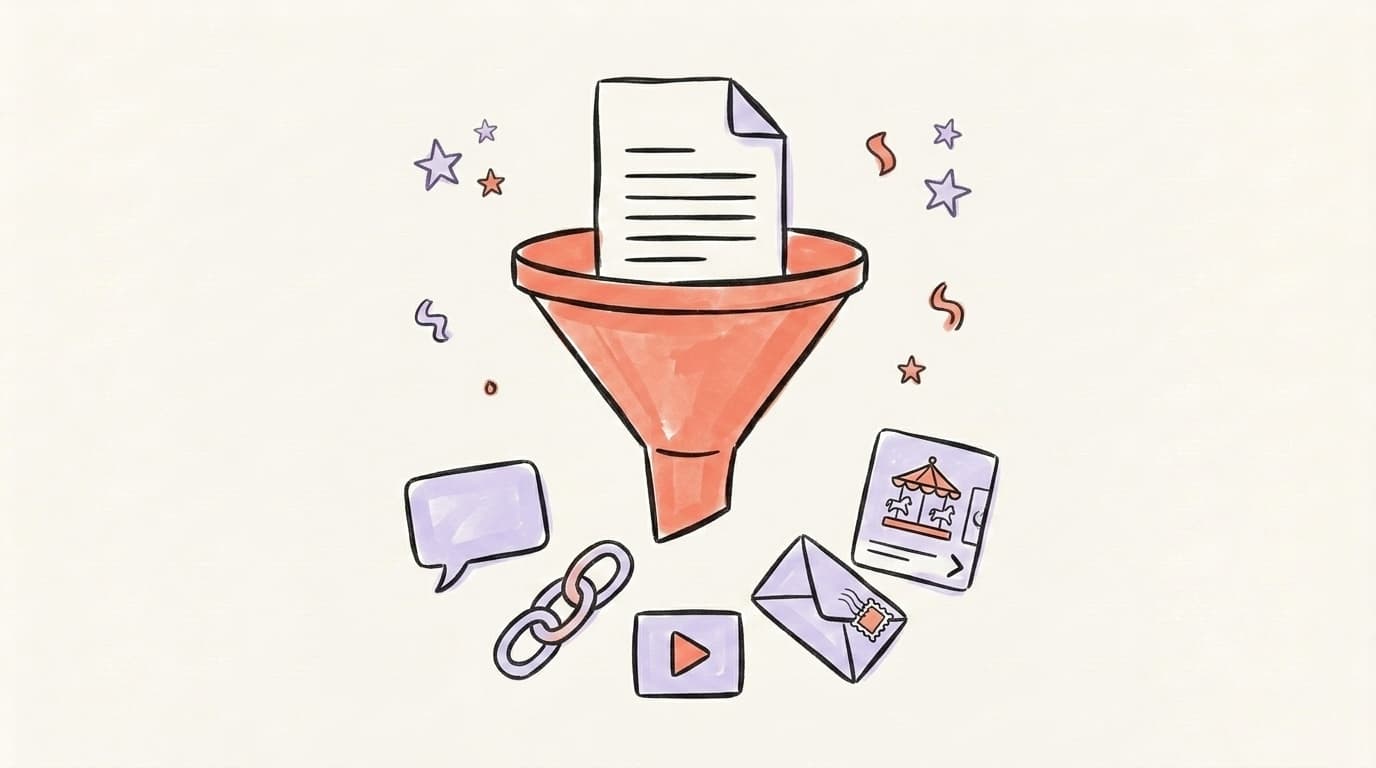
These aren't theoretical. Each workflow maps to a real content type and produces platform-ready output. Here's a great walkthrough of a real AI content workflow from HubSpot:
1. Blog Post → Social Posts Across Platforms
The most common starting point. Feed a published blog post into your AI tool and generate:
- 3-5 Bluesky posts — each pulling a different insight, with a hook-payoff structure
- 1-2 X threads — one breaking down the key framework, one sharing the most surprising data point
- 2-3 Threads posts — conversational takes that invite replies ("here's something I've been thinking about...")
One 2,000-word post typically yields 8-12 social pieces. That's a week of content from something you already wrote.
2. YouTube Video → Multi-Format Content
Video is the richest source material because it contains things you'd never write — off-the-cuff insights, natural storytelling, and energy that translates well to social.
AI transcribes the video, then extracts: key quotes for standalone posts, step-by-step breakdowns for threads, and surprising moments that grab attention. A 20-minute video easily produces 10+ social posts plus a blog summary.
3. Podcast Episode → Newsletter + Social Snippets
Podcast conversations are gold for content repurposing because the conversational format surfaces insights differently than writing. AI transcribes the episode, then pulls out:
- 2-3 quotable moments — punchy 1-2 sentence takes that work as standalone X or Bluesky posts
- 1 newsletter section — a key insight expanded into 200-300 words for your email audience
- 1-2 Threads conversations — "I was talking to [guest] and they said something that stuck with me..."
A 45-minute episode typically yields 5-8 pieces of content, each with a different angle on the conversation.
4. Data and Reports → Stat Posts + Insights
If you publish original research, reports, or even internal data worth sharing — AI turns dry numbers into engaging content:
- Bold claim posts for X — "We analyzed 10,000 posts and found that..."
- Single-stat tweets for X — one surprising number with a sharp one-line take
- "Here's why this matters" takes for Threads — contextualizing the data in a conversational way
One report with 5 data points gives you 10-15 social posts. Numbers stop the scroll — especially when paired with a strong opinion about what they mean.
5. Customer Stories → Case Study Posts
Real customer outcomes are the most persuasive content you can create. AI helps reshape a full case study into bite-sized social proof:
- Before/after snapshots — "They went from X to Y in Z weeks"
- Specific result callouts — pull the most impressive metric into a standalone post
- "Here's how they did it" narratives — 3-5 step breakdowns of the customer's process
These posts convert better than tips or thought leadership because they're proof, not promises. One case study can fuel a week of high-trust content across all three platforms.
What AI Gets Wrong (and What Still Needs You)
AI repurposing isn't autopilot. Here's where it consistently falls short:
Generic brand voice. Most AI tools default to the same bland, corporate-friendly tone. Unless you train the AI on your specific voice — with examples of your writing, your vocabulary, your personality — the output sounds like everyone else's. The tool should let you define or demonstrate your brand voice, not just pick "professional" from a dropdown.
Platform nuance is still rough. AI knows a Threads post reads differently from a tweet. But it doesn't know that X engagement drops if you use more than one hashtag, that Threads rewards genuine conversation over polished takes, or that a post repeated verbatim across accounts can end up showing as content not available on Threads. You need to guide the platform-specific details.
Over-repurposing kills engagement. If your X, Threads, and Bluesky followers overlap (and they probably do), they'll notice when you post essentially the same thing everywhere. Good repurposing changes the angle, not just the format. AI generates the variations — you pick the ones that feel genuinely different.
No strategic judgment. AI can repurpose anything. But should it? Your bottom 80% of content isn't worth repurposing — start with your proven winners. AI can't judge what resonated with your specific audience. That's your job.

How to Pick the Right AI Repurposing Tool
Not all content repurposing tools handle AI the same way. Here's what separates the useful ones from the generic:
- Brand voice training. Can you feed it examples of your writing style? Tools that learn your voice produce dramatically better output than those relying on generic prompts.
- Multi-platform output. Does it generate for X, Threads, and Bluesky natively, with platform-specific formatting? Or does it dump one generic version you have to manually adapt?
- Source format flexibility. Blog posts, videos, podcasts, raw notes — the best tools accept whatever your source content is and work from there.
- Built-in scheduling. Repurposing and distribution should live in the same workflow. If you generate 10 posts but then have to manually copy them into a separate scheduler, you're losing half the efficiency gain.
Start AI Repurposing with Postory
Postory is built for exactly this workflow. Drop in a blog post, YouTube video, or any source content, and the AI writing engine generates platform-perfect posts for X (formerly Twitter), Threads, and Bluesky — each adapted to that platform's tone, length, and format.
Your posts are ready to schedule across all platforms from one dashboard, or publish instantly to every channel at once. One source, every platform, zero manual reformatting.
Try Postory free — repurpose your first piece of content in under 2 minutes.
FAQ
Q: What is AI content repurposing?
Using AI tools to automatically adapt one piece of content into platform-specific formats — handling structure, tone, and length for each channel so you don't manually rewrite for X, Threads, and Bluesky separately.
Q: How is AI repurposing different from just copy-pasting?
Copy-pasting puts the same text everywhere. AI repurposing restructures the content for each platform's norms — shorter and punchier for X, conversational for Threads, community-native for Bluesky. The core idea stays the same, but the delivery changes completely.
Q: Does AI-repurposed content hurt SEO?
No. Social posts and blog articles are different formats on different platforms. Search engines don't penalize cross-platform repurposing. In fact, repurposed content often drives more traffic back to the original, which can improve its search performance.
Q: How many posts can AI generate from one piece of content?
A single long-form piece typically produces 8-12 social posts: 1-2 X threads, 3-5 standalone X and Bluesky posts, 2-3 Threads conversations, plus newsletter snippets and carousel concepts. The exact number depends on how many distinct insights the source contains.
Q: Should I publish AI-repurposed posts without editing?
Always review before publishing. AI handles the structural work well, but you should add personal touches, verify any claims or data points, and make sure each post genuinely fits your voice. Think of AI output as a strong first draft, not a final product.
Q: What type of content works best for AI repurposing?
Long-form content with multiple distinct points — how-to guides, listicles, frameworks, interviews, and case studies. A post with 7 tips naturally gives you 7 individual social posts. Short, single-point content doesn't have enough material to repurpose meaningfully.
Q: How often should I repurpose content with AI?
Make it part of every content workflow. Every time you publish a blog post, record a video, or ship a newsletter, run it through your AI repurposing tool immediately. Batch the outputs and schedule them across 1-2 weeks so each post feels fresh to your audience.
Q: Can AI maintain my brand voice when repurposing?
It depends on the tool. Generic AI tools produce generic output. Tools that let you train on your existing content, define your voice, or provide writing examples produce much better results. Look for a tool with brand voice customization, not just tone presets.
Related articles
What Is the Best AI Facebook Post Generator?
We tested the top AI Facebook post generators in 2026 — here's which one actually writes posts worth publishing (and which ones waste your time).
Apr 23, 2026
AI Instagram Post Generators: 8 Tools Compared (2026)
Eight AI Instagram post generators compared on caption quality, image output, price and free tiers — and which one to pick for your use.
Apr 23, 2026
What Is the Best AI Social Media Post Generator?
We tested 10 AI social media post generators. Here's which tool actually wins for multi-platform use, free use, visuals, and small teams in 2026.
Apr 21, 2026