
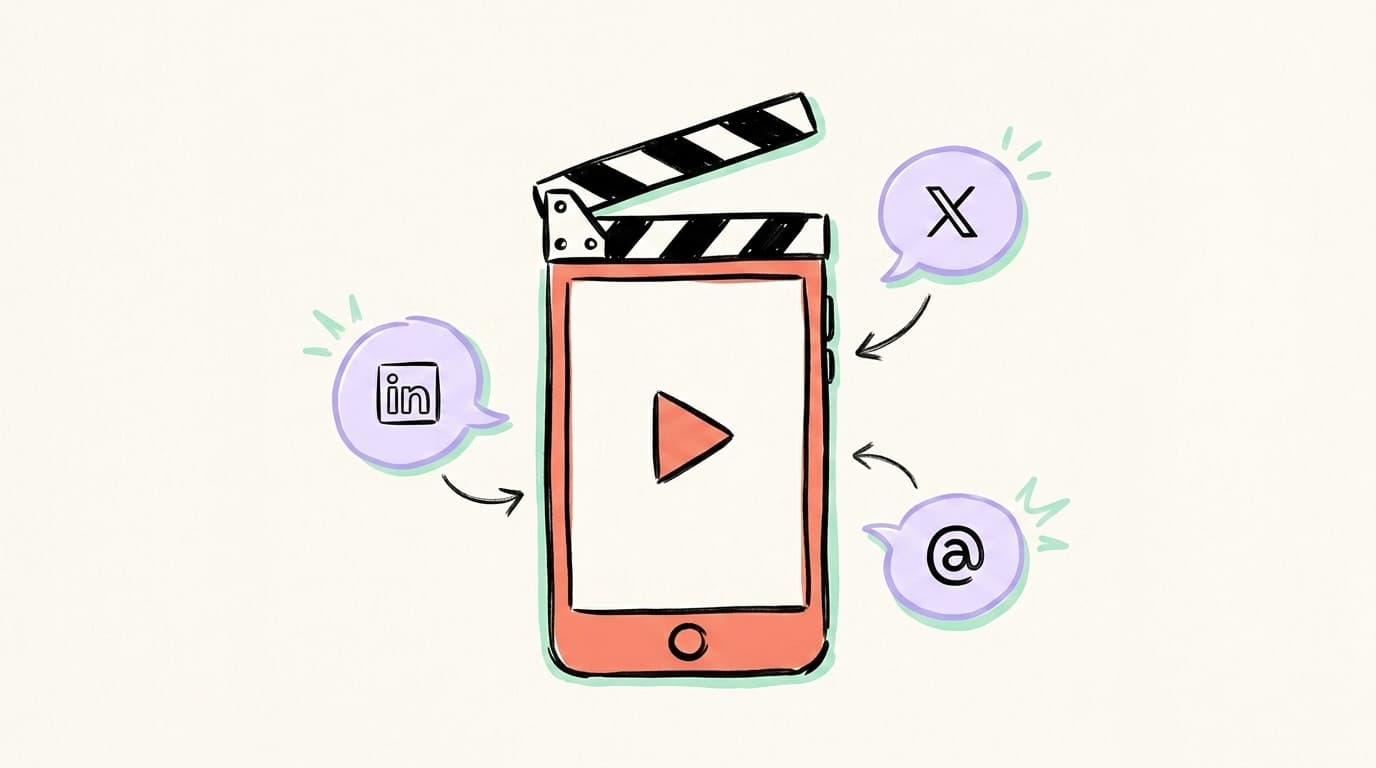
How to Create Video Content for Social Media?

To create video content for social media in 2026, shoot vertical 9:16 with your phone, hook viewers in the first 2 seconds, keep most clips under 60 seconds, add captions, and repurpose every video into 5–10 text posts so one shoot fuels a week of content.
If you're trying to figure out how to create video content for social media without burning ten hours per clip, you're in the right place. Video now drives more shares than text and image posts combined — WordStream's widely-cited roundup pegs the gap at 1,200% more shares — and short-form clips consistently outperform static formats on engagement. This guide covers the formats, tools, ideas, and AI workflow that actually work in 2026, with a heavy bias toward speed.
Why Does Video Dominate Social Media in 2026?
Video dominates social media in 2026 because every major platform — LinkedIn, X, Threads, Instagram, TikTok, YouTube — has retooled its feed around watch time, and watch time is the only metric that scales across them all. A still image is read in under two seconds; a vertical clip can hold attention for thirty. That extra dwell time is what algorithms reward, and it compounds: Socialinsider's 2026 Social Media Benchmarks put TikTok's average engagement rate at 3.70%, up 49% year over year, while Facebook's overall engagement rate has flatlined at 0.15%. On LinkedIn, Visla's 2026 analysis reports native video generates up to 2× more engagement than text-only posts. The takeaway: if you're posting only text or images, you're competing for the smaller share of feed attention. Adding even one weekly video unlocks the biggest distribution lever each platform has.
What Are the Main Types of Social Media Videos?
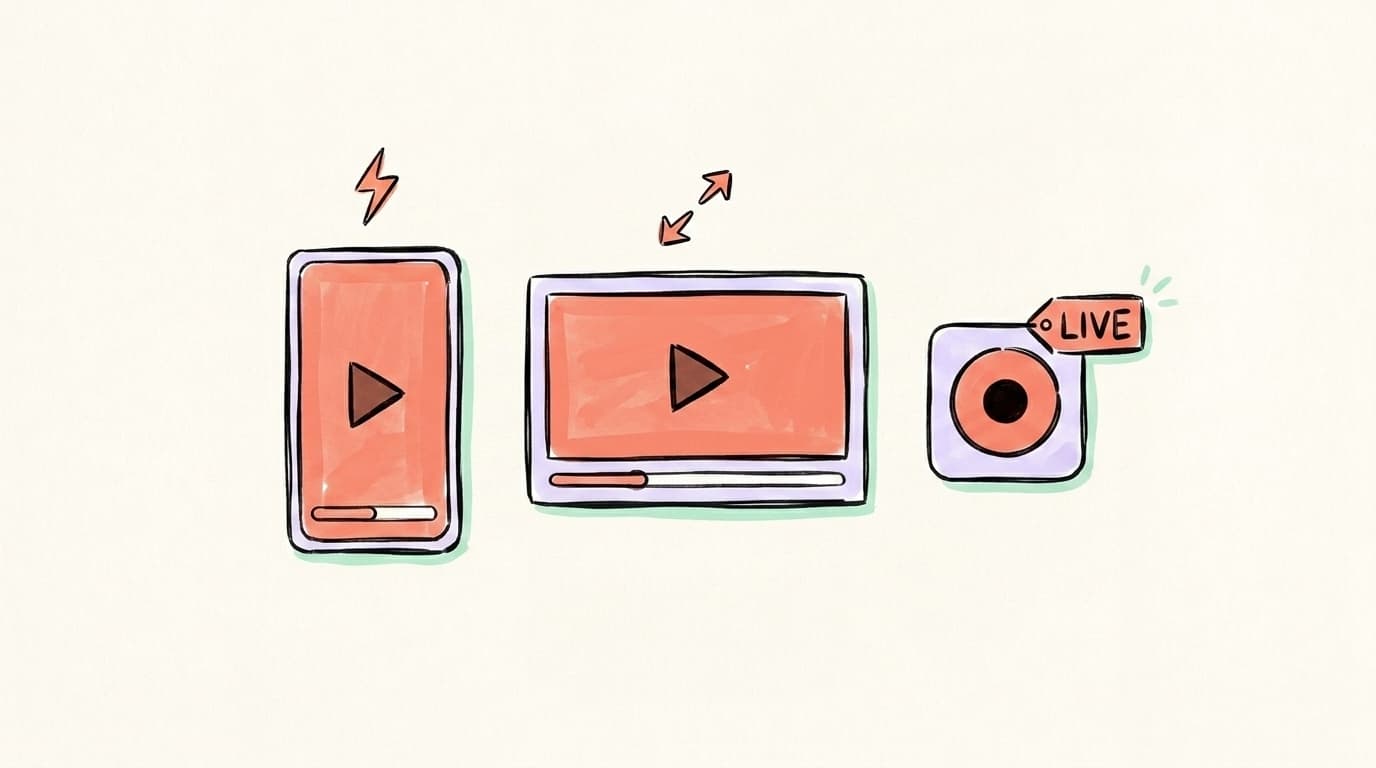
There are three main types of social media videos in 2026: short-form (under 60 seconds, vertical, scroll-native), long-form (2–15+ minutes, usually landscape, built for retention), and live (real-time streams or AMAs). Most creators win by leading with short-form for reach, anchoring with a long-form pillar for trust, and using live sparingly for community moments. Granite River Studios' 2026 breakdown notes that channels mixing Shorts with long-form consistently outgrow single-format channels, because each format does a different job. Short-form introduces you to strangers; long-form converts them into fans, and live deepens the relationship with the fans you already have. Don't pick one — sequence them. A single 10-minute long-form interview can yield six to ten short clips, a transcript-based LinkedIn post, three X threads, a quote card for Threads, and a live recap session a week later. That's the content leverage modern creators actually run on, and it's why "video strategy" in 2026 means a system, not a single clip.
One idea, every platform
Turn one post into a week of content
Write once and let Postory reshape it for X and Threads — each tuned to how that platform actually reads.
Short-Form Video (Reels, TikTok, Shorts, vertical LinkedIn clips)
15–60 seconds, vertical 9:16, hook-first. This is where reach lives. Best for tips, hot takes, behind-the-scenes, and pattern-interrupt hooks.
Long-Form Video (YouTube, podcasts, LinkedIn 2–10 min)
2–15+ minutes, landscape or vertical depending on platform. Best for tutorials, interviews, deep explainers — the stuff that builds authority and feeds your repurposing pipeline.
Live Video (LinkedIn Live, X Spaces with video, IG Live)
Real-time. Best for launches, Q&As, and audience-building events. Attendance is usually small; the real value is the recording you slice afterward.
What Equipment and Tools Do You Actually Need?

For social media video in 2026, you need one phone, one cheap tripod, decent natural or ring light, and a clip-on lavalier mic — total cost under $80 and good enough to compete with creators using $5,000 setups. Audiences in 2026 explicitly prefer authentic, lower-fidelity content over over-produced brand work; Adobe Express's social video guide calls authenticity the dominant 2026 trend, and Sprout Social's 2026 strategy guide reports 52% of consumers prioritize short-form under 60 seconds. Don't buy a mirrorless camera, a gimbal, or studio lighting until your output volume justifies it. The list that actually matters: phone (any model from the last three years), tripod with phone mount (pick one that reaches eye level), lavalier or wireless mic (audio quality is the single biggest credibility upgrade), and a free editor like CapCut or Descript. Add captions on everything — most viewers watch muted, and captions also fuel transcripts you'll repurpose later.
What Should You Post on Each Platform?
What you post depends on the platform's native rhythm — the same video reformatted for each place will outperform one master video copy-pasted everywhere. Sprout Social's video marketing guide calls platform-native content the highest-leverage choice in 2026, because each algorithm rewards different signals: hook speed on TikTok, dwell time on LinkedIn, conversation depth on Threads, replay rate on Reels. Build one core idea per shoot, then cut and rewrite it for each surface — a 60-second LinkedIn version with a strong opinion, a 20-second TikTok version with a punchy hook, a casual two-paragraph Threads version that sounds like you talking to a friend. The ideas overlap; the framing, length, and opening line do not. Below are the formats that are working right now per platform — pick two or three and stay consistent rather than spreading thin across all six. A focused presence on LinkedIn, X, and Threads will out-grow a half-hearted presence on every platform every time.
LinkedIn Video
Sweet spot is 30–90 seconds for discovery, 1–3 minutes for warm audiences, per Visla's 2026 LinkedIn report. Lead with a strong opinion, walk through one tactical insight, end with a question. "Edutainment" — educational content with a personality — is what LinkedIn's algorithm favors right now.
X / Twitter Video
Native video clips up to 2 minutes 20 seconds work well embedded in threads. Use video as the hook tweet — a 15-second pattern interrupt — then expand the argument in text replies. Don't link to YouTube; X suppresses external-link reach.
Threads Video
Threads video is still maturing. Conversational, lower-production clips with a strong opening line outperform polished brand spots. Treat it like an X variant with a more casual voice.
TikTok and Reels
15–30 seconds is the sweet spot for completion. Hook in 2 seconds, deliver one idea, end with a soft loop or callback. Captions on, vertical, no logo bug — feels like content, not an ad.
YouTube (Shorts and long-form)
Shorts under 60 seconds for top-of-funnel; long-form 8–15 minutes for evergreen authority. Loopex Digital's 2026 YouTube Shorts roundup puts YouTube Shorts average engagement around 5.91% — one of the highest reach-per-effort ratios on the internet right now.
How Do You Repurpose One Video Into 10 Social Posts?

You repurpose one video into 10 social posts by treating the original as a "pillar" — usually a long-form interview, tutorial, or talking-head explainer — and slicing it into platform-native derivatives instead of reposting the same clip everywhere. The standard repurposing tree from one 10-minute video looks like this: 4–6 short-form vertical clips (one per key insight), 1 LinkedIn carousel of the main framework, 2 X threads built from the strongest argument and the strongest counter-argument, 1 quote card for Threads or Instagram, and 1 long-form text post that summarizes the whole video. That's roughly 10 posts from one shoot. The trick is writing the script in "modular" blocks so each insight stands alone — you'll thank yourself at editing time. For a deeper walkthrough, see our guide to repurposing video content and the broader content for social media playbook.
Video Editing Tips for Non-Editors
Editing tips for non-editors come down to four moves: hook hard in the first two seconds, cut every silent gap, add big readable captions, and stop on a strong final frame. Most "edit" time is just removing dead air, not adding effects. Tools like CapCut, Descript, and Opus Clip will auto-trim filler ("um," "uh," long pauses) and auto-caption a 10-minute talking head in under five minutes. Don't add transitions, zooms, or sound effects unless they earn their spot — overuse reads as "AI slop," and many viewers in 2026 now scroll past anything that feels generated. Match aspect ratio to platform: 9:16 for TikTok, Reels, Shorts, and vertical LinkedIn; 16:9 for YouTube long-form; 1:1 sometimes works for feed posts on LinkedIn and X. Keep your face well-lit, your audio clean, and your cuts tight enough that there's never a one-second gap of silence. That covers about 90% of what makes a video look "professional," and the other 10% comes from doing it consistently for months until your eye improves.
Modern Millie has a tight 25-minute walkthrough on filming and editing aesthetic short-form content that covers the practical setup most non-editors miss:
How to Turn Video Transcripts Into Text Posts With AI
The fastest 2026 workflow for turning videos into text posts is: export the transcript, paste it into an AI tool with a platform-specific prompt, and post the rewrites — the same source line becomes a punchy LinkedIn opener, a 6-tweet X thread, and a casual Threads reply. The trick isn't the tool — it's the prompt. For LinkedIn, ask for a hook plus three insights plus a CTA, written in your voice. For X, ask for an 8–12 tweet thread with a strong opener and one stat per tweet. For Threads, ask for a casual two-paragraph version that sounds like you talking to a friend. Don't post the AI output raw — read it once, cut anything that sounds generic, and add one specific number or example from your video. That last 30-second human pass is what separates content from filler. Tools like Descript, Castmagic, and Postory's AI post writing generate platform-aware drafts directly from a transcript or paste, so the only thing left is that human pass.
Repurpose Your Videos Into Posts With Postory
If you've made it this far, you already know the bottleneck isn't filming — it's turning each shoot into the 5–10 posts that actually drive reach across LinkedIn, X, and Threads. That's exactly what Postory is built for. Drop in a transcript, an idea, or a video summary; Postory generates platform-native drafts for LinkedIn, X, and Threads with AI post writing, then lets you schedule them across all your accounts from one place via multi-platform publishing.
Try Postory free — repurpose your videos into LinkedIn, X, and Threads posts with AI, and ship a week of content from a single shoot.
FAQ
Q: How long should social media videos be in 2026?
Short-form: 15–30 seconds is the sweet spot for completion on TikTok, Reels, and Shorts. LinkedIn: 30–90 seconds for cold reach, 1–3 minutes for existing audiences. YouTube long-form: 8–15 minutes for evergreen authority. Always start with the strongest hook in the first 2 seconds — drop-off is steepest there.
Q: Do I need a fancy camera to make social media videos?
No. A phone from the last three years, a $20 tripod, decent light, and a clip-on lavalier mic will outperform an expensive setup with bad audio. Audiences in 2026 explicitly prefer lower-fidelity, authentic content over over-produced brand work, so don't over-invest in gear before you've nailed your format.
Q: What's the best video format for LinkedIn?
Native vertical or square video, 30–90 seconds, with on-screen captions and a strong opening line. LinkedIn's algorithm rewards dwell time, so front-load the most interesting point. Avoid external links in the post body — they suppress reach. Drop the link in the first comment instead.
Q: How often should I post video content?
Two to four short-form videos per week per platform is a sustainable starting cadence for most creators. Posting daily is only worth it if you have a repurposing system that doesn't require you to film daily. Consistency beats volume — the algorithm rewards regular signals.
Q: Can I post the same video on every platform?
You can, but it'll underperform. Each platform rewards different signals: TikTok wants fast hooks, LinkedIn wants dwell time, Threads wants conversational tone. Re-edit the same source clip per platform — different captions, different aspect ratios, different opening lines — for 2–3× better results.
Q: What's the easiest way to add captions to social media videos?
CapCut, Descript, and Instagram/TikTok's built-in auto-captions all generate accurate captions in under a minute for most short clips. Always proofread — auto-captions miss names, jargon, and brand terms. Captions are non-optional in 2026: most viewers watch muted.
Q: How do I repurpose a long YouTube video into short-form clips?
Tools like Opus Clip, Descript, and Vizard auto-detect "viral moments" in your long-form video and generate vertical short-form cuts with captions. Always review the AI-suggested clips manually — pick the 3–5 with the strongest standalone hooks, not all 12 the tool generates.
Q: How do I come up with video content ideas?
Start with three buckets: (1) questions your audience asks you on calls or in DMs, (2) hot takes on news in your niche, and (3) tactical tutorials of things you do every week. Most creators run out of ideas because they overthink — record yourself answering one question, and you've got a video.
Related articles
How to Cross-Post on Social Media?
A practical guide to cross-posting without tanking your reach — what to copy, what to rewrite, and which tools actually save time.
Apr 22, 2026

MCP for Social Media: How It Changes Content Workflows
Model Context Protocol lets Claude and ChatGPT plug straight into your social tools. Here's how MCP changes the way you create and publish content.
Jun 30, 2026
Claude for Social Media: When It Beats ChatGPT
An honest, task-by-task look at when Claude beats ChatGPT for social content — long-form voice and nuance versus raw speed and breadth.
Jun 29, 2026