

Content Batching: A Month of Posts in One Afternoon

Block one four-hour afternoon a month and move through four stages — capture ideas, draft hooks, write in bulk, then schedule. You'll walk away with a month of posts queued across X, Threads, and LinkedIn.
Writing a post the morning it goes live is the slowest, most stressful way to stay consistent. You pay a hidden tax every time you flip your brain into "create mode" cold. The fix is content batching — grouping all your creation into one block so you flip that switch once, not daily. Here's how to batch create social media content for a whole month in a single afternoon: idea capture through scheduling, with templates you can copy.
Why Does Monthly Batching Beat Weekly for Most People?
Monthly batching beats weekly batching for most people because the expensive part of content creation isn't the writing — it's the context switching. Research from UC Irvine's Gloria Mark found it takes about 23 minutes to get back to an interrupted task. Every time you sit down to "just write today's post," you pay that switching cost again. Batch weekly and you pay it roughly 52 times a year; batch monthly and you pay it 12. You also think better in bulk — planning a whole month lets you space out themes, avoid repeating yourself, and spot gaps before they happen. The 2025 Sprout Social Index found 33% of social marketers say burnout and creative fatigue is their single biggest fear. If batching a month feels like a lot, start by learning how to batch a week of content first, then scale the same system up.
Content planner
Plan a month of content in an afternoon
Map out your posts on a visual calendar, batch your ideas, and never stare at a blank page again.
How Do You Batch Create Social Media Content in One Afternoon?
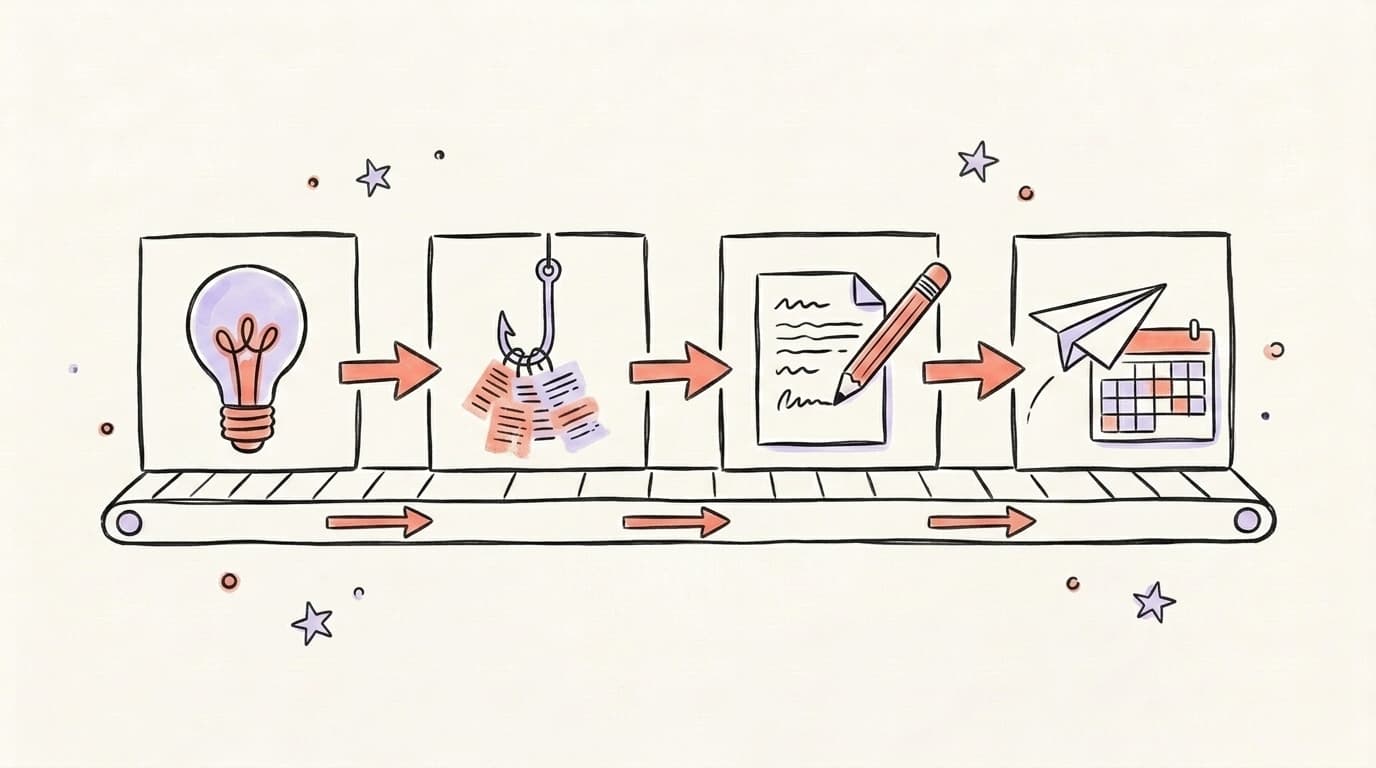
You batch create social media content in one afternoon by splitting the work into four 45-to-60-minute stages and never mixing them: idea capture, hook drafting, full writing, and scheduling. Each stage uses a different part of your brain, so doing them in separate blocks is far faster than doing all four for one post and then starting over for the next. Treat it like an assembly line — finish every hook before you write a single full post, and finish every post before you open the scheduler. Turn off notifications, leave your phone in another room, and protect the full block on your calendar. Done right, most people walk out with three to four weeks of posts ready to go. Here's a complete real-world walkthrough of this kind of session from creator Natalie Barbu:
Hour 1: Idea Capture + Theme Selection
Start with themes, not posts. Pick three to five content pillars — the topics you want to be known for — then brainstorm against them. Open a blank doc and dump every idea you can, one line each, no editing. Aim for 30-plus raw ideas so you can throw out the weak ones. Themes give the month structure; capturing in bulk means you never stare at a blank page later.
Hour 2: Outlining + Hook Drafting
Now turn ideas into hooks. The hook is the first line — the thing that stops the scroll — and it's where most posts live or die. Go down your idea list and write only the opening line for each one. Don't write bodies yet. Batching hooks together trains your eye to spot which angles are actually strong, and you'll cut the duds before wasting time fleshing them out.
Hour 3: Full Drafting (AI-Assisted)
With hooks locked, drafting moves fast. AI does the heavy lifting here: feed it your hook plus a few bullet points and let it expand the draft, then you edit for voice. Postory's AI post writing is trained to sound like you, so the output reads like your writing instead of generic filler. Working through your whole list this way lets you produce social media content in bulk without each post sounding copy-pasted.
Hour 4: Scheduling + Cross-Posting
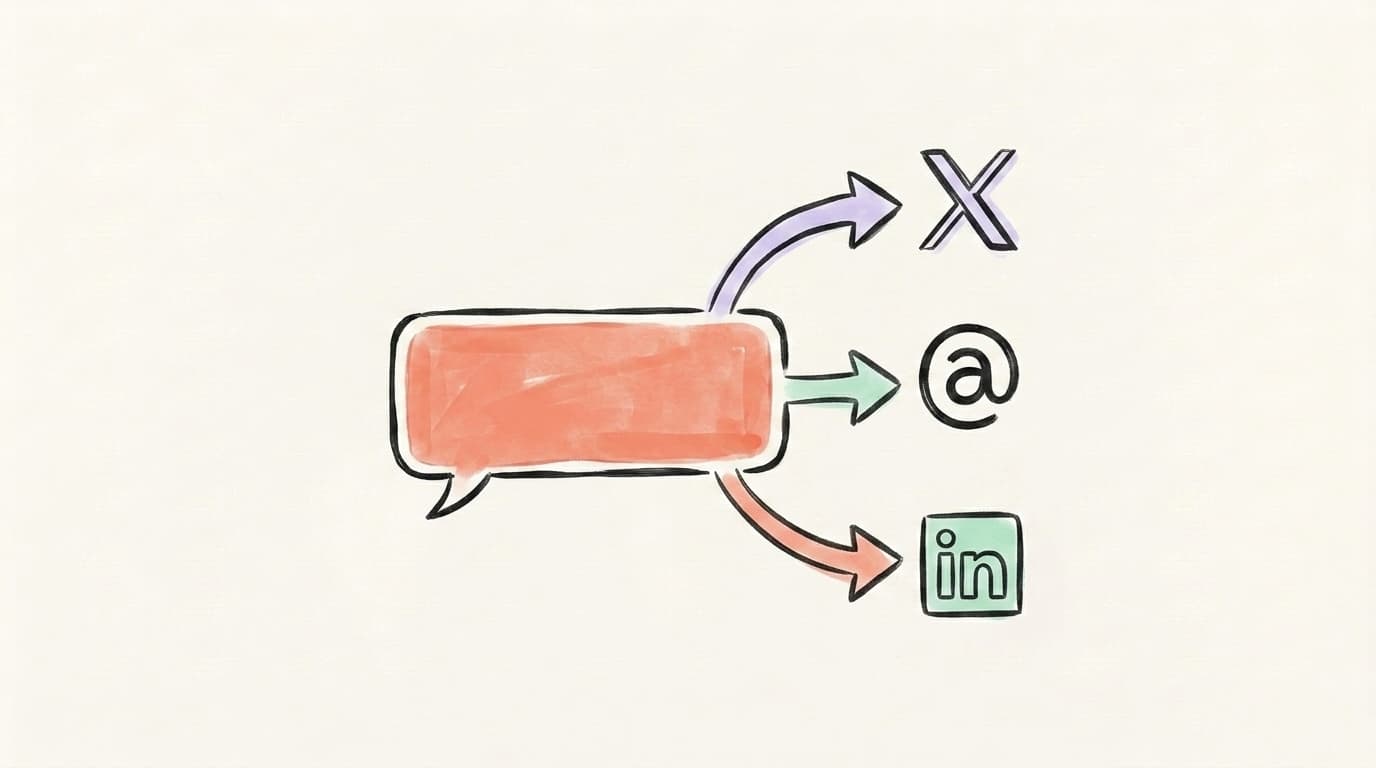
Last stage: get posts out of the doc and into a queue. Drop each one onto its date, then adapt it for each platform — a punchy version for X, a conversational take for Threads, a longer format for LinkedIn. Schedule everything in one sitting so the month runs on autopilot. Postory lets you queue and cross-post across X, Threads, and LinkedIn from a single calendar, so you're not logging into three apps.
What Should Your Monthly Batch Calendar Template Look Like?
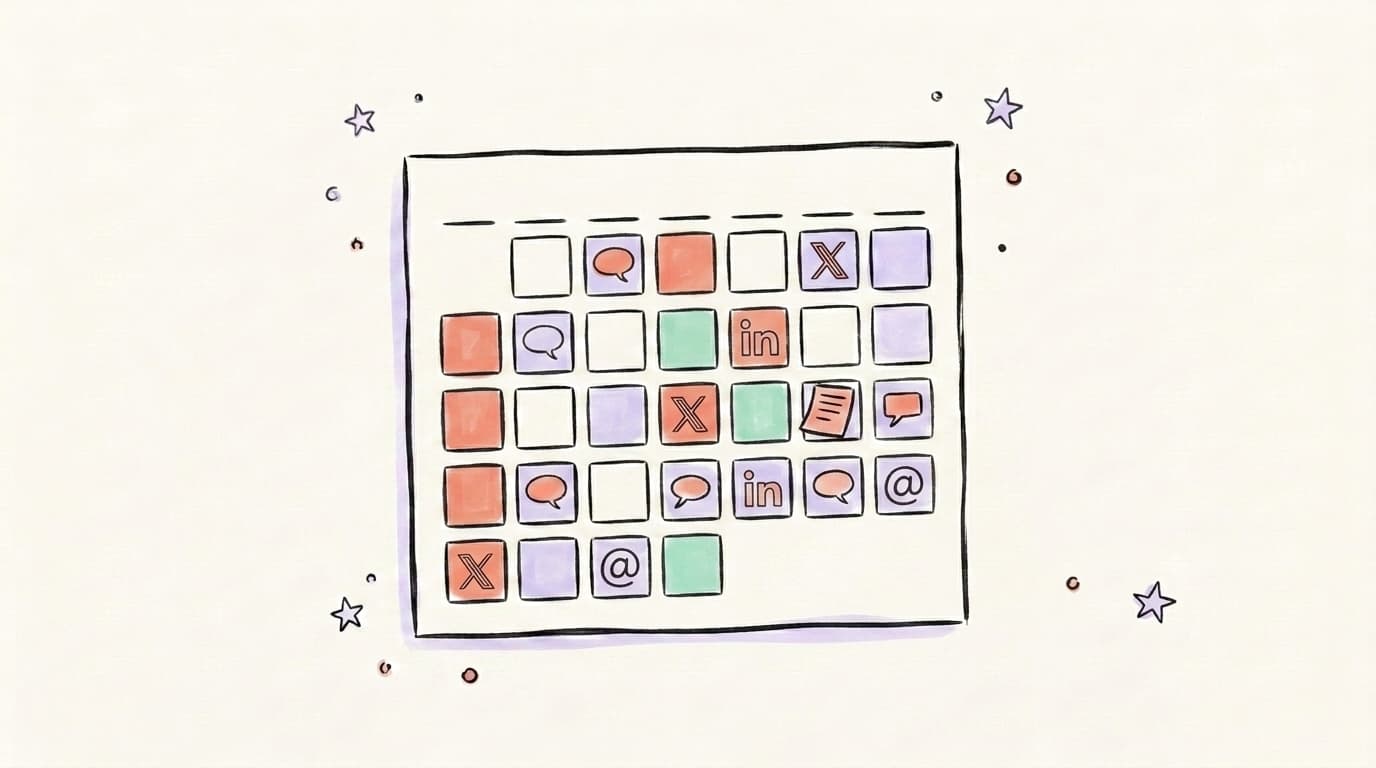
A good monthly batch calendar template maps four things at a glance: the week, the theme, the platform, and the post type. You don't need fancy software to start — a simple grid in a doc works, and you fill it during Hour 1 once your themes are set. The point is to see the whole month at once so you can balance your pillars and match your cadence to each platform. It doubles as a coverage check — an empty cell in a column is a platform you're quietly neglecting that week. Posting frequency matters here: Buffer's data-backed guide suggests roughly 3-5 posts a day on X and 2-5 a week on LinkedIn, and Buffer's analysis of over 100,000 users found regular posting drives about 5x more engagement. Buffer doesn't cover Threads, but a few conversational posts a day is a sensible middle ground. Here's a starter template you can copy for your own batch content creation:
| Week | Theme / Pillar | X | Threads | |
|---|---|---|---|---|
| 1 | Education | How-to tips | Quick questions | Long-form guide |
| 2 | Behind-the-scenes | Build-in-public updates | Casual progress | Lessons learned |
| 3 | Social proof | Wins + screenshots | Reactions | Case study |
| 4 | Opinion / POV | Hot takes | Debates | Thought piece |
Want the full version? Our guide on how to create a social media content calendar walks through building one from scratch.
Start Batching Content with Postory
Batching works best when the boring parts — drafting and scheduling — are fast. That's exactly what Postory is built for. Generate posts in your voice with AI post writing, then drop them onto a social media planner that queues and cross-posts to X, Threads, and LinkedIn automatically.
The result: your one afternoon a month becomes a recurring system that runs itself the other 29 days.
Try Postory free — turn one batching afternoon into a month of scheduled posts.
FAQ
Q: How long does it take to batch a month of content?
Plan for one focused afternoon — roughly four hours, split into four stages. Your first session may run longer while you build the habit, but once your themes and templates are set, most people get a month of posts done in a single sitting.
Q: How many posts should I batch at once?
Match your batch to your posting cadence. If you post a few times a day on X, a couple times a day on Threads, and a few times a week on LinkedIn, a month's batch is roughly 60-100 short posts across platforms. Start smaller — one week — if a full month feels overwhelming.
Q: Is batching better than posting in real time?
For consistency, yes. Batching protects you from the daily blank-page scramble and the burnout that comes with it. Leave room for a few real-time posts too — react to news or trends as they happen — but let your batched calendar carry the bulk of the month.
Q: Can I batch content for X, Threads, and LinkedIn at the same time?
Yes, and you should. Write the core idea once, then adapt the format per platform during your drafting and scheduling hours. A tool like Postory lets you cross-post and schedule all three from one calendar so you're not duplicating work.
Q: What's the best way to never run out of ideas?
Capture in bulk against fixed content pillars. When you brainstorm 30-plus ideas in one Hour 1 session, you end up with leftovers that roll into next month. The blank page only appears when you create one post at a time.
Q: Should I use AI to batch create social media content?
AI is most useful in the drafting stage, once your hooks are written. Feed it your hook and a few bullets, let it expand the draft, then edit for your voice. Skip it for idea capture and hooks — those are sharper when they come from you.
Related articles
MCP for Social Media: How It Changes Content Workflows
Model Context Protocol lets Claude and ChatGPT plug straight into your social tools. Here's how MCP changes the way you create and publish content.
Jun 30, 2026
Claude for Social Media: When It Beats ChatGPT
An honest, task-by-task look at when Claude beats ChatGPT for social content — long-form voice and nuance versus raw speed and breadth.
Jun 29, 2026
ChatGPT for Social Media: A 7-Workflow Playbook
Seven copy-paste ChatGPT workflows for X, Threads, and LinkedIn — from turning a URL into multi-platform posts to drafting replies that sound like you.
Jun 29, 2026