

MCP for Social Media: How It Changes Content Workflows

MCP is an open standard that connects AI assistants like Claude and ChatGPT directly to your content tools — so you can draft, schedule, and publish without copy-pasting between apps.
Your AI writes a great post. Then you copy it, switch tabs, paste it into your scheduler, fix the formatting, and do it all again for the next platform. That copy-paste tax is the part of using AI for social that nobody talks about — and it's exactly what the Model Context Protocol (MCP) deletes. MCP is the open standard that lets AI clients like Claude and ChatGPT reach directly into the tools where your content lives. If you've been figuring out how to use AI for social media content, this post explains what MCP is, why it matters for creators, and how it reshapes your workflow end to end.
What Is MCP, in Plain English?
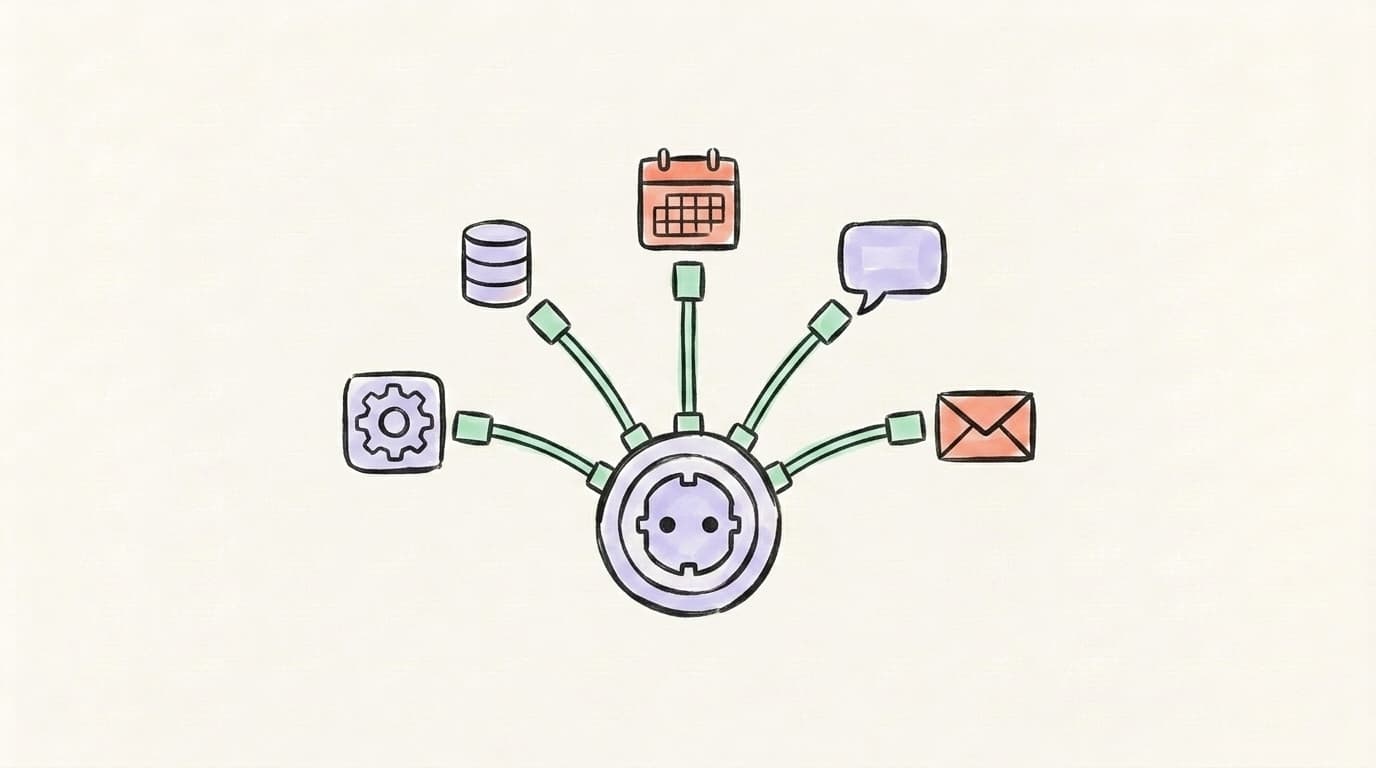
MCP, or the Model Context Protocol, is an open standard that lets AI assistants connect to outside tools and data without a custom integration for each one. Anthropic introduced it in November 2024, and the simplest way to picture it is a USB-C port for AI: instead of building a one-off cable for every app, every tool speaks the same plug. An AI client — the "host," like Claude or ChatGPT — connects to an MCP "server" that a service runs, say your scheduler, your notes app, or your CRM. The server hands the AI a plain-language menu of what it can do: "create a post," "list drafts," "read this document." When you ask for something, the AI calls the matching tool and gets real results back. Before MCP, wiring one AI to ten tools meant building and maintaining ten separate integrations. MCP turns that mess into one shared language.
That's why it caught on fast. By 2026, OpenAI and Google had adopted it too, and in December 2025 Anthropic handed MCP to a Linux Foundation fund co-founded with Block and OpenAI — a sign it's becoming shared infrastructure, not one company's feature.
Why Does MCP Change How You Use AI for Social Media Content?
MCP changes how you use AI for social media content by removing the wall between "the AI that writes" and "the tools that publish." Right now, even a great prompt ends at the chat window — you still copy the draft, paste it into a scheduler, reformat it per platform, and repeat. MCP collapses that loop. With your social tool exposed as an MCP server, you can tell Claude or ChatGPT, "draft three X posts from this article and queue them for next week," and the assistant actually does it — reading the source, writing the posts, and creating the drafts in one move. The model keeps the context the whole way through, so it knows your brief, your past posts, and your formatting rules without you re-pasting them. For creators, that's the difference between AI as a clever typewriter and AI as a teammate that finishes the job.
AI that learns your voice
Posts that actually sound like you
Postory's AI writes drafts in your voice — not generic AI mush — so you publish faster and still sound human.
Claude supports MCP natively because Anthropic built the standard, so it's often the smoothest place to start — our Claude for social media breakdown covers where it shines. Greg Isenberg and Ras Mic explain why this shift matters, in plain English:
Once that clicks, the social payoff is obvious: the assistant stops handing you text to move around and starts handing you posts that are already in the right place, formatted for the right platform.
What Are the Best MCP Use Cases for Social Media Creators?
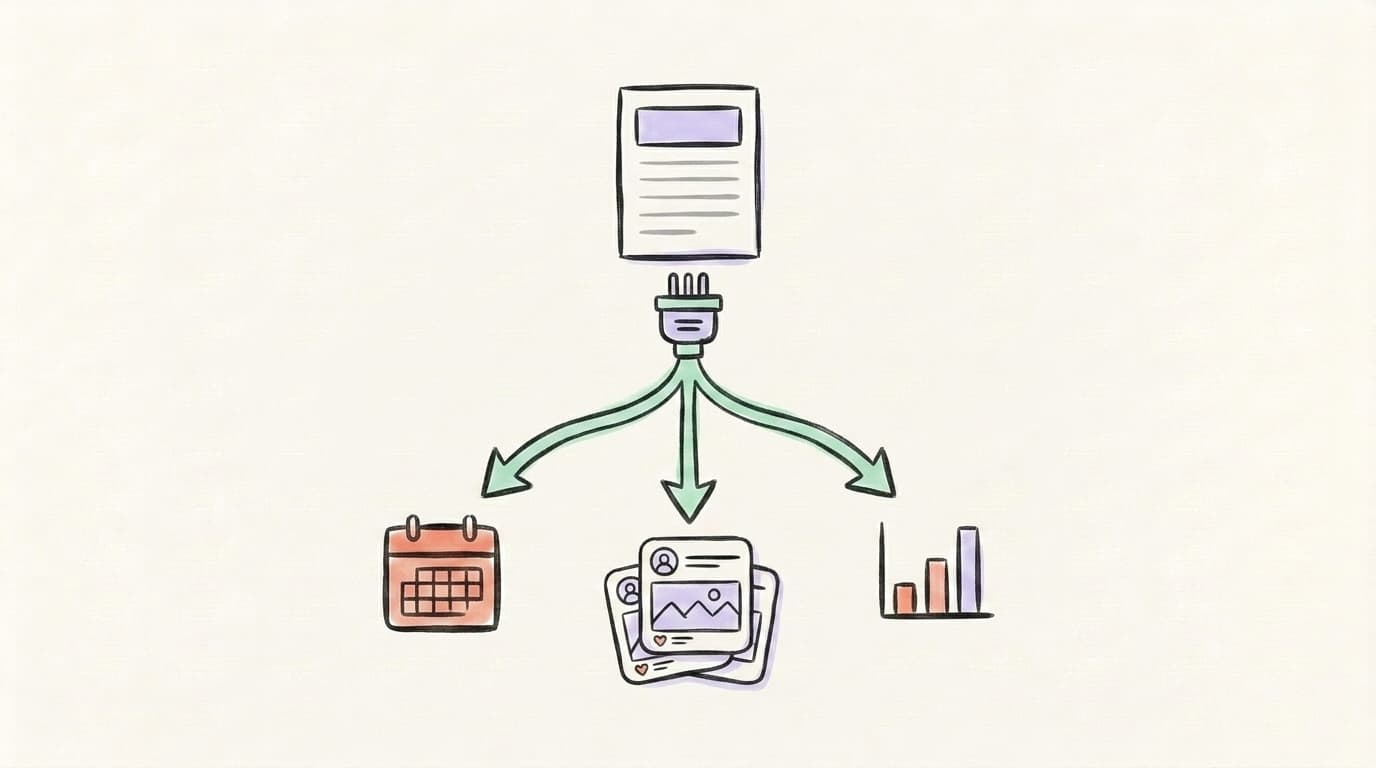
The most useful MCP workflows connect your AI content creation tools to the place your posts actually go out, so the gap between writing and publishing disappears. They all share one trait: the place your ideas live talks directly to the place your posts publish, with no manual handoff in between. In practice, that covers five repeatable jobs — turning a source document into platform-ready drafts, queuing and scheduling those drafts by voice, repurposing one long post into a thread plus a short hook, pulling your own past posts in as context before the model writes, and staging a whole week of content from a backlog of ideas. Each one swaps a copy-paste chore for a single instruction, and each works the same whether you've already figured out how to use ChatGPT to create content for social media or you're just getting started. Here are the five that earn their keep:
- Source-to-post drafting. Point your AI at a blog post, transcript, or Notion doc and have it draft platform-ready posts for X and Threads in one pass — no copy-paste.
- Queue and schedule by voice. Ask the assistant to drop approved drafts into your scheduler for specific days, so planning happens inside the conversation.
- Repurpose across platforms. Turn one long post into a thread, a short hook, and a caption, then file each as a draft in the right place.
- Pull your own data for context. Let the AI read your recent posts before it writes, so new content matches what already works.
- Bulk content from a backlog. Feed it a list of ideas and have it generate and stage a week of posts at once.
MCP vs. Zapier vs. Make: What's the Difference for Social Workflows?
MCP, Zapier, and Make all connect apps, but they automate different things. Zapier and Make are trigger-based: "when X happens, do Y" — a new row appears, so a post goes out. They're great for fixed, repeatable pipelines you set up once, but they don't think; they follow rules. MCP is conversational and reasoning-based: the AI decides which tools to call based on what you ask, in plain language, and adapts each time. So "every Monday, post my newest blog title to X" is a perfect Zapier job. But "read this messy doc, pull the three best ideas, and write a post for each in my voice" needs a model that can reason — that's MCP. They're not rivals so much as layers: use Zapier or Make for deterministic plumbing, and MCP when judgment and writing are part of the task. Most creators will end up using both.
IBM Technology lays out the difference between MCP and a traditional API integration — the same logic that separates it from rule-based automators:

How Do You Connect Postory Through MCP?
Connecting a tool through MCP follows the same three steps everywhere: you point your AI client at the tool's MCP server, authorize it once, and the assistant discovers the actions it can take. From then on, you just ask. Postory's MCP integration is built on exactly this pattern — the idea is that you wire your favorite AI client to your Postory account and create, draft, and schedule posts for X and Threads without leaving the chat. Postory already handles the hard parts an AI client hands off: writing posts in your voice, publishing across platforms, and scheduling. MCP is the connective tissue that will let Claude, ChatGPT, or an open client like OpenClaw drive those features directly. Because the standard is the same everywhere, the connection — not which chatbot you happen to prefer — is what actually does the work. Here's what the workflow looks like in practice, using Notion as the idea source:
- Draft in Notion. You keep a running doc of post ideas, links, and rough notes — your normal backlog.
- Ask your AI client. In Claude or ChatGPT, you say: "Read my Content Ideas doc, turn the top three into X posts in my voice, and queue them for next week."
- MCP does the fetching. The AI reads the Notion doc through its MCP connection, then drafts the posts.
- Postory receives the drafts. Through Postory's MCP server, the posts land as drafts in your account, formatted for X and Threads.
- You approve and schedule. You review, tweak, and confirm the schedule — without copy-pasting between four tabs.
What's Next for MCP and Social Media?
Expect MCP to fade into the background — the best plumbing is invisible. As more social and content tools ship MCP servers, "open the app" will increasingly mean "just ask your assistant," and the chat window becomes the place you actually run your content, not just brainstorm it. Two things will accelerate this. First, MCP is now shared infrastructure: with OpenAI, Google, and Anthropic all backing it and more than 10,000 public servers already live, building one MCP server reaches every major AI client at once. Second, write actions are going mainstream — ChatGPT's Developer Mode already lets the model create and update things, not just read them, which is what makes "draft and schedule for me" possible. The likely endgame: you describe the outcome you want, and a model you trust assembles the right tools to deliver it. For creators, that means less tab-juggling and more time on the ideas only you can have.
Start Using AI for Social Media Content with Postory
You don't need a perfect setup to get the payoff MCP promises — fewer tabs, less copy-paste, and an AI that actually finishes the post. Postory's MCP integration is designed to let you wire your favorite AI client to your social workflow — so when it ships, your assistant can draft, format, and schedule for X and Threads while you stay in the conversation. See where it's headed on the MCP integration page.
Try Postory free — create posts in your voice and schedule them across platforms today, with AI-client publishing via MCP on the way.
FAQ
Q: What is the Model Context Protocol (MCP)?
MCP is an open standard, introduced by Anthropic in late 2024, that lets AI assistants connect to external tools and data through one shared interface instead of a separate custom integration for each. Think of it as a USB-C port for AI — any compatible tool can plug into any compatible AI client.
Q: Do I need to be a developer to use MCP for social media?
Increasingly, no. Setting up an MCP server still leans technical, but using one is as simple as connecting an app and then asking your AI client in plain language. As more tools ship ready-made MCP connections, the day-to-day experience becomes just a normal conversation.
Q: Does ChatGPT support MCP?
Yes. OpenAI added full MCP support — including write actions — to ChatGPT's Developer Mode in late 2025, so the model can create and update things in connected tools, not just read them. Claude has supported MCP natively from the start, since Anthropic created the standard.
Q: Is MCP better than Zapier for social media automation?
It's not better, it's different. Zapier is ideal for fixed "when this, then that" rules, while MCP shines when a task needs reasoning and writing — like turning a messy doc into platform-ready posts. Many creators use both: Zapier for plumbing, MCP for the thinking parts.
Q: How does MCP help me use AI for social media content?
It removes the copy-paste step. Instead of drafting in a chat and manually moving text into a scheduler, MCP lets the AI read your sources and create posts directly in your tools — so drafting, formatting, and scheduling happen in one flow.
Q: Is MCP secure?
MCP requires you to authorize each tool, and write actions ask for confirmation before they run. Still, because the model can take real actions, only connect tools you trust and review what it does — especially in modes that let it publish or change data.
Q: Can Postory work with MCP?
Yes — Postory's MCP integration is designed to let AI clients like Claude and ChatGPT draft and schedule posts for X and Threads directly in your account. You can see the details on the MCP integration page.
Related articles
Claude for Social Media: When It Beats ChatGPT
An honest, task-by-task look at when Claude beats ChatGPT for social content — long-form voice and nuance versus raw speed and breadth.
Jun 29, 2026
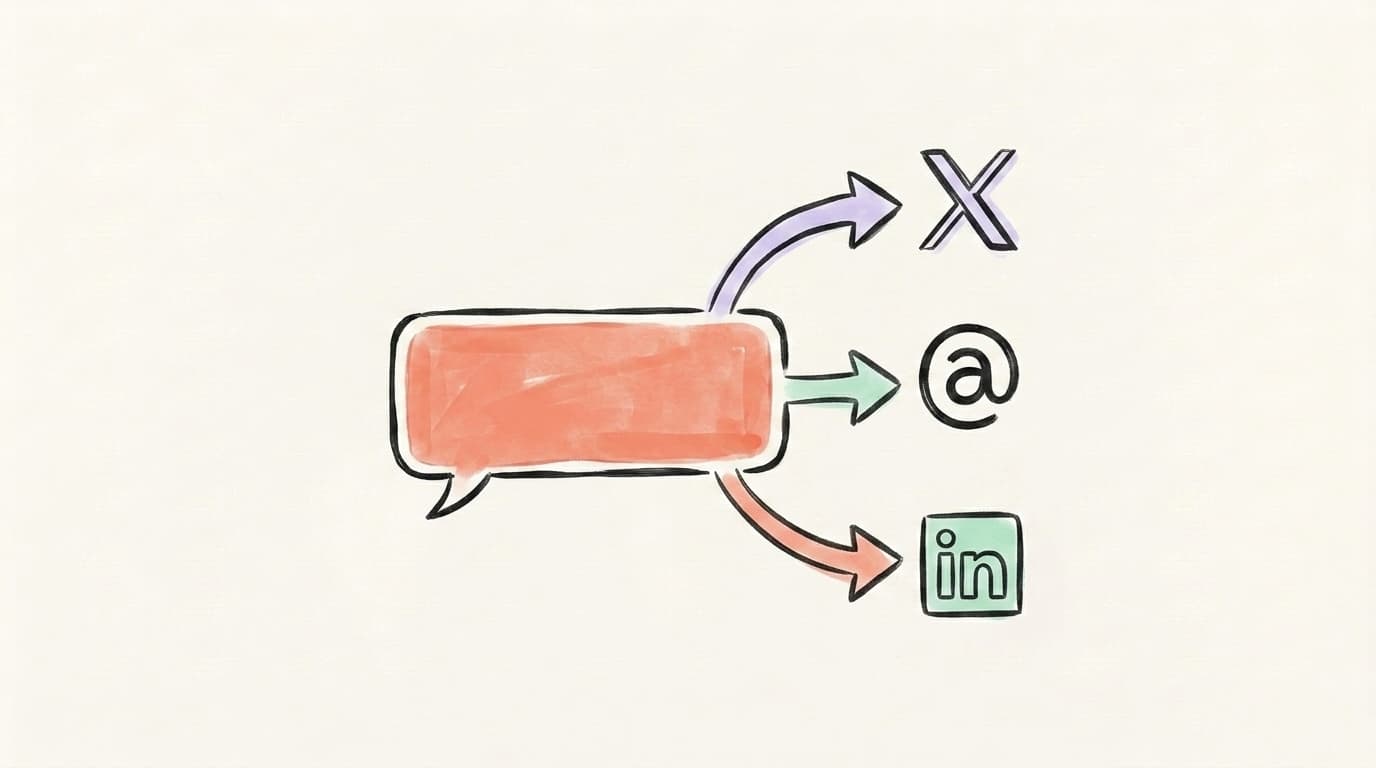
ChatGPT for Social Media: A 7-Workflow Playbook
Seven copy-paste ChatGPT workflows for X, Threads, and LinkedIn — from turning a URL into multi-platform posts to drafting replies that sound like you.
Jun 29, 2026

The 7 Best AI Prompts for Social Media Content (Tested + Compared)
Seven copy-paste AI prompts for social media content that actually sound human — tested across X, Threads, and LinkedIn, with ChatGPT vs. Claude compared.
Jun 28, 2026