
Claude for Social Media: When It Beats ChatGPT

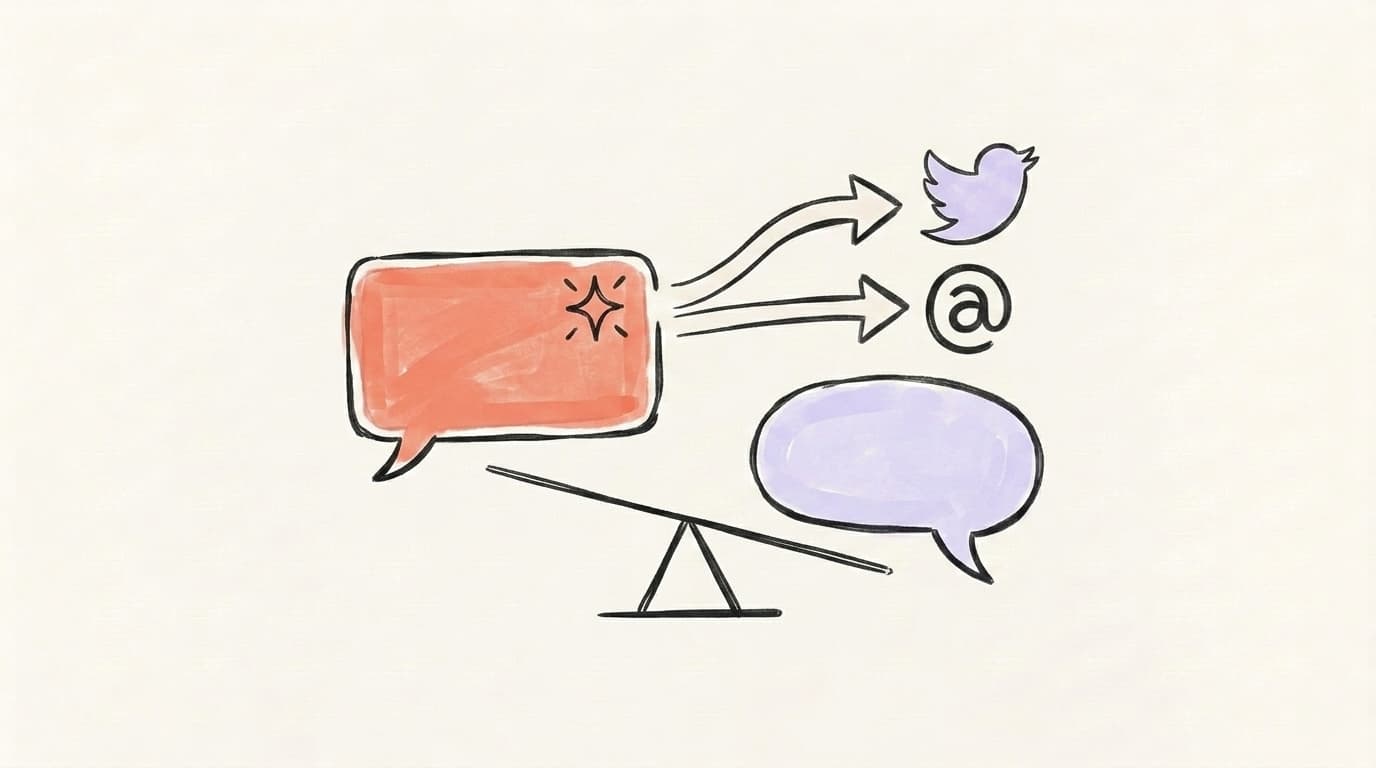
ChatGPT and Claude are both great, but they win different jobs. Claude beats ChatGPT on long-form voice, nuance, and repurposing big documents into social posts. ChatGPT wins on speed, images, and quick structured drafts. The smart move is to learn how to use AI for social media content by picking the right model per task — not by marrying one.
Everyone wants to know which model is "best." It's the wrong question. The right one is which model is best for this specific task — and for the slow, fiddly parts of social content, the honest answer is often Claude. This post is a straight comparison of where Anthropic's model beats ChatGPT for social, where ChatGPT still wins, and how to run both side by side. If you've already read our ChatGPT for social media playbook, treat this as the other half of the picture.
How Do You Use AI for Social Media Content When Two Great Models Exist?
The fastest way to use AI for social media content is to stop treating it as a one-model decision and start matching each task to the model that does it best. ChatGPT and Claude both write posts, draft threads, and repurpose articles — but they have different default strengths, so picking per task beats picking a favorite. Use Claude when voice, nuance, and long documents matter: turning a 2,000-word newsletter into a thread, matching a specific brand tone, or holding a complex brief across many steps. Use ChatGPT when speed, images, and quick structured drafts matter: ten hook variations in seconds, a tight product blurb, or a graphic to go with the post. According to Zapier's 2026 comparison, Claude "sounds more natural" and acts more like a writing partner, while ChatGPT is faster at completing well-defined tasks. The workflow, not the brand name, is what saves you time.
Where Does Claude Beat ChatGPT for Social Content?
Claude beats ChatGPT for social content in three places: prose quality, instruction-following, and handling long documents. Multiple 2026 reviews land on the same verdict — Zapier says Claude "sounds more natural than OpenAI's GPT-5 series," and MindStudio's comparison calls Claude's default writing voice "noticeably better… less stiff, less generic." For social, that's the whole game: a post that reads like a person beats a post that reads like a press release. Claude also follows tone instructions more precisely, so "warm but a little sarcastic" actually lands instead of getting flattened into corporate-neutral. And because Claude carries a large context window — up to 500K tokens on paid plans for its current models — you can paste a whole article, a style guide, and your last ten posts in one shot, and it holds all of it while it drafts.
AI that learns your voice
Posts that actually sound like you
Postory's AI writes drafts in your voice — not generic AI mush — so you publish faster and still sound human.
Where Does ChatGPT Still Win?
What 4 Social Tasks Is Claude Best At?
Claude is best at four social tasks where prose quality and context length matter more than raw speed: voice-matching, long-form repurposing, nuanced reply drafting, and holding a complex multi-platform brief. These are exactly the jobs where ChatGPT's flat default voice and shorter working memory show their seams. Each one rewards a model that reads like a human and remembers everything you fed it. Voice-matching works because Claude mirrors the patterns in your real posts instead of guessing from adjectives, so drafts skip the obvious AI sheen. Long-form repurposing works because the large context window lets it read a full article and keep your argument intact, not flatten it into a summary. Nuanced replies stay on-brand because tone instructions survive the draft, and complex briefs hold up because Claude can adapt one idea into native X, Threads, and LinkedIn versions in a single prompt. Here's the shortlist, then we'll go deeper on the two that matter most for creators and small teams:
- Voice-matching — feed Claude your best posts and it mirrors your rhythm closely, without the obvious "AI sheen."
- Long-form → social repurposing — paste a full article or transcript and get a thread that keeps your argument intact.
- Nuanced replies and comments — on-brand responses that read as genuinely yours, not generic positivity.
- Complex multi-platform briefs — one prompt that adapts a single idea into native X, Threads, and LinkedIn versions without losing the thread.
If you only adopt one, make it voice-matching — it's the difference between content that sounds like you and content that gets called out as AI.

Why Does Claude's Output Feel More Like You?
Claude's output feels more like you because it pattern-matches your examples better than it interprets adjectives, and it holds that voice across a long draft. Telling any model to "sound casual and witty" barely helps — the words are too vague. Pasting five to ten of your real posts and asking Claude to extract your patterns does a lot, and reviewers consistently find Claude follows those patterns more faithfully than ChatGPT. It picks up your sentence length, how you open, whether you ask questions, and the words you avoid. One real limitation worth knowing: Claude has no persistent memory of corrections between chats, and very long outputs can drift in tone past roughly a thousand words, so keep social drafts short and re-feed your voice primer each session. Claude's Projects feature helps here — it keeps your brand brief and best posts pinned across every chat in that project, so you stop re-briefing from scratch.
Try a voice primer like this:
Here are 8 of my best posts: [paste]. Analyze my voice — sentence
length, tone, how I open and close, and the words I use vs. avoid.
Summarize my style as 5 rules. From now on, write every draft
following those rules. Keep posts under 80 words unless I say otherwise.
How Do You Repurpose Long-Form Into Social Posts With Claude?
You repurpose long-form into social posts with Claude by pasting the entire source — article, newsletter, transcript, or slide deck — and asking for a specific format per platform, all in one prompt. This is where Claude's large context window earns its keep: instead of summarizing a link it can't fully read, you give it the whole text and it pulls the three or four genuinely shareable ideas with their nuance intact. Anthropic's own adapt-content-across-platforms guide frames this as the model's core marketing use case — one piece of long-form spawning cohesive, on-brand copy for many channels. The trick is telling Claude how each platform differs, because it won't infer that on its own. X wants one tight idea. Threads wants a casual first-person hook. LinkedIn wants a short story with line breaks. Give it the text, the platforms, and one line of format guidance each, and you get native-feeling drafts instead of the same blurb pasted everywhere.
A repurposing prompt that works:
Here's my full article: [paste text]. Pull the 4 most shareable ideas.
Then write:
1) an X thread of 4-6 posts, one idea per post, strong first line,
2) a Threads post in a casual first-person voice,
3) a LinkedIn post of 5-7 short lines with a takeaway and line breaks.
Keep my tone direct and specific. No hashtags, no emojis.
What Does the Postory Claude Connector Do?
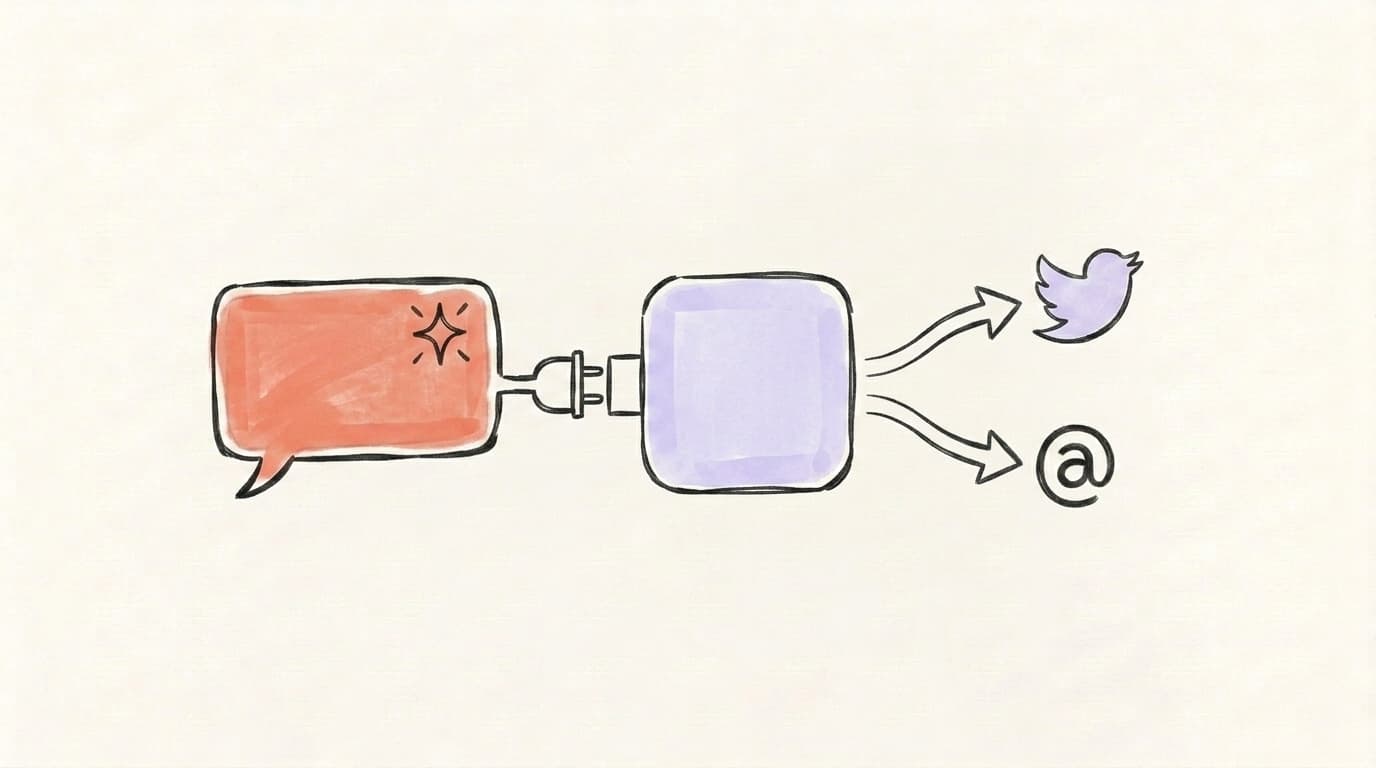
The Postory Claude Connector is designed to close the one gap every model shares — neither Claude nor ChatGPT can publish. Both are brilliant drafting engines, but they have no idea what your audience responds to, can't format natively for each platform's quirks, and can't schedule a thing. The connector's goal is to let you draft in Claude and push the result straight into Postory, where it's shaped for X and Threads, queued, and scheduled — no copy-paste shuffle between tabs. It's built on the open Model Context Protocol, the same standard that lets AI tools talk to outside apps, so your Claude conversation becomes the front door to your whole posting workflow. Both the Claude Connector and MCP support are on Postory's roadmap rather than live today — but the direction is clear: keep the model you like for drafting, and let Postory own the parts a chat window can't.
How Do You Choose the Right Model Per Task?
You choose the right model per task by asking one question before you open a chat: does this job reward voice and nuance, or speed and structure? Once you've got that habit, it stops feeling like a decision at all — you build a reflex for which window to open, and you stop wasting edits fighting a model on work it was never going to do well. Picture a single Tuesday: you turn a podcast transcript into a thread (Claude), spin up ten hook options for one of those posts (ChatGPT), then write the warm reply to a thoughtful comment (Claude again). Same hour, two models, each on its strength. The pros don't pick a side; they keep both open and route work by what each does best. That's exactly the conclusion of the per-task head-to-head below: writing goes to Claude, images go to ChatGPT, and the real win is knowing which is which.
Here's a clear, recent walkthrough of that per-task split from Igor at The AI Advantage:
Once the draft exists, the publishing step is model-agnostic — and that's where Postory's AI post writing takes over, turning whichever draft you like into platform-perfect posts in your voice.
Start Creating Social Content With Postory
Picking the right model gets you a better draft. It doesn't get you a posted, scheduled, on-brand presence — that's the part a chat window can't do. Postory takes any input, an idea, a link, or a long article, and turns it into platform-ready posts for X and Threads in your voice, then lets you schedule them instead of pasting between tabs. You keep Claude for the writing you love it for, and Postory handles formatting, voice consistency, and publishing.
Try Postory free — turn any draft into native posts for X and Threads, in your voice, with 10 free AI requests a month.
FAQ
Q: Is Claude better than ChatGPT for social media?
For the writing itself, most 2026 reviews give Claude the edge — it sounds more natural and matches your voice more faithfully. ChatGPT wins on speed, image generation, and looser usage limits. Neither can publish, so the best setup uses Claude for nuanced drafts and a tool like Postory for formatting and scheduling.
Q: Can Claude write social media posts in my voice?
Yes, and it's one of Claude's strongest tasks. Paste five to ten of your best posts and ask it to extract your patterns as rules, then write from those rules. Claude pattern-matches examples far better than it interprets vague adjectives, so always show it real posts rather than describing your "tone."
Q: Which AI is the best social media post generator?
There's no single winner — it depends on the task. Claude is the best AI social media post generator for voice-heavy, long-form repurposing; ChatGPT is best for fast, high-volume, structured drafts and images. The genuinely best results come from routing each job to the model that does it best, then publishing through a dedicated social tool.
Q: Does Claude have a larger context window than ChatGPT?
Claude's current models offer up to a 500K-token context window on paid plans, which makes pasting whole articles, transcripts, and style guides in one shot easy. In the ChatGPT app the everyday limit is much smaller — Plus caps conversations around 32K tokens and only Pro's top reasoning tier climbs into the low hundreds of thousands — so Claude makes large pastes the default experience.
Q: How do I use AI to repurpose a blog post into social content?
Paste the full text into Claude, ask it to pull the three or four most shareable ideas, and request a specific format per platform in the same prompt — an X thread, a casual Threads post, a LinkedIn post with line breaks. Giving it the entire article beats giving it a link, because the model can read every nuance instead of guessing from a summary.
Q: Should I cancel ChatGPT and switch to Claude?
Probably not. The two models win different jobs, and most heavy users keep both — Claude for writing and long-document work, ChatGPT for speed and images. If you only want one, pick based on what you do most: voice-driven content leans Claude, fast structured output and graphics lean ChatGPT.
Q: Can I publish to X and Threads directly from Claude?
Not from Claude alone — it drafts but can't post. Postory's Claude Connector is being built to bridge that gap over the open Model Context Protocol, so a Claude draft can flow straight into Postory for formatting and scheduling. Until that ships, you can still write in Claude and paste the result into Postory to publish.
Related articles

MCP for Social Media: How It Changes Content Workflows
Model Context Protocol lets Claude and ChatGPT plug straight into your social tools. Here's how MCP changes the way you create and publish content.
Jun 30, 2026
ChatGPT for Social Media: A 7-Workflow Playbook
Seven copy-paste ChatGPT workflows for X, Threads, and LinkedIn — from turning a URL into multi-platform posts to drafting replies that sound like you.
Jun 29, 2026

The 7 Best AI Prompts for Social Media Content (Tested + Compared)
Seven copy-paste AI prompts for social media content that actually sound human — tested across X, Threads, and LinkedIn, with ChatGPT vs. Claude compared.
Jun 28, 2026