
ChatGPT for Social Media: A 7-Workflow Playbook

Treat ChatGPT as a briefed drafting assistant, not autopilot — these seven workflows turn it into a real content engine for X, Threads, and LinkedIn, and we show where it stops being enough.
You already know ChatGPT can write a social post. The hard part is figuring out how to use ChatGPT to create content for social media that actually sounds like you, fits each platform, and doesn't eat your whole afternoon. Marketers who use it for content report saving roughly half their production time — but only when they run it as a repeatable workflow instead of a blank prompt box. This playbook gives you seven of those workflows, plus an honest look at where ChatGPT runs out of road.
Why Isn't ChatGPT Alone Enough for Social Media?
ChatGPT is a brilliant first-draft engine, but it has no memory of your brand, no sense of each platform's format, and no way to publish. Out of the box it writes in a flat, recognizable "AI voice" that audiences increasingly call out. It doesn't know that X rewards a sharp one-liner, LinkedIn rewards a story with white space, and Threads rewards a casual hook. It can't study your recent posts to learn your rhythm, it can't schedule anything, and it forgets your brief the moment you open a new chat. So how to use AI for social media content is really a workflow question, not a prompt question — your inputs and the system around them matter far more. Treat ChatGPT as a fast, tireless assistant you have to brief well, then pair it with a tool that handles voice, formatting, and publishing.

What Are the 7 Core Ways to Use ChatGPT to Create Content for Social Media?
The most useful way to use ChatGPT for social media is to build a handful of repeatable workflows — each one a saved prompt you reuse instead of starting from scratch. Across creators and marketing teams, the same seven keep coming up because they remove the slowest parts of posting: deciding what to say, adapting it for each platform, and keeping a steady cadence. None of them are magic prompts. They're just structured ways to feed ChatGPT the right inputs so the output needs an edit, not a rewrite. Save each one as a custom instruction or a reusable note, and you stop reinventing your process every time you open a fresh chat. Here's the full playbook at a glance, then we'll break down the four that save the most time for solo creators and small teams.
AI that learns your voice
Posts that actually sound like you
Postory's AI writes drafts in your voice — not generic AI mush — so you publish faster and still sound human.
- URL → multi-platform posts — paste a link, get a tailored X, Threads, and LinkedIn version.
- Voice-matching with examples — feed it your best posts so new drafts sound like you.
- Weekly idea generation — turn one topic into a week of angles in a single prompt.
- Reply and comment drafting — get on-brand responses that keep conversations going.
- Long-form to thread — collapse a newsletter, video, or article into a tight thread or carousel.
- Hook variations — generate ten openers for one idea, then keep the strongest two.
- Theme-to-batch — expand one content pillar into a full week's calendar in one sitting.
What's the Fastest Way to Turn a URL Into Multi-Platform Posts?
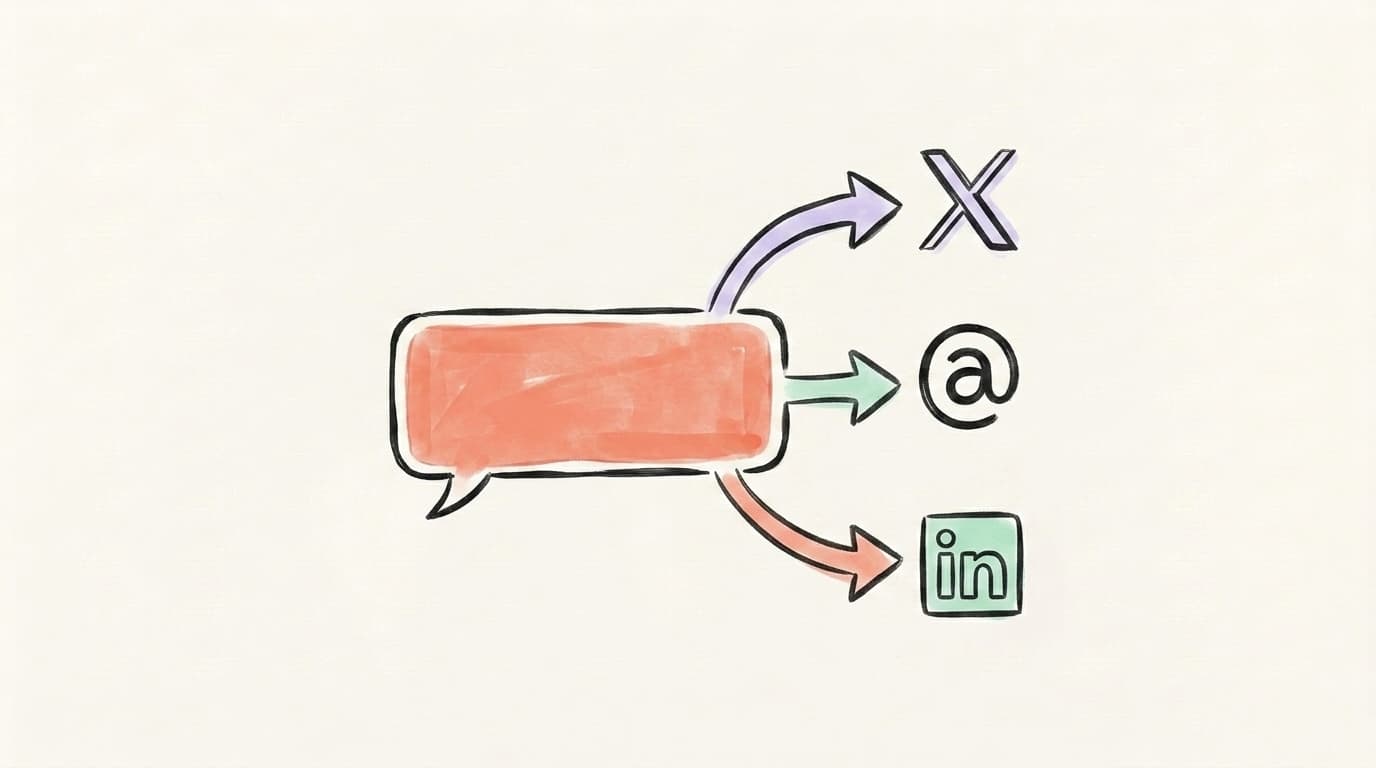
Paste a link and ask ChatGPT to extract the three or four ideas worth sharing, then write a separate post for each platform. This is the single biggest time-saver because it skips the blank-page problem entirely — the source already contains your angle. The trick is telling ChatGPT how each platform differs, because it won't infer that on its own. X wants one tight idea under 280 characters. Threads wants a casual, first-person hook. LinkedIn wants a short story with a takeaway and line breaks between thoughts. Give it the URL, the platforms, and one line of format guidance per platform, and you'll get three native-feeling drafts instead of one generic blurb pasted everywhere. One caveat: the free tier can't always open live links, so if it can't read the page, paste the article text directly.
Try a prompt like this:
Read this article: [paste URL or text]. Pull the 3 most useful takeaways.
Then write:
1) one X post under 280 characters with a strong hook,
2) a Threads post in a casual, first-person voice,
3) a LinkedIn post of 4-6 short lines with a takeaway and line breaks.
Keep my tone direct and specific. No hashtags, no emojis.
How Do You Get ChatGPT to Match Your Voice?
ChatGPT defaults to a polished, slightly corporate voice that readers have learned to spot. The fix is examples, not adjectives. Telling it to "sound casual and witty" does almost nothing; pasting five to ten of your real posts and asking it to study your patterns does a lot. It will pick up your sentence length, how you open, whether you ask questions, and the words you avoid. Then every new draft starts from your actual voice instead of the model's default. Save that primer as a custom instruction or a reusable prompt so you don't rebuild it each session. This is also the workflow most people skip — and it's the exact reason so much AI content gets called out as AI. If you adopt only one habit from this playbook, make it this one.
Here are 8 of my best posts: [paste]. Analyze my voice — sentence
length, tone, how I open and close, and words I use vs. avoid.
Summarize my style as 5 rules. From now on, write every draft
following those rules.
Here's a full walkthrough of priming ChatGPT on your business and voice before asking for a single post, from High Season Co. — it uses an Instagram example, but the priming technique works the same for X, Threads, and LinkedIn:
Postory bakes this step in — it trains on your past posts so drafts arrive in your voice automatically, no primer to rebuild. That's the core of its AI post writing.
How Do You Generate a Week of Ideas in One Prompt?
Idea drought is the real reason people post inconsistently, and it's the easiest thing to fix with ChatGPT. Instead of asking for "post ideas," give it a single topic you know well and ask it to spin out a week of angles in different formats — a hot take, a how-to, a myth to bust, a personal lesson, a question for your audience. One good prompt turns one idea into seven, and you walk away with a week of content directions before you've written a word. The key is constraint: tell it your niche — say, freelance design or B2B SaaS — your audience, and the formats you actually use, or you'll get generic listicle bait that sounds like everyone else. Treat the output as a menu, not a script — keep the angles that sound like you and throw out the rest.
My niche is [X] and my audience is [Y]. Take this one idea —
"[your idea]" — and give me 7 post angles for the week: a contrarian
take, a step-by-step, a myth-bust, a personal story, a quick tip,
a question post, and a "mistake I made." One line each, in my voice.
How Do You Draft Replies and Comments That Sound Human?
Engagement is half of social media growth, but replying thoughtfully to dozens of posts a day is draining. ChatGPT can draft replies that sound like you — if you give it the original post and your actual point of view, not just "write a reply." Paste the post you're responding to, add one line on what you genuinely think, and ask for two or three options in your voice. You keep control of the take; ChatGPT just speeds up the wording. The guardrail is judgment: never post a reply you haven't read and adjusted, because generic agreement like "Great point!" reads as a bot and hurts more than it helps. Used well, this turns ten minutes of staring at the reply box into a quick edit-and-post pass that keeps you in conversations without burning out.
Here's a post I want to reply to: "[paste post]". My honest take is:
"[one line]". Give me 3 short reply options in my voice — specific,
adds something new, no empty praise. Under 2 sentences each.
Start Creating Social Content With Postory
These seven workflows work, but they share one friction: ChatGPT lives in a separate window from where you actually post. You end up copy-pasting between a chat and three apps, rebuilding your voice primer every session, and tracking your calendar somewhere else entirely. Postory closes that gap — it trains on your real posts so drafts land in your voice, turns a link or raw idea into native X, Threads, and LinkedIn versions, hands you several variants to choose from, and publishes when you're ready. No copy-paste, no lost context. And the upgrade path is getting shorter: connect ChatGPT to Postory and run all 7 workflows in one place and MCP integration are both coming soon, so you'll be able to run these same workflows from inside ChatGPT and send finished posts straight to your queue.
Try Postory free — turn any link or idea into posts that sound like you, across X, Threads, and LinkedIn.
FAQ
Q: Can ChatGPT post directly to X, LinkedIn, or Threads?
No. ChatGPT writes and edits text but can't publish anywhere. You either paste each draft into the app yourself, or connect a tool like Postory that formats, schedules, and publishes to X, Threads, and LinkedIn for you.
Q: Which ChatGPT model is best for social media content?
Any current GPT model handles social copy well — the bigger lever is your prompt and the examples you feed it. A reasoning model helps with strategy and calendars; a faster one is fine for quick caption drafts. Voice-matching depends far more on the posts you paste in than on the model.
Q: How do I stop ChatGPT content from sounding like AI?
Feed it five to ten of your real posts and ask it to write in your patterns, not vague adjectives like "casual." Cut throat-clearing intros and stock phrases like "in today's fast-paced world." Always do a human edit pass — the goal is a strong first draft, not a finished post.
Q: Is it against the rules to use ChatGPT for social media posts?
Using AI to draft posts is allowed on X, LinkedIn, and Threads — none of them ban AI-assisted writing. What gets penalized is spam, mass-automated posting, and duplicate content. Edit your drafts and post at a human cadence.
Q: How many posts can I create with ChatGPT in one session?
With a saved voice primer and a batching prompt, you can outline a full week of posts in under an hour, then refine them. The limit is usually your editing time, not ChatGPT's output — batching once a week beats writing daily from a cold start.
Q: Do I still need a separate scheduler if I use ChatGPT?
Yes. ChatGPT drafts content but can't queue or publish it. Pair it with a scheduler — or use an all-in-one tool like Postory that writes in your voice and publishes to X, Threads, and LinkedIn from one place.
Related articles
MCP for Social Media: How It Changes Content Workflows
Model Context Protocol lets Claude and ChatGPT plug straight into your social tools. Here's how MCP changes the way you create and publish content.
Jun 30, 2026
Claude for Social Media: When It Beats ChatGPT
An honest, task-by-task look at when Claude beats ChatGPT for social content — long-form voice and nuance versus raw speed and breadth.
Jun 29, 2026

The 7 Best AI Prompts for Social Media Content (Tested + Compared)
Seven copy-paste AI prompts for social media content that actually sound human — tested across X, Threads, and LinkedIn, with ChatGPT vs. Claude compared.
Jun 28, 2026