
How to Use AI to Create Social Media Content (Without Sounding Like a Robot)

AI is great for ideation, drafts, and repurposing — bad at judgment, taste, and voice. The creators winning with AI use it as a first-draft engine, not an autopilot. This post shows you the exact workflow and tools.
Half the content you scroll past today started in ChatGPT. The other half probably should have. The creators behind it are burning hours on drafts a model could have produced in thirty seconds. The question is no longer whether to use AI for social, but how to use it without turning your feed into generic gray sludge.
Here's the short version: treat AI like a junior writer you're editing, not a ghostwriter you're trusting.
Why are creators switching to AI for social media content?
Creators are switching to AI because the math on manual content is brutal. Posting consistently on even two platforms means writing 20–40 pieces of content per month, on top of whatever day job funds it. AI collapses the research-draft-format loop from hours to minutes, which is why adoption has moved from early-adopter novelty to default practice. The shift isn't about replacing creators. It's about removing the parts of the job that were never creative in the first place: reformatting, boilerplate intros, hashtag research, platform-specific rewrites. The winners aren't the ones posting the most AI content. They're the ones using AI to free up time for the parts AI can't do: original thinking, real examples, and judgment about what's worth saying. The pattern we see in our own product data is consistent — the creators who stick around longest use AI to draft faster, then spend the saved time editing harder. AI wins the drafting race, humans still win the taste race.
What can AI actually do (and not do) for your content?
AI is excellent at pattern-matching tasks and bad at anything requiring taste, lived experience, or real-time context. Use it for ideation (give me 20 hook angles on X), drafting (turn these three bullets into a LinkedIn post), reformatting (shorten this into a tweet), and repurposing (convert this blog into a thread). Don't use it for the things that make content yours: specific stories, contrarian opinions, insider knowledge, or the moment-to-moment judgment of what's worth posting this week. Generic AI output is the new stock photo: technically fine, instantly forgettable. There's a real risk of homogenization. When thousands of creators feed similar prompts to the same model, the outputs converge toward a LinkedIn-flavored average. Your edge is whatever you bring that the model can't guess: a specific client, a weird opinion, a number from your own work. If a post could have been written by anyone, AI probably did write it.
AI that learns your voice
Posts that actually sound like you
Postory's AI writes drafts in your voice — not generic AI mush — so you publish faster and still sound human.
How do you use ChatGPT to create content for social media?
The trick with ChatGPT is to stop asking for "a LinkedIn post" and start giving it enough context to produce something you'd actually publish. A three-sentence prompt gets you three-sentence quality. Set up a reusable system prompt with your niche, audience, tone, three example posts of yours, and the platform's constraints. Then each new post just needs the raw idea. Most people underuse the system-prompt field (or Claude's project instructions), pasting the same context into chat after chat. Build it once, save it, and your prompts get shorter while the output gets sharper. Treat the model like a new hire: the better your onboarding doc, the less hand-holding you do every week. Here's a prompt structure that works:
- Role + context — "You're a ghostwriter for a B2B SaaS founder writing for technical marketers."
- Voice samples — Paste 3 of your best-performing posts. Tell it to match the rhythm, not copy.
- The ask — "Write a LinkedIn post about [specific idea]. 150 words max. Hook in the first line. No emojis. End with a question."
- Guardrails — "Don't use the words: leverage, unlock, journey, game-changer."
Run it, then edit ruthlessly. Expect to rewrite 30–50% of the output. If you're shipping raw ChatGPT drafts, you're not using it — it's using you.
For a concrete example of this prompt-plus-edit workflow in action, here's a creator pairing an LLM with Canva to batch a month of posts in one sitting:
Should you use a dedicated AI social tool or general-purpose AI like ChatGPT?
Dedicated tools win for speed and platform fit; general-purpose AI wins for flexibility and raw quality. ChatGPT and Claude will produce better prose than any social-specific tool because they're bigger models with fewer guardrails, but you'll spend time every day pasting, formatting, and scheduling. Dedicated AI content creation tools like Postory, Taplio, or Typefully bake in the workflow: they know LinkedIn's character limits, know what a Threads post looks like, connect to your accounts, and handle scheduling. The tradeoff is voice. Many specialized tools train on "what performs on LinkedIn" averages, which is exactly how you end up with posts that sound like everyone else. The right answer for most creators is both: use Claude or ChatGPT for the hard creative work, use a dedicated tool for drafting, scheduling, and multi-platform publishing in one place. The split saves the most time without flattening your voice.
What does the AI content workflow look like end to end?
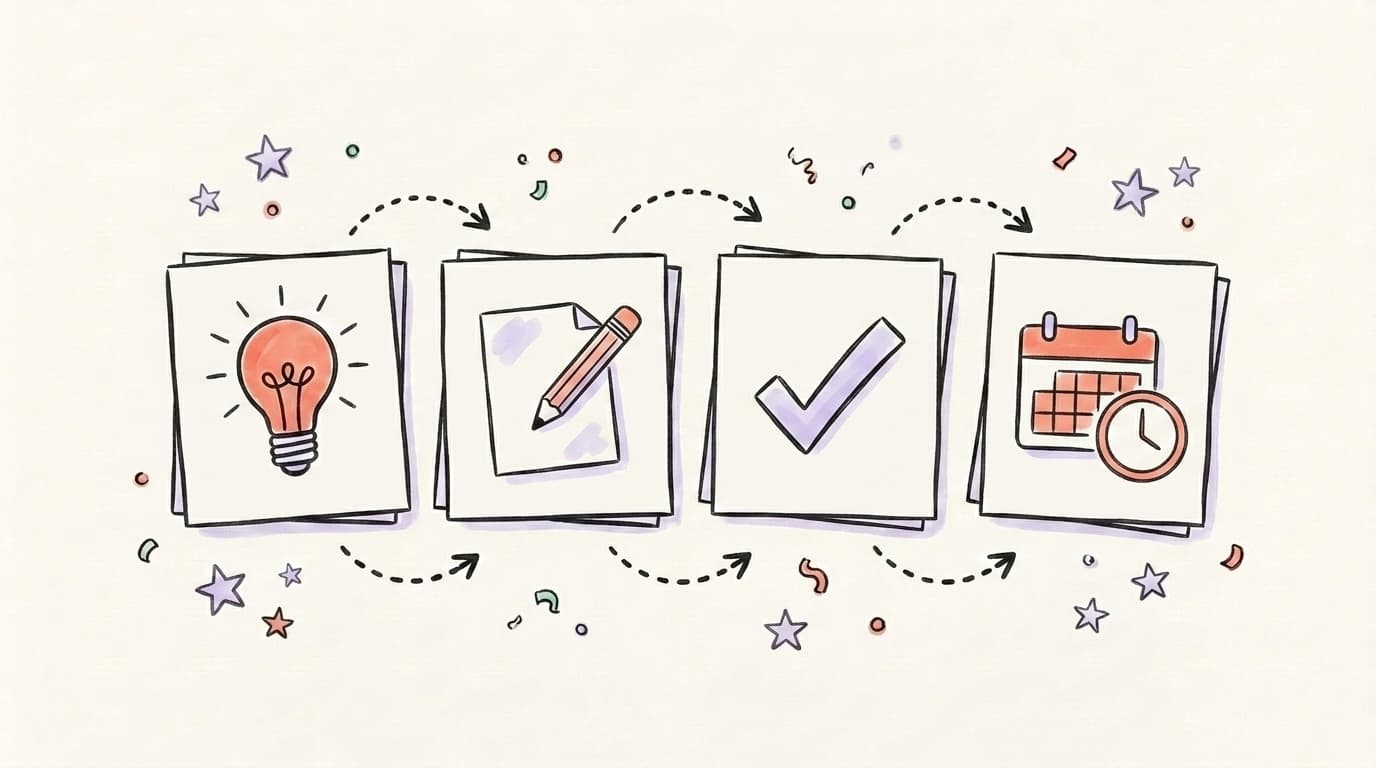
The full AI content workflow has four stages — idea, draft, edit, schedule — and skipping any of them is how you end up with generic posts. Most creators collapse it into two (prompt, publish) and wonder why their engagement flatlines. The point of the four-stage loop is that AI only helps with the middle two. The idea has to come from something real in your world, and the edit has to bring the post back to sounding like you wrote it. Tools only replace steps two and three. The first and last are still yours. Here's what each stage actually looks like in practice:
-
Idea — Start with raw input: a customer call, a project you shipped, a take you had in Slack, a headline you disagreed with. Never start with "ChatGPT, what should I post today?" That question guarantees generic output.
-
Draft — Feed the idea + your voice context to AI. Ask for 3 variations, not 1. Pick the best one as your base.
-
Edit — Rewrite the opening line in your voice. Cut adjectives. Add one specific detail only you would know. Remove anything that sounds like a LinkedIn cliché.
-
Schedule — Queue it up across platforms with native formatting for each. This is where a tool that handles multi-platform publishing saves the most time.
The edit step is where most people fail. They treat AI output as the finish line instead of the starting line. A good rule: if you can't point to a specific sentence that's unmistakably you, it's not ready to post.
How do you keep your voice when using AI?
You keep your voice by treating AI as a structural tool, not a style tool. Use it to organize, shorten, or reformat — never to "write like me" from scratch. The best method is a personal style doc: a single document you paste into every prompt with your non-negotiables. Include words you never use, sentence patterns you like, your point of view on 5–10 topics, and 3 examples of posts that felt most like you. Then after every draft, run a manual pass looking for AI tells: em dashes bridging clauses, tricolons (three items in a row), "not just X, but Y" constructions, abstract nouns like "synergy" or "journey." Cut all of it. Add one sentence you'd only say out loud to a friend. That one sentence is usually what makes the post feel human.
What are the best AI social media tools in 2026?
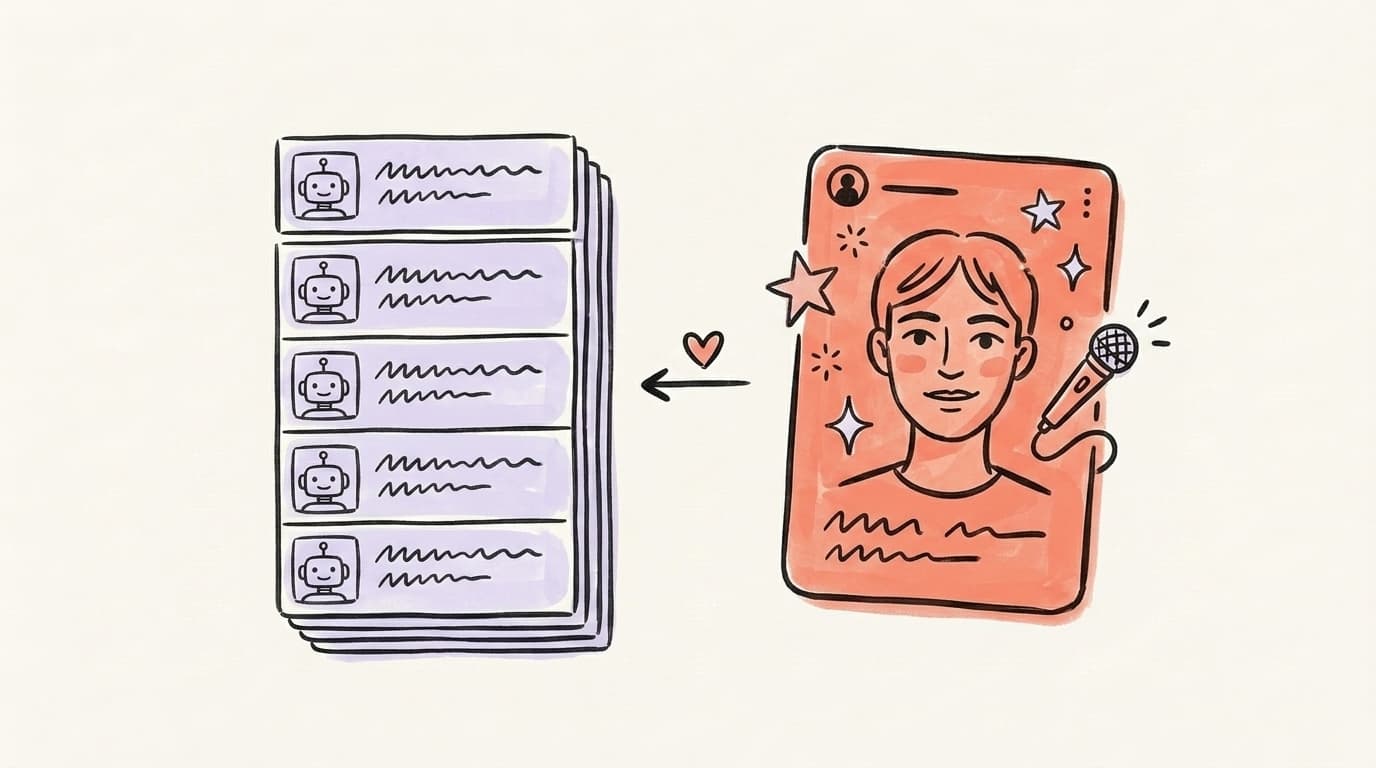
The 2026 landscape has three tiers worth knowing. General-purpose LLMs — ChatGPT (best for fast drafts), Claude (best for nuanced voice matching), Gemini (best for research-heavy posts). Dedicated AI social tools — Postory for multi-platform AI drafting + scheduling, Taplio for LinkedIn-first workflows, Typefully for X/Twitter threads, Hypefury for high-volume X automation. Visual AI — Canva's Magic Studio for on-brand graphics, Midjourney or Gemini image generation for illustration, Runway for short-form video. Pick one from each tier that fits your main platforms. Trying to use all of them is the fastest way to waste a subscription budget and ship nothing. If you're posting to LinkedIn, X, and Threads, the simplest stack is one LLM + one multi-platform scheduler + one image tool. That's three tabs, not fifteen.
Start creating with AI — in one place — with Postory
Most AI content stacks break because the creation and publishing tools are separate. You draft in ChatGPT, format in Notion, schedule in Buffer, regenerate images in Canva, and by post number four you've lost an hour to tab-switching.
Postory combines AI post generation and multi-platform scheduling in one tool — draft for LinkedIn, X, and Threads with voice-aware AI, then schedule them all from the same screen. See how it works in the AI post writing feature, or read our LinkedIn post ideas guide if you need prompts to start from.
FAQ
Q: Is AI-generated social media content allowed on LinkedIn and X?
Yes. Neither platform prohibits AI-assisted content. LinkedIn's policy focuses on authenticity (don't impersonate, don't spread misinformation) rather than how the content was produced. X is similarly open. The real risk isn't platform penalties — it's reader fatigue. Obvious AI output gets scrolled past.
Q: How can you tell if content was written by AI?
Common tells: three-item lists where two would do, heavy em dash use, "not just X — but Y" constructions, abstract nouns, overly polished transitions, and a total absence of specific details (no real names, no numbers, no dates). Human writing is messier and more specific. (Yes, this post uses a few of these tells itself — AI helped draft parts of it, and then a human edited. That's the workflow we're recommending.)
Q: What's the best free AI tool for social media content?
ChatGPT's free tier and Claude's free tier both produce publish-ready drafts with the right prompt. For scheduling, most dedicated tools offer a free plan with 1–2 accounts. Start free, upgrade only when you hit a real limit.
Q: How long should AI-generated posts be?
Same as non-AI posts: LinkedIn 150–300 words for most posts, X under 280 characters (or a thread for longer ideas), Threads 200–500 characters. Don't let AI pad your post to hit a word count — shorter, sharper wins on every platform.
Q: Should I disclose that I use AI to write my posts?
Not required on any major platform, and most creators don't. If you're writing in a first-person confessional voice (stories about your life, your family, etc.), writing it fully yourself is better for trust. For how-to, analysis, and list content, AI-assisted is the norm.
Q: How often should I post if I'm using AI?
AI lets you post more — but volume without quality is still noise. Stick to a cadence you can edit properly: 3–5x per week on LinkedIn, 1–3x per day on X, 1x per day on Threads is plenty. Use AI to keep up that rhythm, not to flood the feed.
Q: Can AI write in my voice?
Partially. It can match rhythm, sentence length, and vocabulary if you feed it enough examples (5+ of your best posts). It can't replicate your point of view, lived experience, or the weird specific opinions that make you worth following. Voice-matching gets you 70% there — the last 30% is always manual.
Related articles

Hypefury Alternative: 6 Tools That Do More for Less
Hypefury is powerful but pricey — and it still won't write your posts. Here are 6 Hypefury alternatives that do more for X and Threads, for less.
Jul 18, 2026
MCP for Social Media: How It Changes Content Workflows
Model Context Protocol lets Claude and ChatGPT plug straight into your social tools. Here's how MCP changes the way you create and publish content.
Jun 30, 2026
Claude for Social Media: When It Beats ChatGPT
An honest, task-by-task look at when Claude beats ChatGPT for social content — long-form voice and nuance versus raw speed and breadth.
Jun 29, 2026