
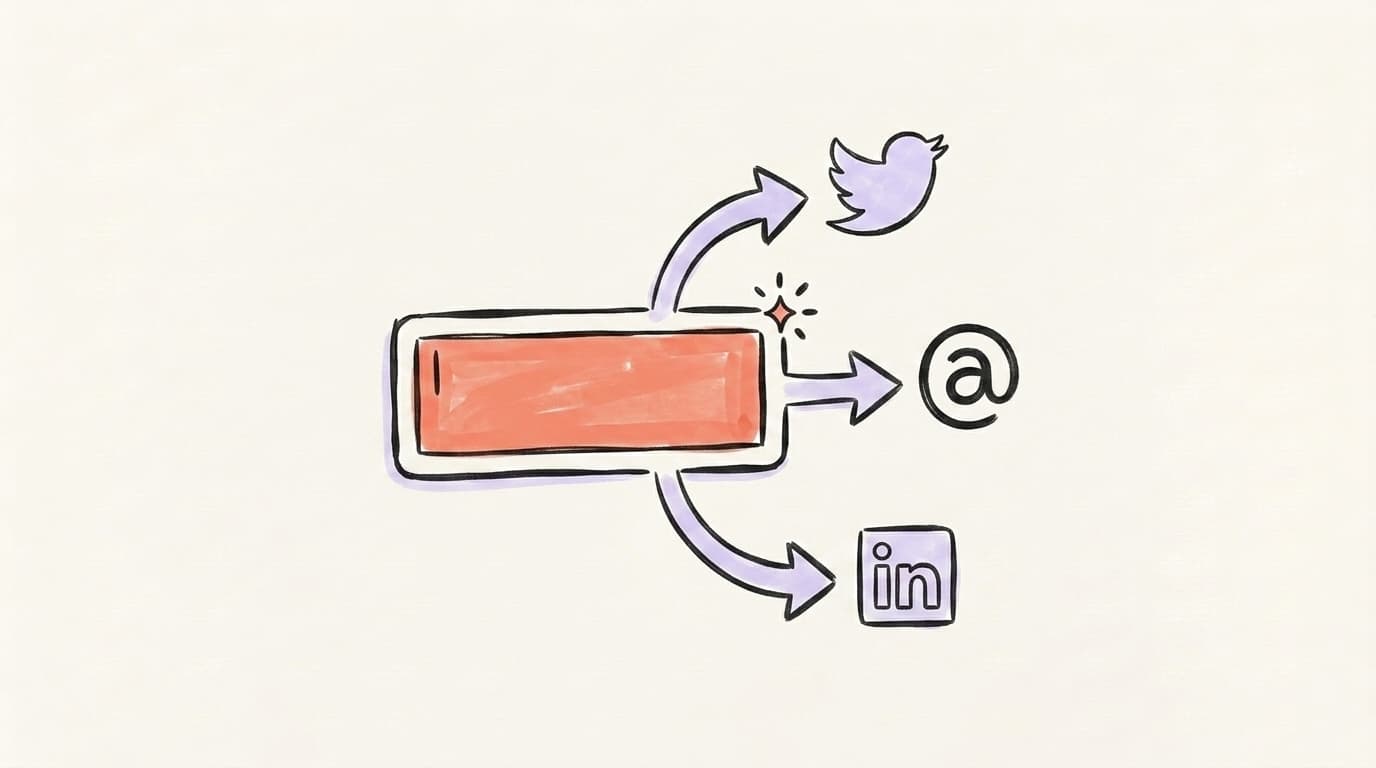
The 7 Best AI Prompts for Social Media Content (Tested + Compared)

Generic prompts produce generic posts. These seven copy-paste prompts — for repurposing, hooks, voice-matching, threads, and cross-platform reformatting — give the AI enough context to write social content that sounds like you. Claude edges out ChatGPT on voice; ChatGPT wins on speed and images.
You typed "write me a viral LinkedIn post" into ChatGPT, hit enter, and got back something that reads like a press release crossed with a horoscope. We've all been there. The problem isn't the model — it's the prompt. Learning how to use AI for social media content well comes down to a handful of prompt patterns that give the model what it actually needs: your voice, your context, and a clear format. Below are seven prompts we've tested across X, Threads, and LinkedIn — plus a head-to-head on whether ChatGPT or Claude writes better posts.
Why Are Most "AI Prompt" Articles Useless?
Most "best AI prompts" listicles hand you something like "Act as a world-class social media expert and write engaging content." Then they wonder why the output reads like every other post in the feed. That kind of prompt gives the model a job title and nothing else — no context, no examples, no voice, no format. So the AI fills the gap with the statistical average of the internet, which is exactly the bland, over-polished tone audiences have learned to scroll past. And they have learned: marketers report that 89.7% of social media professionals now use AI at least several times a week, so "I used AI" is no longer a differentiator — how you prompt it is. A genuinely useful prompt does the opposite of a generic one. It loads the model with specifics: who you are, what you've published before, the platform, the length, and what "good" actually looks like to you.
If you want the bigger picture before the prompts, we cover the full workflow in our guide on how to use AI for social media content.

How to Use AI for Social Media Content Without Sounding Like a Robot
AI that learns your voice
Posts that actually sound like you
Postory's AI writes drafts in your voice — not generic AI mush — so you publish faster and still sound human.
Here's the eight-minute walkthrough of that formula from Jeff Su:
What Are the 7 Tested Prompts You Can Copy-Paste?
Here are the seven prompts, in roughly the order you'd use them across a real content workflow: the Repurpose-URL Prompt, the Hook Generator, the Voice-Match Prompt, the Notes-to-Thread Prompt, the Engagement-Question Prompt, the One-Idea, Ten-Angles Prompt, and the Platform-Translator Prompt. Together they cover the whole loop — pulling posts out of long-form content, writing scroll-stopping openers, locking in your voice, shaping raw notes into threads, ending with a reply-worthy question, multiplying one idea into ten angles, and adapting a winner from one platform to the next. Copy each one, swap in the bracketed parts, and paste it into ChatGPT or Claude. Both can read a live link if web search or browsing is switched on; if a tool can't reach the page, just paste the article text instead — that always works. The rest run the same in either tool. Treat the first output as a draft, not a deliverable — the best prompt plus one round of "make it tighter" beats a perfect prompt every time.
Prompt 1: The Repurpose-URL Prompt
Turns one long-form piece into a week of posts. This is the highest-impact prompt in the list — one good article can fuel a dozen posts.
Read this article: [URL or pasted text]
Pull out the 5 most counterintuitive or specific takeaways.
For each one, write a standalone post for [X / LinkedIn / Threads].
Keep each under [280 chars for X / ~1,200 chars for LinkedIn].
Lead with the insight, not a throat-clearing intro.
No hashtags. No emojis unless they earn their place.
Prompt 2: The Hook Generator Prompt
The first line decides whether anyone reads the rest. This prompt gives you ten openers to choose from instead of settling for the first one.
Here's the core idea for my next post: [one sentence].
Write 10 different opening lines (hooks) for it.
Mix these angles: a bold claim, a surprising number, a
"most people get this wrong," a personal confession, and a question.
Each hook must be under 12 words and make me want to read line two.
No clickbait I can't back up in the post.
Prompt 3: The Voice-Match Prompt
This is what stops AI posts from sounding like AI. You teach the model your voice first, then ask it to write — in that order.
Below are 5 of my best-performing posts. Study them.
[paste 5 posts]
Describe my voice in 5 bullets: sentence length, tone, vocabulary,
punctuation habits, and the things I never do.
Then write 3 new posts about [topic] in that exact voice.
Prompt 4: The Notes-to-Thread Prompt
Turns a messy brain-dump into a structured thread without inventing filler.
Here are my raw notes on [topic]:
[paste messy bullets]
Turn them into a [5-7 post] thread for X.
Post 1 is the hook and the promise. The last post is the takeaway + a soft CTA.
One idea per post. No filler posts that just say "let's dive in."
Prompt 5: The Engagement-Question Prompt
Comments beat likes for reach. This one ends your post with a question people will actually answer.
Here's my post: [paste].
Suggest 5 ways to end it with a question or prompt that invites a reply.
Make them easy to answer in one line — not essay questions.
Rank them by how likely they are to actually get comments.
Prompt 6: The One-Idea, Ten-Angles Prompt
One idea is never one post. This prompt multiplies a single thought into a week's worth of angles.
Take this single idea: [idea].
Give me 10 posts from it, each with a different angle:
how-to, mistake-to-avoid, before/after, contrarian take, beginner question,
mini case study, list, analogy, prediction, and behind-the-scenes.
Label each angle. Keep every post platform-ready for [platform].
Prompt 7: The Platform-Translator Prompt
A post that crushed on LinkedIn won't land word-for-word on X. This adapts structure, not just length.
Here's a post that did well on [platform A]: [paste].
Rewrite it for [platform B] and [platform C].
Match each platform's norms: length, formatting, and how punchy
or detailed it should be.
Don't just trim it — adapt the structure, not only the word count.
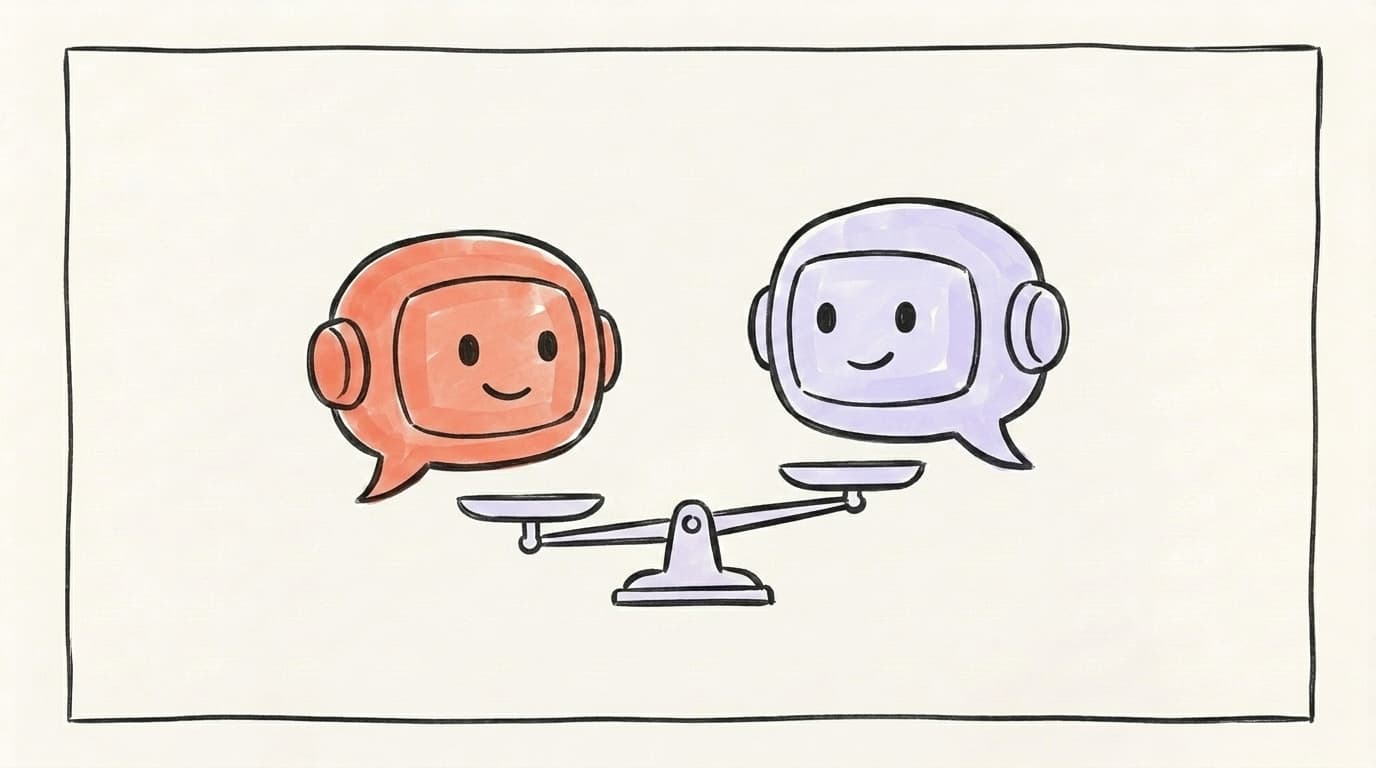
ChatGPT vs. Claude: Which Writes Better Social Posts?
For social media content, Claude tends to write more natural-sounding posts, while ChatGPT is faster for volume and handles images in the same chat. In Zapier's 2026 comparison, the reviewer found Claude "sounds more natural than OpenAI's GPT-5 series" and behaves like a creative partner, while ChatGPT "completes tasks based on your prompt, but it doesn't think particularly strategically." In our own testing across X, Threads, and LinkedIn, that tracked: feed both tools the Voice-Match prompt and Claude held the voice longer before drifting into corporate cadence, while ChatGPT was quicker to spin out ten hook variations and better when we needed a matching image without leaving the conversation. Neither is "the best AI social media post generator" on its own — they're different instruments. The smart move is to use both and pick each for what it does best.
Here's an honest 2026 take on choosing between them, from The AI Advantage:
For now, the simplest setup is to keep both tools open and lean on each for its strength — Claude for the draft that sounds like you, ChatGPT for fast variations and visuals. Postory is building Connect, an upcoming MCP integration that will let you use Postory itself right inside ChatGPT and Claude, so eventually you won't be copy-pasting drafts between apps at all.
When Should You Stop Using Raw Prompts and Use a Tool?
Stop using raw prompts the moment you find yourself pasting the same Voice-Match and format instructions into a blank chat for the tenth time. Prompts are perfect for experimenting and one-off posts. But a real content cadence — several posts a week, across three platforms, each in your voice — turns those prompts into copy-paste busywork. You end up re-teaching the model your voice every session, reformatting for each platform by hand, and shuttling drafts into a separate scheduler. Dedicated AI content creation tools handle exactly this: they remember your voice, hold your context between sessions, and generate platform-ready drafts without you rebuilding the prompt each time. The rule of thumb is simple — if you're prompting for fun or the occasional post, raw ChatGPT or Claude is fine. If content is a recurring job, bake these patterns into a workflow so you're editing, not re-prompting.

Start Creating Social Content With Postory
Every prompt above is really one of a few repeatable patterns: repurpose, hook, match-the-voice, reformat. Postory bakes all seven into one workflow — no prompt engineering needed. You set your voice once, and it generates drafts for X, Threads, and LinkedIn that already sound like you, ready to edit and schedule in the same place.
That's the whole idea behind AI post writing in Postory: the prompt patterns are built in, so you skip straight to the part that matters — posting consistently.
Try Postory free — turn one idea into a week of on-voice posts for X, Threads, and LinkedIn.
FAQ
Q: What is the best AI for creating social media content?
There's no single best tool — it depends on the job. Claude tends to produce more natural, on-voice prose, while ChatGPT is faster for volume and generates images in the same chat. The most reliable setup is to use both and pick per task, ideally inside a workflow that remembers your voice.
Q: Can ChatGPT write social media posts that don't sound like AI?
Yes, but only if you stop using one-line prompts. Feed it three to five of your own best posts, ask it to describe your voice, then have it write in that voice. The Voice-Match prompt above does exactly this, and it's the single biggest fix for "AI-sounding" output.
Q: How do I get AI to match my writing voice?
Give the model examples before you ask it to write. Paste several posts that performed well, ask it to break down your sentence length, tone, and habits, and only then request new posts in that style. Voice comes from examples, not from adjectives like "casual" or "professional."
Q: Is it better to use ChatGPT or Claude for social media captions?
For short captions where you want many options fast, ChatGPT is convenient. For captions where tone and nuance matter, Claude usually reads more naturally. Using both lets you draft in Claude and generate quick variations in ChatGPT, then pick the strongest line.
Q: How many posts can I create from one article with AI?
A single solid article can realistically produce five to ten distinct posts — one per key takeaway, plus reformats for each platform. The Repurpose-URL and One-Idea, Ten-Angles prompts above are built to squeeze maximum mileage out of one source.
Q: What's the best AI social media post generator for staying consistent?
A standalone prompt won't keep you consistent — a workflow will. The best AI social media post generator for cadence is one that remembers your voice, holds context between sessions, and lets you draft and schedule in one place, so you're editing instead of re-prompting every time.
Related articles
MCP for Social Media: How It Changes Content Workflows
Model Context Protocol lets Claude and ChatGPT plug straight into your social tools. Here's how MCP changes the way you create and publish content.
Jun 30, 2026
Claude for Social Media: When It Beats ChatGPT
An honest, task-by-task look at when Claude beats ChatGPT for social content — long-form voice and nuance versus raw speed and breadth.
Jun 29, 2026
ChatGPT for Social Media: A 7-Workflow Playbook
Seven copy-paste ChatGPT workflows for X, Threads, and LinkedIn — from turning a URL into multi-platform posts to drafting replies that sound like you.
Jun 29, 2026