
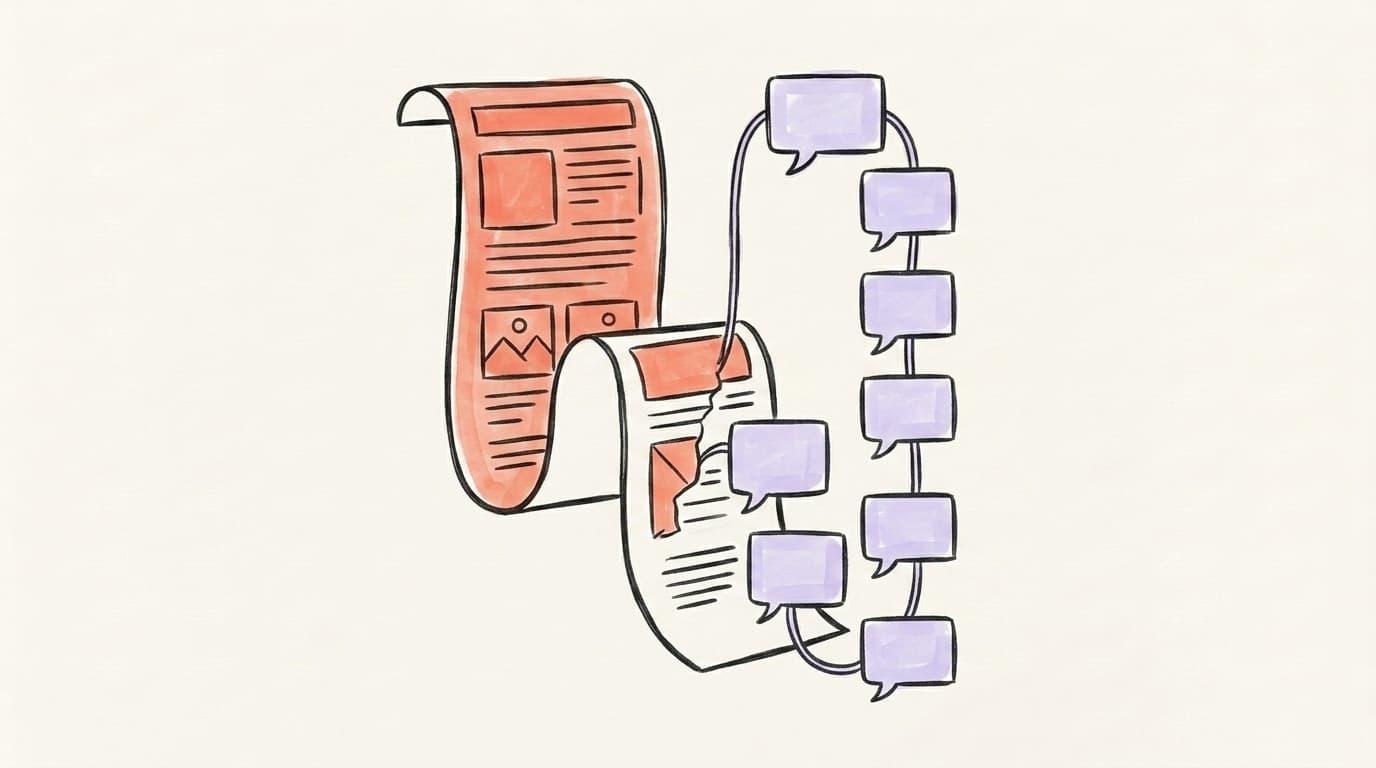
How to Turn an Article Into an X Thread (6-Step Workflow)

Find the article's single core argument (its "spine"), rebuild the hook from scratch, turn each supporting point into a standalone tweet, and use a twitter thread generator to do the heavy lifting — so you ship a thread that holds the argument instead of a chopped-up summary.
You spent six hours on a 2,000-word article. Say it lands a few dozen readers. Meanwhile a 7-tweet thread you'd dash off in twenty minutes could reach a far bigger audience — if you build it right.
The catch is that most people "repurpose" an article by slicing it into chunks and calling it a thread. The argument falls apart, the hook is just the old headline, and it reads like a robot fed your blog through a shredder. This guide fixes that. You'll get a 6-step workflow, a way to find the load-bearing argument, and the tools that automate the boring parts.
Why Is Article-to-Thread Repurposing So Underrated?
Article-to-thread repurposing is underrated because most creators treat writing and distribution as the same job — they pour all their effort into the article, hit publish, and assume the work is done. It isn't. The article is the research; the thread is how people actually find it. Repurposing is mainstream practice now: in one survey cited by GoHighLevel, 94% of marketers repurpose their content across channels and mediums. Yet the creators doing it well are rare, because most just copy-paste the same words everywhere. The opportunity is that one article you've already written contains 3-4 threads' worth of standalone ideas. You did the thinking once. A thread lets you cash that thinking in on a platform where short, skimmable, argument-driven writing travels — and where a single good thread can out-reach the article that spawned it many times over.
The mistake to avoid: posting the same content verbatim across every channel. As repurposing teacher Maria Wendt puts it, copy-pasting "trains your audience to not open all of your stuff." Repurposing well means re-expressing the idea for the format, not duplicating it.
Here's her full breakdown of repurposing one piece of content into many without it feeling repetitive:
What Is the 6-Step Article-to-Thread Workflow?
The 6-step article-to-thread workflow is a repeatable process that takes you from a finished article to a published X (formerly Twitter) thread without losing the argument: (1) pick the right article, (2) find the spine, (3) write a fresh hook, (4) map each supporting point to one tweet, (5) add a close with a link back, and (6) edit for rhythm. The key insight is that a thread is not a summary — it's a re-argument. You're not shrinking the article; you're rebuilding its logic in a format that rewards momentum. Most failed threads skip steps 2 and 3: they keep the article's structure and headline intact, which produces a flat recap nobody finishes. A 2,000-word how-to becomes a tedious 18-tweet wall instead of a tight 7-tweet argument. Do the steps in order and each tweet earns the next one. Here's the workflow in full:
- Choose a thread-worthy article — one with a clear argument and a few discrete points.
- Extract the spine — the single sentence the whole article exists to prove.
- Write a new hook — built for the feed, not for Google.
- Map points to tweets — one complete idea per tweet, in logical order.
- Close with a payoff and a link — recap the spine, then point to the full article.
- Edit for flow — read it top to bottom; cut any tweet that doesn't move the argument.
One idea, every platform
Turn one post into a week of content
Write once and let Postory reshape it for X and Threads — each tuned to how that platform actually reads.

How Do You Choose Which Articles to Repurpose?
You choose articles to repurpose by looking for a clear argument and discrete, liftable points — not by grabbing your most recent post. The best candidates are articles that make one strong claim and back it with 4-8 distinct reasons, steps, or examples. Each of those becomes a tweet, so an article with a clean internal structure converts almost effortlessly. Avoid articles that are pure reference (a glossary, a spec sheet) or that ramble across five loosely related topics — those fight the format. A practical filter: if you can state what the article argues in one sentence and list its supporting points on your fingers, it's thread-ready. Also weight toward your proven winners — pieces that already earned search traffic, comments, or backlinks. They've been validated by readers, so the thread inherits a topic you know lands. For a deeper system on this, see our AI content repurposing guide.
Quick triage checklist before you start:
- One core claim? If you can't name it, the thread won't have a spine.
- 4-8 discrete points? That's your tweet count, roughly.
- Already performed well? Validated topics repurpose with less risk.
- Still accurate? Update any stale stat before it goes back out.

How Do You Find the "Spine" of an Article?
You find the spine of an article by asking one question: what is the single sentence this entire piece exists to prove? That sentence is the spine — the argument everything else supports. To find it, ignore the headline (it was written for search, not persuasion) and read your own conclusion. The last few paragraphs usually state the real point more honestly than the intro does. Write that point as one declarative sentence with no hedging: "Scheduling tools don't grow your account — consistency does." That's a spine. "Some thoughts on scheduling tools" is not. Once you have it, every tweet in your thread has a job: it either sets up the spine, proves it, or pays it off. Any tweet that does none of those gets cut. The spine is also your accountability check — if your thread's tweets don't ladder up to that one sentence, you've made a list of facts, not an argument, and readers feel the difference even when they can't name it.
A fast way to test your spine: read only your hook and your final tweet. If a stranger could guess the whole argument from just those two, the spine is strong. If they couldn't, the thread is wandering.
How Is a Thread Hook Different From an Article Title?
A thread hook is different from an article title because they're built for opposite environments: a title is read by people who are already searching for the topic, while a hook has to stop people who weren't looking for anything. Your article title is optimized for Google — it front-loads the keyword and describes the contents plainly ("How to Schedule X Posts"). That's correct for SEO and wrong for the feed. A thread hook instead creates tension: it promises a specific payoff, contradicts a common belief, or opens a curiosity gap the reader needs closed. Compare "How to Schedule X Posts" (title) with "I scheduled every X post for 90 days. The 'best time to post' advice is mostly wrong. Here's what actually moved reach:" (hook). Never reuse the title as tweet one. Write the hook last, once you know your spine, so it can promise exactly what the thread delivers. For more on hooks and structure, see our guide on how to write a Twitter thread.
Three hook patterns that travel well:
- The contrarian take: "Everyone says X. After [specific experience], I think the opposite."
- The specific result: "[Number] + [timeframe] + [outcome]. Here's the exact process."
- The open loop: "Most people get [topic] wrong because they skip one step. Here it is."
Which Twitter Thread Generator Should You Use?
The twitter thread generator you should use depends on how much control you want versus how much speed: generic AI chatbots give you flexibility but no platform formatting, dedicated thread tools give you structure but often a robotic tone, and an integrated content tool gives you a thread plus the other platform versions in one pass. A plain AI chatbot will happily turn an article into a thread if you prompt it well, but you'll paste, reformat, and re-tweak the tone yourself every time. Purpose-built thread splitters chop text at the character limit but rarely rebuild the argument — you get chunks, not a re-argument. The strongest option for repurposing is a tool that ingests the article, finds the structure, and outputs a thread plus a Threads and Bluesky version, because the real cost of repurposing isn't the first draft — it's doing it again for every platform. For the broader playbook on cross-channel repurposing, see AI content repurposing. Before you push the same thread to Threads as well, it's worth reading what gets a Threads account banned — repetitive cross-posting is one of the behaviours that draws attention.
How the options compare:
- Generic AI chatbots — most flexible, zero platform formatting, you do all the reformatting.
- Thread-splitter tools — fast character-limit chopping, but no argument rebuild.
- Integrated repurposing tools — one input, multiple platform-ready drafts; best for volume.
How Does Postory Turn Any URL Into a Thread?
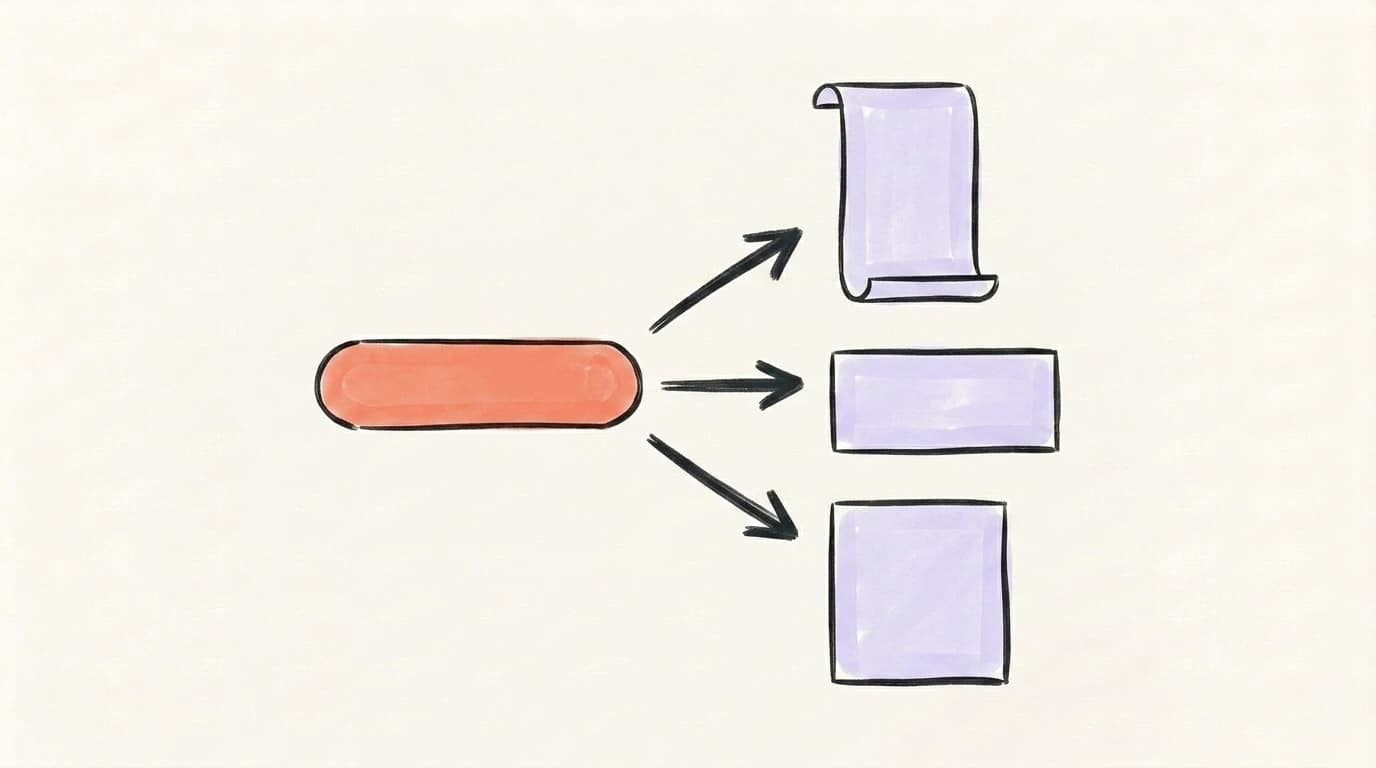
Postory turns any URL into a thread by reading the article behind the link and drafting platform-ready posts from it — including a multi-part X thread, a Threads version, and a Bluesky post — in a single pass. You paste a link, type an idea, or describe the post you want; Postory's AI pulls the source, identifies the structure, and adapts the format for each platform automatically instead of pasting the same text everywhere. Because it's voice-trained on how you write, the output reads like you rather than like a generic AI summary, which is the whole point of the "don't duplicate, re-express" rule. You then review and edit the draft variants before anything publishes — the tool drafts, you keep the spine. The result is the slow part of repurposing done in under a minute: one article in, an X thread plus Threads and Bluesky versions out, all editable, all in your voice.
Start Repurposing Articles Into Threads With Postory
The workflow above works by hand — but the reason most articles never become threads is that doing it manually, for every platform, is tedious. That's exactly the part worth automating.
Paste any article URL and Postory ships an X thread, a Threads version, and a Bluesky post — adapted for each format, written in your voice, ready for you to edit and publish. You keep the spine; the tool handles the busywork.
Try Postory free — paste any article URL and turn it into an X thread, a Threads version, and a Bluesky post in one pass.
FAQ
Q: How long should an X thread be when repurposing an article?
Most well-performing threads land in the 6-8 tweet range — long enough to make a complete argument, short enough that readers finish it. Map one supporting point to one tweet and let the article's natural structure set the length. If you're past 12-15 tweets, you're probably trying to fit the whole article in; pick the strongest sub-argument and save the rest for a second thread.
Q: Can I just paste my whole article into a thread tool and post the result?
You can, but it usually reads like a recap, not an argument. Basic splitter tools chop text at the character limit without rebuilding the hook or the logical flow. Always do two things by hand: write a fresh hook (don't reuse the article title) and read the thread top to bottom to cut any tweet that doesn't move the argument forward.
Q: What's the difference between a thread hook and my article headline?
Your headline is written for Google — it front-loads the keyword and describes the contents. A thread hook is written for the feed, where it has to stop someone who wasn't searching for your topic at all. Headlines describe; hooks create tension with a specific result, a contrarian take, or an open loop. Reusing the headline as your first tweet is the single most common reason threads flop.
Q: How do I keep the argument intact when I shorten an article?
Find the article's "spine" first — the one sentence the whole piece exists to prove. Then make sure every tweet either sets up that sentence, proves it, or pays it off. If a tweet does none of those, cut it. A thread that holds together is an argument rebuilt for the format, not a summary squeezed into 280-character chunks.
Q: Should I link back to the original article in the thread?
Yes — but at the end, not the start. Lead with value so people read the thread on its own terms, then close by recapping the spine and pointing to the full article for readers who want the depth. Putting the link in tweet one tends to pull people off-platform before they're invested, which can dampen how far the thread travels.
Q: Which articles repurpose into threads best?
Articles that make one clear claim backed by 4-8 discrete points — how-tos, frameworks, opinion pieces, and case studies. Each point becomes a tweet, so the structure does half the work. Reference content like glossaries or spec sheets repurposes poorly because there's no argument to rebuild. Favor pieces that already earned traffic or comments; they're validated topics that carry less risk.
Q: Can one article become more than one thread?
Often, yes. A meaty 2,000-word article usually contains two or three distinct sub-arguments, each strong enough to stand as its own thread on a different day. Splitting them keeps each thread focused on a single spine and gives you multiple posts from one piece of writing — which is the entire point of repurposing.
Related articles

The Best AI Twitter/X Thread Generators Compared (2026)
Nine AI Twitter thread generators, ranked by what each is genuinely best at — plus how to pick the right one for your stage and budget.
Jul 1, 2026
How to Write an X Thread: Structure, Hooks, Length (2026)
How to write an X thread people finish — hook formulas, the right length, formatting rules and a template you can reuse.
Apr 17, 2026

50+ Tweet Ideas: What to Post on X When You're Stuck
Run out of things to tweet? Here are 50+ tweet ideas — hooks, formats, and prompts — that actually get replies and reach on X in 2026.
Apr 15, 2026