
What Are LinkedIn Impressions? A Clear Guide for Creators

A LinkedIn impression is counted every time your post is at least 50% visible on a signed-in user's screen for at least 300 milliseconds. It's a visibility metric, not an engagement one — the same person seeing your post three times counts as three impressions.
You open LinkedIn analytics, see "4,312 impressions," and have no idea if that's good, bad, or meaningless. Impressions are the most visible metric on LinkedIn and the most misunderstood — because "impression," "view," and "reach" sound interchangeable but measure completely different things. Here's what actually counts, what's a good number for your account size, and how to move the line.
What Are LinkedIn Impressions? (Simple Definition)
A LinkedIn impression is counted every time your post or update appears on someone's screen. More precisely, LinkedIn registers an impression when at least 50% of your post is visible on a signed-in member's device for at least 300 milliseconds, a threshold documented by analytics tools that pull directly from LinkedIn's reporting like ContentIn. That 300-millisecond rule exists so fast scrolls don't inflate the count — but it's also why impressions can be high without anyone actually reading your post. Every time your content re-enters someone's feed, it counts again. One person scrolling past your post on their phone in the morning, seeing it again after a refresh at lunch, and catching a reshare in the evening creates three separate impressions from one human. That's the entire definition: exposure, not attention. The threshold also matters when you're comparing LinkedIn numbers to other platforms — each network defines "impression" slightly differently, so a raw impression count on LinkedIn isn't directly interchangeable with one on X or Instagram.
What's the Difference Between Impressions, Views, and Reach?
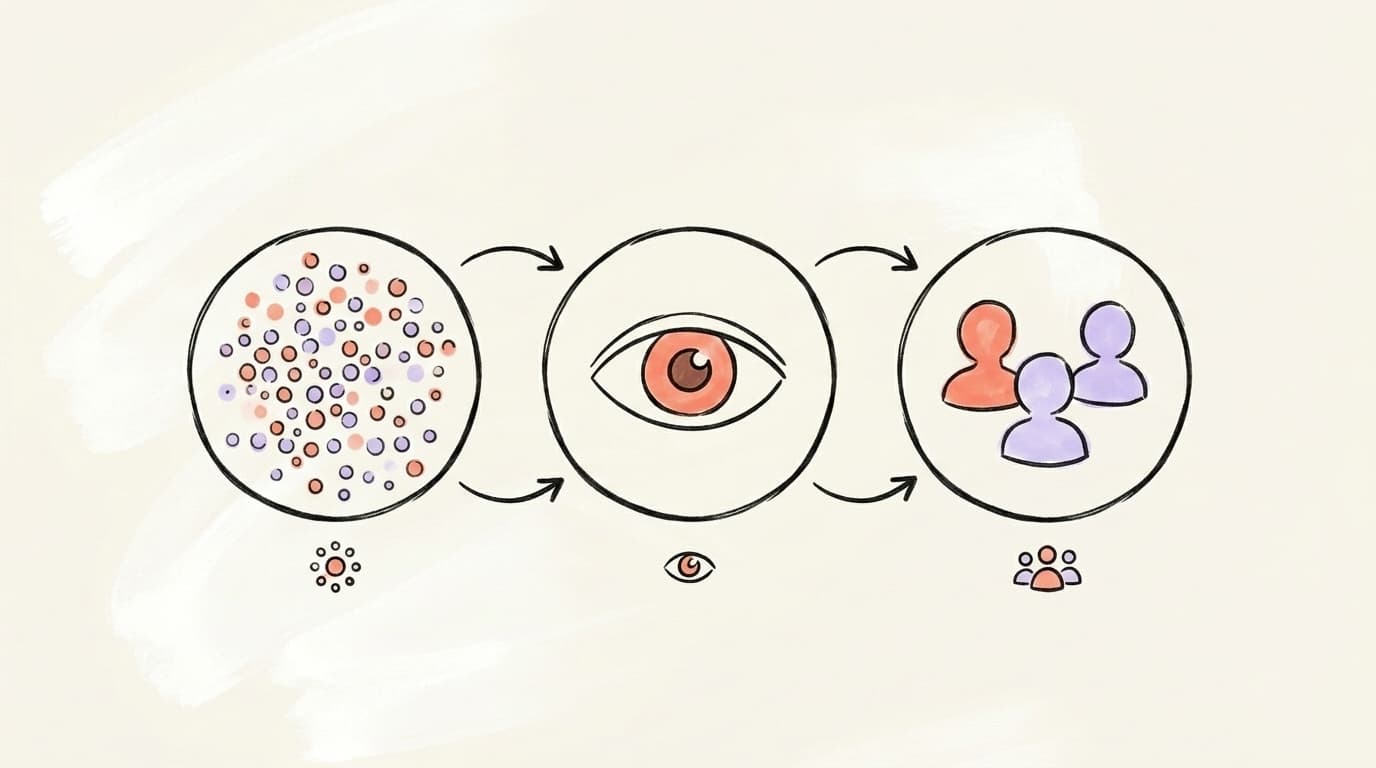
These three words get mashed together constantly, and that's why people misread their own analytics. Impressions count every display on screen, repeats included. Members reached (sometimes labelled "unique impressions" in analytics tools) counts distinct people — if your post shows up in front of the same person five times, reach adds 1, impressions adds 5. Views imply active consumption: on video posts, LinkedIn only counts a view once the clip has played for more than 2 seconds, per the definitions compiled in AuthoredUp's 2026 guide. A real example from that same guide: a post with 16,363 impressions reached 11,303 members — roughly 69% of impressions became unique reach, meaning about a third of displays were repeat exposures. That ratio is normal. A ratio close to 1:1 means most displays went to distinct people; 2:1 means roughly two displays per member reached, on average — not that every member saw it twice. The ratio describes how displays were distributed; it doesn't tell you why, or that the repeats were driven by engagement.
Profile analysis
See how your profile really scores
Postory analyzes your X, Threads or Bluesky profile and shows exactly what to fix to get more reach. Audits run on credits, bought in packs.
What Counts as an Impression on LinkedIn?
Anywhere your post shows up on LinkedIn can generate an impression, not just the home feed. That includes the main feed, search results, hashtag pages, notifications, your profile's activity tab, company page visits, and feeds of second- and third-degree connections when a first-degree connection engages with your content. LinkedIn also distinguishes three impression types: organic (unpaid exposure driven by the algorithm and your network), viral (exposure to people outside your network triggered by someone else's like, comment, or reshare), and paid (impressions from Sponsored Content and other ad formats through Campaign Manager). What doesn't count: someone opening LinkedIn but never scrolling far enough to reach your post, or scrolling so fast that your post never clears the 300ms visibility threshold. That's one reason impressions alone are a weak signal of actual audience interest — they measure exposure, not intent.
What's a Good Number of Impressions on LinkedIn?
There is no single "good" impression number — it scales with your follower count, network size, and posting consistency. A useful rule of thumb surfaced across benchmark studies is that a healthy post should reach roughly 10-30% of your follower count in impressions. Based on commonly reported creator benchmarks, the following loose ranges hold up for personal profiles:
- Under 1,000 connections: 200-500 impressions per post is solid.
- 1,000-5,000 connections: 500-2,000 impressions per post is typical for active posters.
- 5,000-25,000 followers: 1,000-5,000 impressions per post.
- 25,000+ followers: 2,500-10,000 impressions per post, per — which also flags that average impressions for large accounts have declined year-over-year as the feed gets more competitive.
For LinkedIn company pages, benchmark data from Social Insider is the better reference point, since most public industry benchmarks measure business pages rather than personal profiles. Don't treat any of these as targets — they're reference points. A 600-impression post that lands two qualified leads beats a 10,000-impression post that lands none. Focus on the trend line for your own account, not someone else's screenshot.
How Does LinkedIn Count Impressions by Post Type?
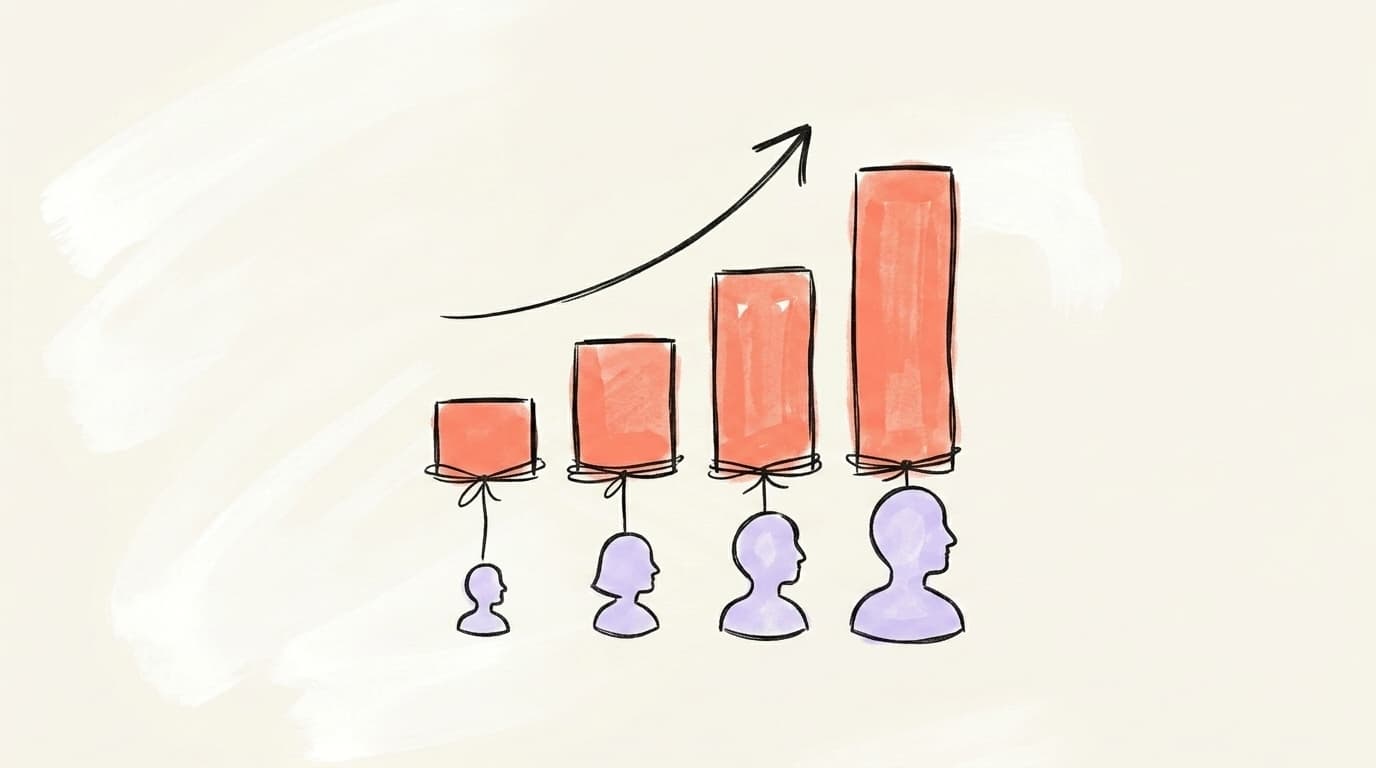
Impression counting is the same mechanism across formats — 50% visible for 300ms — but different post types trigger different impression volumes because the algorithm surfaces them differently. Text-only posts historically get strong organic reach because they're fast to render and easy to scroll through, but they're also the most saturated format. Carousels (document posts) tend to hold attention longer because people swipe through them, which feeds dwell-time signals back to the algorithm and often results in a second wave of impressions. Native video has seen a meaningful push in 2025-2026, with LinkedIn openly prioritizing video in the feed; a played video beats a skipped image for algorithmic lift. Polls generate outsized early impressions because votes count as engagement — but polls with low voter follow-through can stall fast. Reposts without commentary get the weakest treatment; reposts with your own added text do better but still trail original posts. LinkedIn uses early engagement to decide how far to push your content, so the format that holds attention longest in the first hour usually wins the impression race.
How Do You Track Impressions in LinkedIn Analytics?
LinkedIn shows impression data in three places, and each gives you a different slice. On any post you've published, tap the impressions number directly below it — that opens a breakdown of total impressions, members reached, top industries, job titles, and locations viewing the post. On your profile, the "Analytics" section (visible only to you) shows post impressions, profile views, and search appearances over rolling 7-, 14-, 28-, 90-, and 365-day windows. For company pages, admins get a full dashboard under Analytics → Content with impressions, unique impressions, click-through rate, and engagement rate per post. One thing to know: individual post impression data is only retained for a limited window in LinkedIn's native analytics, so export or screenshot anything you want to track long-term. For deeper trend analysis — week-over-week averages, best-performing formats, or posting time correlations — third-party tools like Shield, AuthoredUp, or your scheduling platform's native analytics give you the historical view LinkedIn itself hides behind short retention windows. Our LinkedIn analytics guide breaks down which numbers are actually worth tracking.
How Can You Increase Your LinkedIn Impressions?
Getting more impressions isn't about volume — it's about earning the first wave of engagement within the first 60-90 minutes after posting, because that's the window LinkedIn's algorithm uses to decide whether to keep distributing your content. Here's a walkthrough of what's actually working on LinkedIn going into 2026, from Tommy Clark, who runs a LinkedIn content agency:
The practical levers that move impressions for most accounts:
- Post when your audience is online. Your early engagement window depends on who's actually scrolling. Check your own analytics for the hours your audience is most active.
- Hook hard in the first line. LinkedIn truncates posts after ~210 characters on desktop. If the first line doesn't earn the "see more" click, you never clear the 300ms threshold for most users.
- Ask a clear question or take a clear position. Content that invites a reply generates comments, which are the strongest signal the algorithm uses to expand reach.
- Match format to message. A step-by-step framework belongs in a carousel where people swipe through; a sharp opinion belongs in a 4-line text post; a customer story belongs in a 60-second video. Forcing every idea into a text post caps your ceiling.
- Write like a human. Posts that read like LinkedIn templates get skimmed past. Our what to post on LinkedIn guide walks through hook structures and rhythm.
- Reply to every comment in the first hour. Each reply extends the post's active window in the algorithm's eyes.
- Post consistently, not frantically. Three to five strong posts per week beats daily filler. The algorithm rewards steady contribution; it penalizes posting surges followed by silence.
Don't game impressions for their own sake. A 20,000-impression post that nobody clicks or replies to tells LinkedIn your audience isn't interested, which hurts the next post. Aim for meaningful engagement from the right people — impressions follow.
Increase your impressions with consistently great content
Impressions grow when you ship quality posts on a steady schedule — which is hard to do solo, and just as true on every other platform you're on. Postory helps you write with AI that sounds like you, plan your week so you're never scrambling for a topic, and schedule everything in one place across X, Threads, and Bluesky.
Try Postory free — publish on time everywhere else, and grow your reach without grinding.
FAQ
Q: What does "impressions" mean on LinkedIn in simple terms?
An impression is one display of your post on someone's screen. LinkedIn counts it when at least 50% of your post is visible for at least 300 milliseconds. It doesn't mean the person read it — only that your content was in front of them long enough to theoretically register.
Q: Is 1,000 impressions on a LinkedIn post good?
For most individual profiles with 500-5,000 connections, 1,000 impressions on a single post is a solid result. It usually means the post reached beyond your immediate network and was surfaced by the algorithm to second-degree connections. For larger accounts (25,000+ followers), 1,000 impressions is below average.
Q: Do LinkedIn impressions mean someone actually read my post?
No. Impressions measure display, not reading. Someone can scroll past your post in under a second and still generate an impression, as long as your content was at least half-visible for 300ms. Engagement metrics — reactions, comments, clicks, and dwell time — are better signals of whether people actually consumed the content.
Q: What's the difference between LinkedIn impressions and views?
Impressions count every display of your post, including repeats. Views require more active engagement — for video, LinkedIn counts a view after about 2 seconds of playback with 50% of the player visible. Think of impressions as "your content was shown" and views as "your content was watched or clicked into."
Q: Why are my LinkedIn impressions dropping?
Many creators have reported softer organic impressions in recent years as the feed has gotten more crowded, AI-generated content has exploded, and LinkedIn has shifted surface area toward paid placements. If your impressions drop specifically, the common causes are posting at off-peak times, posting too frequently (which dilutes the algorithm's ability to push each post), or a sudden drop in early engagement after a post with weak comments or reshares.
Q: How often does LinkedIn update impression counts?
LinkedIn updates impression counts in near real-time for the first 24-48 hours after a post goes live, with most of the impressions arriving in the first 24 hours. Some late impressions can trickle in over the following weeks if the post continues to be surfaced via search, hashtags, or notifications, but the big numbers land fast.
Q: Can you see who viewed your LinkedIn post?
Not individually. LinkedIn shows you aggregated breakdowns — top industries, job titles, companies, and locations — but not a list of specific people who saw the post. Only profile views show individual names (and only if the viewer isn't browsing in private mode).
Q: Are paid impressions counted the same as organic impressions?
Yes, the 50%-visible-for-300ms rule applies to both. But in your analytics, paid impressions are reported separately from organic impressions so you can tell which channel drove the exposure. A boosted post that gets 5,000 organic + 20,000 paid impressions will display both numbers distinctly.
Related articles

How to See Your Impressions on X (Twitter)
How to see impressions on X: the per-post panel, the account dashboard, and what X does not document — checked against X's own sources.
Sep 9, 2026
X/Twitter Engagement Rate: How to Calculate It, What's Good
Your Twitter engagement rate is engagements divided by impressions — or by followers. The formula, both denominators, and what benchmarks say is good.
Sep 8, 2026
Is LinkedIn Premium Worth It for Creators in 2026?
A candid tier-by-tier review of LinkedIn Premium in 2026 — who actually needs Career, Business, Sales Navigator, or Recruiter Lite, and who should stay free.
Jun 12, 2026