
How Does the LinkedIn Algorithm Work? (2026 Guide)

The LinkedIn algorithm ranks posts through a four-stage distribution funnel (quality filter → small test audience → wider network → extended feed). It rewards dwell time, meaningful comments, and expertise signals — and punishes engagement bait, outbound links, and generic broadcasting. Post for your niche, not the whole platform.
If your LinkedIn posts feel like they're going nowhere, it's rarely because "LinkedIn doesn't like you." It's because you don't know how the ranking system actually decides what to show. Once you understand the rules, the reach follows.
This guide breaks down the LinkedIn algorithm in 2026 — the stages, the signals, what LinkedIn's engineers have said publicly, and the handful of things that actually move the needle.
How Does the LinkedIn Algorithm Work in 2026?
The LinkedIn algorithm is a multi-stage ranking system that decides who sees each post by scoring signals about relevance, expertise, and engagement quality. It doesn't just rank by likes or recency. Every post goes through a quality check, gets tested on a small slice of your network, and is then distributed wider (or killed) based on how real people respond in the first 60–90 minutes. In 2026, LinkedIn has leaned harder into AI-driven ranking — including large language models that read your post's actual content to classify it as an insight, a job, a personal story, or spam — and matches it to people whose activity history suggests they'll engage with that topic. Dwell time, thread-style comments, and consistent topic expertise matter more than raw like counts; coordinated engagement and outbound links matter a lot less than they used to. Narrow audiences beat broad ones.
The platform also prioritizes what LinkedIn's content team publicly calls "knowledge sharing" — posts that teach something specific, rather than generic motivational content. In Buffer's interview, Alice Xiong, Director of Product Management at LinkedIn, put it this way: "Think about what kind of knowledge you have to offer to help people."
What Are the 4 Stages of LinkedIn Content Distribution?
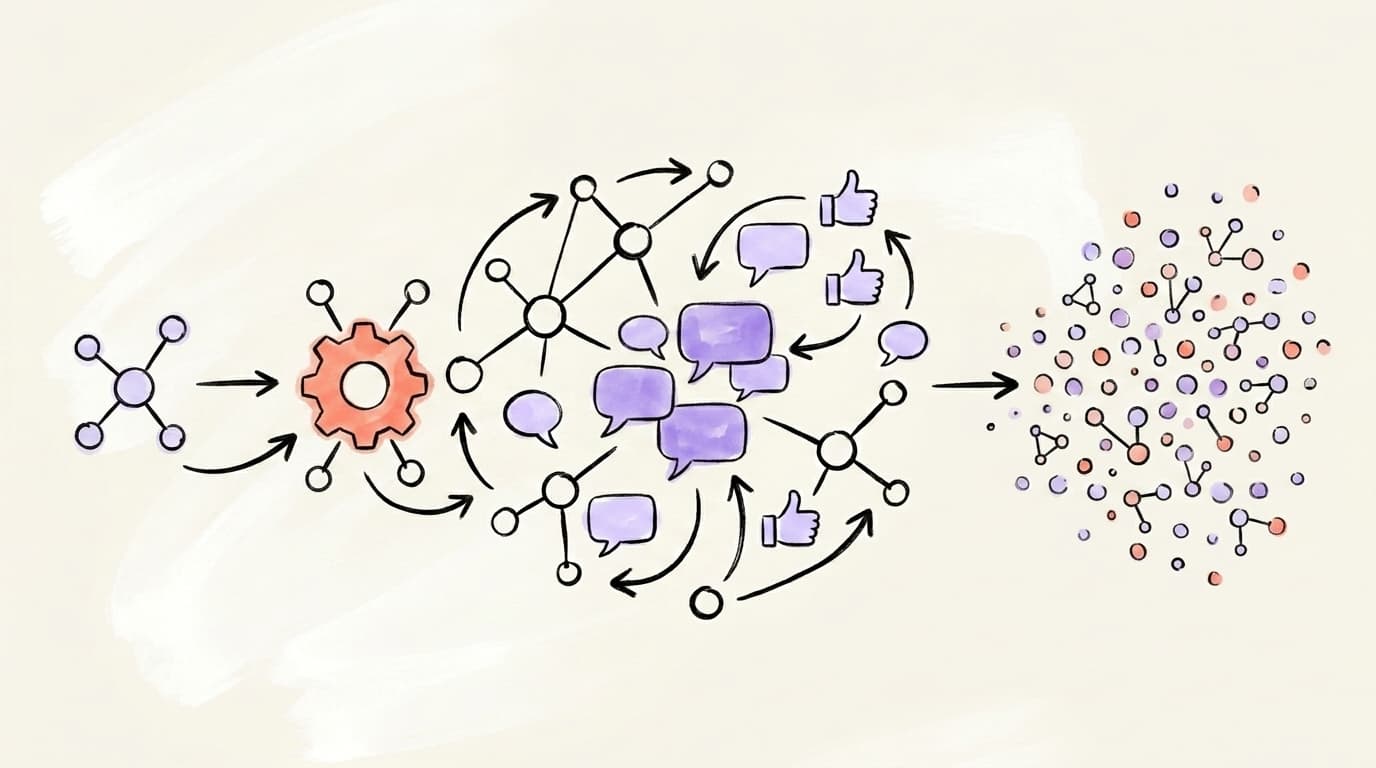
LinkedIn distributes content through four sequential stages — and most posts die at stage two. Understanding each checkpoint tells you exactly where your reach is getting cut off. Stage one is an automated classifier that scores your post for spam, formatting, and bait patterns before a single human sees it. Stage two shows the post to a tiny slice of your network and measures their first-60-minute behavior. Stage three expands to second-degree connections if the test signals are strong. Stage four is the long tail, where evergreen posts can keep resurfacing for weeks. Miss the quality threshold at any stage and distribution stops — usually within hours of publishing. This multi-stage design is why LinkedIn posts often "suddenly pop" after a slow first hour: they only expand once enough engagement confirms the early signals. Most of a post's lifespan is decided in the first 90 minutes, though strong performers keep collecting reach for 48–72 hours.
Content planner
Plan a month of content in an afternoon
Map out your posts on a visual calendar, batch your ideas, and never stare at a blank page again.
Stage 1: The quality filter
Every post gets classified as high-quality, low-quality, or spam. This filter looks for engagement bait ("Agree? Comment YES!"), broken grammar, banned link patterns, and suspicious account behavior. Fail here and your post barely leaves your profile.
Stage 2: The golden hour test
LinkedIn shows your post to a small sample — roughly 2–5% of your close network — and watches what they do in the first 60 minutes. If dwell time, comments, and reshares hit a threshold, you advance. SocialPilot documents this staged approach as Filtering → Testing → Delivering; we break Delivering into wider-network and extended-resurfacing stages for clarity below.
Stage 3: Wider network distribution
Posts that pass the test get pushed to second-degree connections and followers of people who engaged. This is where most "viral" LinkedIn posts break out.
Stage 4: Extended distribution
Strong posts keep earning impressions for 48–72 hours — and some posts have been observed resurfacing in feeds weeks later when LinkedIn judges them relevant to a user's current interests. Evergreen knowledge content benefits from this more than timely hot takes.
Which Ranking Signals Does the LinkedIn Algorithm Reward?
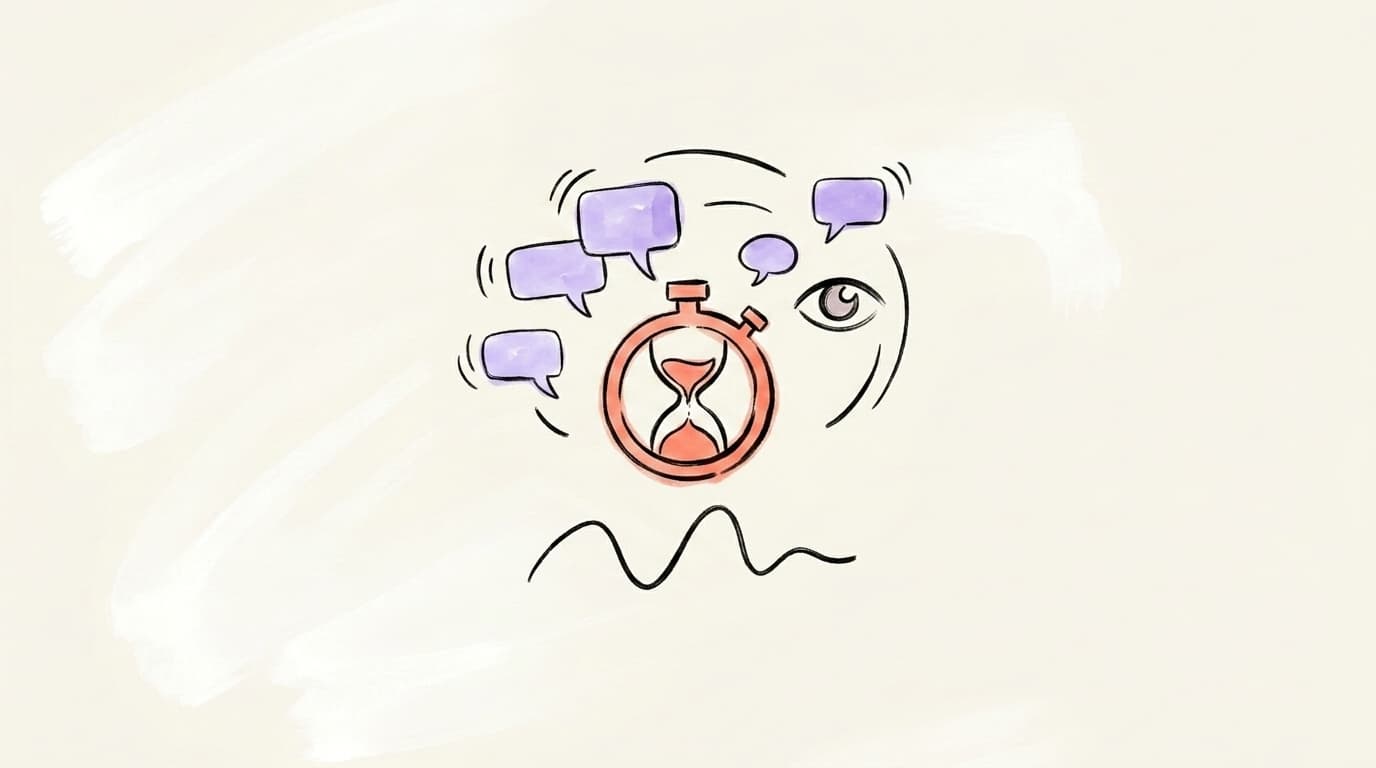
LinkedIn ranks posts on three categories of signals: relevance (how closely the post matches a viewer's interests and past activity), expertise (whether you consistently post about a credible niche), and engagement quality (thoughtful comments and long dwell times beat quick likes). The biggest shift in 2026 is that "engagement" is no longer a raw count. A post with 50 comments that reply to each other outranks a post with 500 likes and zero discussion. Dwell time — how long someone actually spends on your post before scrolling — has become one of the hardest signals to fake, which is exactly why it carries weight. "See more" expansions and slow scrolls on a post body tell the ranker the reader actually stopped to process the idea, not just flicked past it. LinkedIn's own team has described comments as carrying far more weight than likes, and thread-style replies from non-first-degree connections as the strongest positive signal of all.
Here's what matters most, in rough order of weight:
- Dwell time and "See more" expansions — if people stop scrolling to read your post, you win.
- Meaningful comments — comments with more than a few words, especially comments that get replies.
- Reshares with commentary — a raw reshare is okay; a reshare with context is much better.
- Profile clicks and follows from a post — a strong signal that the post converted attention.
- Likes and reactions — still count, but least of all. Don't obsess over them.
What Content Types Does the LinkedIn Algorithm Favor?
Not every format is treated equally. LinkedIn currently favors native, on-platform content: text posts with a strong hook, carousels (document posts), and native video. Content with outbound links typically gets less reach, because LinkedIn wants to keep users on LinkedIn — a pattern Hootsuite documented across recent updates. That doesn't mean you can't link out; it means if you do, the link usually belongs in the first comment rather than the post body. Native video, especially short vertical video, is being pushed heavily as LinkedIn competes with TikTok and Reels for B2B attention. Short, punchy text posts still work well for niche experts — especially ones that open with a specific claim or a contrarian take. The pattern across all three formats is the same: one clear idea, delivered in a scannable shape, designed to earn a second or two of extra attention before the scroll.
A few reliable formats in 2026:
- Specific, teachable text posts — 800–1,500 characters, one idea, one clear payoff. Our LinkedIn writing guide walks through the exact structure.
- Carousels / document posts — visual, skimmable, great for frameworks and checklists.
- Native video under 90 seconds — faces, captions, and one clear point.
- Comment-driven posts — a post that ends with a genuine question (not bait) tends to outperform one that lectures.
When Does Posting Time Affect LinkedIn Algorithmic Reach?
Posting time matters less than people think — but it's not nothing. The algorithm rewards the first hour of engagement heavily, so posting when your specific audience is active (not some universal "best time") gives you the highest chance of clearing the golden-hour threshold. For most B2B professionals in North America and Europe, that's Tuesday through Thursday, roughly 7–10 AM local time, when people check LinkedIn before the workday gets busy. But that's not a universal rule; if half your audience is in a different timezone or works second shift, it's wrong. The better play is to post when your analytics show your followers online, then publish consistently at that slot for 4–6 weeks so LinkedIn learns to prime your content at that time. We break down the full timing logic in our best time to post on LinkedIn guide with regional breakdowns.
One practical rule: don't post and run. Be available to reply to comments for the first 60 minutes. Your own replies count as engagement too, and they signal to the algorithm that a real conversation is forming.
What Are the Biggest Myths About the LinkedIn Algorithm?
Most "LinkedIn hacks" you see in your feed are either outdated, wrong, or actively harmful. The platform has been tightening its rules on inauthentic engagement since LinkedIn's widely reported March 2025 authenticity crackdown, and plenty of tactics that used to work now quietly suppress your reach instead. A few of the biggest myths still floating around — and what's actually true:
- "Engagement pods boost you." Not anymore. LinkedIn can detect coordinated likes from the same cluster of accounts and discount (or suppress) them. DEV Community covered how pods broke in 2025.
- "You must post every day." False. Posting 2–5 high-quality posts per week consistently outperforms 7 mediocre ones.
- "Hashtags boost reach." Largely neutral in 2026 — 2–3 relevant hashtags won't hurt, but stuffing 10 does nothing.
- "Edit your post to kill its reach." Partially myth. Small typo fixes in the first few minutes are fine. Rewriting the hook an hour in can confuse the classifier.
- "Links in the post body kill you dead." Not dead, just suppressed. Put the link in a comment if you want maximum native reach.
How Do You Beat the LinkedIn Algorithm Ethically?
You don't beat the LinkedIn algorithm by gaming it — you beat it by aligning with what it actually wants: a specific person teaching specific things to a specific audience. The creators who get consistent reach in 2026 pick one topic, post about it in their own voice 2–4 times a week, write hooks that earn the first line of attention, and actually reply to comments. No pods, no bots, no AI-sounding broadcasts. Just real expertise delivered consistently to a real niche. The hard part is the consistency, not the cleverness — most accounts plateau because they switch topics every three posts, so the algorithm never gets a clean signal about who they are or who to show them to. If you want the full strategic playbook beyond the algorithm mechanics, we cover positioning, pillars, and cadence in our LinkedIn content strategy guide.
Here's a walkthrough from Matt Gray, a top LinkedIn creator, breaking down his profile and content system:
A short, honest checklist to improve your reach tomorrow:
- Pick one niche word you want to own in your audience's mind. Put it in your headline.
- Write every post around one idea — not three. Cut ruthlessly.
- Spend 30 minutes on the hook. First two lines decide whether you get read.
- Post at the same time 3 days a week for a month. Let the algorithm learn you.
- Reply to every comment in the first 90 minutes. That loop feeds distribution.
Create algorithm-optimized LinkedIn posts with AI
The hardest part of posting consistently on LinkedIn isn't understanding the algorithm — it's writing enough good posts, week after week, to let the algorithm actually work for you.
Postory uses AI to help you write LinkedIn posts that open with strong hooks, stay in one-idea-per-post structure, and match the patterns the algorithm rewards. You can schedule posts to land in your audience's golden hour and manage your whole content pipeline across X, Threads, and LinkedIn from one place.
Try Postory free — build a LinkedIn posting habit the algorithm actually likes.
FAQ
Q: How often should I post on LinkedIn to please the algorithm?
Two to five high-quality posts per week is the sweet spot for most professionals. Daily posting only helps if you can maintain quality — the algorithm weighs depth and engagement per post, not raw volume. If you're choosing between 7 mediocre posts and 3 sharp ones, take the 3.
Q: Does the LinkedIn algorithm penalize outbound links?
It doesn't penalize them outright, but it distributes posts with external links less aggressively because LinkedIn wants to keep users on-platform. The common workaround is to publish the post without a link, then drop the link in the first comment. Reach typically recovers when you do this.
Q: How long does a LinkedIn post stay in the algorithm?
Most of a post's reach happens in the first 24–48 hours, but strong posts can keep collecting impressions for up to 72 hours. Some older posts have also been observed resurfacing in feeds weeks later when LinkedIn judges them relevant to a user's current interests, so evergreen content has longer legs than it used to.
Q: Do comments count more than likes on LinkedIn?
Yes, significantly more. Comments signal that your post sparked real thought, and threaded replies between commenters signal even more. A post with fewer likes but a long comment thread will typically outreach a post with many likes and no discussion.
Q: What is the LinkedIn algorithm's golden hour?
The "golden hour" is the first 60–90 minutes after you publish. During this window, LinkedIn shows your post to a small slice of your network and measures engagement quality — dwell time, comments, reshares. Strong signals here unlock broader distribution; weak signals cap your reach for the rest of the post's life.
Q: Do hashtags help with LinkedIn reach?
Marginally. Two or three relevant hashtags won't hurt and may help in niche topic feeds, but stuffing 10+ does nothing and can look spammy. Focus on the hook and the idea — hashtags are a rounding error.
Q: Has the LinkedIn algorithm changed in 2026?
Yes. LinkedIn has leaned harder into AI-driven ranking — including LLM-based content classification and more weight on dwell time and expertise signals — since the March 2025 authenticity update. Engagement pods and inauthentic behavior are now actively suppressed, and knowledge-sharing content from consistent niche creators is favored over generic motivational posts.
Q: Should I delete underperforming LinkedIn posts?
Usually not. A low-performing post doesn't hurt your future reach much, and deleting rarely helps. Instead, study why it underperformed — weak hook, wrong audience, bad timing — and write a better one. Your next post is always more leverage than cleaning up the last.
Related articles
LinkedIn Premium: Worth It for Creators and Founders in 2026?
A candid tier-by-tier review of LinkedIn Premium in 2026 — who actually needs Career, Business, Sales Navigator, or Recruiter Lite, and who should stay free.
Jun 12, 2026
LinkedIn Polls: Use Them or Skip Them in 2026?
Polls still post big engagement numbers in 2026 — but most of it is hollow. Where polls fit in a LinkedIn content strategy, and when to skip them.
Jun 7, 2026
LinkedIn for Agencies: How Top Agencies Use LinkedIn to Win Clients
The agencies winning clients on LinkedIn run a repeatable content strategy that turns posts into DMs into booked calls. Here's the exact playbook.
Jun 16, 2026