

The X/Twitter Pinned Tweet Strategy: What to Pin and Why

Find your winning post before you pin one
The audit pulls the hook style, length and structure that already earns you the most engagement — plus your full profile scored out of 100.
Your pinned tweet is the highest-leverage real estate on your profile. Pick one of six proven archetypes — best tweet, lead magnet, story, statement, testimonial, or announcement — match it to your current goal, rotate it every few weeks, and track clicks plus follow rate to know if it's working.
Most people obsess over their next tweet. The smarter move is fixing the one tweet that never scrolls away. When someone lands on your profile deciding whether to follow, your pinned tweet is the first full thing they read. Get it right and you turn casual visitors into followers, subscribers, and customers. This post covers what to pin, the six archetypes that actually convert, and how to measure whether your pin is pulling its weight.
Why Does the Pinned Tweet Matter More Than Your Last Tweet?
The pinned tweet matters more than your latest one because of who reads it. Your most recent tweet gets seen mostly by people who already follow you and happen to be online. Your pinned tweet, by contrast, is what every new visitor reads at the exact moment they're deciding to follow or bounce. That's the highest-intent audience you'll ever get — people who clicked your name on purpose. When you learn how to grow on Twitter, the conversion point isn't the timeline, it's the profile, and the pinned tweet sits at the top of it. It stays put while everything else scrolls into the archive, so a single good pin keeps working for weeks or months without any new effort from you. That permanence is exactly why it deserves more thought than the tweet you'll forget by tomorrow.
The mechanics are simple. A new follower's journey usually goes: see your reply or post → click your name → land on profile → scan bio → read pinned tweet → decide. Four of those five steps happen on your profile, and the pinned tweet is the only piece of full content in the sequence. Your bio sets the frame; the pinned tweet delivers the proof.
This is why pairing strong replies with a strong pin compounds. Replies drive the profile clicks, and the pin closes them. Per Tweet Archivist's pinned tweet guide, a pinned tweet should do one of three jobs: introduce you, showcase your best work, or push a current campaign. Everything below is a way to do one of those three things well.
What Are the 6 Pinned Tweet Archetypes?
The six pinned tweet archetypes are the best tweet, the lead magnet, the story, the statement, the testimonial, and the announcement. Each maps to a different goal, so the right choice depends on what you want a visitor to do next — follow you, join your email list, buy something, or simply trust you faster. Most accounts default to whatever tweet happened to do well and leave it there forever, which wastes the slot. Picking deliberately from these six is the difference between a pin that decorates your profile and one that grows it. Tweet Hunter's pinned tweet breakdown found that high-converting pins share three traits regardless of type: a strong opening hook, genuine value in the body, and a clear call to action at the end. Keep those three constants and swap the archetype to match your moment.
Profile analysis
See how your profile really scores
Postory analyzes your X, Threads or Bluesky profile and shows exactly what to fix to get more reach. Audits run on credits, bought in packs.
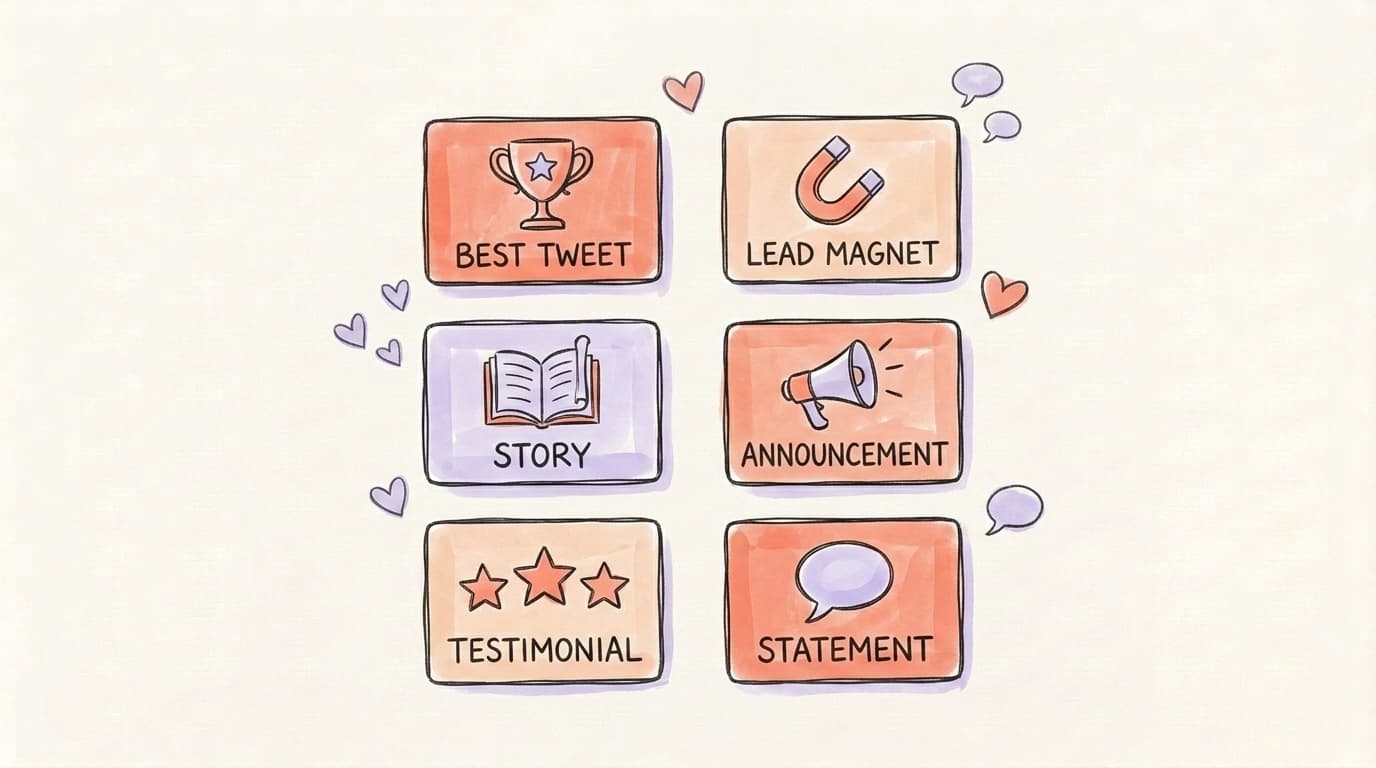
Here's the quick map:
- Best tweet — your highest-engagement post, for social proof
- Lead magnet — a free resource, for email capture
- Story — your founder or origin narrative, for connection
- Statement — a clear "who I help and how," for instant clarity
- Testimonial — a result or review, for trust
- Announcement — a launch or milestone, for a current campaign
The next three sections go deep on the archetypes most people get the most mileage from.
How Do You Use the "Best Tweet" Pin for Social Proof?
The best-tweet pin works by borrowing credibility from a post that already proved itself. You pin the tweet or thread that earned your most engagement — the one with hundreds of likes, dozens of bookmarks, and replies from people you respect. A new visitor sees that engagement and reads it as a signal: other people found this person worth listening to, so I probably will too. This is social proof doing the convincing for you, without you having to claim you're worth following. It's the safest default for anyone who already has at least one tweet that went viral or simply outperformed the rest. The visible like and repost counts do the heavy lifting, and threads work especially well here because they show depth — a newcomer gets a real taste of how you think instead of a single one-liner.
Pick the tweet that's both popular and representative. A viral hot take that has nothing to do with your usual content will attract followers who leave the moment you post your normal stuff. Choose the high-performer that best reflects what someone will actually get if they follow you. If your best tweet is a thread, even better — Hypefury's study of 16,000 X accounts (the video below) found that depth and genuine teaching beat raw engagement metrics, because likes on a big account become "expected" and stop teaching anyone anything.
Here's that research, walking through what separates accounts that keep growing from ones that plateau:
How Do You Use the "Lead Magnet" Pin for Email Capture?
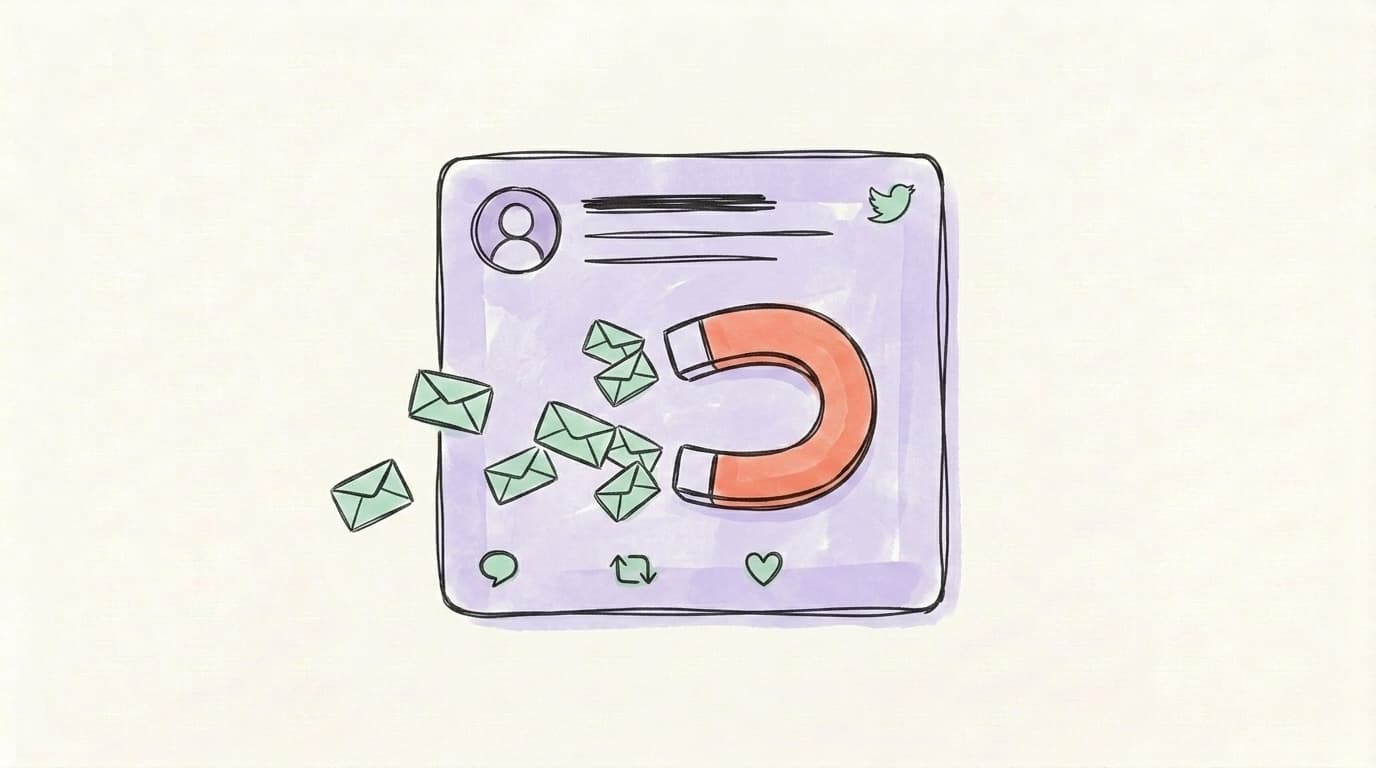
The lead-magnet pin converts profile attention into something you own — email addresses. Instead of pinning content that earns likes, you pin an offer: a free guide, template, checklist, swipe file, or newsletter, with a link to grab it. Followers are rented from the platform; an email list is yours. So if your goal is building an audience you can reach without fighting the algorithm, this is the pin that does it. The trade has to feel fair, though. Nobody hands over their email for "sign up for my newsletter" — they hand it over for "the 12 cold-email templates that booked me 40 calls last quarter." Specific, outcome-driven offers convert; vague ones get scrolled past. Tweet Hunter notes the lead-magnet pin is one of the five best tweet types to pin precisely because it prioritizes owned-audience growth over vanity metrics, and Buffer's own pinned-card experiment pulled 359 leads versus 36 from the same card left unpinned — a 10x difference in conversions.
Make the value obvious in the first line. The hook should name the result, the body should make the resource sound easy to use, and the CTA should be one tap away. Add a visual — an image or a short demo clip — since the same Tweet Archivist research notes tweets with images tend to earn meaningfully more engagement than text-only ones, which matters when your pin is asking for an action.
How Do You Use the "Story" Pin for Founder Origin?
The story pin builds connection by leading with who you are instead of what you've achieved. You pin a short narrative — why you started, the problem you couldn't stop thinking about, the moment things changed. It works because people follow people, not résumés, and a well-told origin story makes a stranger feel like they already know you. This is the strongest pin for founders, solo creators, and anyone whose personal brand is the product. Where the best-tweet pin says "here's proof I'm worth following" and the lead-magnet pin says "here's something free," the story pin says "here's why we're alike." That's a different and often deeper hook, and it tends to attract followers who stick around because they're bought into you, not just one piece of content. Done well, this single pin can quietly out-convert every clever one-liner you ever post.
Keep it honest and specific. The details that feel almost too small — the job you quit, the spreadsheet that broke, the customer who changed your mind — are exactly what make a story land. Skip the polished mission-statement language. End with a soft line about what you share now, so the reader knows what following you gets them. A story pin pairs naturally with a thread: open with the hook tweet, then unfold the arc so a curious visitor can keep reading without leaving your profile.
How Often Should You Rotate Your Pinned Tweet?
You should rotate your pinned tweet on a cadence that matches its job, not on a fixed clock. As a rule of thumb: weekly for promotional pins tied to recurring content or launches, monthly when you're testing which archetype converts best, and quarterly for an evergreen pin like a story or statement that doesn't go stale. The risk runs in both directions. Tweet Archivist's guide warns that updating too often diminishes a pin's impact — it never gets enough impressions to prove itself — while leaving the same tweet up for many months means missing optimization chances and looking inactive to repeat visitors. Tweet Hunter splits the difference with a simple floor: refresh at minimum every three to six months so the pin stays current, and swap it immediately whenever you publish something that clearly outperforms it or launch a new offer.
A practical rhythm that works for most accounts:
- Pick your default pin based on your current top goal (followers, email, sales).
- Give it at least two to four weeks before judging it — one quiet week isn't a verdict.
- Swap immediately for events — a launch, a milestone, a freshly viral tweet.
- Set a recurring reminder to review the pin so it never silently goes stale.
The one habit that beats all of this: when a new tweet meaningfully outperforms your current pin, replace the pin that day. Your best-performing content is a moving target, so your pin should move with it.
How Do You Measure Pinned Tweet ROI?
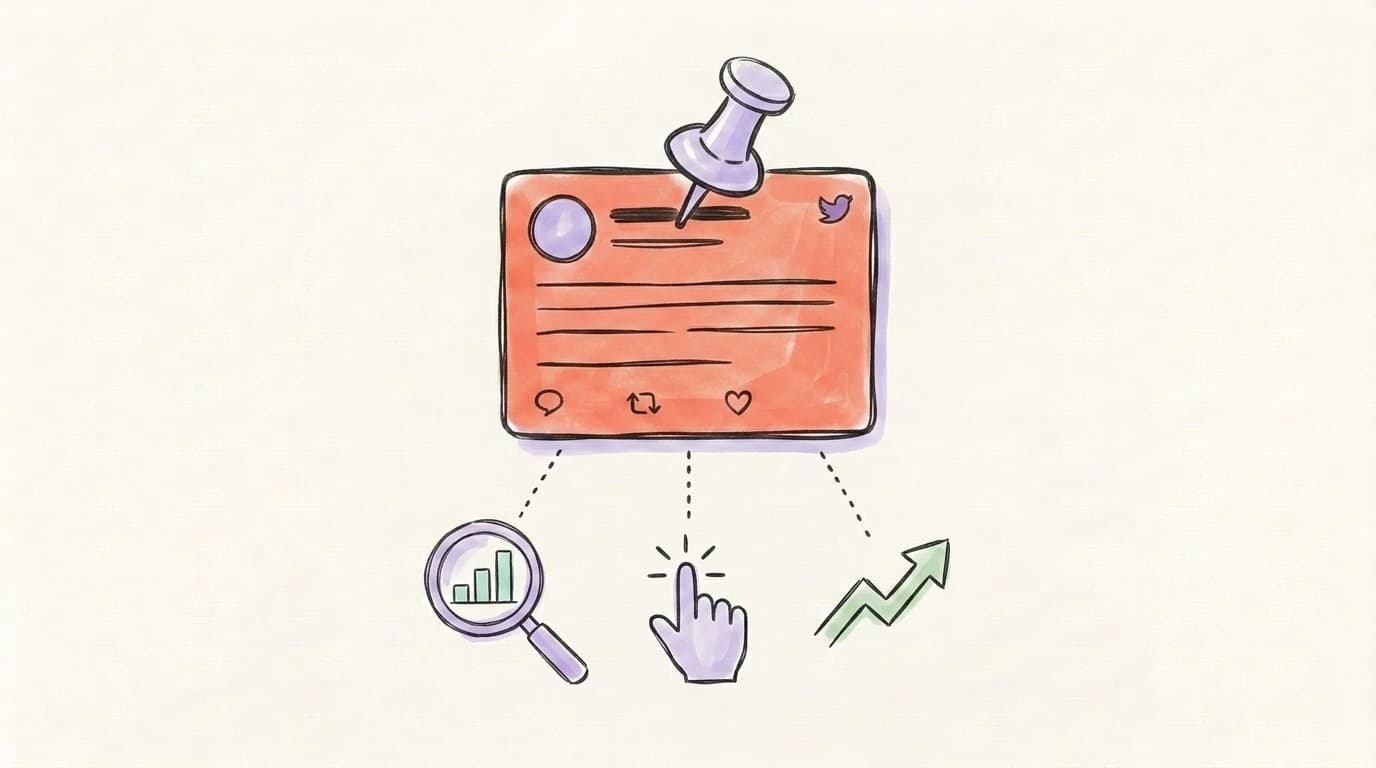
You measure pinned tweet ROI by tracking the few numbers that map to its job, not just its like count. The four to watch are impressions, engagement rate, link clicks, and — most important — your profile-visit-to-follow rate. Likes tell you a tweet is entertaining; clicks and follows tell you it's converting, which is what a pinned tweet actually exists to do. Open your tweet analytics and look at the pinned tweet's clicks and bookmarks relative to its impressions over a couple of weeks. If a lead-magnet pin is getting impressions but almost no clicks, the offer or hook is the problem. If a best-tweet pin gets engagement but your follower count is flat, it's entertaining the wrong people. Tweet Hunter's rule is blunt and useful: if your pin has been up a month with low engagement, it's time to replace it.
Tie the metric to the archetype. A lead-magnet pin lives or dies by link clicks and signups. A best-tweet or story pin is judged by follow rate — are more profile visitors following after you changed the pin? An announcement pin is measured by clicks to the thing you're announcing. Pick the one number that matters for your current pin and watch it, rather than drowning in every stat. The point of finding your highest-engagement content isn't to admire it — it's to pin from it and convert the next visitor.
Start Growing on Twitter with Postory
The hardest part of this whole strategy is the first step: knowing which of your tweets actually earned its engagement so you have something worth pinning. That's where Postory's social media analyzer helps — it surfaces your highest-performing posts so you can pin from your real winners instead of guessing. From there you can plan and write your next batch of tweets in your own voice, then keep the pipeline of pin-worthy content flowing.
Try Postory free — find your highest-engagement tweets and pin from there.
FAQ
Q: How do I pin a tweet on X/Twitter?
Open the tweet you want to pin, tap the three-dot menu in the top-right corner of that tweet, and choose "Pin to your profile." It immediately moves to the top of your profile. To remove or change it, use the same menu and select "Unpin," then pin a different one.
Q: Can I pin more than one tweet on Twitter?
No — X allows only one pinned tweet per profile at a time. Pinning a new tweet automatically unpins the old one. Because you get just one slot, choosing the right archetype for your current goal matters more than most people realize.
Q: What is the best tweet to pin to grow followers?
For pure follower growth, pin your best-performing tweet or thread — the one with the most engagement that also represents what you normally post. The visible likes and reposts act as social proof, and a thread shows depth that converts curious visitors into followers faster than a single line.
Q: How often should I change my pinned tweet?
Match the cadence to its purpose: weekly for promotional pins, monthly when testing, and quarterly for evergreen story or statement pins. At minimum, refresh it every three to six months, and swap it immediately whenever you launch something or publish a tweet that outperforms it.
Q: Does a pinned tweet help you go viral?
A pinned tweet doesn't make a tweet go viral on its own, but it gives an already-strong tweet far more lifespan by keeping it in front of every new visitor. If a tweet went viral, pinning it extends the runway so new profile visitors keep seeing your best work for weeks.
Q: Should my pinned tweet have an image or video?
Yes, when it fits. Visuals tend to draw more attention and engagement than text-only tweets, which matters most for lead-magnet and announcement pins where you're asking the reader to take an action. A short demo clip or a clean graphic can lift clicks noticeably.
Q: What should I never pin to my profile?
Avoid pinning replies to other people, pushy hard-sell promotions, low-engagement tweets, outdated content, or retweets of others' work. These either confuse new visitors about what you offer or actively signal a low-value account — the opposite of what the pin slot is for.
Related articles
How I Got My First 100 Followers on X (From a Dead Account)
I started a brand new X account with zero followers and had my first 100 real followers a few days later. Here's the exact playbook.
Jul 19, 2026

The X Profile Banner Strategy: What to Put Above Your Tweets
Your X banner is prime real estate most accounts waste. 6 banner archetypes that turn profile visits into follows — plus the exact 2026 dimensions.
May 30, 2026
The X Quote Tweet Strategy That Outranks Replying
Quote tweets let you piggyback on bigger accounts' distribution while building your own. Here's the exact 5-format playbook that turns other people's reach into your followers in 2026.
May 29, 2026