
How to Schedule Recurring Social Posts (Without Looking Like a Bot)

Recurring posts aren't the problem — copy-pasting the same caption is. Build recurring slots (same time, fresh content) instead of recurring posts (same text, every Tuesday at 9am), and your feed will look intentional, not automated.
You've seen the accounts. Every Monday at 9am: "Happy Monday! ☕ Let's crush this week 💪." Every Friday: "TGIF! What are your weekend plans?" Same caption. Same emoji. For two years straight.
That's what people picture when they hear "recurring social posts" — and that's why so many creators avoid the whole idea. But the issue isn't recurrence. It's laziness disguised as recurrence. When you learn how to schedule social media posts on a real recurring system, you get the best of both worlds: consistency without the soulless repetition.
Why Do Recurring Posts Get a Bad Reputation?
Recurring posts feel spammy when they're built around recycling text instead of recycling cadence. Most "recurring" features in mainstream social media schedulers default to: take this exact post, republish it every N days, forever. That worked in 2014. In 2026, every major platform actively suppresses content it identifies as a duplicate. Instagram uses Self-Supervised Copy Detection (SSCD) and perceptual hashing to flag repeats, and its first response is algorithmic suppression — your post still appears on your profile, but the feed and Explore distribution dries up.
Schedulers like Edgar stopped allowing identical reposts to X back in 2018 following X's policy change. TikTok uses AI duplicate detection at roughly an 85% similarity threshold and quietly drops flagged videos from the For You Page. So when your audience scrolls past the same "Motivation Monday" caption for the fourth week, two bad things happen at once: people tune you out, and the algorithm has already done it for them. Recurring posts get a bad name because the cheap version of recurring posts genuinely doesn't work anymore.
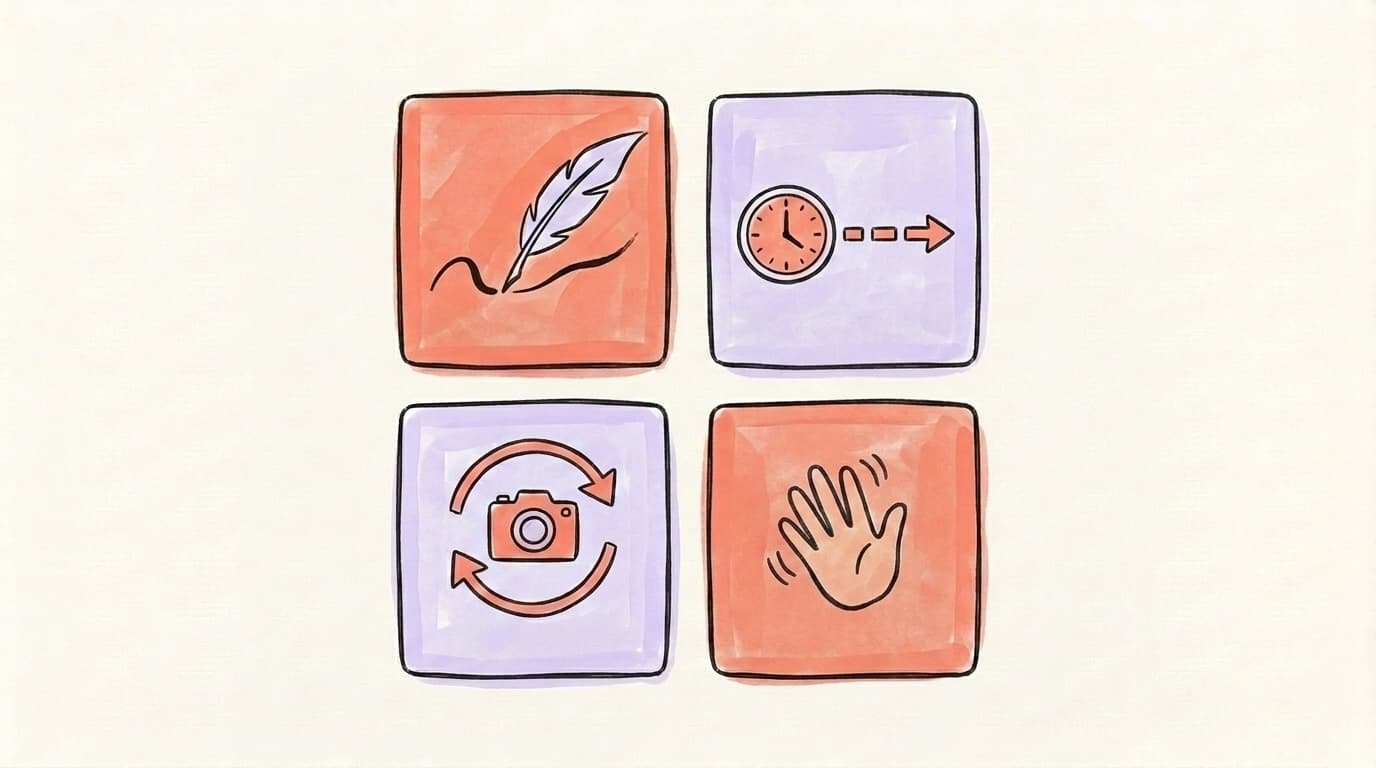
What Are the 4 Rules of "Doesn't-Look-Like-a-Bot" Recurring?
Recurring done right follows four rules: vary the wording, space the repeats, swap the media, and keep a human in the loop. Together they turn recurrence from a copy-paste machine into a content rhythm. The rules exist because every platform's spam detection is built to catch identical text and identical images posted on a clockwork interval — and human readers spot the same patterns even faster than the algorithm does. If you can pass both checks (the algorithm's and a real person's), recurring works in your favor. You get the consistency benefit of showing up at the same times every week without paying the engagement penalty. None of these rules are hard to follow individually. The trap is that most schedulers default to breaking all four at once: same caption, same image, same time, no human review. Treat the rules as a four-part filter every recurring post has to pass before it goes into the queue, and the rest of the work gets easier.
Rule 1: Vary the wording every time
Same idea, different sentence. If your Tuesday slot is "client win stories," that doesn't mean reposting the same testimonial — it means each Tuesday gets a new client story (or the same story told a different way: as a quote, as a number, as a behind-the-scenes note). Edgar recommends rephrasing and reworking every evergreen point into multiple variations so the message repeats, not the text.
Post at the right time
Schedule across X & Threads
Queue your posts once and Postory publishes them at the best times — no more copy-pasting between apps.
Rule 2: Space repeats further apart than you think
A single post has a short shelf life — tweets get ~24 minutes of feed time, Facebook posts ~105 minutes, Instagram posts ~20 hours — but the memory of that post in your follower's head lasts a lot longer. Wait at least 4–6 weeks before reusing a near-identical version of any post.
Rule 3: Swap the media
Even when the caption is fresh, identical images get caught by the same SSCD-style hash detection. Rotate the visual — different screenshot, different photo, different chart — every time you revisit a topic.
Rule 4: Keep a human in the queue
Don't treat your scheduler like a fire-and-forget cron job — review your queue weekly so dated jokes, stale stats, or now-irrelevant news don't auto-publish three weeks after the moment passed.
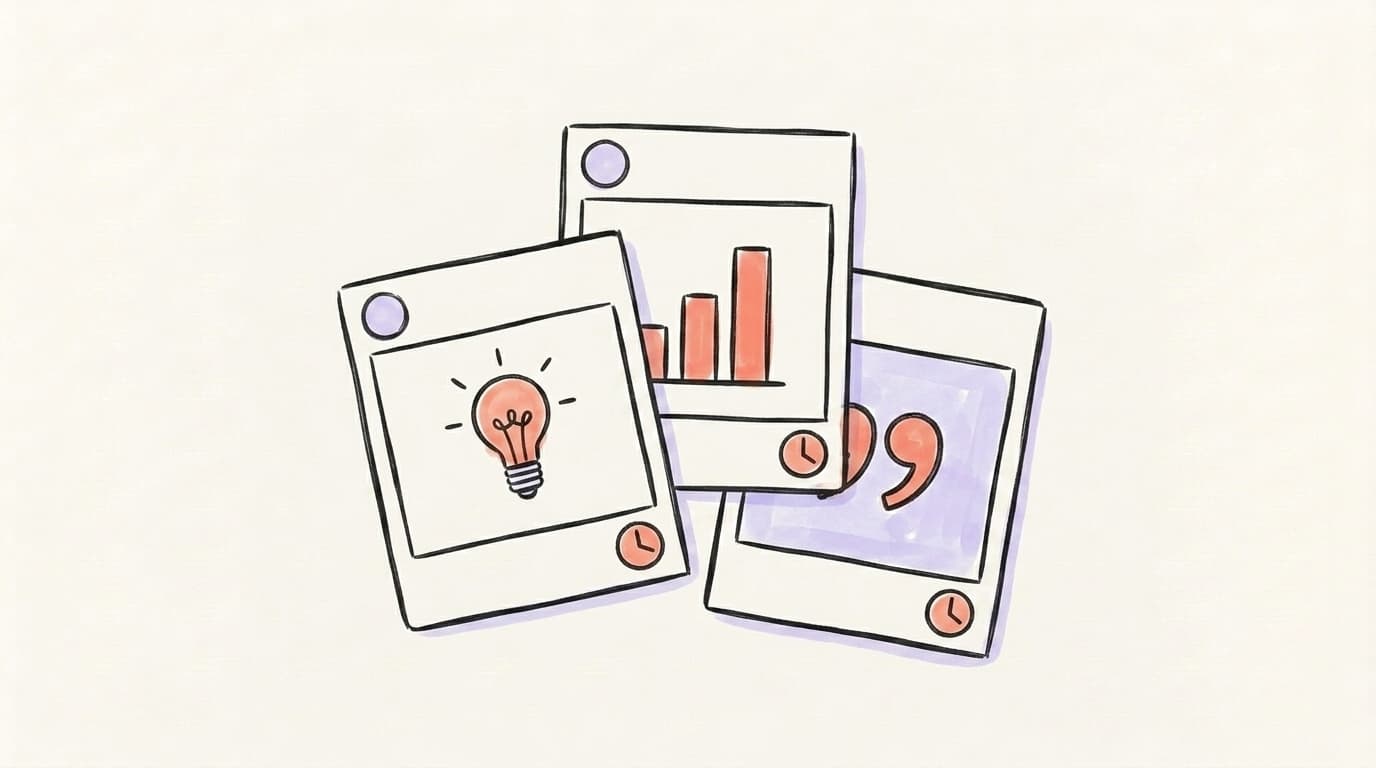
Which Recurring Content Types Actually Work?
Some content categories are tailor-made for recurrence because the underlying idea genuinely repeats — and audiences expect it. The best recurring content types are ones where the format is predictable but the substance changes every time, so each instance feels useful instead of déjà vu. Think of them as evergreen templates rather than evergreen posts. Social media managers call this kind of material "pillar content" — topics that speak to the heart of what you do and don't change every month. A "Tuesday tip" slot is a template; the actual tip changes every Tuesday. A "Friday client story" slot is a template; the actual story rotates through your customer base. Once you start thinking in templates, the calendar fills itself, because you're never staring at a blank scheduler asking "what should I post this week?" — you're asking the much easier question of which tip, which story, which take goes in this week's slot. Here's a clear walkthrough of how to define those pillars in the first place:
The categories below all share that quality. Each one can fill a recurring slot for years without ever publishing the same post twice.
- Tips / quick wins. One small, specific tactic per post. Endless supply because every audience always wants the next tip.
- Client or customer stories. Different person, same structure: problem → what changed → result.
- Behind-the-scenes notes. What you did this week, what surprised you, what broke. Different week, different note.
- Hot takes on a recurring beat. A take on this week's news in your niche. The slot is the same; the news is new.
- Frameworks and breakdowns. Pick a thing you do well, explain one piece of it per post. Most niches have 50+ of these before you repeat.
- Question prompts. Ask your audience something specific. The slot is "I ask, you reply." The question changes.
What doesn't work as a recurring format: anything that depends on a specific external moment (a launch, a holiday, breaking news) — those are one-offs by definition. And anything purely promotional. "Buy our thing" on repeat is the fastest way to teach followers to scroll past your name.
What Is the "Same Slot, Different Content" Pattern?
The "same slot, different content" pattern is the single mindset shift that makes recurring posts work. Instead of scheduling a post to repeat, you schedule a time slot to recur — and then drop fresh content into that slot each cycle. Your audience learns the rhythm ("she always posts a tip on Tuesday morning"); the algorithm sees uniquely-crafted content every time; and you get the planning benefit of a fixed calendar without the duplicate-content penalty. Most schedulers built around recurring posts push you in the wrong direction. A planner built around recurring slots (what Postory calls "recurring post slots") flips the model: the slot is the recurring thing, and the post that fills it changes. This is also how SocialBee's category-based queues work — you fill a labeled bucket, the scheduler pulls from it on a schedule, and no single post ever runs twice.
In practice it looks like this:
- Pick 2–4 recurring slots per platform per week. For LinkedIn that might be Tue 9am, Thu 1pm, Sat 10am. Don't over-fill the calendar — you still want room for one-off, reactive posts.
- Assign each slot a content category (tip, client story, behind-the-scenes, hot take).
- Batch-create the next 4–6 weeks' worth of fills for each slot in one sitting. This is the actual time-saver — not the recurrence itself, but the batching it enables.
- Review the queue weekly to swap, rewrite, or kill anything that no longer fits.
How to Set Up Recurring Slots in Postory's Planner
Postory's planner has recurring post slots built in — they're the core of the social media planner. You define a slot once ("LinkedIn, Tuesday 9am, category: tips") and the planner shows that slot every week, waiting for you to fill it. The slot itself recurs; the post inside it doesn't. Combined with Postory's AI post writing, you can spin up a fresh variation for each Tuesday in under a minute, so the slot stays consistent but the content stays fresh. Because Postory publishes to X, Threads, and LinkedIn natively, the same recurring rhythm works across every primary platform without needing separate tools. The whole point is that you're not setting up a copy-paste loop — you're setting up a sustainable cadence and removing the friction that makes consistency hard in the first place.
The full setup is just three steps:
- Open the weekly planner and create a recurring slot at your target time.
- Tag the slot with a content category so future-you remembers what belongs there.
- Use the AI writer (or paste your own draft) to fill each upcoming instance — one post at a time, never the same post twice.
Which Mistakes Make Recurring Posts Feel Spammy?
Recurring posts cross the line into spammy the moment they stop feeling intentional. The pattern is always the same: too much of one format, too little variation, no human review. A few specific mistakes account for almost all of the "this account looks automated" vibe — and they're all easy to avoid once you know to watch for them. The fixes don't take more time; they just take a different default. Most of the time, the scheduler is doing exactly what you told it to do — which is the problem. You configured "republish this post every Tuesday" once, six months ago, and forgot about it. The tool is faithfully obeying. The audience and the algorithm are both quietly checking out. Watch for these specific patterns when you audit your own queue, and the bot-ness disappears almost overnight.
The most common offenders:
- Identical captions on repeat. Auto-detected by every major platform. Even copying yourself triggers it.
- Same emoji + same opener every time. "🚀 Big news!" three weeks running is the human version of a duplicate-content flag.
- Cross-posting identical content to every platform. What works on LinkedIn looks weird on X and dies on Threads. Adapt the post to each platform, even if the underlying idea is the same — see our guide to scheduling social media posts for platform-by-platform tweaks.
- Stale references. A post written in February that auto-publishes in May and mentions "this week's launch" is the giveaway. Always review the queue weekly.
- No engagement window after publishing. Auto-publishing without showing up to reply to comments is the loudest "I'm a bot" signal. Schedule the post and a 15-minute reply window.
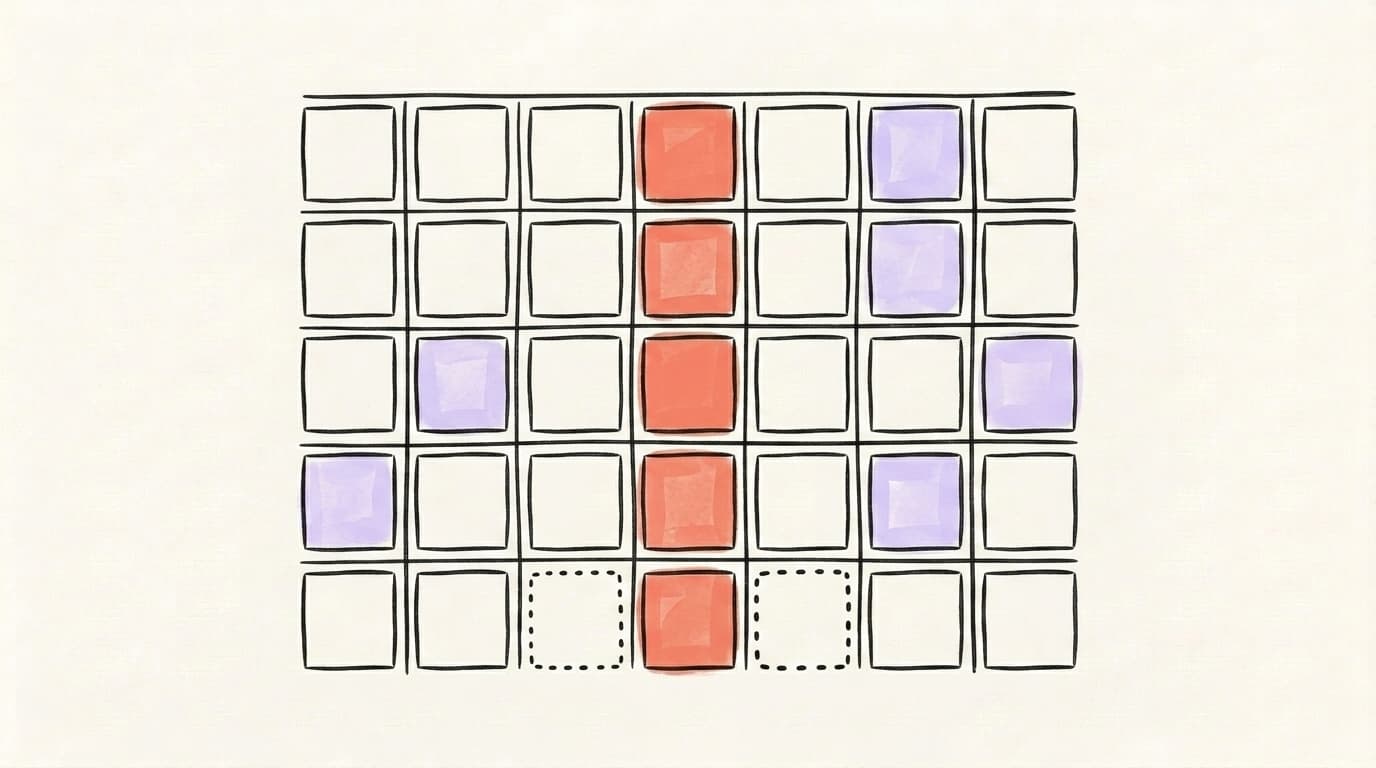
- Filling every single time slot. Leaves zero room to react to anything timely. Keep one or two slots open each week intentionally — your feed should breathe.
How Do You Mix Recurring and One-Off Posts?
A good rule of thumb is to make recurring-slot content roughly two-thirds of your calendar and reserve the rest for one-offs. That ratio gives you the consistency of a system plus the freshness of real-time reaction. Recurring slots carry the baseline (so you never go quiet); one-off posts catch the moments (so you never feel automated). The two work together: recurring builds the rhythm your audience expects, and one-offs prove there's a human running the account who can respond to what's happening today. Plan the recurring slots first, then leave deliberate gaps in the calendar for whatever this week throws at you. That's how a thoughtful social media content calendar actually looks in practice — not a full grid of pre-scheduled content, but a backbone of recurring slots with breathing room for the unexpected.
A simple way to think about the mix:
- Recurring slots = the spine of the week. Always there. Always on-brand.
- One-off posts = the muscle. Drop in around the spine for reactions, launches, jokes, and timely takes.
- Empty slots = the rest. Intentionally leave 1–2 weekly slots open so you're not scrambling to fill space when something interesting actually happens.
Build Your Recurring Rhythm with Postory
Postory's planner has recurring post slots built in — define them once, fill them with fresh content each cycle, and publish natively to X, Threads, and LinkedIn. No duplicate-content flags. No copy-paste loops. Just a steady weekly cadence with room to react.
Try Postory free — set up your first recurring slots in under five minutes and stop reinventing your content schedule every week.
FAQ
Q: How often should you repeat the same social media post?
Don't repeat the exact same post. Repeat the concept — write a fresh version of the same idea, and wait at least 4–6 weeks before revisiting any specific message. Platforms actively suppress identical text and images, so true repeats hurt more than they help.
Q: Is it bad to schedule social media posts in advance?
No — scheduling in advance is fine and most pros do it. What's bad is "set and forget" without reviewing the queue. Block 10 minutes once a week to scan upcoming posts for anything stale, off-tone, or no longer relevant.
Q: How many recurring slots should I have per week?
For most solo creators, 2–4 recurring slots per platform per week is the sweet spot. Enough to build a rhythm; not so many that you have no room for reactive, in-the-moment posts.
Q: What's the best free social media scheduler for recurring posts?
Most free tiers (Buffer, Publer, Postory's free plan) support some form of scheduled posting. Look specifically for recurring slot support (not just recurring post duplication) — that's the feature that lets you build a real rhythm without triggering duplicate-content penalties.
Q: Will Instagram penalize me for recurring posts?
Instagram won't penalize recurring posts — it'll penalize duplicate posts. Its SSCD model flags identical or near-identical images and text, and the algorithm responds by quietly cutting your distribution. As long as each post in a recurring slot is genuinely new content, you're fine.
Q: Can I recycle the same post across LinkedIn, X, and Threads?
You can, but you shouldn't post it identically — each platform has different formatting norms and audience expectations. Adapt the same core idea into a platform-native version of itself (LinkedIn = longer with a story; X = punchier; Threads = conversational).
Q: What kinds of posts should never be recurring?
Anything tied to a specific moment — launches, breaking news, holidays, time-sensitive promotions. Those are one-offs by definition. Recurring slots are for evergreen formats (tips, stories, frameworks, hot takes), not dated content.
Q: How do I keep recurring posts from feeling robotic?
Vary the wording, swap the media, leave gaps in the calendar, and reply to comments within the first hour after each post publishes. Recurring posts feel robotic when the account never seems to be home — showing up in the replies is the fastest fix.
Related articles
How to Schedule Social Media Posts (LinkedIn, X, Threads, Instagram)
Learn how to schedule social media posts on LinkedIn, X, Threads, Instagram, and Facebook — plus a simpler workflow that handles all of them at once.
Apr 19, 2026
Typefully Alternative: 6 Cross-Platform Options for Creators
Six honest Typefully alternatives compared — what each is genuinely best at, plus a full feature-and-price table to match the tool to your workflow.
Jul 18, 2026

Hypefury Alternative: 6 Tools That Do More for Less
Hypefury is powerful but pricey — and it still won't write your posts. Here are 6 Hypefury alternatives that do more for X and Threads, for less.
Jul 18, 2026