
Cross-Platform Content Calendar for X, Threads & LinkedIn

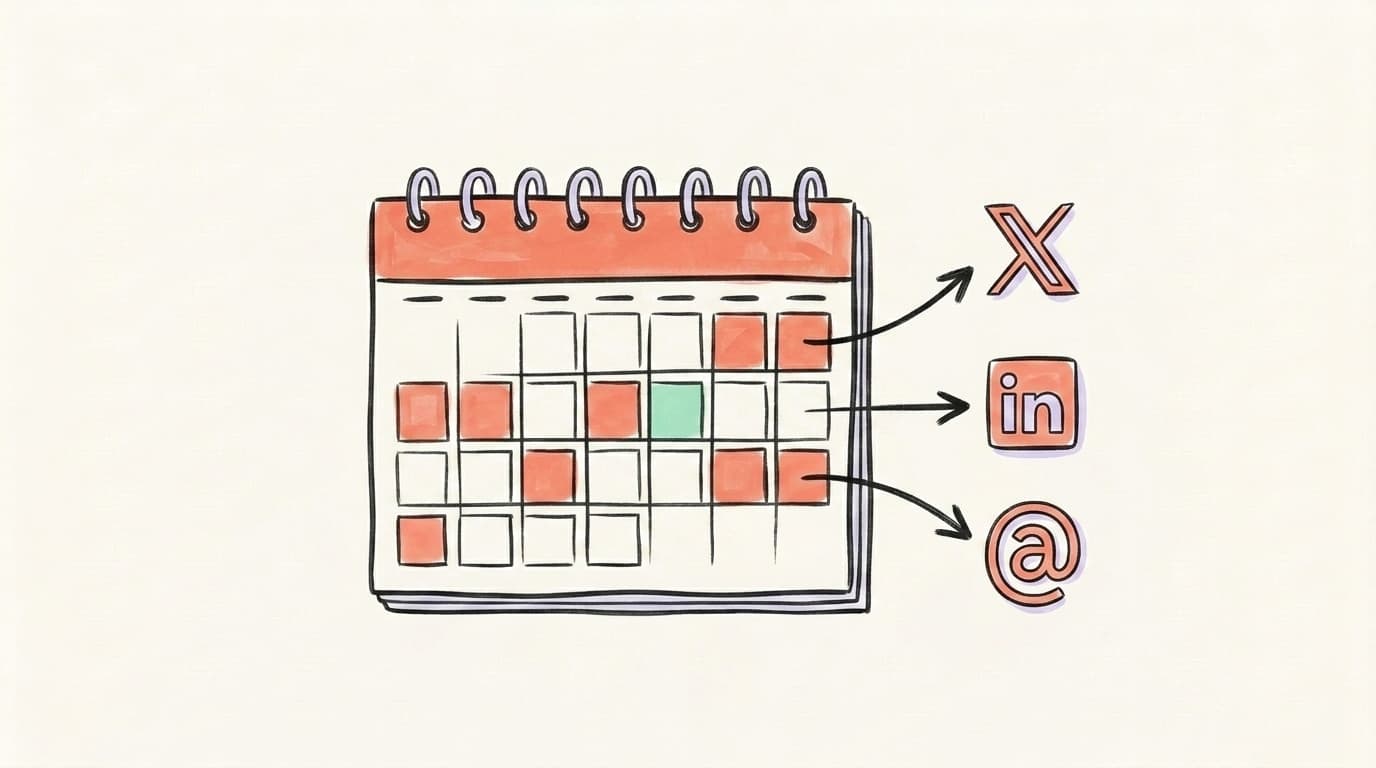
Stop running three separate plans. Build one unified social media content calendar with a row per idea and a column per platform, decide which slots each platform gets, batch your theme days, and adapt — not rewrite — each post. Then load the whole thing into one planner.
If you post to X, LinkedIn, and Threads, you've probably felt the tax: three tabs, three drafts, three "what do I post today?" moments. The work feels like 3x because you're treating it like three jobs. It isn't. Most of what you publish across those platforms is the same idea wearing different clothes. This post shows you how to cross-post on social media from a single calendar — the template, the per-platform slot strategy, and the workflow that turns one idea into three native posts without rewriting from scratch.
Why Should You Run One Calendar Instead of Three?
One calendar beats three because the bottleneck in social media isn't publishing — it's deciding what to say. When you keep a separate plan for X, LinkedIn, and Threads, you make that decision three times a week per platform. A unified calendar makes it once: you plan the idea, then map it to the platforms that fit. That single change is where most of the time savings come from. We find planning four to six weeks ahead is the sweet spot for this kind of workflow, because it gives you room to batch and adapt without the daily scramble. The other quiet win is consistency: when every platform pulls from the same source plan, your themes stay aligned instead of drifting into three disconnected feeds. You stop asking "what do I post on LinkedIn today?" and start asking "which of this week's ideas belongs on LinkedIn?" — a much faster question to answer.
There's also a coverage benefit. When you can see all three platforms in one grid, gaps jump out. You notice that LinkedIn has been quiet for four days, or that X has the same format three posts in a row. Those patterns are invisible when each platform lives in its own document. A single view turns planning into an editing job instead of a generation job — and editing is always faster.
What Goes in a Unified Social Media Content Calendar Template?
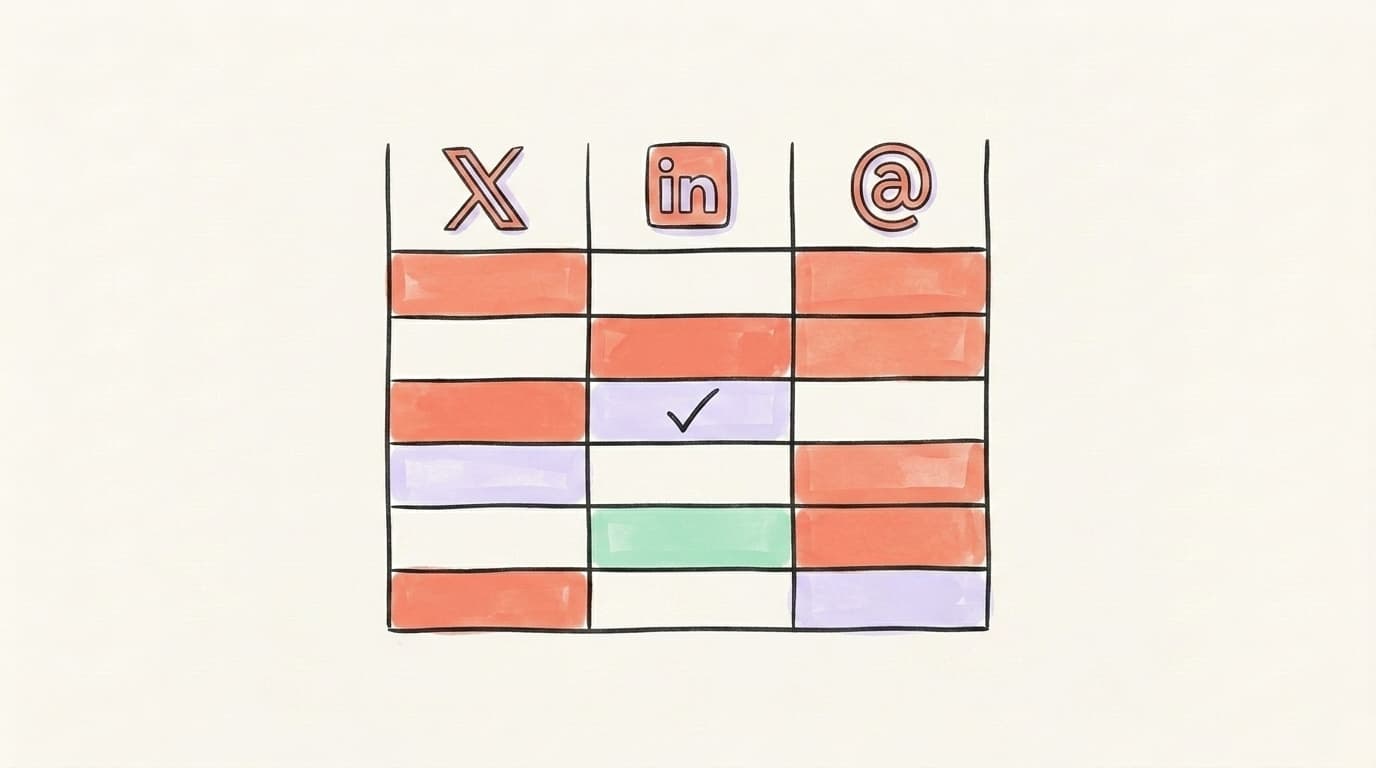
A unified social media content calendar template has one row per content idea and one column per platform, plus a few shared columns for the stuff that doesn't change. Strong 2026 templates typically include columns like date, platform, content type, copy/caption, visual asset, and status (adcreate.com). For a cross-platform setup, the trick is to flip the layout so the idea is the anchor and the platforms are columns — that way one idea maps to X, LinkedIn, and Threads on the same line, and you can see at a glance which platforms you're skipping. Keep it boring and copyable; a spreadsheet does the job before you ever touch a tool. Don't over-engineer it with a dozen tracking fields you'll never fill in — the columns that matter are the idea, the three platform versions, and the status. Everything else is optional polish you can add once the habit sticks.
Here's a minimal template you can rebuild in Google Sheets or Notion in five minutes:
| Column | What goes in it |
|---|---|
| Idea | The core message in one line ("Why we killed our onboarding email") |
| Theme | The recurring bucket it belongs to (tip, story, hot take, behind-the-scenes) |
| X | The X version of the post (or "skip") |
| The LinkedIn version | |
| Threads | The Threads version |
| Asset | Link to image/video, or "text-only" |
| Date / slot | When it goes out |
| Status | Idea → Drafted → Scheduled → Published |
Content calendar
Plan a month of content in an afternoon
Map out your posts on a visual calendar, batch your ideas, and never stare at a blank page again.
The "Theme" column is doing more work than it looks. It's what lets you batch later — and it's the seed for your theme days. For a deeper walkthrough of building the calendar itself, see our guide on how to create a social media content calendar.
How Do You Set Slot Strategy per Platform?
Slot strategy means deciding how often and what kind of post each platform gets, so you're not forcing every idea onto every channel. Not every idea earns a spot on all three platforms, and pretending otherwise is how feeds get stale. Before you map an idea to a slot, ask which platform its format fits best: a one-line opinion is born on X, a story with a takeaway belongs on LinkedIn, and a casual question is a Threads opener. Read the idea's natural shape first, then decide whether it's worth adapting elsewhere. A sane starting cadence for a solo creator or small SMM is roughly: X 1–2x/day (it rewards volume and rewards replies), LinkedIn 3–5x/week (it rewards depth and punishes daily noise), and Threads 1–2x/day (conversational, casual, fast). Treat these as slots in your calendar, not rules. The point is to assign each idea to the platforms where its format fits, then leave the rest of the slots for platform-native posts.
A simple way to fill slots without overthinking: tag each idea by which platform it naturally belongs to first, then decide if it's worth adapting elsewhere.
- Short, punchy, opinion or one-liner → X first, Threads second, skip LinkedIn (or expand it heavily).
- Story, lesson, or how-to with a takeaway → LinkedIn first, then condense for X, soften for Threads.
- Casual question, behind-the-scenes, or reaction → Threads first, X second, skip LinkedIn.
- Data, results, or a strong claim → all three, adapted (this is your highest-leverage idea type).
Aim for a content mix where the bulk is cross-posted with real adaptation, a chunk is repurposed from a bigger piece, and a slice is fully platform-native using each platform's features. As a rough rule of thumb we lean on at Postory, a 60/30/10 split — 60% adapted cross-posts, 30% repurposed, 10% native — keeps every feed feeling fresh while you stay efficient. Treat it as a starting point, not a quota.
What Are Cross-Platform Theme Days?
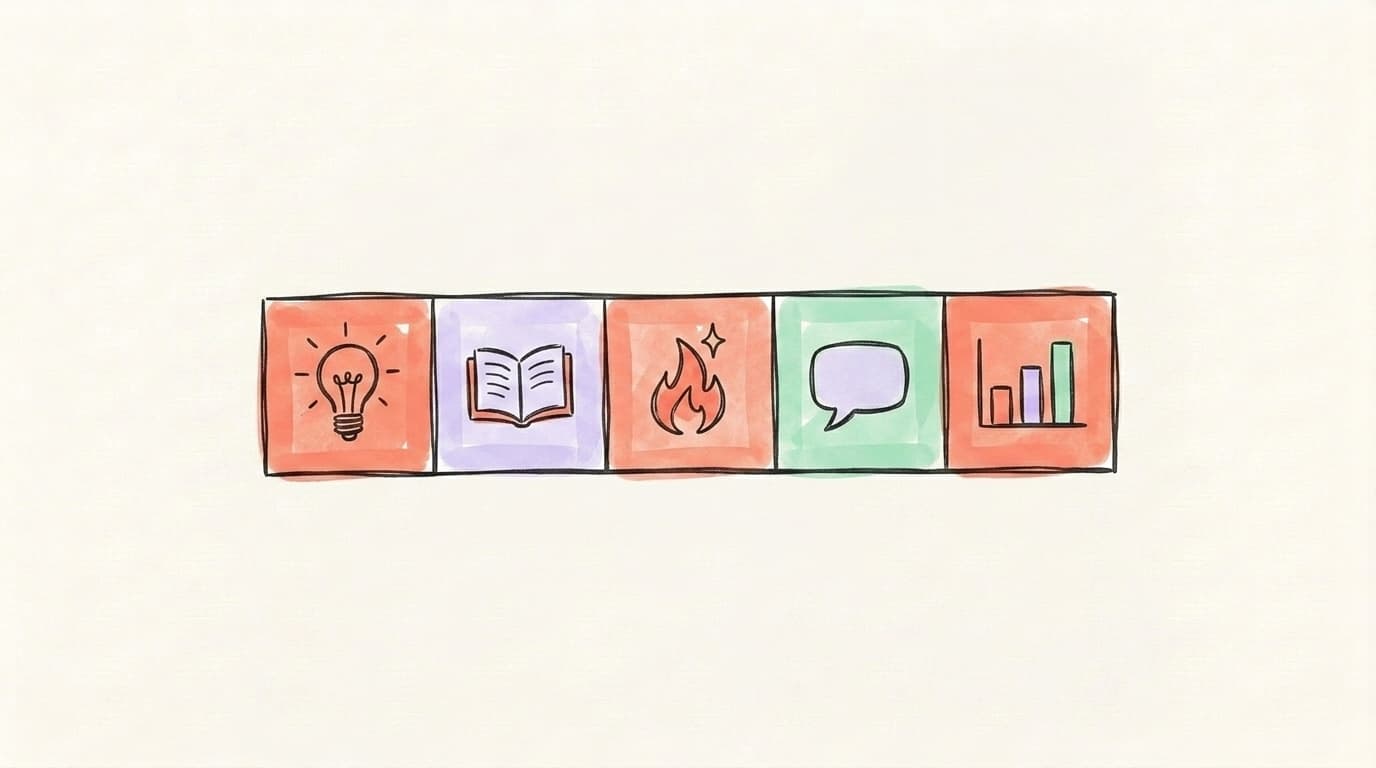
Cross-platform theme days are fixed weekly slots where you always post the same kind of content — and then run that theme across all three platforms in their native voice. Instead of staring at a blank calendar, you decide once: Monday is a tip, Wednesday is a story, Friday is a hot take. The theme is shared; the execution is per-platform. This is the single biggest anti-burnout move in multi-platform planning, because it removes the daily "what do I post?" decision and replaces it with "what's this week's tip?" Creators who batch this way can plan a month of content in one or two focused sessions because the structure does the heavy lifting. The reason it works is that decisions are the expensive part — once the type of post is locked to a day, your brain only has to fill in the specific idea, which is a far smaller lift than inventing both the format and the content from scratch every morning.
Here's a starter weekly grid you can copy:
| Day | Theme | X | Threads | |
|---|---|---|---|---|
| Mon | Quick tip | One-liner tip | Tip + short context | Tip as a casual question |
| Tue | — | Reply/engage day | (skip) | Reaction to a trend |
| Wed | Story / lesson | Condensed thread or single | Full story post | "Here's what happened…" |
| Thu | — | Hot take | (skip or repost Wed) | Open-ended question |
| Fri | Win / data | Result as a stat | Result + breakdown | Result + "thoughts?" |
You don't need to fill every cell — empty slots are fine, and the skips are deliberate. The grid's job is to make planning a fill-in-the-blanks exercise instead of a blank-page one. Once the themes are set, a month of planning becomes mostly slotting ideas into the right day.
Here's a walkthrough of batching a month of content across multiple platforms — including X/Threads — without burning out, from Modern Millie:
How Do You Adapt Posts per Platform Without Re-Writing?
You adapt without rewriting by keeping the idea and the link fixed, then changing only the entry point — the first line — and the format to match each platform's culture. The biggest cross-posting mistake is pasting the identical caption everywhere; in our experience the smallest effective fix is rewriting just the opening line for each platform. The core message doesn't change. What changes is the hook, the length, and the formatting. That's a quick edit per platform, not a fresh draft. Think of your idea as the source file and each platform version as an export setting: same content, different packaging. X wants the result up front, LinkedIn wants the lesson with room to breathe, and Threads wants a way in for the conversation. Once you internalize those three entry points, the adaptation becomes muscle memory rather than a writing task.
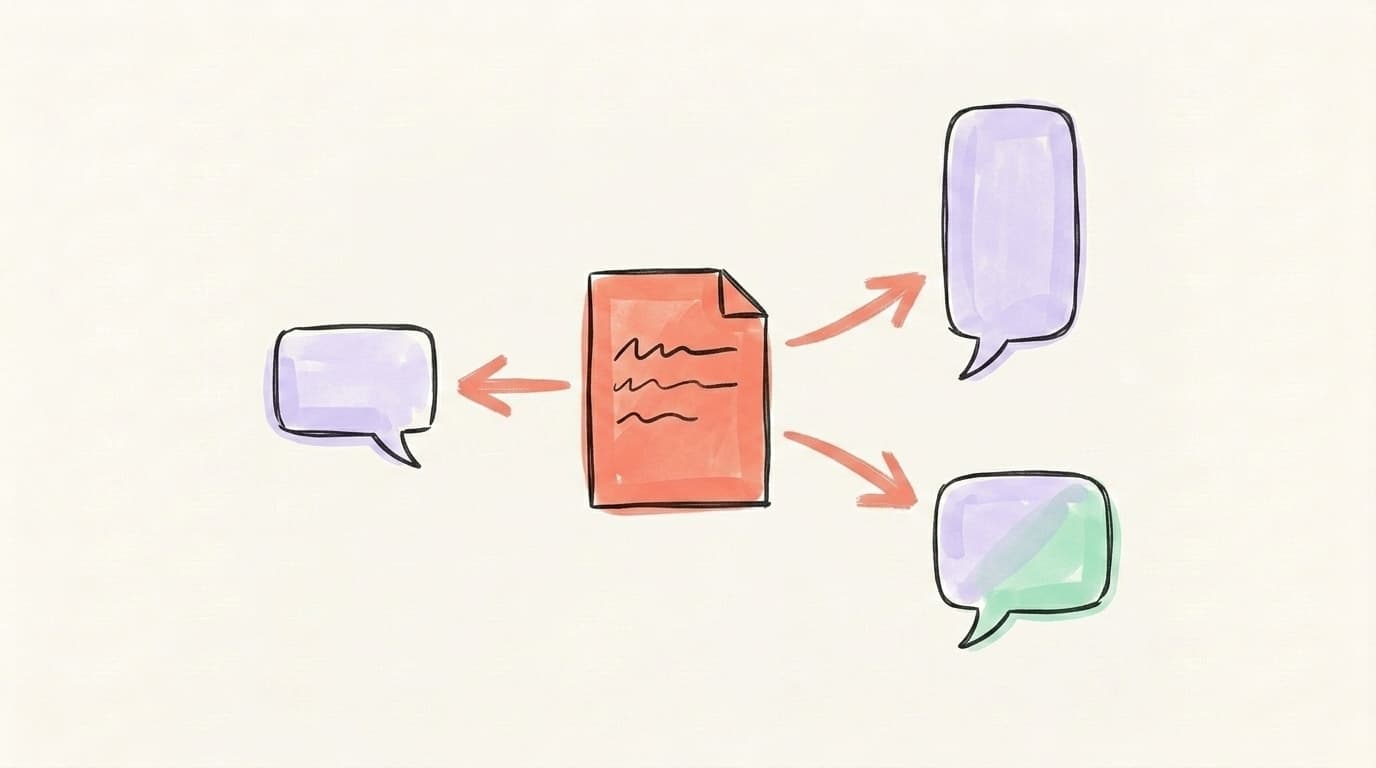
Here's the same idea — "we cut our onboarding emails from 7 to 2 and activation went up" — adapted three ways:
- X: Lead with the result. "We deleted 5 of our 7 onboarding emails. Activation went up. Less is more, turns out." Punchy, no setup, built for the scroll.
- LinkedIn: Lead with the lesson. Open with a short hook line, add 2–3 sentences of context on why it worked, end with a takeaway. White space between lines. This is your "depth" version.
- Threads: Lead with the curiosity. "Cut our onboarding emails from 7 to 2 last month 👀 results were not what I expected — thread below." Conversational, invites replies.
Three platforms, one idea, three first lines. A few practical rules that keep adaptation fast:
- Stagger the timing. Don't fire all three at the exact same minute — as a practical rule, space them out by 15–30 minutes so they don't read as one automated blast.
- Match the format, not just the text. X likes brevity, LinkedIn likes line breaks and a takeaway, Threads likes a question.
- Skip when it doesn't fit. A pure inside-baseball X reply doesn't need a LinkedIn version. Forcing it is what makes feeds feel robotic.
For a full breakdown of platform-by-platform tweaks, see our guide on how to cross-post from X to Threads.
How Do You Track All Three Platforms in One Dashboard?
You track all three platforms in one dashboard by pulling each post's performance back into the same calendar (or its connected analytics view) so you compare ideas, not just platforms. The goal isn't a wall of vanity metrics — it's a feedback loop. In practice, that loop is small: add one column next to each published row for a single engagement number, and a second tiny note for "worked / flopped / meh." That's it. When your published posts and their results live next to the original ideas, you can see which idea types and theme days actually land on each platform. Maybe your "win/data" Friday posts crush on LinkedIn but die on Threads, or your casual Threads questions pull replies that never show up on X. Those are slot-strategy decisions you can only make if the numbers sit next to the plan — not buried in three separate native analytics tabs you have to open one at a time.
Keep tracking lightweight. For each post, you really only need: which platform, which theme, and one engagement number (replies, reposts, or saves — whichever signals "this resonated" on that platform). Review weekly. Over a month, patterns emerge: the formats to double down on, the slots to cut, and the ideas worth adapting to all three platforms next time.
Loading Your Calendar Into Postory's Planner
Once your calendar exists, the last step is getting it out of a spreadsheet and into something that actually schedules. Postory unifies X, Threads, and Bluesky scheduling in one calendar, so the plan you built maps directly onto the tool. Each idea row becomes a set of platform-native posts you can draft, queue, and publish from one place — no tab-juggling.
Postory's social media planner gives you the unified calendar view, and multi-platform publishing handles sending the adapted versions to each network. The workflow stays the same as your spreadsheet — idea, adapt, slot, schedule — except now the calendar is the publishing queue.
Start Cross-Platform Planning with Postory
You don't need three plans and three tabs to stay consistent on X, LinkedIn, and Threads. You need one calendar, a slot strategy, theme days, and a fast adaptation habit — then a tool that turns the plan into scheduled posts. That's the whole system, and it's what gets you back roughly two hours a week.
Postory brings X, Threads, and Bluesky into one social media planner so you plan once and publish to those platforms, adapted per platform.
Try Postory free — plan X, Threads, and Bluesky from one calendar instead of three.
FAQ
Q: How do I cross-post on social media without it looking spammy?
Keep the idea and link the same, but rewrite the first line and adjust the format for each platform. Stagger your posting times by 15–30 minutes so the posts don't go out as one identical blast. Pasting the same caption everywhere is the main thing that makes cross-posting look robotic.
Q: What should a social media content calendar template include?
At minimum: date, platform, content type, the copy/caption, the visual asset, and a status field. For a cross-platform setup, anchor each row to one idea and give each platform its own column, so you can map one message to X, LinkedIn, and Threads on a single line.
Q: How far ahead should I plan my content calendar?
Four to six weeks is the sweet spot for most creators and small teams. It's far enough out to batch and adapt content efficiently, but close enough that you can still pivot for trends or breaking news without throwing off the whole plan.
Q: How often should I post on X, LinkedIn, and Threads?
As a starting point: X 1–2 times a day, LinkedIn 3–5 times a week, and Threads 1–2 times a day. Treat these as slots, not hard rules — adjust based on what your own analytics show is landing on each platform.
Q: Do I have to post the same content on every platform?
No — and you shouldn't. Aim for a mix: most posts adapted across platforms, some repurposed from longer content, and a portion fully native to one platform. Forcing every idea onto all three is what makes feeds feel stale.
Q: What are theme days and why do they help?
Theme days are fixed weekly slots assigned to a type of content — like Monday tips, Wednesday stories, Friday wins. They remove the daily "what do I post?" decision and turn planning into a fill-in-the-blanks exercise, which is the biggest defense against burnout when managing multiple platforms.
Q: Can I manage X, LinkedIn, and Threads from one tool?
Partly. Postory unifies X, Threads, and Bluesky in a single planner and publishing queue, so you can draft, adapt, schedule and track those three from one calendar. LinkedIn is not one of Postory's connected platforms, so it requires manual publishing or a separate supporting scheduler.
Related articles

Threads vs X (Twitter) 2026: Which Is Better for Creators?
Threads vs Twitter/X in 2026 — audience, algorithm, monetization, ads, account safety, tools, and the cross-posting workflow creators actually use.
Aug 15, 2026
Threads vs. LinkedIn: Which Should You Post On?
Threads vs. LinkedIn, answered: LinkedIn reaches buyers and converts, Threads builds reach faster and cheaper. Which one wins depends on one thing — here it is.
May 21, 2026
How to Grow Social Media Accounts Faster: The 5-Step Loop
Most creators plateau because they skip half the loop. The 5-step system to grow social media accounts on X, Threads and Bluesky.
Apr 21, 2026