
LinkedIn Polls: Use Them or Skip Them in 2026?

Polls are a Tier 2 format in a 2026 LinkedIn content strategy — fine in rotation, never your main play. Use them for market research, list-building, and breaking a quiet streak, then push voters into the comments where the real reach lives.
You open the poll editor, type a question, add three options, and hit post. By lunch you've got 200 votes. Feels like a win.
But votes aren't conversations. And in 2026, conversations are what your reach is built on. This post breaks down where polls actually fit in a LinkedIn content strategy, the three scenarios where they still win, and how to squeeze real comments out of them instead of empty taps.
Should Polls Be Part of Your LinkedIn Content Strategy in 2026?
Yes — but as a supporting act, not the headliner. In a 2026 LinkedIn content strategy, polls are a Tier 2 format: useful in rotation, never the thing you lean on. The data backs this up: Socialinsider's LinkedIn benchmarks put polls at roughly 4.2% engagement — the weakest of the major formats, just behind plain text (4.3%) and well behind image posts (5.2%) and documents (7.0%). Where polls actually shine is impressions: Socialinsider notes that once a page crosses 50K followers, polls become the top format for generating reach at scale. So polls trail on engagement rate while leading on impressions — which is exactly the trap. A vote is the cheapest possible interaction. Someone taps an option and scrolls on. They don't comment, they don't share, and they rarely click through to your profile. The algorithm in 2026 rewards dwell time and genuine discussion, so a wall of silent votes signals far less than a post with 30 real replies. Polls earn their place when they spark conversation downstream — and they fail when you treat the vote count as the goal. Know the ceiling before you build around them.
That's the honest framing most "50 viral poll ideas" posts skip. Polls aren't dead — they're just demoted.
If you want the deeper mechanics of what the feed actually rewards, our guide on how to get more engagement on LinkedIn covers the comment-and-dwell-time signals polls struggle to hit on their own.
When Do LinkedIn Polls Still Win? (3 Scenarios)
Polls win when the vote itself serves a purpose beyond engagement — when the data, the reach, or the timing does work no other format can. There are three clear scenarios. First, market research: a poll is a free, instant focus group, letting you test which pain point, feature, or opinion your audience actually holds before you write a full post about it. Second, list and demand validation: asking "Which of these would you actually use?" surfaces warm leads you can follow up with in the comments or DMs. Third, breaking a quiet streak: if your reach has gone flat, a low-effort poll is an easy way to re-trigger interactions and get your posts back into circulation. Outside those three jobs, a carousel or a story-driven text post will almost always do more for you — and polls are one format LinkedIn won't let you boost, so paid reach can't rescue a flat one. Match the format to the job, not to the dopamine hit of a fast vote count.
Content calendar
Plan a month of content in an afternoon
Map out your posts on a visual calendar, batch your ideas, and never stare at a blank page again.
The thread that connects all three: you're using the poll as a means, not an end. The vote is data or a door-opener — not the win itself.
What Are the 5 Best LinkedIn Poll Question Types?
The best LinkedIn poll questions force a real opinion and leave room to argue in the comments. Generic "What's your favorite tool?" polls die because nobody cares about the result. The five types that reliably earn discussion are built around tension, identity, or genuine uncertainty — questions where people want to defend their choice. Avoid anything that reads as engagement bait ("Comment YES if you agree"), because LinkedIn's 2026 systems are tuned to detect and suppress that pattern. Instead, ask things only your specific audience has a strong take on. A sharp, niche question from a marketer to marketers will always beat a broad question aimed at everyone. Here are the five question types worth your slot:
- The hot take. "Is cold outreach dead in 2026?" — pick a real debate in your niche and let people pick a side.
- The "how do you actually do it" poll. "How often do you really check analytics?" — confessional questions get honest votes and comments.
- The prioritization forced-choice. "If you could only fix one: pricing, positioning, or product?" — forces a hard trade-off.
- The prediction. "Will [industry trend] still matter in a year?" — invites people to explain their bet in the comments.
- The "Other" opener. Any question where the most interesting answer isn't listed — you want them to comment their real one.
Notice that four of the five are designed to leave something unsaid, so the comment box does the heavy lifting.
How Long Should You Run a LinkedIn Poll?
Run your LinkedIn poll for the full one week (7 days) in almost every case. LinkedIn lets you choose 1 day, 3 days, 1 week, or 2 weeks — and the longer window gives your post more chances to resurface in feeds as votes trickle in. The logic is simple: a 7-day poll stays "live" and re-enters circulation over several days rather than burning out in an afternoon, so it has more opportunities to pick up the votes and comments that keep it moving. A one-day poll caps your reach to whoever happens to scroll past on day one. The two-week option rarely adds much — interest flattens after the first several days, and a stale poll lingering at the top of your profile looks neglected. Set it to a week, then spend that week actively replying in the comments to keep the post climbing.
One practical note: the countdown is visible to voters. A poll with six days left signals "plenty of time," which nudges more people to participate than one closing in an hour.
How Do You Turn Poll Votes Into Comments? (The Real Goal)
You turn votes into comments by explicitly asking for them — and by giving people a reason the poll alone can't. The single highest-leverage move is a one-line prompt in your post copy: something like "After you vote, drop a comment and tell me the 'why' behind your choice." The other reliable trick is the "Other" option: when someone's real answer isn't on the list, they're far more likely to type it out, and every comment carries more algorithmic weight than a silent tap. Comments are what 2026's feed actually amplifies — they generate dwell time, replies, and the back-and-forth that signals a post is worth showing to more people. So write the poll as the opening line of a conversation, not the conclusion. Then show up: reply to every early comment within the first hour to pull the thread into more feeds while the post is still fresh.
The mental shift is simple. A poll's job isn't to collect votes — it's to manufacture a comment section. The votes are just the bait.
Here's a sharp breakdown of what LinkedIn rewards in 2026 and why story-driven, conversation-first content beats generic posts — worth watching before you plan your next month of content, from Tommy Clark:
Polls vs. Carousels vs. Text: Which Format Wins?
Carousels and documents win on depth, text wins on connection, and polls win on speed — so the "best" format depends entirely on your goal. There's no single champion, which is exactly why a format-rotation approach beats betting everything on one. Carousels (LinkedIn's document/PDF format) consistently top engagement benchmarks because they hold attention across multiple slides, racking up the dwell time the algorithm loves. Text posts punch above their weight when the writing is personal and specific — a real story still outperforms a slick graphic that says nothing. Polls trail both on quality of engagement but win on effort: they take two minutes to make, while a good carousel can eat an hour. The trap is judging all three by raw engagement rate, because that number flatters polls and undersells the text post that earned you ten thoughtful comments. Judge each format by the job it does instead — depth, connection, or speed — and the trade-offs get obvious. Use this rough matrix to decide:
| Format | Best for | Effort | Engagement quality |
|---|---|---|---|
| Carousel / document | Teaching, frameworks, depth | High | Highest (dwell time, saves) |
| Text post | Stories, opinions, connection | Medium | High (comments, reshares) |
| Poll | Research, validation, quick reach | Low | Low (votes ≠ conversation) |
The takeaway: build your week around carousels and text, and slot polls in as the easy, occasional change of pace. If carousels are new to you, our LinkedIn carousels guide walks through building ones that actually get saved.
How Often Should You Post LinkedIn Polls?
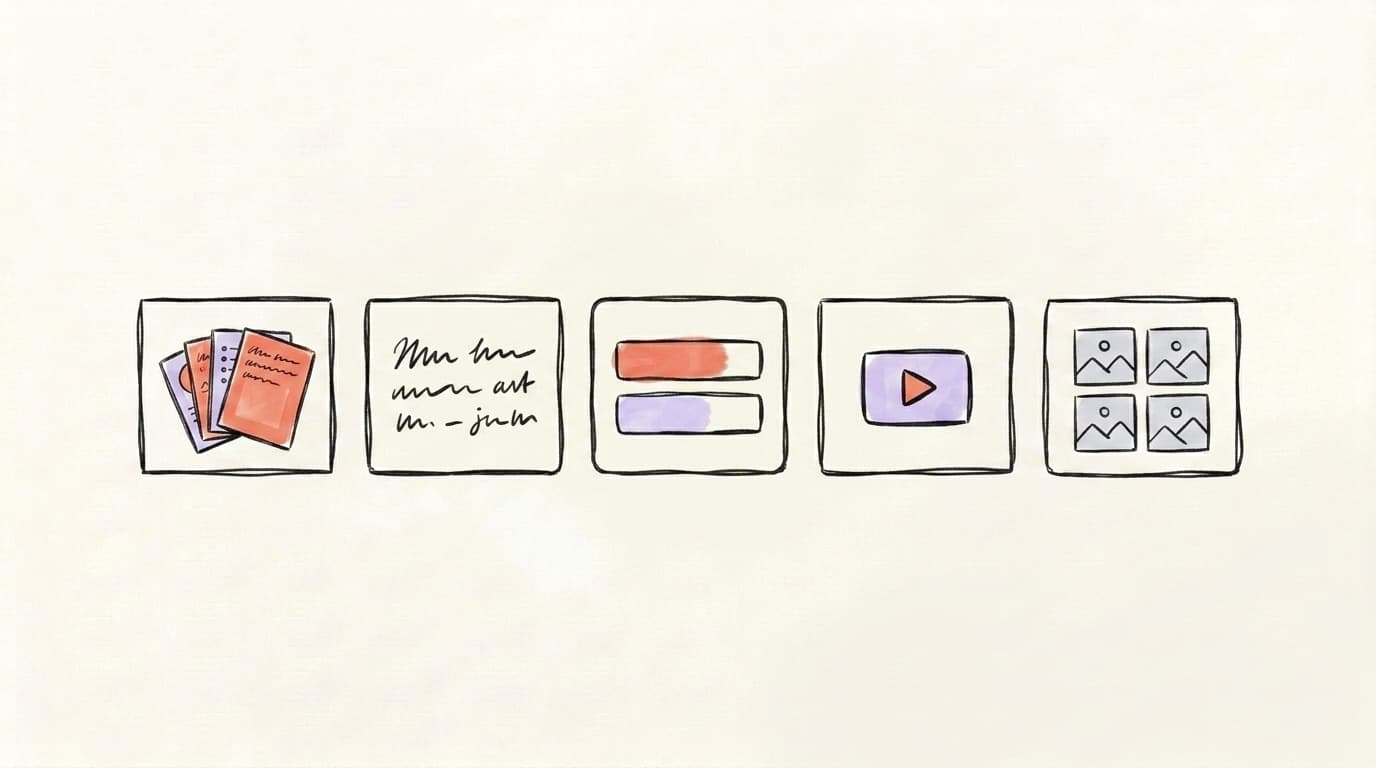
Post polls sparingly — no more than once every week or two, and never two in a row. The fastest way to burn your audience is to turn your feed into a poll machine, because repeating the same format trains both the algorithm and your followers to tune you out. Industry guidance and creator consensus point the same direction: accounts that rotate formats — carousels, text, the occasional video, and polls — see more consistent reach than accounts that hammer one format on repeat. A healthy weekly mix might look like two or three text posts, one carousel, and a poll only when you have a genuine question worth asking. The goal is variety that keeps the feed feeling fresh, not a rigid quota. Treat polls as seasoning, not the main dish, and they'll keep working. Lean on them every few days and watch both your reach and your credibility quietly erode.
The cadence problem is really a planning problem. If your polls feel forced, it's usually because you're deciding what to post the morning you post it.
Planning the Format Mix Across Platforms
Polls work best inside a deliberate rotation — and that's hard to hold in your head when you're posting day to day. The fix is planning the mix in advance so no single format takes over.
Postory's planner lets you set recurring posting slots once and assign a format to each, so a poll only lands in the slot you've reserved for it. You fill those slots across X, Threads, and Bluesky; Postory doesn't publish to LinkedIn, so your LinkedIn slots stay on your own calendar. Either way the week is varied by design instead of by whatever you can think up that morning. That structure is what keeps polls in their lane as a Tier 2 supporting act.
Try Postory free — plan a balanced mix of formats across X, Threads, and Bluesky in one place.
FAQ
Q: Do LinkedIn polls hurt your reach in 2026?
Not directly — a single, relevant poll posted occasionally won't damage your reach. What hurts is posting polls constantly, because repeating one low-effort format trains the algorithm and your audience to disengage. Keep polls to a Tier 2 slot in a varied rotation and they're a net positive.
Q: What is the best length to run a LinkedIn poll?
One week (7 days) in almost every case. The longer window lets the post resurface in feeds over multiple days as votes come in, giving it more chances to gather engagement than a 1-day or 3-day poll that burns out in an afternoon. The 2-week option rarely adds enough to justify a stale poll sitting on your profile.
Q: How many options should a LinkedIn poll have?
Two to four, and seriously consider making one of them "Other." Fewer options keep the choice fast and clear, while an "Other" slot pushes people to explain their real answer in the comments — which is where the actual engagement and reach come from.
Q: Are LinkedIn polls good for lead generation?
They can be, indirectly. Validation polls like "Which of these would you actually use?" surface warm prospects you can follow up with in the comments or DMs. But the vote itself isn't a lead — the conversation it starts is. Treat the poll as a door-opener, not a capture form.
Q: What kinds of poll questions should I avoid?
Avoid obvious engagement bait ("Vote YES if you agree") and broad, low-stakes questions nobody cares about. LinkedIn's 2026 systems are tuned to suppress engagement-bait patterns, and generic questions get silent votes with no discussion. Ask sharp, niche questions your specific audience has a real opinion on.
Q: Should I comment on my own poll?
Yes. Replying to early comments within the first hour pulls the thread into more feeds while the post is fresh, and it models the behavior you want — turning a quiet vote tally into an actual conversation. Pair it with a "tell me why you voted that way" prompt in your original copy.
Q: How do polls compare to carousels for engagement?
Carousels generally win on engagement quality because their multi-slide format holds attention and earns dwell time and saves. Polls win on speed and ease — two minutes to make versus the design time a carousel needs. Build your week around carousels and text, and use polls as the occasional low-effort change of pace.
Related articles
Is LinkedIn Premium Worth It for Creators in 2026?
A candid tier-by-tier review of LinkedIn Premium in 2026 — who actually needs Career, Business, Sales Navigator, or Recruiter Lite, and who should stay free.
Jun 12, 2026
What Is Mastodon Social Media? A Beginner’s Guide
What is Mastodon social media? Learn why it was created, how servers and the fediverse work, and whether this decentralized network suits you.
Oct 15, 2026
What Is Bluesky? How It Works, Users, Pros & Cons
What is Bluesky? How the social app works, who it is for, and its pros and cons. Learn its history, AT Protocol, feeds, and latest user count.
Oct 15, 2026