
50+ LinkedIn Post Ideas That Actually Get Engagement

50+ LinkedIn post ideas organized by category — personal stories, tips, hot takes, data shares, and more. Pick one, adapt it, post it today.
You open LinkedIn, stare at the blank editor, and close the tab. Again.
It's not that you don't have expertise. You do. The problem is turning what you know into a post that doesn't sound like a corporate press release — or worse, like everyone else's feed.
Here are 50+ LinkedIn post ideas that actually drive engagement, organized by type so you can match the format to your mood, your message, and your audience.
New to LinkedIn posting? Start with these 3 this week: #1 (career mistake), #31 (open question), and #38 (repurpose a blog post). One personal, one engagement, one easy repurpose. That's your first week handled.
Personal Story Ideas
Personal stories consistently outperform polished advice on LinkedIn. They stop the scroll because they feel real.
-
The career mistake that taught you the most. Don't just share what happened — share what you'd tell your past self now.
-
Your first day at your current role. What surprised you? What was harder than expected? People love behind-the-curtain moments.
-
A time you almost quit. What pulled you back? This resonates with anyone questioning their own path.
-
The worst advice you ever followed. Bonus points if it was "conventional wisdom" in your industry.
-
Something you believed 5 years ago that you've completely changed your mind on. Shows intellectual growth and invites debate.
-
A rejection that turned into something better. The lost client who led you to a bigger opportunity. The job you didn't get that pushed you somewhere unexpected.
-
The unglamorous daily habit that actually drives your results. Not "I wake up at 4am" — something real and specific to your work.
-
A moment you felt like a fraud — and what happened next. Impostor syndrome content performs well because almost everyone relates to it.
Why stories work: LinkedIn's algorithm rewards dwell time — how long someone spends reading your post. Stories naturally hold attention longer than tips or links because people want to see how it ends.
Educational & Tips Ideas
These posts position you as someone worth following. The key: be specific, not generic.
-
"Here's the exact process I use to [do something in your field]." Step-by-step breakdowns with real numbers are gold. Walk through your actual workflow, not a theoretical one.
-
"Most people get [common task] wrong. Here's what actually works." Open with the mistake, then give the fix. The pattern interrupt hooks readers.
-
A framework or mental model you use daily. Name it. Draw it out. Make it memorable. Named frameworks get shared and saved more than generic advice.
-
"3 tools I can't work without (and one I ditched)." People love tool recommendations — and the ditched one adds intrigue.
-
Explain a complex concept in your field like you're talking to a 12-year-old. Simplification is a superpower. It proves you truly understand the topic.
-
Share a template you actually use. An email template, a meeting agenda, a project brief structure. Practical templates get bookmarked and reshared.
-
"The biggest misconception about [your industry/role]." Myth-busting works because it makes readers feel like they're getting insider knowledge.
-
Break down why a specific strategy worked (with real numbers). "We changed X and saw Y% improvement" — concrete data beats vague advice every time.
-
A checklist for something your audience does regularly. "Before you hit publish on that blog post, check these 7 things." Checklists are inherently shareable.

Hot Take & Opinion Ideas
Opinions drive comments. The goal isn't controversy for its own sake — it's having a genuine point of view.
-
"[Popular practice in your industry] is overrated. Here's why." Pick something you genuinely think is overhyped and explain your reasoning with evidence.
-
"Unpopular opinion: [something you believe that goes against the grain]." The "unpopular opinion" format still works because people love agreeing loudly or debating respectfully.
-
Your prediction for your industry in the next 12 months. Be specific. "AI will change everything" is boring. "AI will kill the entry-level copywriting job by Q3 2027" is a conversation starter.
-
"We need to stop telling [audience] to [common advice]." Challenge advice that sounds good on paper but doesn't hold up in practice.
-
React to a trending news story in your field. Don't just summarize it — add your perspective. What does this mean for your audience? What should they do about it?
-
"The thing nobody talks about when they discuss [hot topic]." Every trending conversation has blind spots. Point one out.
-
Compare two popular approaches and pick a side. "Content-led growth vs. product-led growth — here's which one actually works for companies under $5M ARR." Taking a stance invites engagement.
Data & Insights Ideas
Posts backed by numbers feel authoritative. You don't need a research team — your own experience data counts.
-
Share a surprising metric from your own work. "We sent 1,000 cold emails last quarter. Here's what the data showed." First-party data is rare on LinkedIn and always performs.
-
Before-and-after results from a change you made. Show the specific change, the timeline, and the measurable outcome.
-
"I analyzed [X number] of [things] and here's what I found." Analyze your clients' results, your team's output, your industry's trends. Original analysis sets you apart.
-
A chart or visual that tells a story. One clear graph with a sharp caption can outperform a 500-word post. LinkedIn's algorithm favors image posts.
-
Benchmark data your audience cares about. "Average conversion rate for SaaS free trials in 2026: 14.2%. Here's how to beat it." Give people a number to measure themselves against.
-
Break down a case study. Problem, approach, results, what you'd do differently next time. The "what you'd do differently" part is what makes it honest instead of braggy.
The 80/20 of LinkedIn formats: Posts with original data get 2-3x more shares than generic advice. You don't need a research team — even "I tracked my results for 30 days" counts as original data.
Engagement-First Ideas
These formats are designed to generate comments. Use them when you want to spark conversation.
-
"What's one thing you wish you'd learned sooner about [topic]?" Open questions that invite reflection get high-quality comments.
-
Post a poll. LinkedIn's poll feature drives massive reach. Keep it to 2-4 options with one slightly provocative choice.
-
"This or that" format. "Remote vs. hybrid? I'll go first: hybrid, but only if the office days have real purpose." Simple binary choices spark friendly debate.
-
"Fill in the blank: The most underrated skill in [industry] is ____." Interactive formats lower the barrier to comment. People love completing sentences.
-
"Agree or disagree: [bold statement]." Frame a statement and invite responses. The key is picking something that genuinely splits opinion — not something everyone agrees with.
-
Ask for recommendations. "What's the best book you've read on [topic] this year?" People love sharing recommendations. You get useful suggestions and engagement.
-
Share a win and ask others to share theirs. "Just hit [milestone]. What's your recent win? Drop it below." Celebration posts that invite others to celebrate too build community.
Which format should you use?
| Post type | Writing time | Best for | Engagement type |
|---|---|---|---|
| Personal story | 15-20 min | Building trust | Comments, follows |
| Educational tip | 10-15 min | Positioning as expert | Saves, shares |
| Hot take | 5-10 min | Sparking conversation | Comments, debate |
| Data/insights | 20-30 min | Authority building | Shares, saves |
| Engagement-first | 5 min | Boosting reach | Comments, poll votes |
| Repurposed content | 5-10 min | Consistency | Varies |
Content Repurposing Ideas
Already creating content elsewhere? Turn it into LinkedIn posts. One piece of source content can fuel a week of posts.
-
Pull one key insight from a blog post you wrote. Don't link to the blog — rewrite the insight as a native LinkedIn post. Save the link for the comments.
-
Turn a podcast episode into a "3 things I learned" post. Whether it's your podcast or someone else's, distill the best moments.
-
Screenshot a tweet or thread you wrote and add context. Cross-platform content works when you add the "why this matters on LinkedIn" angle.
-
Repurpose a presentation slide into a post. One powerful slide with a story behind it can be a complete post. Document slides work especially well.
-
Turn a customer conversation into a lesson. (Anonymize it.) "A client asked me [question] yesterday. Here's what I told them — and why it matters for you too."
-
Take a YouTube video you made and extract the most quotable 60 seconds as text. Rewrite it for LinkedIn's format — shorter paragraphs, more line breaks, punchier hooks.
-
Summarize a newsletter you sent. Your email subscribers got the full version — give LinkedIn your tightest summary with a "subscribe for more" CTA.
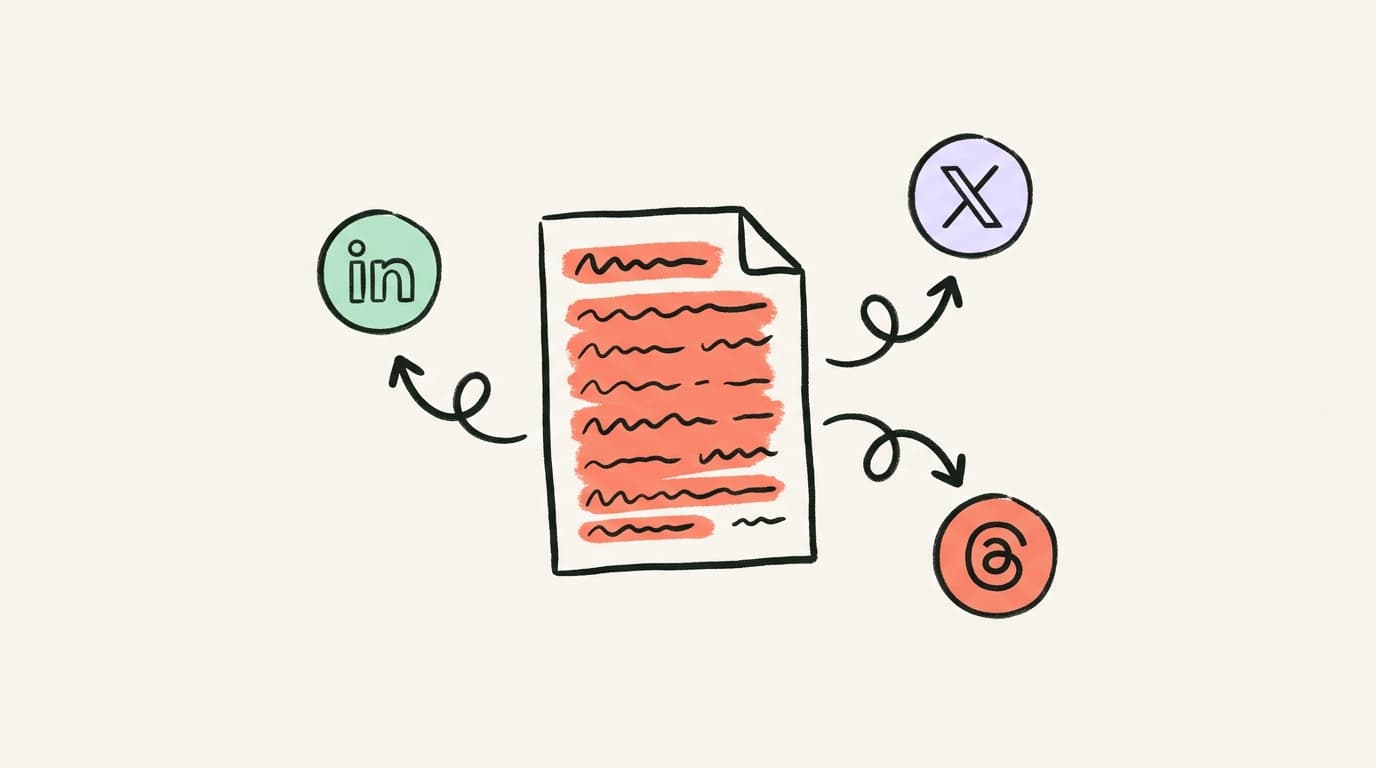
If you're creating content on multiple platforms — YouTube, X (formerly Twitter), Threads, a blog — you're sitting on a goldmine of LinkedIn material. The trick is adapting the format, not just copying the text. Postory's AI writing tools can help you repurpose source content into platform-native posts for LinkedIn, X, and Threads in seconds.
Business & Brand Ideas
For founders, marketers, and team leads who want to build their company's presence alongside their personal brand.
-
Share a lesson from building your product or company. Not a pitch — a genuine insight. "We changed our pricing last month. Here's what happened."
-
Spotlight a team member. "Meet [Name]. They [do this amazing thing] and here's why they're great at it." Team spotlights humanize your brand.
-
Share a customer success story (with permission). Focus on their transformation, not your product. The best customer stories make the customer the hero.
-
Document a decision you're making in real time. "We're debating whether to [X or Y]. Here's our thinking..." Transparent decision-making posts build trust and invite advice.
-
Share what you're hiring for — and why the role matters. Not a job listing. Explain the problem this role will solve and what makes it exciting.
-
Post a "state of [your company/industry]" update. Quarterly reflections on what's working, what's not, and where you're headed. Consistency with these builds an audience over time.
-
React to a competitor's move (respectfully). "[Company] just launched [feature]. Here's what I think it means for our space." Shows confidence and market awareness.
-
Share your company's content creation process. How do you plan, create, and distribute content? Behind-the-scenes operational posts attract other professionals trying to build the same systems.
The golden rule of brand posts: If it could be a press release, rewrite it. The best business content on LinkedIn reads like a founder talking to a friend at dinner, not a company talking to shareholders.
How to Turn These Ideas Into Posts Fast
Having 50+ ideas is useless if each post takes you an hour to write. Here's how to move fast:
Pick one idea from the list above. Don't overthink it. The best LinkedIn post is the one you actually publish.
Write your ugly first draft in 5 minutes. Open a doc, set a timer, dump your thoughts. Don't edit while writing. Get the raw material out.
Structure it for LinkedIn. Short paragraphs (1-3 sentences). Strong opening line that hooks the scroll. A clear takeaway at the end. White space is your friend — walls of text get skipped.
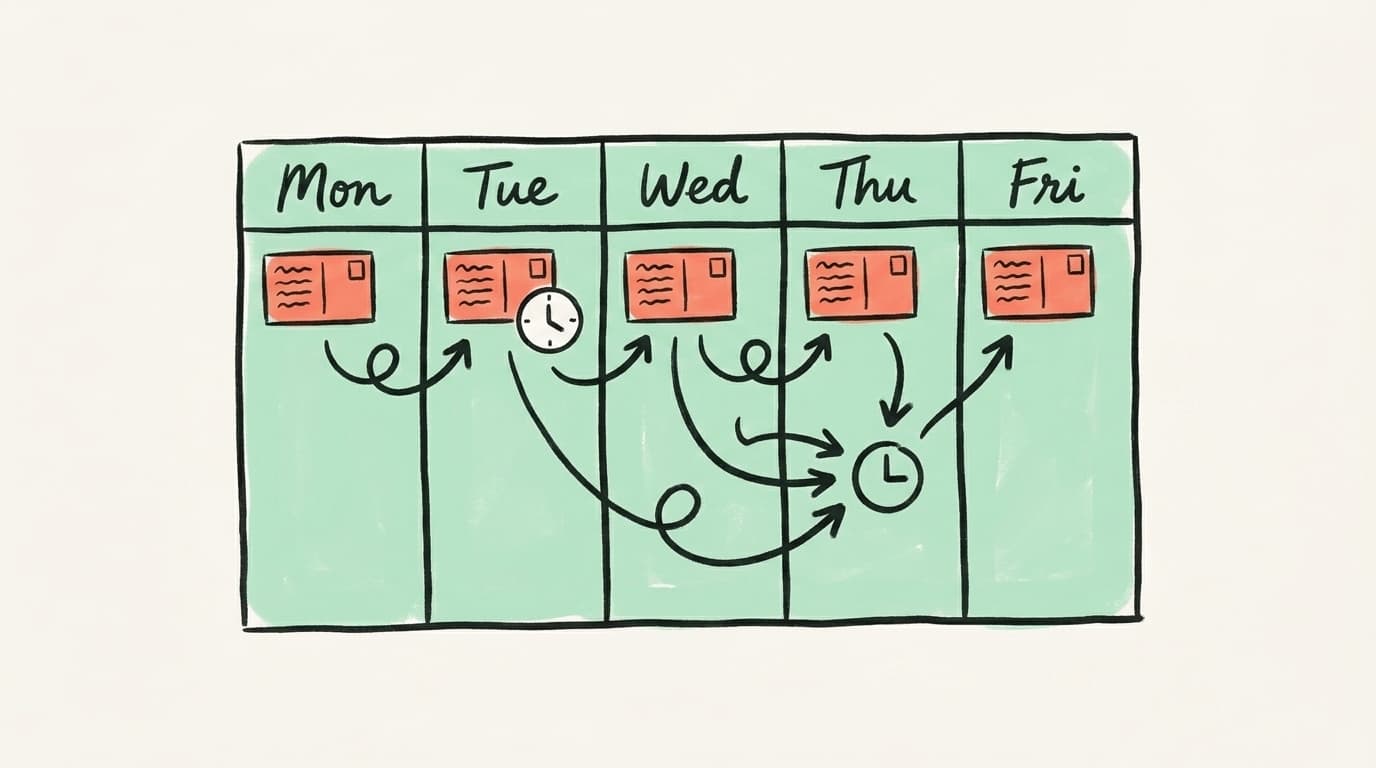
Batch your content. Sit down once a week and draft 3-5 posts from this list. Schedule them across the week so you're consistently visible without being chained to LinkedIn daily.
Repurpose across platforms. The ideas above work on LinkedIn, but many adapt perfectly to X and Threads too. A LinkedIn post about "the career mistake that taught you the most" becomes an X thread with a different hook, or a Threads post with a more casual tone. Publishing across platforms from one place saves hours per week.
Start Creating LinkedIn Content with Postory
You've got the ideas. Now you need to actually ship them.
Postory's AI post writing takes a rough idea — or even a YouTube video, blog post, or podcast — and turns it into a polished LinkedIn post in your voice. Not generic AI slop. Posts that sound like you wrote them, because you guided the direction.
Write once, publish to LinkedIn, X, and Threads. Manage everything from one dashboard instead of juggling three apps.
Try Postory free — turn one idea into a week of LinkedIn content.
FAQ
Q: How often should I post on LinkedIn?
3-5 times per week is the sweet spot for most professionals. Posting daily can work if you have enough quality content, but consistency matters more than frequency. It is better to post 3 strong posts per week than 7 mediocre ones.
Q: What is the best time to post on LinkedIn?
Tuesday through Thursday, 8-10am in your audience time zone tends to get the most engagement. But do not obsess over timing - a great post at a bad time will still outperform a weak post at the perfect time.
Q: How long should a LinkedIn post be?
LinkedIn posts can be up to 3,000 characters. Posts between 1,200-1,500 characters tend to perform best - long enough to deliver value, short enough to hold attention.
Q: Should I use hashtags on LinkedIn?
Use 3-5 relevant hashtags maximum. More than that looks spammy and does not help reach. Mix broad hashtags (#marketing) with niche ones (#contentrepurposing) to balance discoverability.
Q: Do LinkedIn carousels still work?
Yes - document/carousel posts consistently get 2-3x more engagement than text-only posts. They are great for step-by-step guides, frameworks, and listicles. Keep slides scannable with large text and minimal clutter.
Q: How do I grow my LinkedIn following from scratch?
Comment thoughtfully on posts from people in your niche before you start posting. This builds visibility and relationships. When you do start posting, focus on personal stories and strong opinions - they get shared more than generic tips.
Q: What types of LinkedIn posts get the most engagement?
Personal stories, contrarian takes, and how I did X breakdowns consistently outperform other formats. Posts that start with a surprising statement or vulnerable admission tend to stop the scroll and drive comments.
Q: Should I include links in my LinkedIn posts?
Avoid putting links in the post body - LinkedIn algorithm deprioritizes posts with external links. Instead, put your link in the first comment and mention link in comments in the post.
Related articles
Typefully Alternative: 6 Cross-Platform Options for Creators
Six honest Typefully alternatives compared — what each is genuinely best at, plus a full feature-and-price table to match the tool to your workflow.
Jul 18, 2026

Hypefury Alternative: 6 Tools That Do More for Less
Hypefury is powerful but pricey — and it still won't write your posts. Here are 6 Hypefury alternatives that do more for X and Threads, for less.
Jul 18, 2026
Twitter Suspended Appeal: How I Got My Banned X Account Back
My X account was permanently suspended. It took a month, five appeals, and one unusual letter to get it back. Here's the whole playbook.
Jul 14, 2026