
LinkedIn Newsletter Strategy: Launch and Grow One

A LinkedIn newsletter is the rare format that bypasses the feed and reaches your subscribers directly. This guide covers eligibility, picking a topic and cadence, a 30-day launch plan, how to write editions people actually read, growing past your follower count, and turning each issue into a week of posts.
Most of your LinkedIn posts get one shot. They hit the feed, the algorithm decides who sees them, and within a day or two they're buried. A newsletter works differently — it pushes a notification (and often an email) to every subscriber the moment you publish. That's why a smart linkedin content strategy in 2026 treats the newsletter as the anchor, not an afterthought.
This guide walks you through launching one from scratch and growing it past your existing audience — without burning out on a weekly deadline.
How is a LinkedIn newsletter distributed differently from a regular post?
A newsletter is distributed differently from a regular post: instead of competing for feed space, an edition can notify subscribers through LinkedIn and email. A normal text post is filtered by the algorithm and fades within 24 to 48 hours. A newsletter goes out to people who already opted in, lives permanently on your profile, and stays searchable and shareable for months. For context on formats: Socialinsider's 2026 LinkedIn report — built on 1.3 million posts across 16,645 company pages — puts native documents at the top of its 2025 annual engagement table at 7.00%, with plain text-only posts around 4.50%. Those are feed formats measured on company pages, so they aren't a measurement of newsletter reach at all. What is different about a newsletter is the distribution path described above — it can reach subscribers through notifications rather than only through the feed. Whether that reaches more of your audience than a post does is something only your own analytics can answer.
That distribution advantage compounds. When someone follows you, LinkedIn prompts them to subscribe automatically — so your newsletter quietly grows alongside your following without a single landing page or email tool.
The three mechanics that make it work:
- Notifications, not feed roulette. Every edition pings your subscribers' notification tab. You're not hoping the algorithm shows it — it's pushed.
- Email backup. LinkedIn often emails the edition too, so you reach people who haven't opened the app that day.
- A permanent home. Each issue lives on your profile in a searchable archive. Old editions keep pulling in new subscribers long after you hit publish.
There's a link advantage too. As Buffer notes, links inside newsletters aren't downranked the way links in regular posts often are — so a newsletter is a far better place to send people to your site, podcast, or signup page.
Who can launch a LinkedIn newsletter in 2026?
Almost anyone with an active LinkedIn profile can launch a newsletter in 2026. According to LinkedIn's official access criteria, all LinkedIn members have access to create a newsletter — the old "Creator Mode" toggle that used to gate the feature was retired in 2024, so you no longer need to flip a setting or hit a follower threshold as an individual. The 150-follower requirement that still gets repeated in older guides now applies only to company Pages, which must also show a history of original content and a good standing record under LinkedIn's Professional Community Policies. "Good standing" simply means your account hasn't been restricted or flagged for policy violations — for most everyday users, a non-issue. The fastest way to confirm eligibility is to check in-app rather than guess: if the Create newsletter option appears in the article editor, access is already switched on for your account. If your personal account is active and in good standing, the option is almost certainly already waiting for you.
AI that learns your voice
Posts that actually sound like you
Postory's AI writes drafts in your voice — not generic AI mush — so you publish faster and still sound human.
To find it: click Write article at the top of your LinkedIn homepage. In the article editor, open the Manage dropdown near the top right — if newsletters are available to you, you'll see a Create newsletter option there.
Two things to set up before you publish issue one:
- A clear name and description. LinkedIn recommends a name that signals a clear theme your audience instantly understands — not a clever pun nobody can search.
- A logo and cover image. A 300x300 logo and a 1920x1080 cover per edition make it look like a real publication. LinkedIn's newsletter best practices note that images with faces and people tend to resonate more than generic clipart or stock images.
How do you pick a topic and cadence you can sustain?
The best newsletter topic sits at the intersection of what you can talk about every single week without running dry and what your ideal audience actually wants. Pick a lane narrow enough to own — "demand generation for B2B SaaS" beats "marketing" — but broad enough that you'll never run out of angles. A simple test: if you can rattle off ten edition titles in five minutes, the topic is wide enough; if you can't, narrow it until the ideas flow. Then pick a cadence you can defend for six months, because consistency matters more than frequency. LinkedIn's own In the Loop newsletter has millions of subscribers and publishes only every two weeks, which is proof that two strong editions a month can outperform a rushed weekly grind. Lock your topic and rhythm before you write a word, because changing either mid-stream confuses both the algorithm and your subscribers.
A few rules of thumb when choosing:
- Weekly if you already post daily and have a deep well of ideas. High commitment, fastest trust-building.
- Bi-weekly for most professionals. It's the sweet spot — frequent enough to stay top of mind, slow enough to keep quality high.
- Monthly if each edition is a meaty, research-heavy deep dive.
Whatever you choose, publish on the same day and time every cycle. Subscribers start to expect it, and predictability trains the open-rate habit. If you want a deeper framework for what to publish across the rest of your profile, our guide to what to post on LinkedIn maps how the newsletter fits into your wider content mix.
What's the 30-day LinkedIn newsletter launch sequence?
A 30-day launch sequence turns "I should start a newsletter" into a published, growing one — without waiting until everything feels perfect. The plan front-loads the hard decisions (name, topic, cadence) so the rest is just execution, and it leans on a LinkedIn quirk worth knowing: the platform gives your first few editions an extra distribution boost to help new newsletters find an audience. That means your opening issues matter disproportionately, so the sequence puts your strongest material up front instead of saving it for later. Spread across four weeks, the workload stays light — roughly a few focused hours per week — which is exactly what keeps people from quitting before edition three. The goal of the first month isn't a huge subscriber count; it's a repeatable rhythm and three live editions you're proud of, so publishing the fourth feels like routine rather than a fresh decision. Here's the week-by-week breakdown.
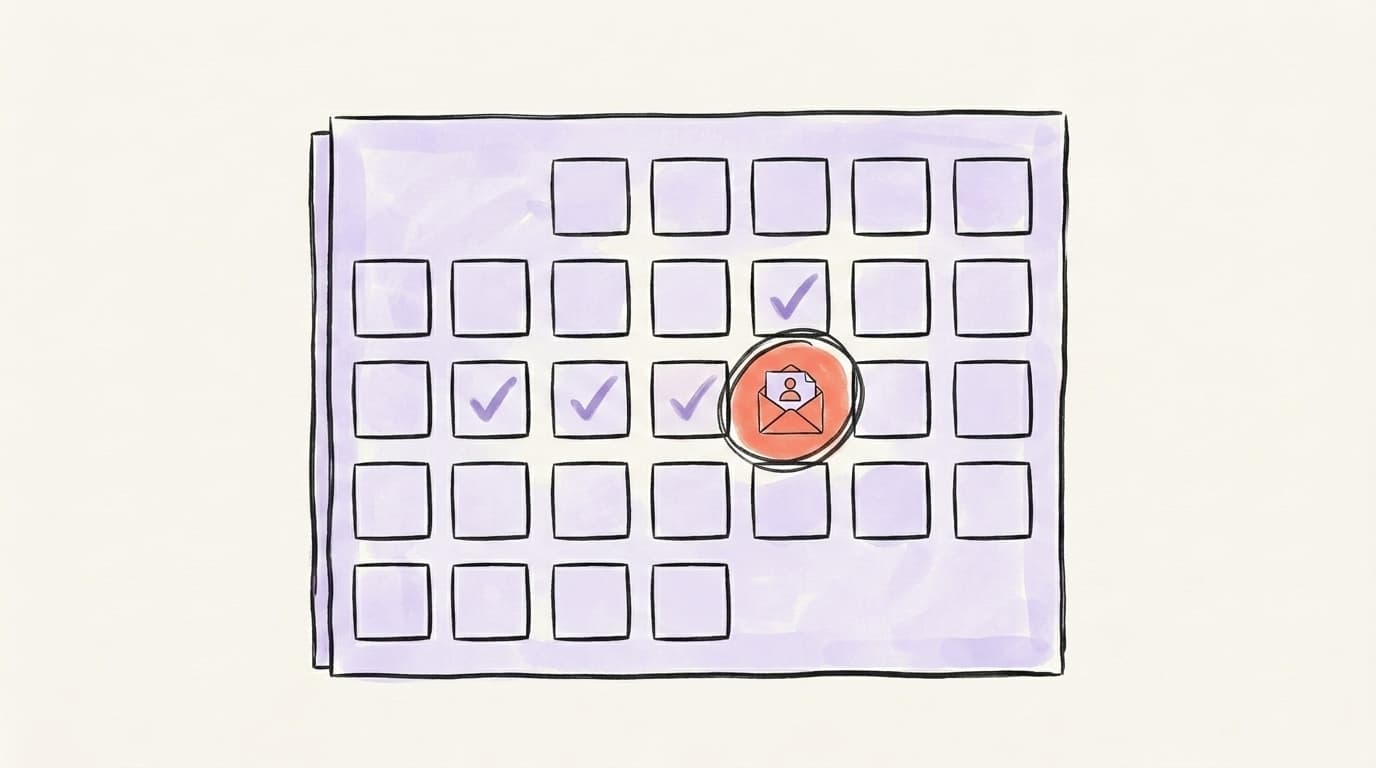
Week 1 — Foundations. Lock your topic, name, description, cadence, and visuals. Write a one-line promise: "Every other Tuesday, one tactic to [specific outcome]." Draft your first three editions in outline form so you're never staring at a blank page later.
Week 2 — Publish edition one. Make it your single best idea, not a "welcome to my newsletter" filler post. Tell people what they'll get and how often. Then announce it as a regular feed post and ask your network to subscribe.
Week 3 — Publish edition two and promote. Add a subscribe link to your profile featured section, your headline, and your post sign-offs. Mention the newsletter when it's genuinely relevant in comments and DMs.
Week 4 — Publish edition three and review. Check your newsletter analytics — subscriber growth, opens, and which edition landed hardest. Double down on the angle that worked.
Here's a clear walkthrough of this launch approach from HubSpot's marketing team, including how the early-edition boost works:
How long should a LinkedIn newsletter be, and how should you format it?
Most high-performing LinkedIn newsletters run roughly 450 to 800 words for a regular edition, with the occasional deep dive stretching to 2,000 when the topic genuinely earns it. The platform technically allows up to 125,000 characters, but length isn't the goal — read-through is. Anything under a couple hundred words reads like a teaser and frustrates subscribers who opened a notification expecting substance; anything that rambles past 2,000 without a clear payoff loses the casual reader who skims on mobile. Write it the way you'd explain something useful to a smart colleague: plain language, short paragraphs, one core idea per edition. Most subscribers read in the LinkedIn app on their phone, so the metric that matters is read-through — the share who reach the end — not raw word count. A tight 500-word edition that gets finished beats a 1,500-word one abandoned halfway. LinkedIn itself advises that a newsletter should feel like an extension of your posts — authentic and easy to read, not formal or robotic.
Formatting carries as much weight as the words. A wall of text gets abandoned on the first scroll.
- Open with a hook, not a greeting. Skip "Hi everyone, welcome back." Lead with the tension or the promise.
- Use subheadings and short paragraphs. Two to three sentences max. White space is your friend on mobile.
- Add one visual. A diagram, screenshot, or chart breaks up the text and lifts engagement.
- Close with one clear next step. A question, a link, or a single ask — never three competing ones.
If formatting plain LinkedIn posts trips you up too, our guide on how to write LinkedIn posts covers hooks and structure that translate directly to newsletter intros.
How do you grow subscribers beyond your existing followers?
You grow a LinkedIn newsletter beyond your followers by treating every regular post, comment, and profile element as a funnel into it — because subscriber growth has very little to do with the newsletter itself and almost everything to do with the visibility you build around it. New followers get auto-prompted to subscribe — when someone follows you, LinkedIn surfaces your newsletter and nudges them to opt in, which means every new follower is effectively a warm subscriber lead. So the fastest lever is simply growing your reach with consistent feed posts that pull in the right people. From there, you make subscribing frictionless: a subscribe link in your featured section, a mention in your headline, and a soft call to action at the end of posts that performed well. The compounding part is that each published edition is itself discoverable in search and reshareable, so old issues keep recruiting subscribers while you sleep.
Concrete moves that actually move the number:
- Repurpose each edition into 2-3 feed posts. Pull the best insight, post it natively, and link the full newsletter in the first comment.
- Pin a subscribe CTA to your profile. The featured section is prime real estate most people leave empty.
- Switch your profile button to "Follow." More follows means more auto-subscribe prompts.
- Engage in your niche daily. Thoughtful comments on relevant posts put your profile (and newsletter) in front of new people.
- Cross-promote off-platform. Drop the newsletter link in your email signature, other social bios, and relevant communities.
If broader follower growth is the bottleneck, our guide on how to grow on LinkedIn pairs well with this — more reach feeds directly into more subscribers.
How do you turn one newsletter into LinkedIn posts and X threads?
You turn one newsletter into a week of content by treating it as the source document and slicing it into platform-native posts — the same way a podcast becomes clips. One solid edition usually holds three to five standalone ideas, each strong enough to be its own post. Pull the sharpest takeaway and write it as a native LinkedIn post (link the full edition in the comments, never the body). Take a second idea and rework it as an X thread, where each point becomes its own tweet. Adapt a third into a punchy Threads post, and save a fourth as a quote-style graphic or a quick poll. You wrote the thinking once; now you get a week of distribution from it instead of one notification and done — and every one of those posts points new readers back to the newsletter, which feeds the subscriber loop from the previous section.
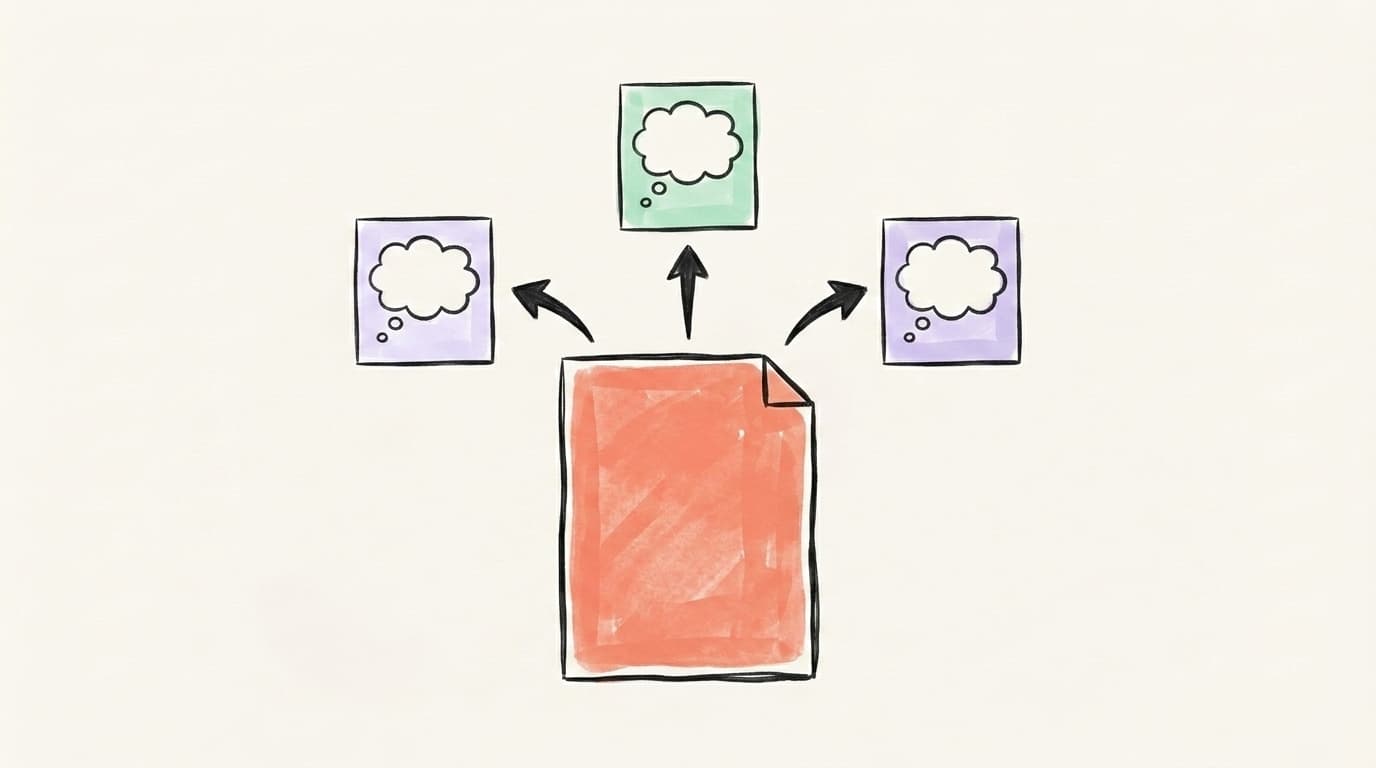
The trick is rewriting, not copy-pasting. A LinkedIn post and an X thread have different rhythms — LinkedIn rewards a strong first line and a bit of story, while X rewards punch and pace. Reformat for each platform instead of dumping the same paragraph everywhere. For a full system on this, our AI content repurposing guide breaks down how to atomize one long piece into a month of posts.
This is exactly the workflow Postory was built to remove the grunt work from — turning one draft into matching posts for every platform you publish on.
Repurposing Each Edition Beyond LinkedIn
A newsletter only pays off if you keep publishing and keep repurposing — and that's where most people stall. Writing the edition is one job; turning it into a week of posts across every platform is another job entirely, and doing both by hand every cycle is what burns people out by edition three.
Postory turns your newsletter draft into matching X threads, Threads posts, and Bluesky posts — in your own voice — so one edition becomes a full week of content everywhere except the LinkedIn tab itself. See how it works on our AI post writing page.
Try Postory free — write your newsletter once, and turn it into a week of posts elsewhere.
FAQ
Q: Do I need Creator Mode to start a LinkedIn newsletter?
No. LinkedIn removed the Creator Mode toggle in 2024, and newsletter access is now open to all members in good standing. Just click "Write article," open the "Manage" dropdown, and look for "Create newsletter." Older guides that mention Creator Mode are out of date.
Q: How often should I publish a LinkedIn newsletter?
Pick a cadence you can sustain for at least six months. Bi-weekly is the sweet spot for most professionals — frequent enough to stay top of mind, slow enough to keep quality high. Weekly works if you have a deep well of ideas; monthly works for research-heavy deep dives. Consistency matters far more than frequency.
Q: How long should a LinkedIn newsletter be?
Most strong editions run roughly 450 to 800 words, with occasional deep dives reaching around 2,000 when the topic earns it. LinkedIn allows up to 125,000 characters, but read-through matters more than length. Under a couple hundred words feels like a teaser; rambling past 2,000 loses skimmers.
Q: Are LinkedIn newsletters better than a regular email newsletter?
They're different tools. LinkedIn newsletters need no email software or landing page and tap your existing network's auto-subscribe prompts, but you don't own the subscriber list. A traditional email newsletter gives you full ownership but requires more setup. Many creators run both and cross-promote between them.
Q: How do I get my first 100 newsletter subscribers?
Announce it as a regular feed post, ask your existing network directly, add a subscribe link to your profile's featured section and headline, and repurpose each edition into native posts that point back to it. Since new followers are auto-prompted to subscribe, growing your overall reach is the fastest path to early subscribers.
Q: Can I repurpose old blog posts into a LinkedIn newsletter?
Yes, and it's a smart shortcut. Rework an existing blog post into a newsletter-native edition — tighten the intro, break it into short paragraphs, and add a clear takeaway. Don't paste it verbatim; adapt the tone to feel like an extension of your LinkedIn posts.
Q: Does LinkedIn boost new newsletters?
LinkedIn gives your first few editions extra distribution to help new newsletters find an audience, which is why your opening issues should be your strongest material rather than a "welcome" placeholder. Lead with your single best idea to make that early boost count.
Related articles
Is LinkedIn Premium Worth It for Creators in 2026?
A candid tier-by-tier review of LinkedIn Premium in 2026 — who actually needs Career, Business, Sales Navigator, or Recruiter Lite, and who should stay free.
Jun 12, 2026
LinkedIn Analytics: The 6 Metrics That Actually Matter
Your LinkedIn dashboard shows dozens of numbers. Here are the six that actually predict growth — plus a 10-minute weekly review.
Jun 8, 2026
LinkedIn SSI Score: What It Is and How to Improve It
Your LinkedIn SSI score is a free 0-100 number that rates how you use the platform. Here's what it measures and how to move it.
Jun 7, 2026