
How to Unfollow Inactive Accounts on X

Find the quiet accounts you still follow
Get a named list to review before you unfollow anyone. The Instant Following Check needs no X connection and changes nothing on your account.
To unfollow inactive Twitter accounts on X, review the people you follow, check their recent visible posts, and remove only the accounts you no longer want to keep. For a short list, open each profile, select Following, and confirm the unfollow. For a longer list, review the evidence before scheduling your chosen accounts at a measured pace.
An old last post is a useful clue, but it does not tell you when someone last logged in. A person who stopped posting may still read X every day. Start by deciding what “inactive” means for your own following list.
Choose a posting cutoff, not a verdict about the person
X's inactive-account policy bases inactivity on logging in. It advises people to log in at least every 30 days and says prolonged inactivity can lead to removal. That is different from a public posting gap: another user cannot see all account activity.
For your cleanup, choose a review rule such as “no visible posts for six months.” Six months is an example you can change, not an official X threshold or proof that an account is abandoned. A seasonal business, an occasional researcher and a close friend can all be worth keeping through a long silence.
Ask two questions before removing a quiet account:
- Did I follow this account for regular updates that have stopped?
- Would I still want to hear from this person if they posted tomorrow?
Keep the exceptions you care about. Unfollowing is a choice about your subscriptions, not a finding that someone has left the platform.
Find inactive accounts in your Following list
Open your profile and select Following. Work through a manageable group of accounts, opening profiles when you cannot remember why you followed them. Look at the newest visible posts and replies rather than assuming the first item you see is recent; a pinned post can be older than the posts below it.
Check the dates, the subject of the account and whether its recent content is still useful to you. If an account mainly replies, a quiet Posts view alone can give the wrong impression. If you cannot see its posts, leave the activity judgment unresolved instead of treating missing evidence as a long silence.
For a large list, keep a simple shortlist of handles and your reason for each: “project ended,” “no updates since last year,” or “no longer relevant.” That makes it easier to review your decisions before changing follow relationships. It also saves handles you might want to revisit.
Quiet, unavailable and suspended are different cases
| What you can see | What it supports | What to do |
|---|---|---|
| Profile opens, but visible posts are old | A posting gap | Check replies and decide whether the account still matters to you. |
| Profile has no visible posts | No posts available in that view | Do not infer a private login history or assume the account is a bot. |
| X displays a suspension notice | A platform restriction | Treat it separately from a quiet account. |
| Profile cannot be loaded | The profile is unavailable to you now | Recheck the handle and notice before assuming deletion. |
A failed page load by itself does not identify a deleted account. If you are waiting for X to clear old profiles for you, our guide to whether X deletes inactive accounts explains why the policy is not a cleanup timetable you can rely on.
Unfollow your chosen accounts manually
X's instructions provide the same basic route on web, iPhone and Android:
- Open the profile of an account on your shortlist.
- Check the handle and make your final keep-or-remove decision.
- Select Following.
- Confirm Unfollow when prompted.
You can also select the Following control beside an account in your own Following list and confirm. If it already says Follow, you are not following it from the account you are using.
Our web and mobile unfollow walkthrough covers the other entry points. These steps change who you follow; they do not remove people from your followers.
Review a longer list before scheduling it
We make Postory. Its Following check helps you review accounts you follow on X, including accounts flagged from their visible posting history. Treat a label as a reason to inspect the row, not permission to discard everyone in the group.
With your X account connected:
- Run a Following check if you do not already have results to review.
- Open the Dead tab and inspect the accounts and their findings. The label does not reveal anyone's private login activity.
- Tick only the accounts you want to unfollow. Review the selection count before continuing.
- Select Unfollow with the selected count, choose a pace of 1–50 a day, then confirm the schedule.
Postory applies a hard cap of 50 unfollows per X account in a rolling 24 hours, including individual unfollows. Scheduled work starts with the first eligible unfollow, then spreads the rest at random times. You can check progress, change the pace or cancel the remaining work, and receive a daily report by Telegram or email.
Unfollowing costs 3 credits for each unfollow X accepts, charged only on success. At 100 credits per dollar, 100 successful unfollows cost $3; checking accounts is priced separately. There is no subscription.
If you want a named list before connecting X, the guest Instant Following Check starts at $4.99 and needs no login. That check finds accounts to review and changes nothing on your account.
A delay does not make every cleanup acceptable
X's automation rules prohibit following or unfollowing “in a bulk, aggressive, or indiscriminate manner.” They also prohibit non-API automation such as scripting the website. Avoid console scripts that promise to clear a whole list without review.
Postory leaves the selection to you and paces the accounts you pick. Its cap is a product limit, not an X-approved allowance or a guarantee against restrictions. For the wider choice of routes, read our guide to unfollowing selected accounts on X at your pace.
Start Reviewing Quiet Accounts with Postory
Choose your cutoff, keep the relationships that matter, and review the shortlist before acting. Use Postory Following when you want to turn those deliberate choices into a paced unfollow schedule.
FAQ
Q: Can I see when someone last logged in to X?
Their public posting history does not establish their last login. X says not all signs of account activity are publicly visible. Use a posting gap to guide your review, not to claim the person is gone.
Q: Does unfollowing inactive accounts improve my reach?
This guide makes no reach promise. The immediate outcome is a following list that better reflects whom you want to follow. A quiet account is not evidence that your own posts are being suppressed.
Q: Should I unfollow every account in a tool's Dead tab?
No. Review the evidence and keep accounts you value. A category groups findings; you still decide which accounts to remove.
Related articles
X Unfollow Limit: How Many Accounts Per Day?
What X actually publishes about unfollow limits, why 400 follows is a different rule, and how to pace your chosen accounts without inventing a safe quota.

How to Unfollow on X: Web, iPhone and Android
Unfollow someone on X from a profile, post or Following list on web, iPhone and Android. Compare unfollow, mute, block and removing a follower.
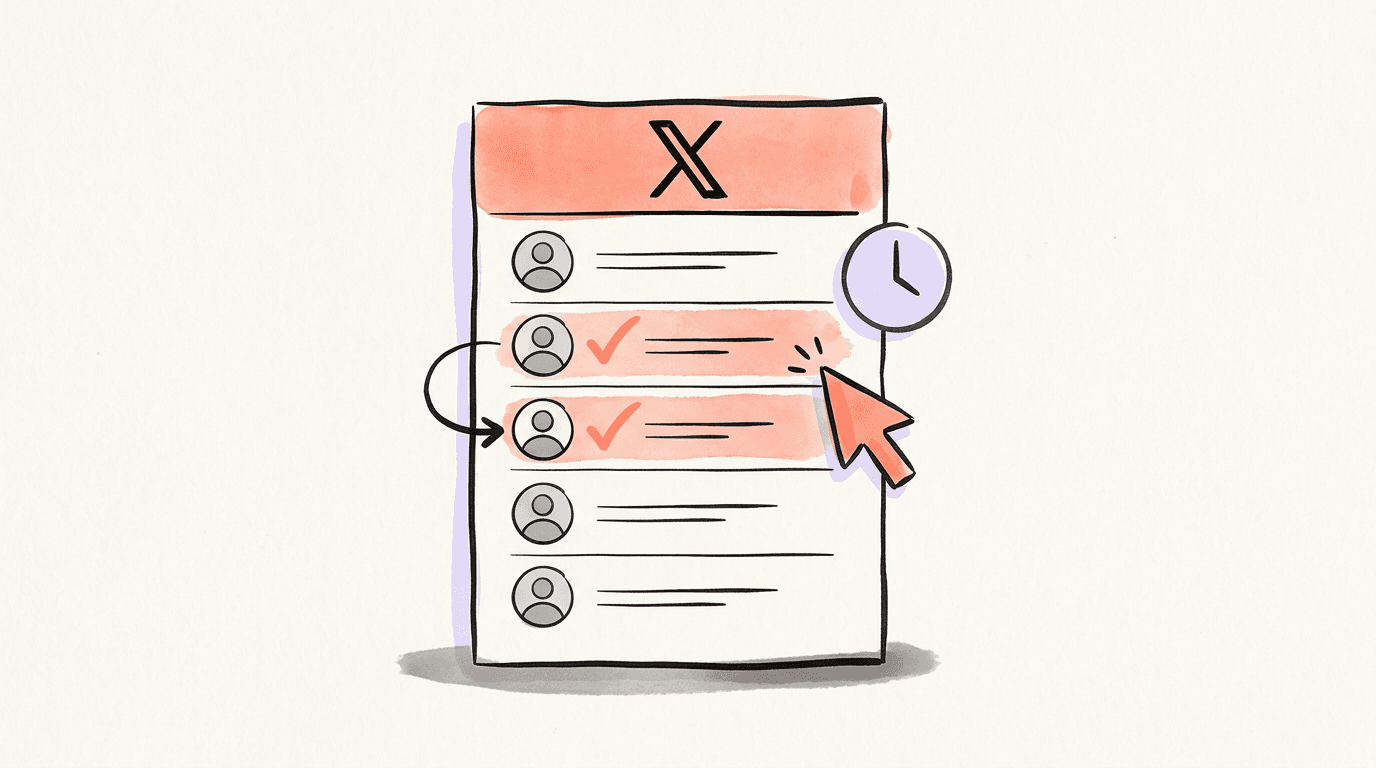
How to Mass Unfollow on X (Twitter), at Your Pace
Choose who to unfollow on X, compare manual and tool-based routes, and learn the rules before scheduling selected accounts at 1–50 a day.