How to Mass Unfollow on X (Twitter), at Your Pace

Pick who to unfollow. Set your pace.
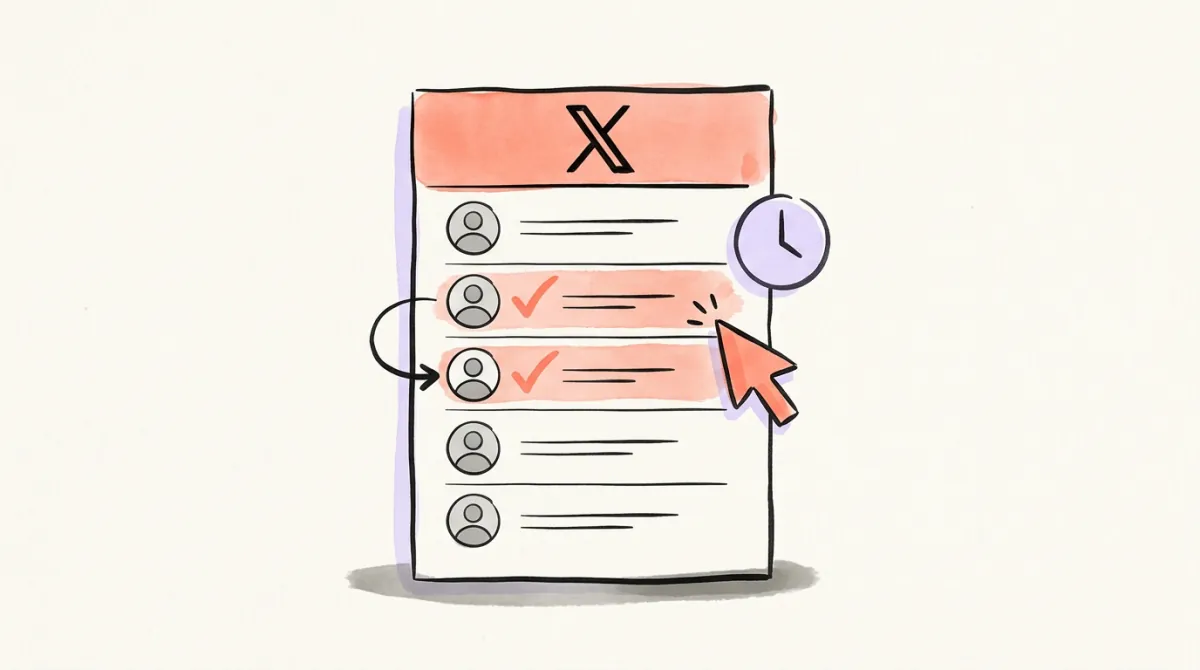
Review the accounts you follow on X, choose the ones to drop, and schedule them at 1–50 a day. Track progress, change the pace, or cancel.
To unfollow many accounts on X, review your Following list, choose the accounts you no longer want, and remove them gradually. X has no native button for clearing that list in a batch. You can do the work manually or use a tool that sends the unfollows you approve at a chosen pace.
The distinction matters: a long list of unwanted accounts is a reason to review it, not a reason to run a script that clicks every button. Here are the routes, the rules behind them, and how to keep control of the changes.
First, decide who should stay
Start with a reason for each removal: spam you no longer want, an account whose topic changed, or a connection you no longer recognize. Keep accounts you still read, even if they never follow you back. Reciprocity alone does not tell you whether someone belongs in your feed.
Review quiet accounts before dropping them. Someone who rarely posts may still be a useful contact; an inactive label is a prompt to look closer. Save the handles of people you might want to find again, especially before a large cleanup.
If you only want help finding candidates, the Instant Following Check accepts a public X handle without a login and produces a named report. It starts at $4.99 and changes nothing on the account. Unfollowing through Postory requires connecting X separately.
Four ways to work through your following list
1. Unfollow manually on X
For a short list, use X itself. On the website or mobile app:
- Open your profile and choose Following.
- Find an account you have decided to remove.
- Select its Following button, then confirm Unfollow.
- Review the next account before repeating.
You can also open an individual profile and use its Following button. These are the routes in X's own unfollow instructions. They take time, but you see each decision as you make it and do not need to authorize another app.
2. Browser scripts and extensions
Search results include console snippets and extensions that click through a Following list. A script can act on whatever the page has loaded; that is a poor substitute for checking who will be affected. Do not paste unfamiliar code into a signed-in session or assume an extension's delay makes its behavior acceptable.
X's automation rules prohibit non-API automation such as scripting its website. This is a policy problem as well as a question of whether the code works. This guide therefore does not provide a button-clicking script.
3. Tools that use X's API
An API connection gives an app a way to send an unfollow request with your authorization. It does not make every cleanup pattern acceptable. Before connecting a tool, check what access it requests, whether you can review the selected accounts, how it schedules requests, and how to cancel queued work.
Keep those questions separate from a tool's marketing headline. A claim about speed says nothing about whether it lets you inspect a mistaken selection or stop the remaining changes.
4. Postory Following: choose accounts, then set a pace
We make Postory. Its Following feature supports mass unfollow on X at your pace: you choose the accounts, and Postory schedules the requests.
- Connect the X account you want to manage, then open Following.
- Review the relevant tab, such as inactive accounts, likely bots, or accounts not following you back.
- Tick individual accounts, select the page, or select the tab after reviewing its contents. Remove anyone you want to keep from the selection.
- Click Unfollow followed by your selected count. In the dialog, set a pace from 1 to 50 unfollows a day, then confirm with Schedule followed by the unfollow count.
- Watch the job's progress. You can change its pace or cancel the remaining queued accounts.
The first request can run immediately; the remaining requests are spread across random times. A single-account Unfollow action is also available. Both routes share Postory's hard cap of 50 per X account in a rolling 24 hours. A daily report arrives through Telegram or email. Postory never follows anyone or chooses accounts to unfollow on its own.
Unfollowing costs 3 credits for each request X accepts, charged only on success. At 100 credits per dollar, 100 successful unfollows cost $3, spread over the schedule; there is no subscription. Checking the accounts is a separate charge: 1.5 credits per account for the first 1,000 checked, then 1 credit per additional account.
What X's rules and daily limits actually say
X forbids automated following or unfollowing “in a bulk, aggressive, or indiscriminate manner.” Its rules can apply even when an app uses the API. Postory puts the selection in your hands and paces those choices; these controls are not an exemption from X's policy or a guarantee against restrictions.
The published following limits describe up to 400 new follows a day and account-specific ratios after 5,000 follows. Those are follow limits. The page does not publish a daily unfollow allowance, so treating 400 as an approved unfollow target would be wrong.
Choose a modest pace for a specific cleanup, rather than trying to finish a number. If X refuses an action or shows a restriction, stop and address that message. Changing tools to keep sending the same requests does not resolve the cause.
Should you unfollow everyone on Twitter to start over?
Clearing your Following list also removes useful connections from it. Before deciding, write down what you want to change: less noise, fewer irrelevant posts, or a different set of topics. Often a smaller, deliberate cleanup meets that need.
If you still want a fresh start, save the handles you care about first and review the list in manageable groups. A new list of accounts to follow should come from your interests, not from cycling through people to gain followers. Repeated follow-and-unfollow churn is specifically prohibited by X.
Start Reviewing Your Following with Postory
Open Postory Following, review who is still useful to you, and schedule only the accounts you decide to remove. Keep the list you want, at a pace you can follow and change.
Related articles

How to Unfollow on X: Web, iPhone and Android
Unfollow someone on X from a profile, post or Following list on web, iPhone and Android. Compare unfollow, mute, block and removing a follower.

Twitter Archive: Download and Read Your X Data
Twitter archive guide: request and download your X data, open the .zip, find old tweets in tweets.js, and know what the archive doesn't include.

Twitter Video Finder: Find Videos on X (2026)
Twitter video finder guide: find videos on X with the Media tab, filter:videos and from:, find saved clips, and trace a video to its original poster.