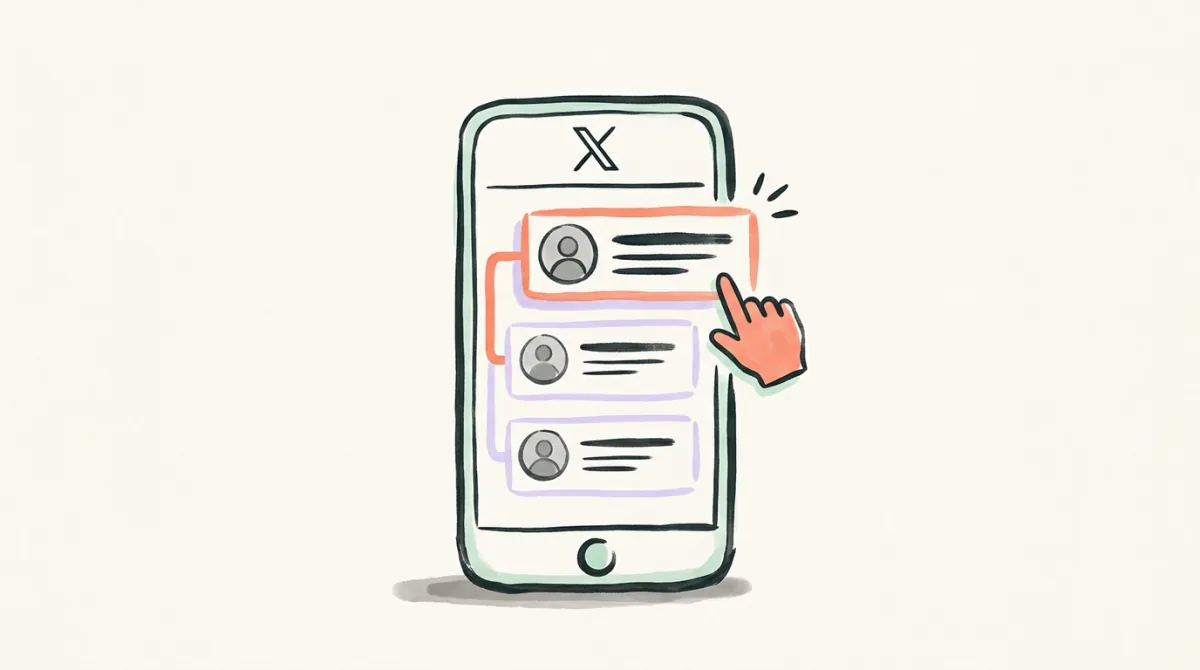
How to Unfollow on X: Web, iPhone and Android

Have more accounts to review? Choose who to unfollow.
Connect X in Following, review your list, and select the accounts to drop. Schedule your selection at 1–50 a day, with progress you can check or cancel.
To unfollow someone on X (Twitter), open their profile, select Following, then confirm the unfollow. You can also do it from your own Following list. The account you remove is someone you follow; removing a person who follows you is a different action.
For one unwanted account, X's own controls are enough. Start with the route below that matches where you are, then check whether unfollowing will actually solve what is bothering you.
Unfollow from a profile on web, iPhone or Android
X's unfollow instructions cover its website and both mobile apps:
- Open the profile of the account you want to stop following.
- Check the handle so you do not remove a similarly named account.
- Click Following on the web, or tap it on iPhone or Android.
- Confirm the unfollow when X asks.
If you already see Follow, you are not following that account from the account currently signed in. Check which of your own accounts you are using before making a change.
From your Following list
Open your own profile, select Following, find the account, then select its Following control and confirm Unfollow. This is useful when you remember a name but do not have a recent post to open.
From a post
Open the menu at the top of that person's post and choose Unfollow. Read the handle in the menu before confirming any change.
Starting from an X List
An X List and your Following list serve different purposes. You might want an account in a specialist reading List without treating it as a regular follow.
If you encounter someone in a List, open their profile and use the profile route above. To remove them from a List you manage, use that List's membership controls instead. X documents those under adding or removing people from Lists. Changing List membership and changing who you follow are separate decisions.
For example, a local news account might still belong in your city List even when you no longer want to follow it. Decide which reading surface needs changing before removing the account from both places.
Will they know you unfollowed them?
X's Following FAQ says it sends no notification when you unfollow someone. That is a statement about alerts, not a promise that the change is invisible.
The person could look at their followers and notice you are missing. A changed count might also prompt them to check, although a count alone does not identify who left. Do not assume a lack of notification keeps a follow relationship secret.
Unfollowing also does not make the other person unfollow you. If your concern is their access to your posts or their interactions with you, choose the relevant control below instead of relying on an unfollow.
Unfollow, mute, block or remove a follower?
Choose the action by what you want to change:
| Your aim | Control | What changes |
|---|---|---|
| Stop following an account | Unfollow | Your subscription to that account ends. |
| Keep following, but quiet their posts in your timeline | Mute | The follow relationship stays. |
| Stop an account following or interacting with you | Block | Existing follows in both directions end; interaction is restricted. |
| Take someone off your followers without blocking | Remove follower | Their follow of you ends. |
X's mute guide explains that muting does not unfollow the account, and the person is not told you muted them. It can suit a noisy colleague or friend when the relationship matters more than reading every update. Replies and mentions from a muted account you still follow can remain in Notifications; mute is not a way to prevent contact.
X's block guide makes a crucial distinction: blocked accounts can still see public posts, but cannot engage with them. Blocking is therefore an interaction control, not a way to hide public posts. X also says a blocked account can discover the block by visiting your profile.
For removing a follower, X's Following FAQ describes a web control in your Followers list: open the account's more menu and choose Remove this follower. They can follow a public account again. If you need to approve future followers, consider protected posts; simply removing someone does not create that approval requirement.
Want to unfollow several accounts?
Review who you want to keep before starting a larger cleanup. An account that never follows you back can still be useful; a quiet account may still be a person you want to stay connected with. Save any handles you might want to revisit.
Our guide to unfollowing selected accounts on X at your pace compares the manual and tool routes. It covers the bigger cleanup decision without turning this single-account walkthrough into a tool comparison.
X's automation rules prohibit following or unfollowing “in a bulk, aggressive, or indiscriminate manner.” A tool's delay does not create an exemption from those rules.
Start Reviewing Your Following with Postory
We make Postory. If you have a longer list to review, Postory Following lets you connect X, choose accounts yourself and schedule those selections at 1–50 unfollows a day. Its hard cap is 50 per X account in a rolling 24 hours. You can track progress, change the pace or cancel remaining work. Postory never chooses accounts to unfollow on its own; pacing is not a guarantee against restrictions.
FAQ
Q: Does unfollowing someone remove them from my followers?
No. Unfollowing changes who you follow. Use Remove follower or Block when your aim is to change who follows you.
Q: Can I keep following someone and hide their posts?
Use Mute. The follow relationship remains, although mentions and replies can still appear as described in X's mute settings.
Q: What if I unfollowed the wrong person?
Visit their profile to follow them again. For a protected account, following requires their approval, so do not assume you can immediately restore access to their posts.
Related articles
How to Delete X Account Permanently (Twitter)
How to delete X account for good: deactivate on web or app, what the 30-day window means, what to save first, and what deletion leaves behind.
Does X Delete Inactive Accounts? What the Policy Says
Does Twitter delete inactive accounts? X's policy says accounts may be removed for prolonged inactivity — but it names no deadline. Here's what it says.
How to Remove Followers on X
How to remove followers on X, step by step — what it actually changes, what to check when the option won't show up, and what to do about bot followers.