
Do Hashtags Work on Threads? Yes, But Only One Tag

Threads gives you one clickable topic tag per post. It helps the algorithm understand your content and surfaces you to people following that topic — but it's a small lever, not a growth hack. Pick one specific, relevant tag and move on.
If you came to Threads expecting to dump 15 hashtags at the bottom of every post like it's Instagram, you're in for a surprise. Threads tags work completely differently — and most of the "Threads hashtag strategy" advice floating around is built on Instagram habits that don't apply here.
This post covers what Threads tags actually are, how to add one, whether they move the needle on reach, and the single-tag rule that trips people up when they first learn how to post on Threads the way the platform wants.
What's the Difference Between Threads Tags and Instagram Hashtags?
Threads tags and Instagram hashtags look similar but work on opposite principles. Instagram lets you stack up to 30 hashtags per post, treating them as a discovery firehose. Threads — Meta's text-first app — gives you exactly one clickable topic tag per post, and you don't even type the # symbol the way you would on Instagram. According to Search Engine Land, Threads tags can be full phrases with spaces and special characters, not the squished one-word hashtags Instagram trained you on. The bigger shift is intent: Instagram hashtags chase volume, while Threads tags are interest markers meant to connect you with a specific community. Instagram head Adam Mosseri framed the design as a deliberate move away from "engagement hacking" toward healthier, topic-based conversation. So if your instinct is to game tags for reach, Threads is built to resist exactly that.
Here's the part most guides miss: on Threads, any word or phrase in your post is searchable — even if you never tag it. The tag just creates one clickable, blue link that drops readers into a feed of related posts. The text does the rest of the discovery work on its own.
How Do You Add a Topic Tag on Threads?
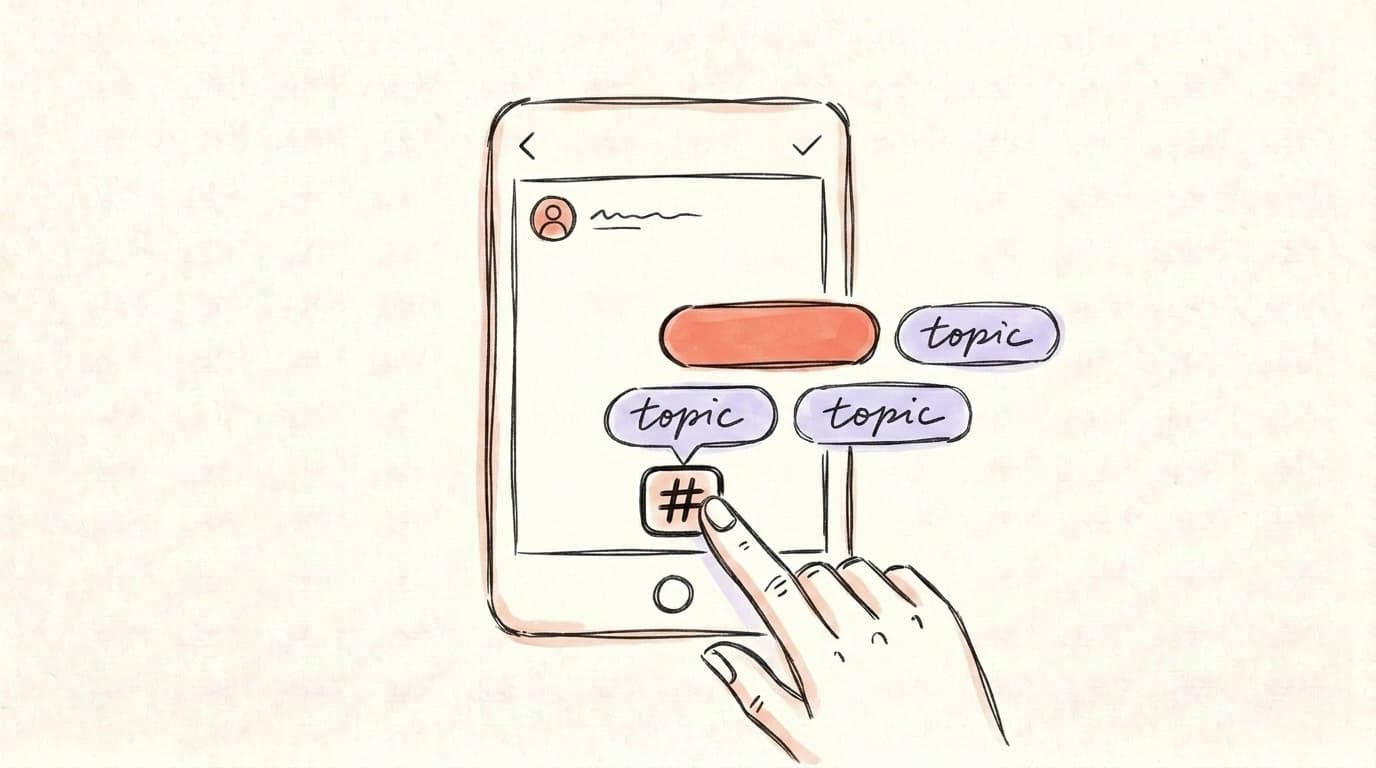
Adding a topic tag on Threads takes one tap inside the composer. Open a new post, then either tap the # icon in the bottom toolbar or simply type # followed by your phrase. As you type, Threads suggests existing tags you can attach to — or you can create a brand-new one if nothing fits. Threads' own guidance describes it plainly: "Just tap # in the composer or type # and start writing." Once you select a tag, it turns blue in your published post, and tapping it pulls up a feed of other posts using that same topic. Unlike Instagram, you won't see the literal # symbol carried into the live post — Threads renders it as a clean, linked phrase. That's the whole flow. There's no separate tag field, no "first comment" trick, and no reason to write a wall of tags, because the platform will only let you keep one anyway.
AI that learns your voice
Posts that actually sound like you
Postory's AI writes drafts in your voice — not generic AI mush — so you publish faster and still sound human.
A few practical notes:
- Tags can be multi-word. "Indie hacker" or "small business marketing" works — you're not stuck with crammed-together words.
- You create tags on the fly. If your niche tag doesn't exist yet, typing it makes it. You don't need a pre-approved list.
- The tag is editable before you post. Tap it again to remove or swap it if you picked the wrong one.
Do Threads Tags Actually Boost Reach?
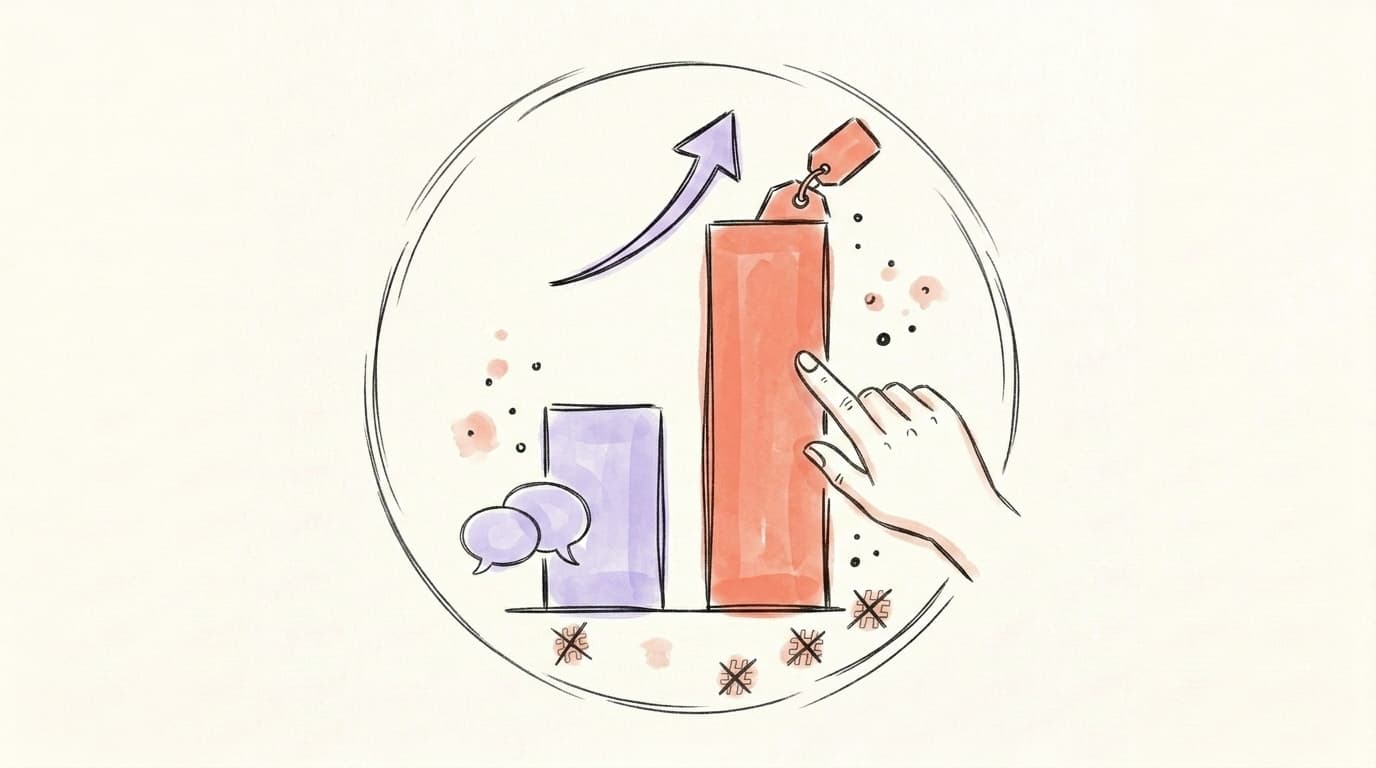
Threads tags give a modest, real boost to reach — but they're not a viral switch. Meta has said that posts including a topic typically rack up more views than those without, because the tag helps the algorithm understand your subject and surface you to people who follow or browse that topic. That matches what growth tools report: tagging connects your content to an interest graph rather than a follower graph. But "more views than untagged posts" is a comparison against zero effort, not proof that tags drive growth on their own. The Threads algorithm weighs replies, watch-through, and how quickly a post earns engagement far more heavily than whether you attached a tag. A tag is a tiebreaker, not a multiplier. Treat it as one of several small signals you control — alongside hooks, timing, and replies — not the thing that decides whether a post takes off.
The honest takeaway: add a relevant tag because it's free and slightly helps, but don't agonize over it. Your first line and your reply game matter far more. If you want the full picture of what moves reach, our breakdown of what works on Threads in 2026 goes deeper.
What's the Best Tag Strategy by Niche?
The best tag strategy is to pick the one tag that names the specific community you want to reach — and that changes by niche. Because you only get a single tag, the goal isn't coverage, it's precision. A broad tag like "marketing" drops you into a noisy ocean; a sharper tag like "B2B SaaS" lands you in a room where the right people are actually reading. The same logic applies everywhere: a fitness creator gets more from "marathon training" than "fitness," and a founder gets more from "indie hacker" than "startup." Defining that lane is half the battle, and it's exactly what growth creators preach. As Metricool puts it, "trying to do too much means you end up doing very little" — your tag should reinforce a clear niche, not blur it. The narrower and more consistent your tag, the faster the algorithm learns who to show your posts to.
Here's a great walkthrough of building that niche-first foundation from Metricool:
Quick guide by niche:
- Founders / indie hackers: Tag the work, not the title — "building in public," "indie hacker," or your product category. You want other builders, not generic startup tourists.
- Creators: Tag the format or theme you're known for — "video editing," "newsletter growth," "photography tips." Consistency across posts trains the algorithm.
- B2B: Get narrow. "B2B marketing" beats "marketing," and "demand gen" beats "B2B marketing" if that's your lane.
- Coaches: Tag the transformation or audience — "career coaching," "fitness for beginners" — so the people who need you can find the thread.
What Is the Single-Tag Rule and How Do You Pick the Right One?
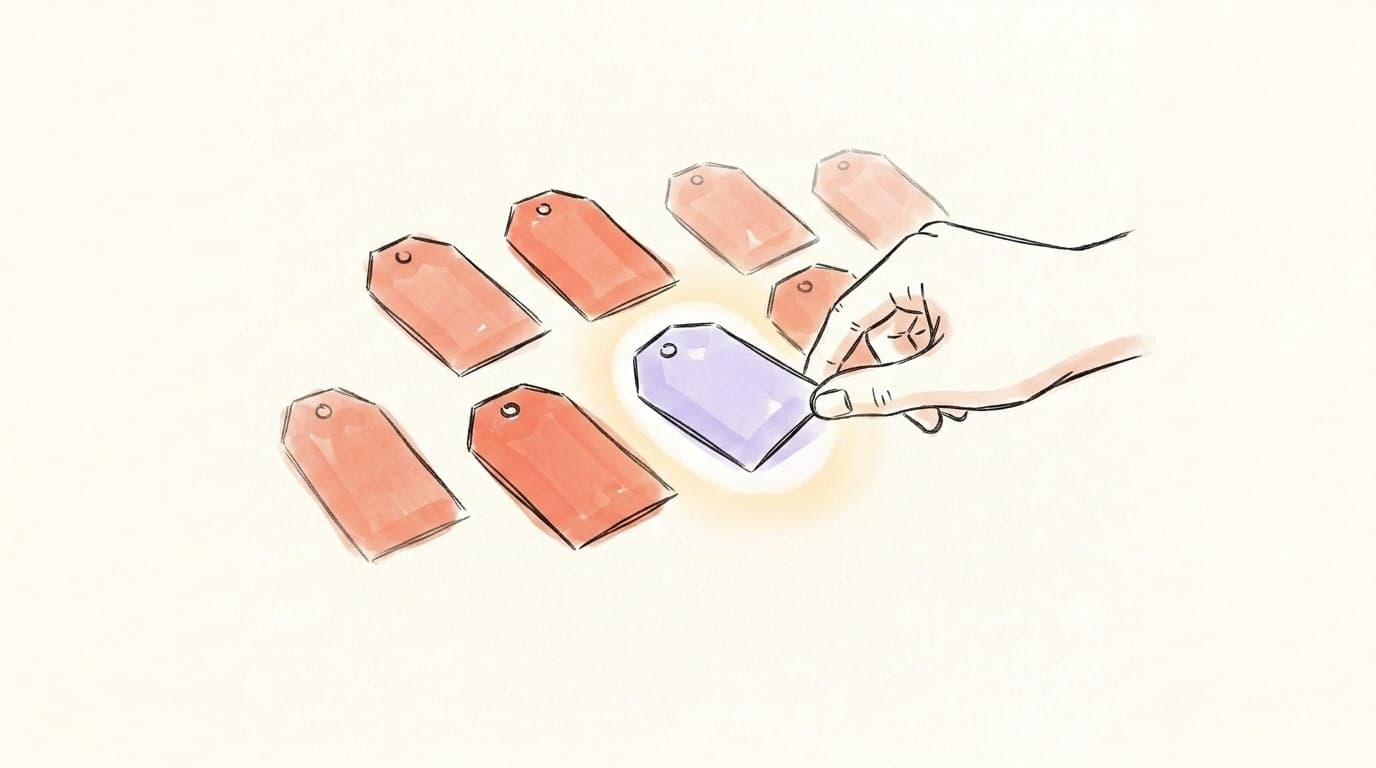
The single-tag rule means Threads allows exactly one clickable topic tag per post — so the entire game is choosing the right one. Meta's own explanation is direct: "You can only tag one topic per post, so select a topic that best represents what you're saying." The reason isn't arbitrary. Limiting tags to one is a deliberate anti-spam design — it stops accounts from flooding popular conversation surfaces with junk, which is precisely what killed hashtag value on older platforms. That constraint is actually good news for you: it means a thoughtfully chosen tag carries more weight, and you're not competing against posts stuffed with 30 tags. To pick well, ask one question: if someone tapped this tag, would they expect to see my post there? If yes, use it. If you're hesitating between two, choose the more specific one — a smaller, more relevant feed beats a giant, generic one almost every time.
A simple decision flow:
- Identify the single most specific subject of the post.
- Check if a community already uses that tag by typing it and seeing the suggestions.
- Default to specific over broad when torn between two options.
- Skip the tag entirely if nothing genuinely fits — a forced tag is worse than none.
Which Tagging Mistakes Get Posts Filtered or Ignored?
The fastest way to waste your one tag is to make it irrelevant, generic, or off-topic. Threads is built to reward topical relevance, so a mismatched tag does nothing for you and can quietly hurt trust signals over time. The most common mistakes are using a broad term nobody searches with intent ("life," "motivation"), tagging something unrelated to chase a trending topic, or treating tags like Instagram by trying to cram keywords. There's also a cross-posting trap: when you auto-share from Instagram to Threads, Threads hides Instagram-style hashtags on those cross-posts — so your stacked IG hashtags simply don't carry over as working tags. Another quiet mistake is swapping your tag on every post when your content stays in one lane — that scatters your signal instead of compounding it. Bottom line: don't bait, don't stuff, and don't recycle Instagram habits. A tag that honestly describes your post is the only kind that helps.
Avoid these:
- Trend-jacking: Tagging a hot topic your post doesn't actually address. Readers bounce, and that hurts.
- Vague catch-alls: "Inspiration" or "life" feeds are too broad to send you qualified readers.
- Instagram muscle memory: Don't write
#growth #hustle #entrepreneurin your text. Only one will tag, and the rest just clutter.
How Do You Track Tag Performance on Threads?
You track tag performance by comparing the reach and engagement of tagged posts against untagged ones over time. Threads' built-in Insights (tap the chart icon on your profile or a post) shows views, likes, replies, and follows per post — start there. The trick is to test deliberately: run the same type of content with and without a tag, and with different tags, then watch which versions earn more views and quality replies. Don't judge on a single post — Threads reach is noisy, so look at patterns across 10–15 posts before drawing conclusions. Native Insights only goes so far, though; it won't easily let you slice "posts using tag X vs. tag Y" or track this alongside your X and LinkedIn numbers. A dedicated tool pulls tag-level performance into one view, so you can spot which topics actually move your account instead of guessing.
Start Tagging Smarter on Threads with Postory
Once you know how to post on Threads with the right tag, the friction is doing it consistently across every post — and across every platform you're on. That's where Postory helps.
With Postory, you write a post once and attach a topic tag per Threads post right in the composer, then publish it natively to Threads alongside X and Bluesky — no copy-pasting, no Instagram cross-post hashtag mess. You can write posts that sound like you with AI, set your topic tag, and ship to all your platforms from one place.
Try Postory free — write once, tag your Threads posts, and publish everywhere without the busywork.
FAQ
Q: Does Threads have hashtags?
Not in the Instagram sense. Threads has topic tags — you get one clickable tag per post instead of stacking many hashtags. You add it by tapping the # icon in the composer, and it can be a multi-word phrase, not just a single squished word.
Q: How many tags can you use on a Threads post?
Exactly one. Threads limits you to a single topic tag per post by design, mainly to prevent spam and keep conversation feeds clean. Pick the tag that most specifically describes your post.
Q: Do Threads tags help you get more views?
A little. Meta says posts with a topic tend to get more views than posts without one, because tags help the algorithm match your content to interested readers. But tags are a minor signal — replies, hooks, and timing influence reach far more.
Q: Should I use the same tag on every Threads post?
Use the same tag only when your posts genuinely cover the same niche — consistency helps the algorithm learn your lane. But if a specific post is about a different subject, tag that subject instead. Relevance always beats repetition.
Q: Why are my Instagram hashtags not showing on Threads?
When you cross-post from Instagram to Threads, Threads hides Instagram-style hashtags on the cross-posted version. They don't transfer as working Threads tags, so it's better to post natively to Threads and add one proper topic tag.
Q: Are words searchable on Threads even without a tag?
Yes. Any word or phrase in your post text is searchable on Threads, whether or not you tagged it. The tag just creates one clickable blue link to a topic feed — the rest of your discovery comes from your actual words.
Q: What's the best Threads tag for a small business or founder?
Choose the most specific tag that names your niche or community — like "indie hacker," "small business marketing," or your exact product category — rather than a broad term like "business." A narrower tag puts you in front of the right readers instead of a noisy general feed.
Related articles
Does Threads Have an Algorithm? How Reach Is Decided in 2026
Yes — Meta has confirmed Threads ranks your feed. The signals that actually decide your reach in 2026, and what to do when your posts flatline.
May 17, 2026
X/Twitter Hashtags in 2026: Use, Skip, or Hurt You?
Hashtags built Twitter. In 2026 they're mostly dead weight — here's the data on when they help and when they quietly cost you reach.
May 29, 2026
How to Host an X Space in 2026: Requirements, Setup, Step by Step
Everything you need to host an X Space in 2026 — account requirements, the exact setup steps, and how to get listeners to show up.
May 23, 2026