
Canva Social Media Scheduler: What It Does, What It Costs, Limits

Canva's social media scheduler (Content Planner) is a paid feature that schedules to seven destinations — Facebook Pages, Instagram Business, X, LinkedIn, Pinterest, Slack and Tumblr. It can't schedule Threads, Bluesky, TikTok, Instagram Reels, Stories or carousels, and each design goes to one platform at a time. If you post image-first to one or two networks, it's enough. If you post text-first or to 3+ networks, it isn't.
You designed the graphic in Canva. Clicking Share → Schedule instead of downloading, re-uploading and re-captioning elsewhere is obviously appealing. The question is whether Canva's scheduler covers your platforms — and what it costs. Every number below comes from Canva's own documentation, checked on 31 August 2026.
Which Platforms Does the Canva Social Media Scheduler Post To?
Canva's Help Center lists seven scheduling destinations, and the list is shorter than most people assume. You can schedule to Facebook Pages, Instagram Business accounts, X (Canva still labels it "Twitter"), LinkedIn, Pinterest, Slack and Tumblr. Notably absent: Threads, Bluesky and TikTok, none of which the Content Planner can schedule to at all. YouTube is a partial case — Canva can publish a design to YouTube as a Short, but scheduling isn't available for YouTube; videos publish immediately. One more constraint: each design can only be scheduled to one social media platform at a time. Cross-posting the same graphic to three networks means three separate scheduled items, each with its own caption, set up by hand. Facebook coverage is Pages only, and Instagram requires a Business account rather than a Creator one, so a chunk of creator accounts are excluded before the pricing question even comes up.
| Destination | Scheduling | Notes |
|---|---|---|
| Facebook Pages | Yes | Pages only |
| Instagram Business | Yes | Desktop browser only; Business account linked to a Facebook Page |
| X (Twitter) | Yes | 280 characters, 3 MB image / 15 MB video |
| Yes | JPG only, 10 MB, 1,300-character message | |
| Yes | Single page per pin | |
| Slack, Tumblr | Yes | — |
| Threads, Bluesky, TikTok | No | Not supported |
| YouTube | Publish only | Posts as a Short, immediately — no scheduling |
Post at the right time
Schedule across X & Threads
Queue your posts once and Postory publishes them at the best times — no more copy-pasting between apps.
Can You Use the Canva Scheduler on the Free Plan?
No — scheduling is a paid feature. Canva's Help Center states that scheduling posts is available to Canva Pro, Canva Business, Canva Education, and Canva for Nonprofits administrators and brand designers. Free accounts can still share a finished design straight to a connected account from the editor, and free users can link one account at a time per platform — but the calendar, the queue and the "post this on Thursday at 9am" step are behind a subscription. Paid plans raise the connection limit sharply: on Pro, Business and Enterprise each user can connect up to 80 social accounts per team, across any mix of supported networks. Canva Education and Nonprofits get scheduling too, though Canva's docs note that for Canva Education publishing is off by default until an admin enables it. Here's what the plans cost on Canva's pricing page as of 31 August 2026 (prices exclude tax).
| Plan | Price (yearly) | Scheduling | Accounts |
|---|---|---|---|
| Free | US$0 | No | 1 per platform (share only) |
| Pro | US$180/year, one person | Yes | Up to 80 per user, per team |
| Business | US$250/year per person | Yes | Up to 80 per user, per team |
| Enterprise | Contact sales | Yes | Up to 80 per user, per team |
That works out to US$15/month for Pro on the yearly plan. Monthly billing costs more — Canva advertises 16% savings for paying yearly.
How Do You Schedule a Post in Canva?
The flow is genuinely fast, which is the whole point of the feature. From a finished design, select Share in the top-right, choose See all, then Schedule; pick your date and time, choose a channel (connecting the account inline if you haven't yet), select which pages of the design to publish, write a caption, and confirm. You can also start from the calendar side: More → Content Planner → Add New → Post, then pull in a design from your recent projects. Both routes land the item on the same calendar, where you can reschedule, edit or delete it before it fires. Two catches from Canva's docs: Instagram scheduling has to be done from a desktop browser, and publishing from multi-design documents isn't supported — you have to copy the page into a new single-design document first.
Canva's own tutorial covers this — it opens with templates and Magic Design, and reaches the Content Scheduler later in the video:
What Are the Limits of the Canva Content Planner?
The scheduler handles single-image posts well and then hits a wall, and the wall is in a place that matters. Instagram is the sharpest example. Canva's Instagram scheduling docs are explicit: you can only schedule single image or video posts — Stories, Reels and galleries (carousels) are not supported, which Canva attributes to Instagram's own publishing API. You also need an Instagram Business account linked to a Facebook Page; Creator accounts don't work, and only one Facebook account can be linked to Canva at a time. On top of that: up to 25 scheduled posts in a rolling 24-hour window, and a maximum of 20 hashtags in a scheduled caption. If your Instagram strategy is Reels-and-carousels, the Content Planner cannot run it, and you're already switching to Meta's own tools for the formats that matter most.
The rest of the friction is structural rather than platform-specific:
- No per-network caption variants. One caption per scheduled item, which is what makes X, LinkedIn and Threads posts read differently.
- No text-first workflow. The scheduler starts from a design. A post that's just words has no natural home.
- Edits mean re-queueing. You can change the caption, time or delete the item, but reworking the design itself means pulling it back and scheduling again.
- Analytics are basic next to tools built around reporting.
- Format ceilings per network — LinkedIn accepts JPG only at up to 10 MB, X caps at 3 MB images and 280 characters.
How Does Canva Compare to a Dedicated Scheduler?
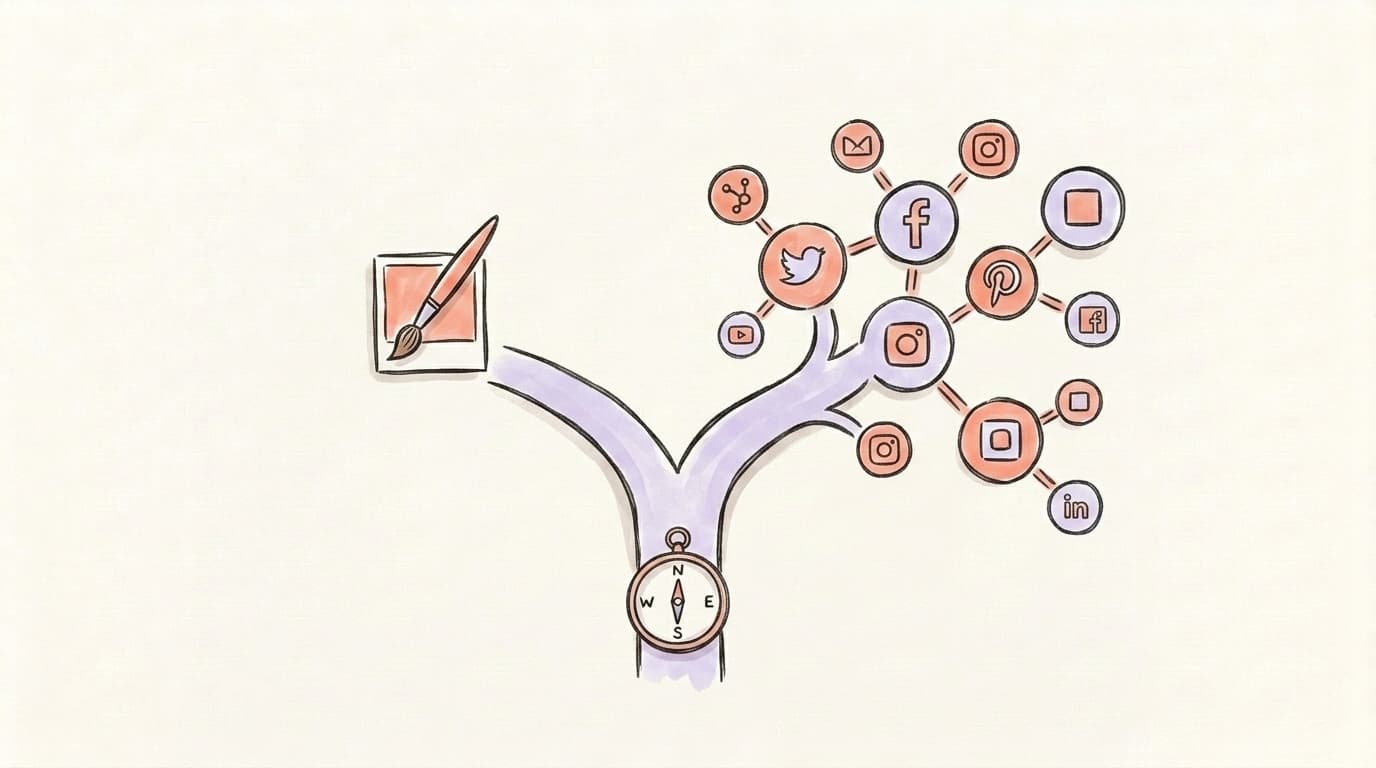
Dedicated tools start from a different premise: scheduling is the product, not a bolt-on to a design editor. That shows up in three places. Coverage — a scheduler built for publishing reaches networks Canva's list doesn't include, and Instagram formats are a core requirement rather than a documented gap. Composition — per-platform caption variants, previews of how the post renders on each network, and threading, none of which the Content Planner offers. Workflow — a real queue, recycling, bulk import, approvals and deeper analytics. Canva's scheduler is a convenience layer on top of design; a dedicated scheduler is the workflow itself. In our experience the usual outcome isn't replacing Canva — it's keeping it and adding a scheduler. If you want the landscape, our roundup of the best free social media schedulers covers the serious options, and our Buffer alternatives page compares the paid ones.
The Verdict: When Canva Is Enough — and When It Isn't
Canva's scheduler is enough if you already pay for Pro or Business, your content is image-first (single-image feed posts, pins, quote cards, Facebook graphics), you post to one or two of the seven supported destinations, and you don't need Reels, carousels or per-platform captions. In that shape it saves real time and costs nothing extra. Don't add a second subscription to solve a problem you don't have.
It isn't enough if any two of these are true: you post to three or more networks; your Instagram runs on Reels or carousels; your platforms include Threads, Bluesky or TikTok; your posts are text-first rather than design-first; or you need one idea to go out as different captions on different networks. At that point Canva stays your design tool — and the scheduling moves somewhere built for it.
Design in Canva, Write and Schedule in Postory
The two-tool stack is the practical answer: Canva for the visuals, Postory for the words and the calendar. Postory drafts posts with AI, lets you edit them per network, and schedules to X, Threads and Bluesky from one queue — see social media scheduling for how the calendar works. Design the graphic in Canva, export it, and write and schedule the post where captions are the point.
Try Postory free — design in Canva, write and schedule every post in Postory.
FAQ
Q: Is Canva's social media scheduler free?
No. Canva's Help Center lists scheduling as available to Canva Pro, Canva Business, Canva Education, and Canva for Nonprofits administrators and brand designers. Free accounts can share a design directly to a connected account from the editor, and can link one account per platform, but cannot schedule for later.
Q: What platforms does Canva's Content Planner support?
Facebook Pages, Instagram Business accounts, X (Twitter), LinkedIn, Pinterest, Slack and Tumblr. Threads, Bluesky and TikTok are not supported. YouTube can be published to as a Short, but not scheduled — the video goes out immediately.
Q: Can you schedule Instagram Reels or carousels on Canva?
No. Canva's Instagram documentation says Stories, Reels and galleries (carousels) can't be scheduled, and attributes the limit to Instagram's publishing API. You can only schedule single image or video posts, and only from a desktop browser using an Instagram Business account linked to a Facebook Page.
Q: How much does the Canva scheduler cost in 2026?
It's bundled with a paid plan rather than sold separately. As of 31 August 2026, Canva's pricing page lists Pro at US$180/year for one person and Business at US$250/year per person, excluding tax. That's US$15/month for Pro on the yearly plan; Canva advertises 16% savings for paying yearly rather than monthly.
Q: How many social accounts can you connect to Canva?
On Pro, Business and Enterprise, each user can connect up to 80 social media accounts per team, across any mix of supported networks. Free users can link one account at a time per platform, for direct sharing rather than scheduling.
Q: Can I edit a scheduled Canva post after I queue it?
You can reschedule, edit or delete the scheduled item, including its caption and time. Reworking the design file itself means pulling the design back into the editor and queueing it again.
Q: Can Canva schedule the same design to several platforms at once?
No. Canva's docs state that each design can only be scheduled to one social media platform at a time, so cross-posting means creating a separate scheduled item per network. Publishing from multi-design documents isn't supported either.
Q: What's the best alternative to Canva's scheduler?
It depends what's missing. If your gap is platform coverage or per-network captions, a dedicated scheduler solves it — start with our best free social media schedulers roundup. Whichever you pick, keep Canva for the design half — the gap is in publishing, not in the editor.
Related articles
Gemini MCP: Connect X, Threads and Bluesky
Gemini MCP setup connects Gemini CLI or eligible web users to Postory tools for X, Threads and Bluesky. Start with account reads and drafts.
Oct 24, 2026
Bluesky MCP: Post with ChatGPT and Claude
Bluesky MCP connects ChatGPT or Claude to your Postory drafts, scheduling and publishing tools, with a platform preflight and your approval before delivery.
Oct 24, 2026
Typefully Alternative: 6 Cross-Platform Options for Creators
Six honest Typefully alternatives compared — what each is genuinely best at, plus a full feature-and-price table to match the tool to your workflow.
Jul 18, 2026