

What Is the Best AI Social Media Post Generator?

There is no single "best" AI social media post generator — the right tool depends on whether you need multi-platform output (Postory), visuals (Canva AI), team scheduling (Buffer), or a free general-purpose writer (ChatGPT).
Type "ai social media post generator" into Google and you'll get dozens of products calling themselves #1. Most of them do the same thing at a surface level: prompt in, caption out. The real difference shows up the moment you try to post the same idea on X, LinkedIn, and Threads — or want the tool to also schedule, track performance, or design the image.
This guide sorts the top tools into four clear categories: best for multi-platform, best for visuals, best for teams, and best free option. We compare 10 tools head-to-head and end with a short checklist to pick the one that fits your workflow.
What Makes a Good AI Social Media Post Generator?
A good AI social media post generator does three things well: it writes captions that don't sound like AI, it adapts tone and length to each platform you publish on, and it connects to the rest of your workflow instead of living in a silo. Most free tools only nail the first one — they spit out a decent caption, but you still have to paste it into a scheduler, resize an image in a separate tab, and rewrite the hook for X because LinkedIn's version was 900 characters long. That manual cleanup is where a lot of time leaks out of the workflow. The best tools in 2026 treat "generate" and "publish" as one motion: one prompt, three platform-native drafts, one scheduled queue. If a tool only generates text and stops there, it's a prompt wrapper — useful, but not a social media post generator in the full sense. Judge tools on the full loop: idea in, published posts out.
Which Are the 10 Best AI Social Media Post Generators in 2026?

The ten best AI social media post generators in 2026 are Postory (best for multi-platform AI plus scheduling across X, Threads, and Bluesky), Canva AI / Magic Studio (best for visual-first content), Buffer AI Assistant (best for simple teams), ChatGPT (best free general-purpose writer), Hootsuite OwlyWriter AI (best for agencies), Taplio (best LinkedIn-only specialist), Typefully (best for X-first writers and threads), SocialBee (best prompt library), Hypefury (best for X automation and engagement loops), and Simplified (best all-in-one bundle). Each one solves a different piece of the workflow — generation, scheduling, visuals, or automation — so the "best" depends on what you actually need. Below, each tool is grouped by what it's genuinely good at, not by ad budget, with the free-tier reality and the cheapest paid plan that actually unlocks AI writing called out for every entry. Pricing verified April 2026 — check vendor pages for current rates.
1. Postory — Best for Multi-Platform AI + Scheduling
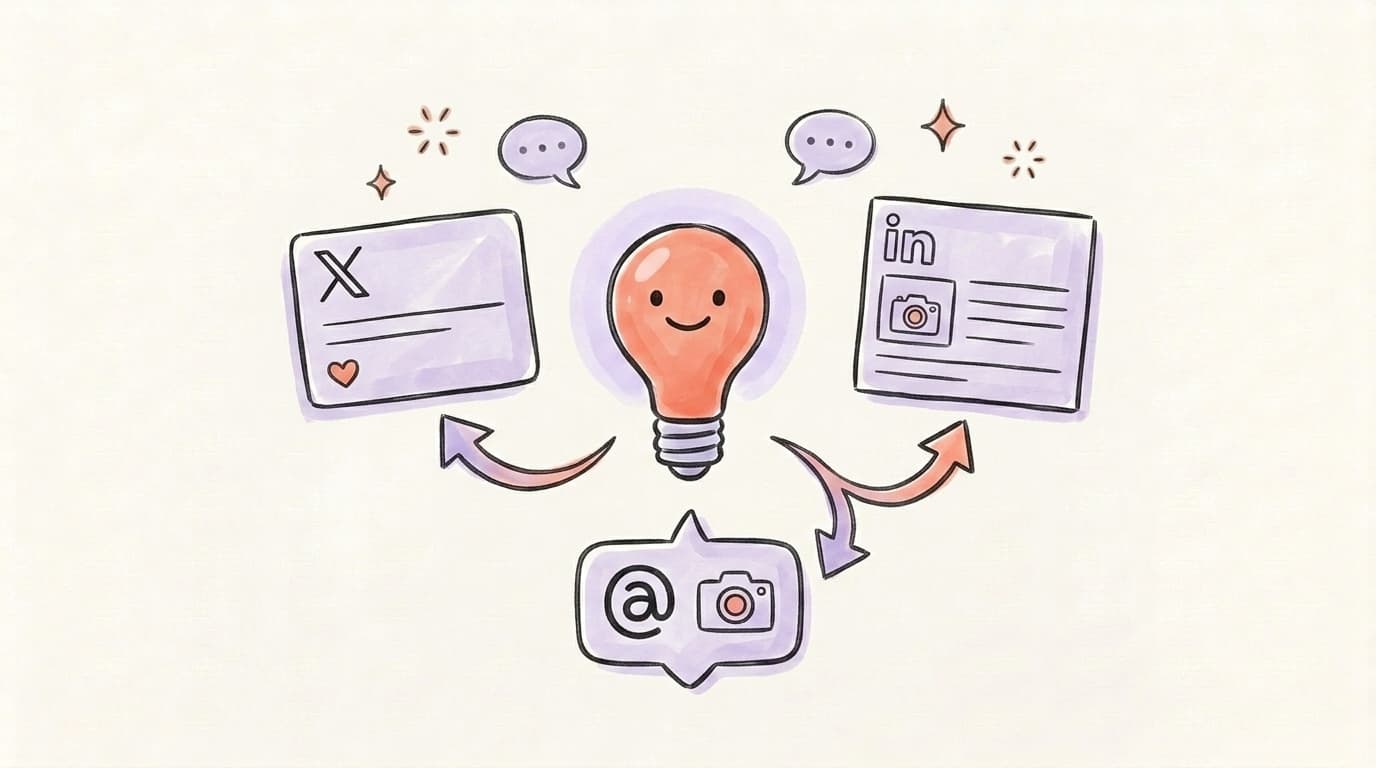
Postory is built around a single idea: one post, three platforms. You write (or paste) one idea, and the AI post writing engine produces platform-native versions for X, Threads, and Bluesky — with the right length, tone, and formatting for each. Then you schedule all three from the same queue.
AI that learns your voice
Posts that actually sound like you
Postory's AI writes drafts in your voice — not generic AI mush — so you publish faster and still sound human.
The reason this matters: most creators run the same idea across multiple platforms, but the "copy-paste with tiny tweaks" workflow breaks down fast. X rewards a sharp opener, Threads rewards a conversational tone, Bluesky sits somewhere in between. Postory handles that split automatically.
Best for: Solo creators and small teams posting to X, Threads, and Bluesky. Pricing: free plan (1 account, 100 welcome credits, no card, nothing expires), then one-time credit packs from $10. Three X scans are sold one-off with no account: Instant Shadowban Recovery $6.99, Instant X Profile Audit $4.99, Following Cleaner from $4.99.
2. Canva AI (Magic Studio) — Best for Visual-First Content
Canva's Magic Write generates captions inside the same editor where you design the image. That tight design-plus-caption loop is the whole point — if your posts lean visual (carousels, quote cards, announcement graphics), Canva is hard to beat — it holds up the same way against the eight AI Instagram caption tools we compared.
The limits are real, though. Free accounts get 50 Magic Write uses total, and Canva Pro ($15/month) unlocks 500 Magic Write queries per month plus 500 AI image generations. Canva's Content Planner supports X scheduling on eligible plans, including Pro and Business, with access also available to eligible Education and Nonprofits users. Threads and Bluesky are not listed among its supported destinations, so you'll pair it with another scheduler for those.
Best for: Designers and brand-heavy accounts. Pricing: Free tier (50 uses), Pro $15/month.
3. Buffer AI Assistant — Best for Simple Teams
Buffer's AI Assistant is free on every plan, including the free tier, with no usage caps. It generates from a prompt, repurposes content across platforms, and adjusts tone on demand. Buffer's free plan gives you three channels and 10 queued posts per channel — enough to test whether the tool fits.
Buffer's strength is simplicity. The weakness: AI output tends to feel generic unless you give it a long prompt, and it doesn't do image generation.
Best for: Teams that want one clean scheduler + basic AI. Pricing: Free for 3 channels, Essentials $5/month per channel.
4. ChatGPT — Best Free General-Purpose Option
ChatGPT remains the most flexible AI writer available. For social posts specifically, the free tier is enough — it'll draft a thread, rewrite a hook, generate five variations, and mimic a brand voice if you feed it examples. There's no scheduler, no image sizing, no platform-native formatting. You're the integration layer.
Best for: Writers who want maximum control and don't mind copy-pasting. Pricing: Free; Plus at $20/month for access to the latest model.
5. Hootsuite OwlyWriter AI — Best for Agencies
OwlyWriter is Hootsuite's built-in AI — it generates captions, repurposes top-performing posts, and turns blog URLs into short-form content. It's included on all paid Hootsuite plans at no extra cost, but those plans are not cheap: the Standard plan starts at $99/month when billed annually (higher on monthly billing).
Best for: Agencies and enterprise teams already on Hootsuite. Pricing: Included with Hootsuite plans from $99/month.
6. Taplio — Best for LinkedIn-Only
Taplio is a dedicated LinkedIn growth tool with a built-in AI post generator trained on top-performing LinkedIn content. If LinkedIn is your only channel, the specialization shows — see how Taplio compares to the other AI LinkedIn post generators. The catch: AI writing only unlocks at the Growth plan — the Starter plan doesn't include generation.
Best for: Creators going all-in on LinkedIn. Pricing: Starter from $32/mo, Growth from $49/mo (annual billing; higher on monthly).
7. Typefully — Best for X-First Writers
Typefully is a clean, distraction-free writer for X with AI drafting, variations, and scheduling built in. AI writing unlocks on the Creator plan, which also adds cross-posting to multiple platforms. The editor is the cleanest on this list if you write threads.
Best for: Solo X writers and thread-first creators. Pricing: Free plan available; paid plans start at the Creator tier (see typefully.com/pricing).
8. SocialBee — Best for Prompt Library
SocialBee has 1,000+ prompt templates sorted by industry and tone. If you freeze on "what should I even post this week," the prompt library does a lot of the thinking. Free generator available without signup.
Best for: People who need prompt variety. Pricing: Free generator, plans from $29/month.
9. Hypefury — Best for X Automation
Hypefury focuses on automation over AI — auto-retweets, auto-plugs, engagement scheduling. It has limited AI (post variations only), not full content generation; for original captions you'll pair it with ChatGPT or Typefully.
Best for: X accounts monetizing through engagement loops. Pricing: Starter $29/month.
10. Simplified — Best All-in-One
Simplified bundles AI writing, AI images, video editing, and scheduling into one dashboard. Good if you want one tool for everything; the tradeoff is that each individual feature is weaker than a specialist.
Best for: Creators who want one login. Pricing: Free tier, Pro $12/month.
Head-to-Head Comparison Table
Here's how the top six stack up on the things that actually matter day-to-day. Free tier means "you can generate posts without a credit card" — not "every feature is free."
| Tool | Free Tier | Multi-Platform Drafts | Native Scheduling | Best For |
|---|---|---|---|---|
| Postory | Yes (1 account, 100 credits) | X, Threads, Bluesky | Yes | Multi-platform creators |
| Canva AI | 50 uses | Partial | Yes, eligible plans; see above | Visual-first content |
| Buffer | Yes, unlimited AI | Yes | Yes | Simple teams |
| ChatGPT | Yes | No (manual) | No | Max flexibility |
| Hootsuite OwlyWriter | Trial only | Yes | Yes | Agencies |
| Taplio | Limited | No (LinkedIn only) | Yes | LinkedIn specialists |
The short version: if you post to more than one platform and want AI + scheduling in one place, Postory or Buffer are the two to shortlist. If you post primarily to one platform, go with the specialist — Taplio for LinkedIn, Typefully for X.
How to Choose the Right AI Post Generator
The right AI social media post generator depends on four things: how many platforms you post to, whether visuals matter more than text, whether you want scheduling included, and how much you're willing to pay. Start by listing the platforms you actually post to — if it's just one, a specialist like Taplio (LinkedIn) or Typefully (X) will beat a generalist. If it's two or more, pick a tool that generates platform-native drafts from a single idea, not one that forces you to rewrite manually. Next, decide if visuals are core to your content. Visual-heavy brands should anchor on Canva AI and layer scheduling on top. Text-first creators can skip design tools and go with Postory, Buffer, or ChatGPT. Third, confirm the tool produces platform-native drafts for X, Threads, and Bluesky — not one caption pasted three times. Finally, check whether the tool schedules to your platforms natively — ChatGPT doesn't, and that gap costs real hours every week.
Is There a Good Free AI Social Media Post Generator?
Yes — several. A good free AI social media post generator should let you generate real captions without a credit card, work with at least one major platform, and not cripple the output with watermarks. The two that clear that bar in 2026: Buffer's AI Assistant (unlimited AI on every plan, including the free tier) and ChatGPT (unlimited free prompts, though you format manually). Canva's Magic Write gives you 50 uses total — enough to test but not enough to rely on daily. SocialBee's free generator works without signup but limits how many posts per day. Postory has a genuinely free plan — one account, 100 welcome credits, no card — and meters the AI in credits rather than capping features. If you're starting out, the smartest sequence is: try ChatGPT for drafts, then move to Postory or Buffer when you need scheduling and platform adaptation.
What Does the Full AI Posting Workflow Look Like?
Here's a solid walkthrough from HubSpot Marketing on combining an AI writer with Canva to spin up 30+ on-brand posts in one sitting — a useful reference for the general workflow, regardless of which AI tool you pick:
The lesson: the AI is the easy part. The real advantage comes from having a brand kit, a template system, and a publishing loop that doesn't leak hours to copy-paste.
Try Postory's AI Post Generator Free
If you post to X, Threads, and Bluesky — Postory was built for exactly this. One idea in, three platform-native posts out. Scheduled from the same queue. No copy-paste between tabs.
Try Postory's AI post generator free — create posts for 3 platforms at once, with native scheduling included. The AI post writing feature is on the free plan, so you can test the whole multi-platform flow without a card.
FAQ
Q: What is the best AI social media post generator?
There's no universal best — it depends on your workflow. For multi-platform creators posting to X, Threads, and Bluesky, Postory is the strongest all-in-one. For visual-heavy content, Canva AI wins. For a free general-purpose writer with no scheduling, ChatGPT is still the most flexible.
Q: Is there a truly free AI social media post generator?
Yes. Buffer's AI Assistant is free on every plan with no usage cap. ChatGPT is free with unlimited prompting. Canva's Magic Write is free but capped at 50 total uses on the free account. Postory's multi-platform generation is free to start — 100 welcome credits, no card — and after that you buy one-time credit packs from $10 instead of a subscription.
Q: Can AI really write social media posts that don't sound like AI?
It depends on the input. If you feed the tool a vague prompt like "write a LinkedIn post about marketing," you'll get a generic AI-sounding draft. If you give it your brand voice examples, a specific angle, and a length target, modern tools produce posts that read like yours. The quality is in the prompt, not the model.
Q: What's the difference between a social media post generator and a social media scheduler?
A generator writes the post from a prompt. A scheduler queues it for publishing at a specific time. Some tools do both (Postory, Buffer, Hootsuite); many only do one. If you buy a generator without a scheduler, you'll end up pasting between two tools — which wastes time and breaks the workflow.
Q: Do AI post generators work for X, Threads, and LinkedIn equally well?
Not automatically. Each platform has different length norms, formatting conventions, and audience expectations. Generic tools produce one caption and let you paste it everywhere — which usually reads awkwardly on at least two of the three. Tools built for multi-platform output (like Postory) adapt the same idea into three platform-native drafts.
Q: Will AI replace social media managers?
No — it replaces the typing, not the judgment. AI is fast at drafting and variation, but choosing what's worth saying, reading the room, and replying to comments still comes from a person. The social media managers keeping their jobs in 2026 are the ones using AI as a drafting layer, not a replacement for judgment.
Q: How much should I pay for an AI social media post generator?
If you're solo and testing, $0 — between ChatGPT and Buffer's free tier, you can run a basic multi-platform workflow without paying. If you're ready to scale, $15–25/month gets you a serious tool (Typefully Creator or Canva Pro). Postory sits outside that math — free to start, then one-time credit packs from $10 with no monthly commitment. Don't jump to the $100+ tools (Hootsuite, Taplio Growth) until you're running an agency or doing LinkedIn lead gen seriously.
Related articles

What Is the Best AI Facebook Post Generator?
We tested the top AI Facebook post generators in 2026 — here's which one actually writes posts worth publishing (and which ones waste your time).
Apr 23, 2026
AI Instagram Post Generators: 8 Tools Compared (2026)
Eight AI Instagram post generators compared on caption quality, image output, price and free tiers — and which one to pick for your use.
Apr 23, 2026

The Best AI Twitter/X Thread Generators Compared (2026)
Nine AI Twitter thread generators, ranked by what each is genuinely best at — plus how to pick the right one for your stage and budget.
Jul 1, 2026