
AI Instagram Post Generators: 8 Tools Compared (2026)

For captions alone, free ChatGPT still beats most paid tools. For design-led posts, Canva AI wins because it lives inside the editor. For a free plan that also schedules, Buffer is the only real option left — Copy.ai, Later and Predis.ai have all dropped their free tiers, and Jasper never had one.
Half the "best AI Instagram post generator" lists you'll find were priced in 2024 and never touched again. Since then Jasper killed its $49 Creator plan, Copy.ai removed its free tier, Later retired its free plan, and Hootsuite renamed OwlyWriter to Wisdom. This comparison lists what each AI Instagram post generator costs today, what it actually produces, and where it breaks — with every price linked to the vendor's own page.
What Do the Best AI Instagram Post Generators Cost in 2026?
The single biggest change in this category is that the free tier has mostly disappeared. Of the eight tools below, exactly three still give you an unlimited-time free plan: ChatGPT, Canva and Buffer. Most of the rest are a trial, then a card. The second change is price direction — Jasper's entry plan went from $49/month to $69/month per seat and lost the cheaper Creator tier entirely, while Copy.ai replaced its free plan with a $29/month Chat plan. That reshuffles the sensible picks: a solo creator posting a few times a week has almost no reason to pay anything, and a brand with voice guidelines is now choosing between $69/month for Jasper or building the same brand-voice prompt inside a $20/month ChatGPT Plus account. Prices below were checked in August 2026 against each vendor's own pricing page; vendors move them often, so click through before you buy.
| Tool | Free tier | Entry price | Generates images? | Best for |
|---|---|---|---|---|
| ChatGPT | Yes | $20/mo (Plus) | Yes | Captions, hooks, scripts — most flexible |
| Canva AI | Yes | $18/mo (Pro) | Yes | Design-led posts, carousels |
| Buffer AI Assistant | Yes | $5/mo per channel | No | Free scheduling + captions |
| Predis.ai | 7-day trial | $19/mo annual, $32 monthly (Core) | Yes | Volume: image + caption in one pass |
| Later Caption Writer | 14-day trial | $25/mo (Starter) | No | Instagram-first visual planning |
| Copy.ai | No | $29/mo (Chat) | No | Promotional, conversion-led copy |
| Jasper | 7-day trial | $69/mo per seat | Yes | Brand voice at team scale |
| Hootsuite Wisdom | No | $99/user/mo billed annually (Standard) | No | Teams already inside Hootsuite |
The three-line verdict: best for captions — ChatGPT, because output quality is a function of your brief and nothing here briefs better. Best for visuals — Canva AI, because the caption and the image happen in one window. Best free — ChatGPT if you only want words, Buffer if you also want the post scheduled.
AI that learns your voice
Posts that actually sound like you
Postory's AI writes drafts in your voice — not generic AI mush — so you publish faster and still sound human.
Which AI Instagram Post Generator Writes the Best Captions?
Caption quality splits along one line: does the tool make you supply the context, or does it store it for you? ChatGPT makes you supply it, and rewards you for it — a brief that names the audience, the hook pattern, the length limit and three of your own captions as style samples produces output that beats every dedicated caption tool in this list. The free tier handles that fine; ChatGPT Plus at $20/month buys faster models and higher limits, not better captions. Jasper sits at the other end: its Brand Voice feature is trained once on your existing copy and then applied automatically, which is worth $69/month per seat only if several people write for the same account. Copy.ai produces the most promotional writing of the three — hook, curiosity gap, hard CTA — which is right for launches and wrong for personal accounts. Its free plan is gone; the entry Chat plan is $29/month, or $24/month billed annually.
Which Tools Generate the Image and the Caption Together?
Three of the eight produce visuals as well as words, and they trade off differently. Canva AI is the one most people should start with: the caption generator runs inside the design editor, reads the post you just built, and returns options you paste directly underneath. Captions are shorter and plainer than a dedicated copy tool's, but you never leave the canvas — which matters when most of your posts are templates, quote cards or infographic carousels. Canva's free plan is genuinely usable; Pro is listed at $18/month, or $144/year annually. Predis.ai is the volume play: one prompt returns an image and a caption together, so you can produce a week of feed posts in a sitting. The visuals are template-grade rather than original, which is fine for tips carousels and faceless niche accounts and wrong for a brand with a look. Core is $19/month billed annually ($230/year) or $32 month-to-month, with a 7-day trial and no free plan. Jasper generates images too, but nobody buys it for them.
Which One Fits if You Already Schedule Your Posts?
If your Instagram workflow already runs through a scheduler, adding a separate writing tool is usually the wrong move — you'll pay twice and copy-paste between tabs. Buffer has the strongest case here and the only real free plan left in the category: the free tier covers 10 scheduled posts per channel with the AI Assistant included, and paid starts at $5/month per channel, which is the cheapest paid entry point on this list by a wide margin. Later is the Instagram-native option — visual planning, grid preview, a Caption Writer that runs on credits — but the free plan is gone, Starter is $25/month ($18.75/month billed annually), and the credit allowance is thin at the bottom: 5 caption generations a month on Starter, 50 on Growth. Hootsuite folded OwlyWriter AI into its Wisdom assistant in 2026; it's competent, but plans start at $99 per user per month billed annually, so it only makes sense if the team is already there for the approvals and the inbox.
How Do You Write Better Instagram Captions With AI?
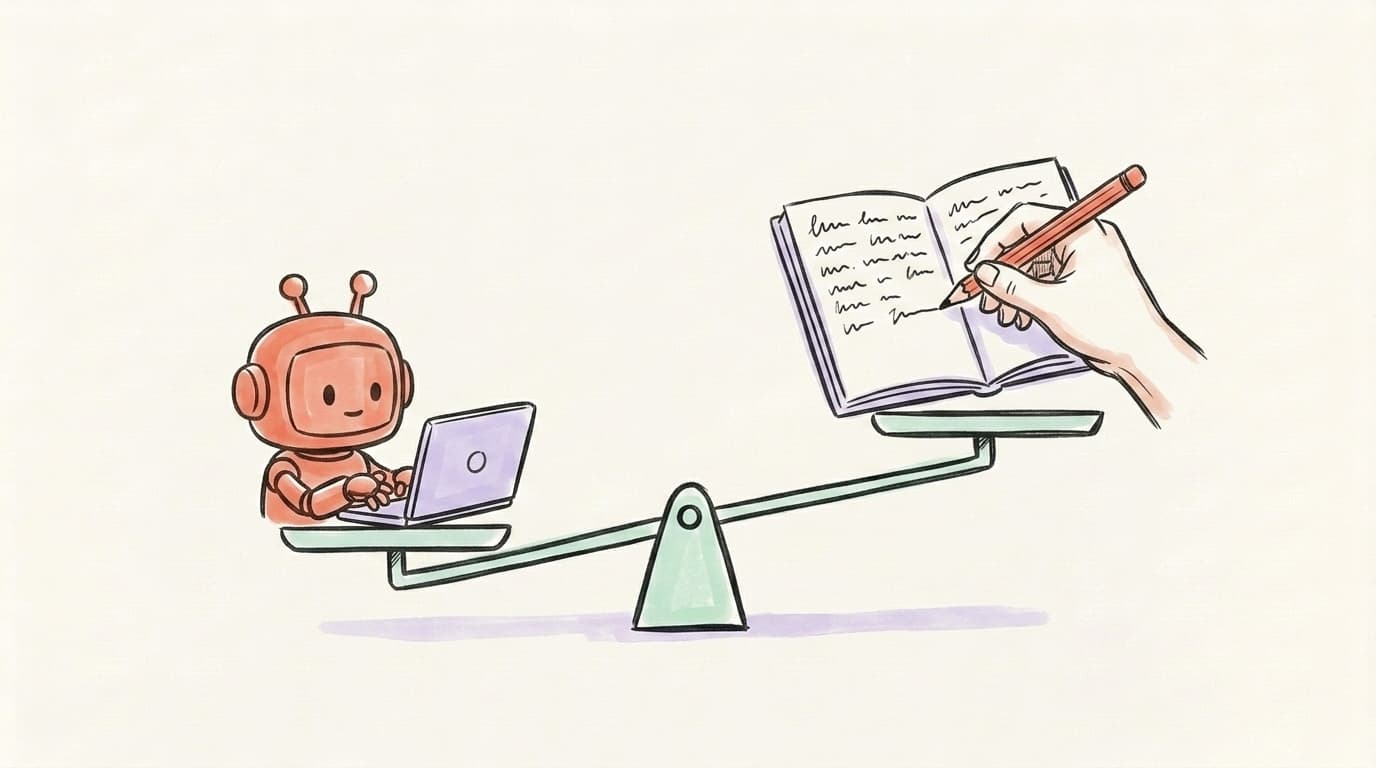
The difference between a caption that sounds like AI and one that sounds like you is almost entirely about the brief. Most people paste "write me an Instagram caption about productivity" and wonder why the output is generic — that prompt contains no tone, no audience, no hook style, and no format constraint. Better prompts name the audience ("solo founders who work from home"), specify the hook pattern ("start with a counterintuitive claim"), limit the length ("under 150 words, three short paragraphs"), ban AI tells ("no emojis, no 'in today's fast-paced world'"), and include two or three of your own captions as style samples. Every tool on this list gets better with that level of briefing. The second lever is editing: don't post what the AI writes. Cut the first sentence (it's usually throat-clearing), rewrite the hook in your own voice, and keep the middle. That two-minute edit is what separates captions that convert from captions that disappear into the feed.
Here's a longer walkthrough of using AI as an Instagram workflow — not just a caption generator — from Brock Johnson:
Are AI-Generated Captions Worse Than Human-Written Ones?
Not worse — different, and obvious when unedited. Pure AI captions have an even rhythm, predictable emoji placement and CTAs that could belong to any account. Pure human captions are better when you have time and inspiration, and painful when you don't, which is most Tuesdays at 4pm. The captions that actually work are hybrid: the generator drafts the structure and the variations, you rewrite the first line and the last line. Those two sentences carry the whole post — the hook decides whether someone stops scrolling, the closing line decides whether they comment — and no tool fakes them convincingly without a pile of your own examples to copy from. The middle of the caption, where you explain the context or the product or what you learned, is where AI saves twenty minutes at no quality cost. Treat every tool on this list as a drafting partner rather than a publisher and the tradeoff disappears.
How Do You Choose the Right AI Caption Generator?
Start from what you actually post. If Instagram is your only channel and your posts are design-heavy, Canva AI is enough on its own — no second subscription needed. If you post fewer than ten times a month and don't mind writing prompts, free ChatGPT covers it. If you want captions and scheduling in one place without paying, Buffer's free plan is the only one that still exists. If you post across Instagram, X, Threads and Bluesky, a single-platform tool will cost you hours reformatting the same idea four times — that's the case for a multi-platform writer. And if you manage a brand with strict voice guidelines and more than one writer, Jasper's brand-voice training is what you're paying $69/month for. The mistake to avoid is stacking three subscriptions where one covers 90% of the work. Pick the tool matching your highest-volume workflow, get good at briefing it, and add a second only when you hit a specific wall.
Where Postory Fits
Postory is not an Instagram publisher, and this section would be dishonest if it pretended otherwise. Postory does not connect to or publish to Instagram. What it does is write. The AI post writer keeps your voice in a saved preset — extra instructions, language, post type, character limit, model and the account it's for — and applies it to every generation, so you get copy you can paste straight into the Instagram app without re-explaining yourself each time. The same idea then becomes posts it publishes natively to X, Threads and Bluesky, each written for its own platform rather than cross-posted as one identical block, and all of it sits in one calendar. Postory is pay-as-you-go rather than a subscription: new accounts get a one-time grant of 100 free credits ($1 = 100 credits, no card), and after that you top up and spend only on what you use.
Draft in your own voice and publish across X, Threads and Bluesky — free on Postory.
Comparing the wider category rather than Instagram alone? We ran the same exercise across the best AI social media post generators, and for long-form X posts specifically, the best AI Twitter thread generators.
FAQ
Q: What is the best free AI Instagram post generator?
ChatGPT's free tier is the most capable free option — it handles captions, hooks, hashtags, Reels scripts and carousels in one place. Canva's free plan includes its AI caption generator inside the design editor. Buffer's free plan is the only free option that also schedules, covering 10 posts per channel with AI Assistant access included.
Q: Which AI Instagram tools still have a free plan in 2026?
Q: Can AI write Instagram captions that sound like me?
Yes, but only if it has your voice to copy. Jasper trains a reusable Brand Voice on copy you supply; Later's Caption Writer lets you set a tone per generation. With ChatGPT you paste three to five of your own captions into the prompt each time, or store them in a Project. Without any of that, output reads generic by default.
Q: Are AI-generated captions allowed on Instagram?
Yes. Instagram has no rule against AI-assisted captions, and brands use drafting tools openly. Meta's Inauthentic Behavior policy targets behaviour — spam posting, fake accounts, automated engagement — not who or what wrote the words. Edit the output so it sounds like you and there's nothing to worry about.
Q: Will AI-generated captions hurt my Instagram reach?
There's no published evidence that Instagram's ranking system treats AI-drafted captions differently. What hurts reach is a caption that gives nobody a reason to stop, save or comment — a generic opening and no hook. A well-edited AI caption performs like a hand-written one; an unedited one underperforms both.
Q: How much does an AI Instagram post generator cost?
Free to $99/user/month, depending on how much of the workflow you hand over. Buffer is the cheapest paid entry at $5/month per channel, then Canva Pro $18/month, Predis.ai $19/month on annual billing ($32 monthly), Later $25/month, Copy.ai $29/month, Jasper $69/month per seat, and Hootsuite from $99/user/month billed annually. Most solo creators are well covered under $20/month.
Q: Can AI generate Instagram hashtags too?
Yes — ChatGPT, Jasper, Copy.ai, Canva and Predis.ai all produce hashtags alongside captions when asked. Quality varies, because models default to the most saturated tags. Constrain the prompt ("low-competition hashtags, none over 500K posts") or paste the hashtag mix that has worked on your own account.
Q: What's the difference between an AI caption generator and an AI content writer?
A caption generator is tuned for Instagram's shape — short, hook-first, emoji-tolerant, CTA-driven. An AI content writer like Jasper or Copy.ai's wider product also handles blog posts, emails and ads. If Instagram is your main use case the specialised tool is faster; if you write across formats, the general writer with an Instagram template is more flexible.
Related articles
What Is the Best AI Facebook Post Generator?
We tested the top AI Facebook post generators in 2026 — here's which one actually writes posts worth publishing (and which ones waste your time).
Apr 23, 2026
What Is the Best AI Social Media Post Generator?
We tested 10 AI social media post generators. Here's which tool actually wins for multi-platform use, free use, visuals, and small teams in 2026.
Apr 21, 2026
The Best AI Twitter/X Thread Generators Compared (2026)
Nine AI Twitter thread generators, ranked by what each is genuinely best at — plus how to pick the right one for your stage and budget.
Jul 1, 2026