
What Is Mastodon Social Media? A Beginner’s Guide

Mastodon is a network of independently run social servers. You join one server, then follow and talk with people on others; the choice of server shapes your rules and experience.
What is Mastodon social media in practice? Imagine a neighborhood forum that exchanges messages with other forums. Your account lives on one server, but conversations cross the network. Here's why Mastodon exists, how to start, and the tradeoffs.
For a quick comparison with other text-based networks, our own video walks through Mastodon alongside X, Threads, and Bluesky:
What Is Mastodon Social Media, and Why Was It Created?
Mastodon is open-source software for short posts and a network of independently run sites. Operators set local rules and connect through an open standard called ActivityPub.
Developer Eugen Rochko began the project in 2016, dissatisfied with Twitter's direction. He wanted public conversation without one company controlling the whole network, according to Mastodon's history. It launched publicly that October. You can choose your host and community rules while reaching people elsewhere.
Mastodon belongs to the fediverse, services that communicate through ActivityPub. Think of email: one provider's user can write to another's, while each manages its own accounts.
How Do Mastodon Servers and the Fediverse Work?
A Mastodon server (or instance) hosts your profile, posts, media, and home feed. It may serve everyone or focus on a language, region, or interest. Its operator handles rules and moderation. People on different servers can still follow one another, as the official directory explains.
Suppose you join garden.example as @[email protected] and Leo joins city.example. Search for @[email protected], follow him, and his posts appear in your home feed. Each of you logs in at home; federation passes the posts between servers. One server can block another, so contact isn't guaranteed.
Your home feed shows followed accounts, generally newest first. Discovery views show more, but depend partly on your server's connections. There is no universal feed ranked by one company.

How Do You Join Mastodon and Find People?
- Pick a server. Browse Mastodon's directory, then read a candidate's rules, language, moderation approach, and signup terms. Some accept anyone; others use invites or approval.
- Create your account. Its address includes your server's domain. Add a profile and bio.
- Find people across servers. Search a full handle or profile URL. You don't need another login. The signup guide explains the address format.
- Build your feed. Follow people and hashtags, then reply. A fresh home feed may feel quiet until you do.
If a remote page doesn't recognize your login, paste its URL into your server's search, as Mastodon's guide suggests.
What Can You Do on Mastodon?
You can publish text, links, photos, video, audio, and polls; reply, boost (repost), favorite, and bookmark. Mastodon's posting guide says the default text limit is 500 characters, although server operators can change it. Content warnings let readers choose whether to reveal sensitive material, and image descriptions help people using screen readers.
You can choose post visibility, maintain lists, follow hashtags, filter words, and report or block accounts. Recent Mastodon versions also support quote posts with author controls. Features can vary when servers run different software versions or when you interact with other fediverse apps. Private mentions are a post visibility setting, not end-to-end encrypted private messages, so don't use them for secrets.
Who Is Mastodon For?
Mastodon suits people who value community rules, an open network, and a feed led by their own follows. A local group, researcher, journalist, artist, or small organization can join a relevant community and still speak to people beyond it. You can even run a server if you're prepared for the technical and moderation work.
It may feel less convenient if you want an instant audience, one account system for everyone, or a recommendation feed that quickly surfaces strangers. You need to choose a server and deliberately find people. Its smaller active audience also means a particular friend, customer, or creator may simply not be there.
How Many People Use Mastodon?
As of October 14, 2026, Mastodon's network statistics API reported roughly 10.5 million registered accounts, 734,000 monthly active accounts, and 7,400 reporting servers. Registered accounts are not the same as people who used the network recently. Mastodon defines monthly active as accounts that accessed a server through its website or API during the prior 30 days.
These are aggregated server reports, not a precise count of unique humans or every server in existence. The totals fluctuate as servers enter or leave the crawl. The useful takeaway is scale: Mastodon has an established global network, but a much smaller active audience than the biggest mainstream social apps.
What Are Mastodon's Advantages and Drawbacks?
Choice is its strongest advantage. You can pick a server whose rules and community fit you, or move if they change. Operators can moderate locally, while you can mute, block, and filter for yourself. The software is open source, and ActivityPub lets compatible services communicate. Unlike an engagement-maximizing feed, your home timeline follows the people you chose.
That freedom has limits. Your server's admins can moderate or suspend your account under their rules, and another server may block yours. A poorly maintained server may slow down or close. A network split can interrupt relationships even though the protocol is open. Mastodon's moderation guide describes account and server blocks; decentralization does not remove moderation or guarantee access.
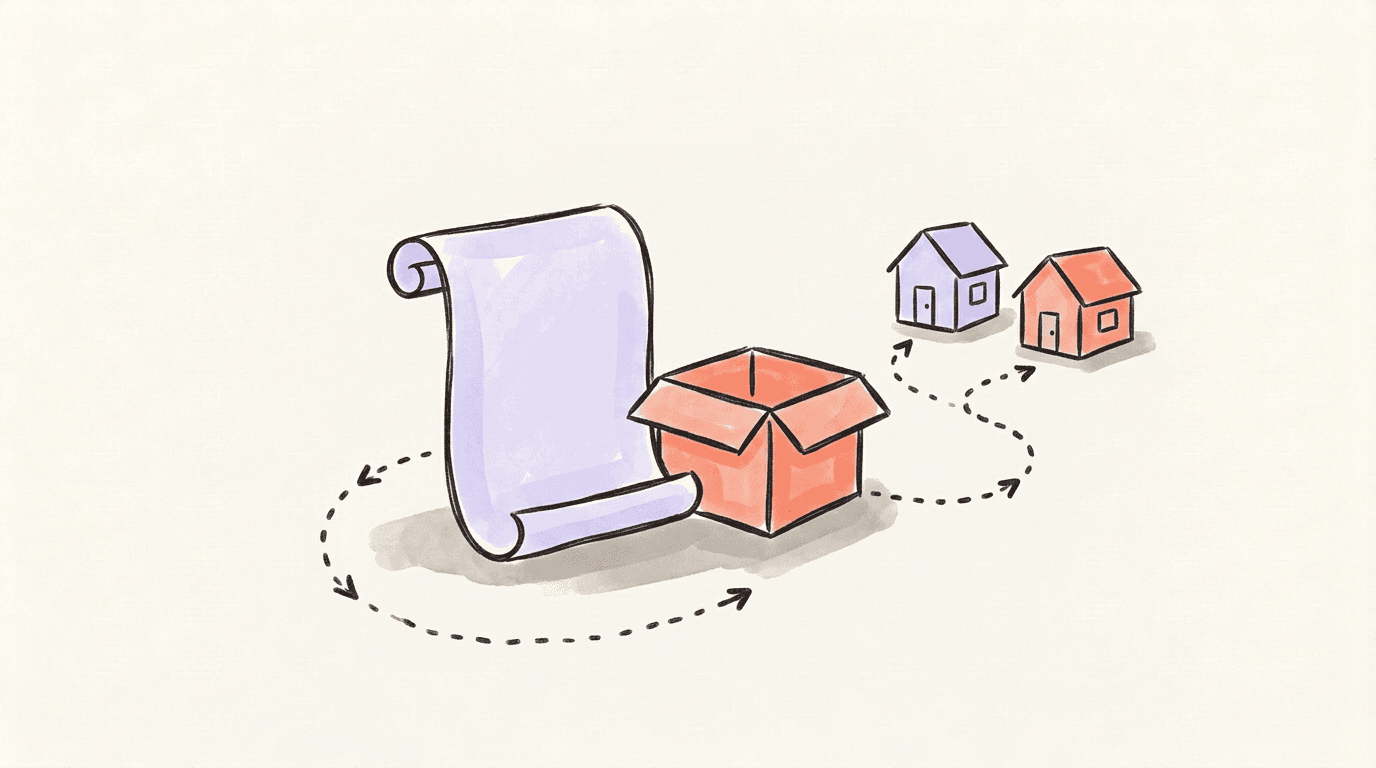
Moving servers is possible, but it isn't a complete transfer. Mastodon's migration guide says a move can redirect your old profile and move followers when their software supports the Move activity. You must export and import follows, blocks, and mutes separately. Posts and media can be downloaded as an archive but cannot be imported into the new Mastodon account. If your old server disappears before you prepare the move, the process can become harder. Choose a server you trust and keep exports of anything you want to preserve.
How Is Mastodon Different From Bluesky and Threads?
Mastodon and Bluesky both offer alternatives to a single closed social site, but they use different protocols. Mastodon uses ActivityPub and places hosting and much moderation with independent servers. Bluesky uses the AT Protocol and emphasizes portable identity, selectable feeds, and layered moderation. They do not connect directly without an optional bridge.
Threads is operated by Meta. It has added optional fediverse sharing so some Threads and Mastodon users can interact, but that does not turn a Threads account into an independently hosted Mastodon account. For a fuller side-by-side view, read our Threads, Bluesky, and Mastodon comparison.
If your priority is choosing a community and its operator, try Mastodon. If you want customizable feeds with a simpler single-app start, try Bluesky. The most useful test is to join a server, follow people you care about, and see whether the conversations meet your needs.
FAQ
Q: Is Mastodon free to use?
Yes. Mastodon's software is free and open source, and many public servers offer free accounts. Individual server operators may ask for donations or set their own terms.
Q: Do I need to run a server to use Mastodon?
No. Choose an existing server and create an account there. Running your own is optional and means taking responsibility for hosting, maintenance, and moderation.
Q: Can I follow someone on a different Mastodon server?
Yes, if the servers federate with each other. Search for the person's full handle or paste their profile URL into your server's search box, then follow them from your account.
Q: Can I change servers without losing followers?
A profile move can carry followers when their software supports Mastodon's Move activity. Your posts and media do not move, and other lists need separate export and import.
Q: Is Mastodon private or unmoderated?
No. Public posts can spread across servers, and each server enforces its own rules. Private mentions are not encrypted private messages; choose visibility carefully and do not share sensitive information on that assumption.
Q: Does Mastodon connect to Bluesky or Threads?
Mastodon and Bluesky use different protocols, so they do not connect directly; optional third-party bridges exist. Threads offers optional fediverse sharing, with feature and availability limits.
Related articles
What Is Bluesky? How It Works, Users, Pros & Cons
What is Bluesky? How the social app works, who it is for, and its pros and cons. Learn its history, AT Protocol, feeds, and latest user count.
Oct 15, 2026

Threads vs X (Twitter) 2026: Which Is Better for Creators?
Threads vs Twitter/X in 2026 — audience, algorithm, monetization, ads, account safety, tools, and the cross-posting workflow creators actually use.
Aug 15, 2026
How Often Should You Post on Social Media?
The ideal posting frequency for LinkedIn, X, Threads, Instagram, and Facebook — plus how to stay consistent without burning out.
Apr 20, 2026