
How to Fix an X (Twitter) Shadowban or Ghost Ban

Start with the recovery scan
Step one of the playbook below: run your handle through the Instant Shadowban Recovery scan — it confirms the shadowban, finds the cause and writes your fix plan.
Confirm the restriction is real from a second account or a free checker. Then revoke third-party apps and extensions and delete only clearly spammy posts in small batches of about 10, a day or two apart — before you freeze, not during. Then go silent for 5 days (1-2 weeks for severe cases), and warm back up at 1 to 5 real interactions a day with at least a minute between each.
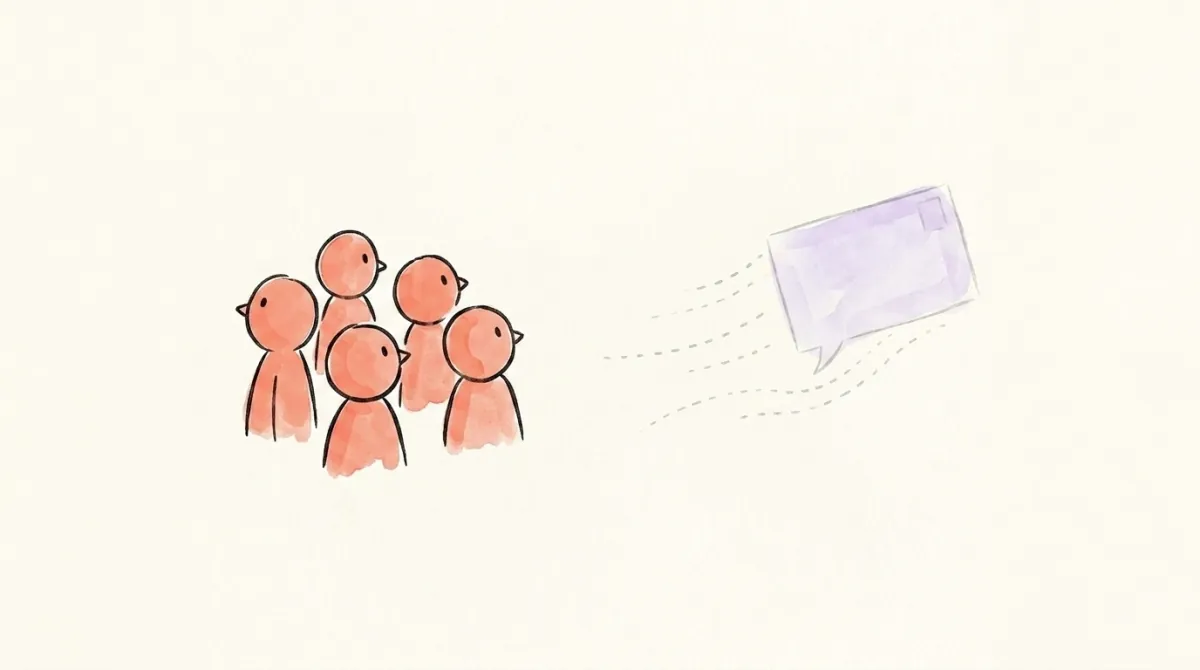
Your impressions suddenly drop. The notifications stop coming in. You get this feeling that nobody sees your comments and posts anymore — or maybe just a small group of people still do.
If that sounds familiar, you're probably shadowbanned or ghost banned. This is the step-by-step Twitter shadowban fix I use. I've investigated hundreds of these cases, and I walked this exact path myself when my own account got hit.
Here's my own walkthrough of the same playbook, if you'd rather watch it:
Shadowban, Ghost Ban, or Suspension — Which One Do You Have?
A shadow ban means your posts and replies still exist, but the algorithm hides them from people who don't follow you. A ghost ban goes further — your replies are visible only to you, and your posts can only be seen on your own page or by a small group of people. Both are silent, both are automated, and both respond to the same playbook.
A suspension is a different animal: you get told, you lose access, and you appeal. If you can't post or log in at all, read what to do when your X account is suspended instead.
I'm not going to break down why you got hit here — the full anatomy of the restriction types lives in what a Twitter/X shadow ban actually is. This post is only about getting out.
How Do You Confirm You're Actually Shadowbanned?
Before you fix anything, confirm you're actually restricted — a week of silence is expensive, so don't spend it on a hunch. From a second account, run these quick checks:
- Search your recent original posts in the Latest tab and look at the date of the newest result. If your recent posts are missing, that's a search ban.
- Search your exact username and see if your profile even shows up in results and suggestions.
- Take one of your last replies to someone else, open the parent post, and check whether your reply is visible at all or buried behind "Show more replies."
- Check your notifications. In some cases, X will directly send you a notice that your account was temporarily labeled and limited.
Deep account scan
Find out exactly why you were flagged
Shadowban Recovery deep-scans your X account for the signals behind a shadowban — risky posts, bot followers, ban risk — and gives you a step-by-step plan to clear it. No sign-up, $6.99 once.
Those aren't the only signals, but they already tell you a lot. Faster and more reliable: our free shadowban test runs the same probes for you in about a minute.
Work in this exact order.
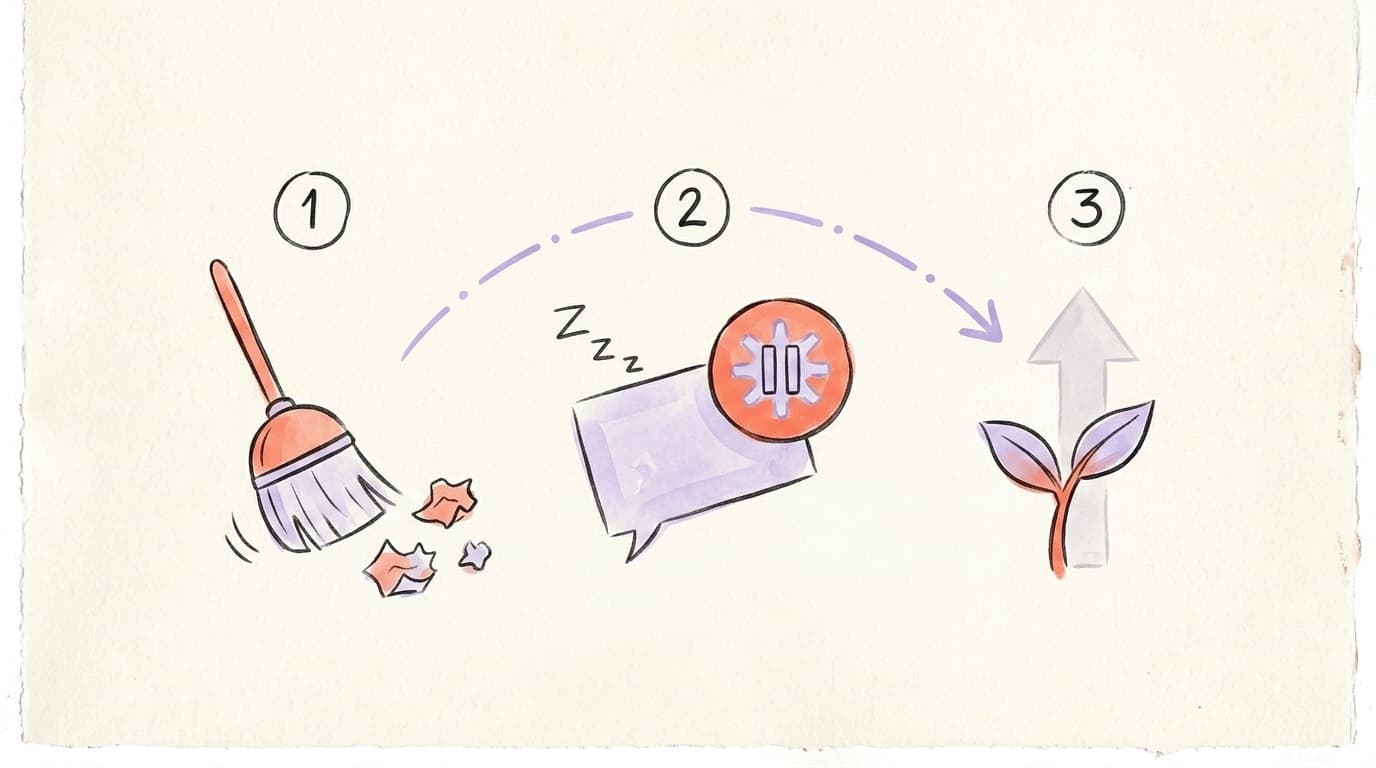
Step 1: How Do You Clean Up Before You Freeze?
This is the step everyone gets wrong, because the order matters. You cut off whatever is flagging you first, and only then go quiet — a freeze while a rogue app is still posting on your behalf does nothing.
First, cut off the sources:
- Revoke third-party apps. Settings → Security and account access → Apps and sessions → Connected apps, and remove any app you're not confident about.
- Disable X browser extensions — growth, analytics and automation ones especially.
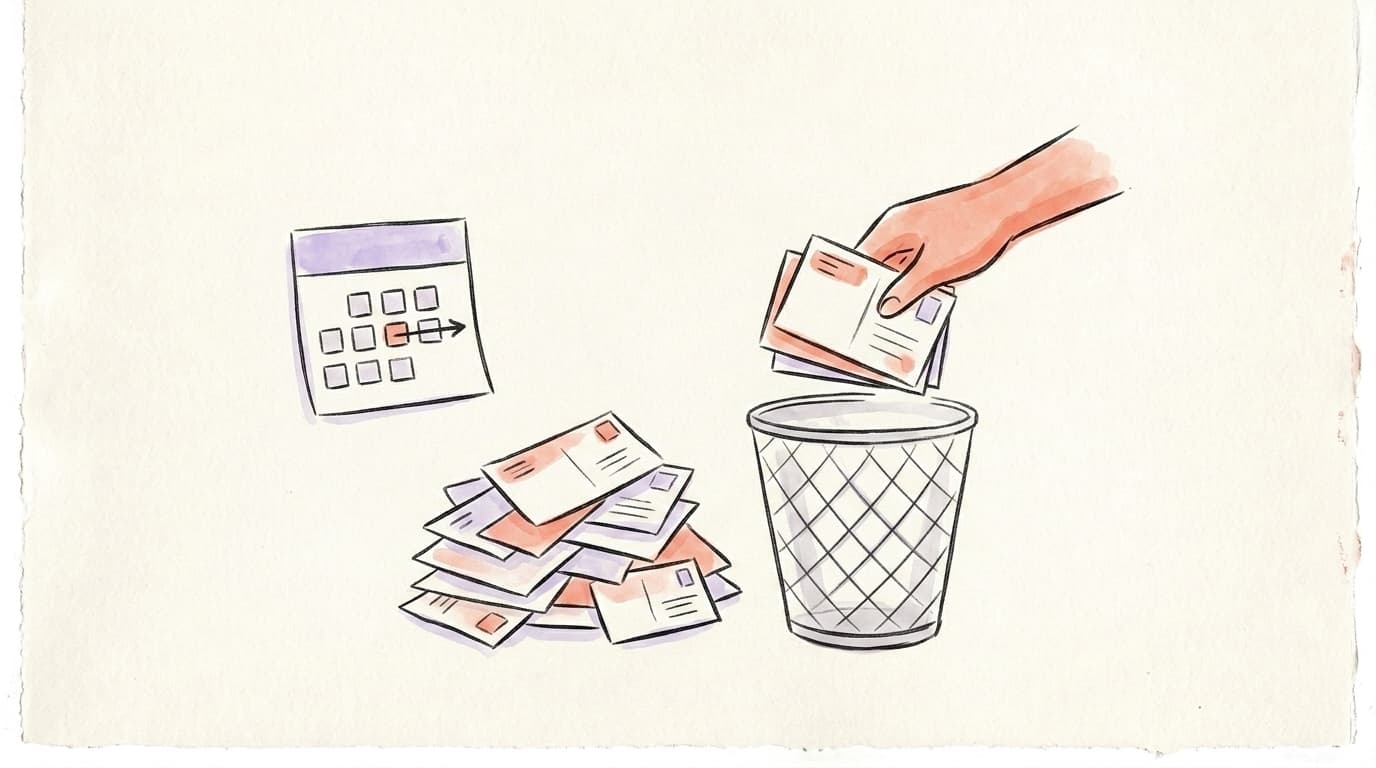
Then clean up your content, carefully. Remove only what's clearly spammy, repetitive, heavily promotional, or already labeled by X. Do it in small batches — about 10 at a time, then wait a day or two before the next batch. Never mass-delete normal posts. That looks worse than doing nothing.
Deal with the obvious bot accounts too — no avatar, weird usernames, no real activity. If one follows you, use Remove this follower or block it. If you follow one, unfollow. Again, small batches, and beyond the cleanup itself, no other activity from the moment you realize you've been limited.
Shadowban Recovery deep-scans your account, confirms the restriction, and ranks what to fix first: seven risk checks — shadowban signals, posting cadence, reply volume, follower/following ratio, content risk, reach and growth velocity — plus a trust checklist that links you straight into connected apps, phone and two-factor.
Start your freeze only after cleaning up. Not during, not before.
Step 2: How Long Should You Freeze Your X Account?
Start with 5 days of silence, and stretch it to one or two weeks for severe cases. Once the cleanup is done, this is the real medicine: stop posting, liking, replying, reposting, bookmarking, following and unfollowing. A full or near-full freeze is the single most reliable step people report.
I want to be honest about the timeline — it's unpredictable. Some accounts clear in 2 days. Some take a month. And if you broke a serious rule, silence alone may not fix it.
Once the 5 days are up, test it: publish one post and one reply a day, then run the checker — or better, a full scan — every day or two and watch whether your reach comes back.
Step 3: How Do You Warm Back Up Without Getting Refiltered?
The temptation here is speed. People see one good day and go right back to full volume — and the filter grabs them again. Come back gently instead:
- Very few interactions at first.
- At least 1 minute between each action.
- Start with 1 to 5 quality interactions a day, and ramp up slowly over about a week.
- Only original posts and real, genuine replies. No copy-paste comments.
You're earning the algorithm's trust back — and rushing it just burns it again. How the X algorithm ranks posts explains what that trust is actually made of.
Why Does X Keep Shadowbanning You?
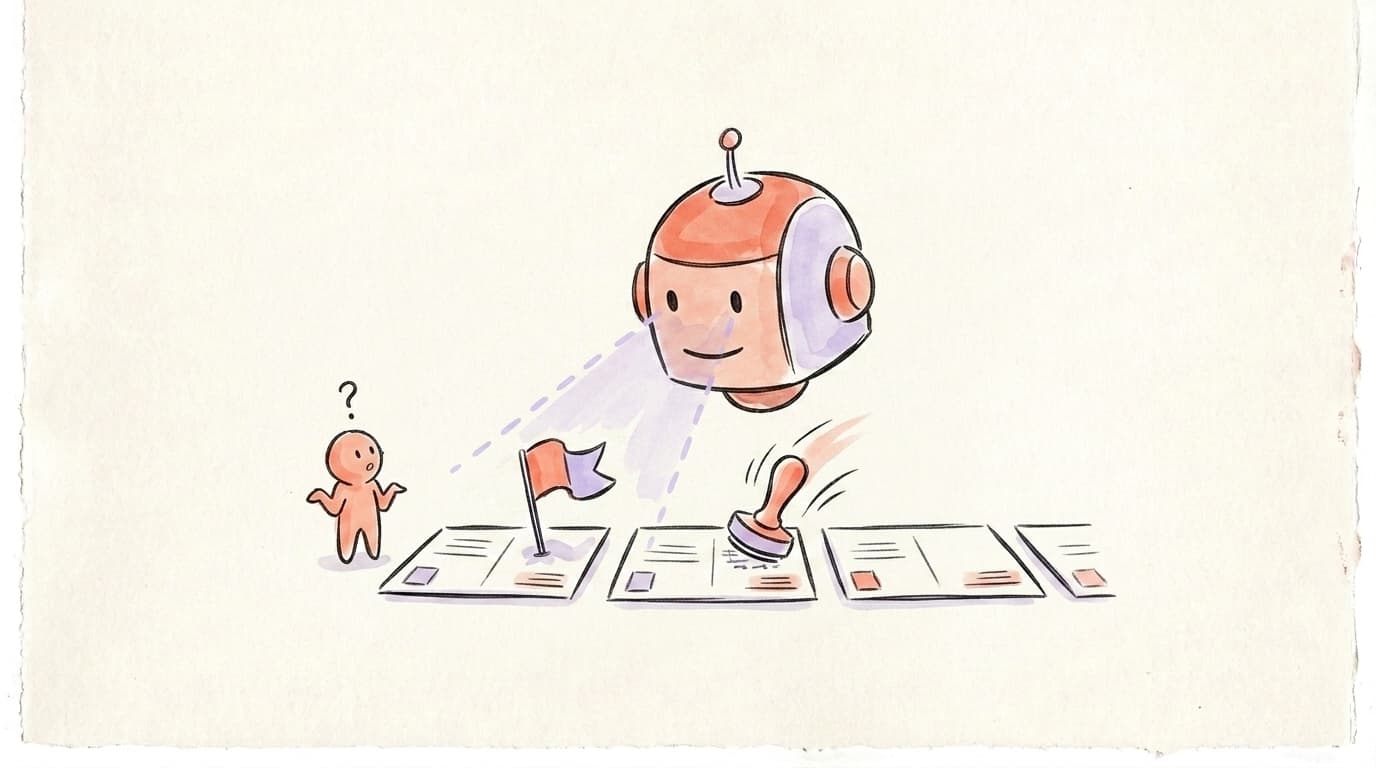
Usually because the trigger is still running. A connected app posting on your behalf, an automation extension, copy-paste replies, a follow-unfollow habit — anything still feeding the filter renews the restriction about as fast as it lifts. That's why cleanup comes before the freeze, and why "it came back" almost always means something was never cut off.
Sometimes it isn't you at all. 2026 has had real ban waves run by automated filters with no human in the loop: in March 2026 X mass-suspended accounts for "inauthentic behavior", and X's own product lead later blamed a new spam filter that misfired for about 12 hours. A clean account can get swept up as a false positive. Don't over-correct out of guilt and gut your whole profile.
If nothing moves after all of the above, the last resort is a full detox: clear your cookies and cache, log out completely, and stay logged out for a month or more.
One more important case. If you received a notification that your account was temporarily labeled, that's a tougher situation — you need to appeal it with the Request review button on the notice, which requires Premium. Without Premium, nobody knows when your account will actually be reviewed.
Fix Your X Shadowban with Postory
Postory is a social media management tool built for safe, organic growth on X, Threads and Bluesky. Start with the free X shadowban test — three free checks a day, with or without an account.
If it comes back positive and you want the full picture, Shadowban Recovery runs the paid Deep Scan: seven risk checks plus the trust checklist, rolled into one verdict and a ranked fix-first list. It's $6.99 per scan with no account needed, or 210 credits (about $2.10) run inside the app on a connected account.
Dealing with the same problem on Threads, Instagram or Bluesky? The cross-platform shadow ban fix guide covers how each one differs.
FAQ
Q: How do you get rid of a Twitter shadowban?
Revoke third-party apps and browser extensions, delete only clearly spammy posts in batches of about 10 a day or two apart, then freeze all activity for at least 5 days and resume with 1 to 5 genuine interactions a day. The order matters — cleaning up after the freeze restarts the clock.
Q: How long does a Twitter shadowban last?
It's unpredictable. Some accounts clear in 2 days, some take a month. A 5-day freeze is the usual starting point, and severe cases need one to two weeks of silence before anything moves. If you broke a serious rule, silence alone may not lift it.
Q: Why does Twitter keep shadowbanning me?
Usually because something is still triggering the filter — a connected app posting on your behalf, an extension automating actions, repetitive replies, or bot followers. It can also be a false positive from an automated ban wave, with no human ever reviewing your account.
Q: Do Twitter shadowbans go away?
Most do — the restriction is automated on both ends and lifts once the flagged behavior stops. There's no button that reverses it: test by publishing one post and one reply a day once the freeze is over, then re-checking every day or two. If your account was labeled with a notification, Premium users can hit Request review to ask for a human look.
Q: Should I keep posting if I'm shadowbanned?
No. Posting through a shadowban is the most common mistake — it keeps feeding the same signals that got you filtered. Stop all activity, including likes, reposts, bookmarks and follows, until the freeze is done.
Related articles
X Account Locked vs Restricted vs Suspended: How to Unlock
Is your Twitter account restricted, locked or suspended on X? Tell which one from the screen you're seeing — and how to unlock yours.
Sep 8, 2026
X Account Suspended for "Inauthentic Behavior": What to Do
Your X account suspended for inauthentic behavior? What the label covers, why the filter misfires, and what this suspension needs.
Sep 8, 2026
Permanently in Read-Only Mode on X: What It Actually Means
Your screen says your account is permanently in read-only mode. Here's what X actually did — and what "permanently" changes.
Sep 5, 2026