

How to Reply to Comments on Threads and Bluesky

Open the post, tap reply under the comment, write, post. Set who can reply before a post takes off, and when the replies pile up, let ChatGPT or Claude draft answers that you approve before anything goes out.
Here's how to reply to comments on Threads: open your post, tap the reply icon under the comment you want to answer, write your reply and post it. Bluesky works almost the same way. The harder part is finding replies you missed, keeping a busy post under control, and catching up when dozens of people answered overnight.
This guide covers both apps, their reply controls, and a way to clear a backlog from ChatGPT or Claude with every answer approved first. Menus change often, so the steps follow each platform's own help pages.
Where to find the replies on your Threads posts
Threads comments show up in two places:
- Activity. Threads notifies you in Activity when someone replies. In October 2025 it added Activity filters for replies from people you follow and replies that mention you, next to existing filters such as Verified, Quotes and Reposts (TechCrunch).
- The post itself. Open any of your posts and its replies appear underneath.
One thing trips people up: the Replies tab on your profile shows replies you wrote, not replies you received. Meta's help page says that when you reply to a post, your reply "will appear as its own thread in the replies tab on your profile" (Instagram Help).
How to reply to comments on Threads, step by step
The basic steps, from Meta's help page on replies, work in the app and on threads.com:
- Open the post and find the comment you want to answer.
- Tap the reply icon below that comment.
- Write your reply, up to 500 characters.
- Tap Post.
Your answer appears under that comment and in your profile's Replies tab. On a post with approvals on, it waits until the poster approves it.
When several people ask the same question, answer it fully once, then point the others to that reply. For attachments and multi-part posts, see how to post on Threads.
How to see and reply to comments on Bluesky
Bluesky replies land in the Notifications tab, and you can open any of your posts to see the full thread beneath it. To reply, tap the reply icon under the comment, write up to 300 characters, and post. In October 2025 Bluesky began testing a Reply button that opens the full thread first (Bluesky).
If Notifications gets noisy, go to Settings → Notifications. Bluesky lets you set alerts for replies, mentions, quotes and reposts to come from everyone, only accounts you follow, or nobody (TechCrunch). Narrowing alerts helps on a busy day, but you'll miss first-time commenters, so check the post itself too.
Control who can reply before the replies pile up
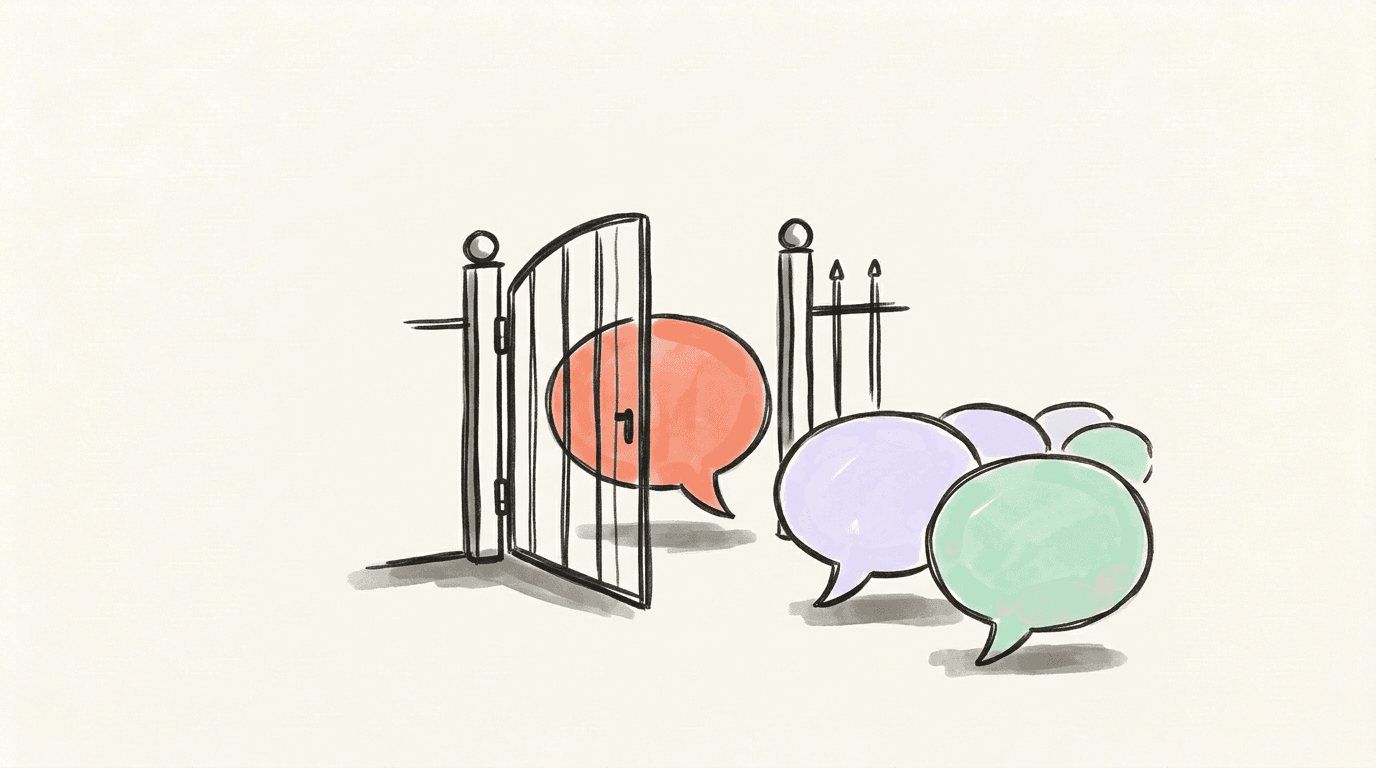
The easiest backlog is the one you never get. Both apps let you narrow who can reply and hide a reply afterwards.
Threads reply options and approvals
In the composer, tap Reply options at the bottom left. Threads lists four audiences: anyone, your followers, profiles you follow and profiles you mention (Threads). You can change it after posting from the post's Options menu. The setting is per post, and narrowing it doesn't delete replies already there (Instagram Help).
For a post you expect to travel, reply approvals are stronger. Turn on Review and approve replies under Reply options, and new replies wait in Pending replies below your post until you approve or ignore them. Activity tells you when one needs review, and approvals can be switched on after posting too (unless the post was shared to the fediverse) (Instagram Help).
To hide one reply, tap the three dots next to it and choose Hide for everyone; unhide it later from Hidden replies at the bottom of the thread (Threads).
Bluesky interaction settings and hidden replies
On Bluesky, tap the globe icon on the post you're writing to choose who can reply: everyone, your followers, people you follow, mentioned users, or nobody (Bluesky). To make one of those the default for future posts, use Moderation → Interaction Settings (TechCrunch). These settings limit who can respond, not who can see the post.
You can also hide replies on your own posts. They move behind a Hidden replies screen and stay public for anyone who looks (Bluesky).
How to answer a backlog of replies with ChatGPT or Claude
Controls slow the flow; they don't answer anyone. When a post brings in more replies than you can handle in one sitting, work through them from an AI app.
Connect your Threads or Bluesky account in Postory, then connect Postory to ChatGPT, Claude, Gemini or another MCP client (see the Threads MCP guide and the Bluesky MCP guide). Then ask:
Answer the unanswered replies on my latest Threads post. Show me drafts first; don't send anything until I say yes.
- Postory lists the replies other people left on your posts, newest first, by default only the ones you haven't answered, optionally for one post. It needs your posts and replies imported once (free on Threads and Bluesky); stale replies are refreshed free before reading.
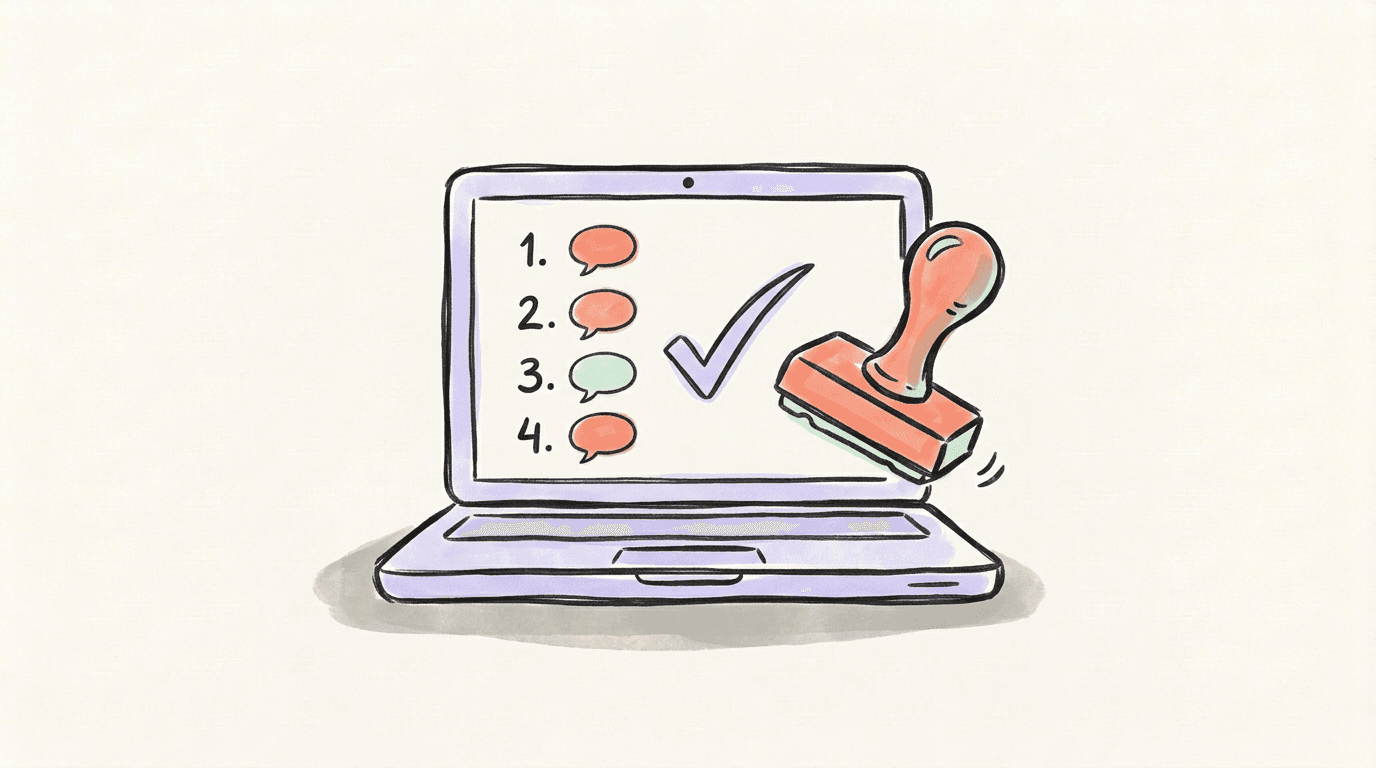
- The app drafts one answer per reply. For each reply it pulls up to five of your own past replies to similar posts and models the draft on how you've replied before. You get a numbered list: who replied, what they said, the draft. Spam is skipped, with a note saying why.
- You edit or approve. Reword a draft, drop one, or approve the list.
- It sends at most 10 answers per batch. First you see a preview with the credit cost. Nothing posts until you say yes in the chat or approve the batch through a link in Postory. Each answer is posted under the exact reply it answers; the first goes out at once and the rest follow about a minute apart.
Reading replies and drafting answers cost nothing. Sending costs credits, shown in the preview before you approve.
What the AI app can and cannot do with your replies
This flow is deliberately narrow:
- It only answers people who replied to your posts. It won't like posts, follow accounts, send DMs, or reply to accounts that haven't replied to you.
- Nothing is sent automatically. Every batch needs your approval, and no setting turns that off.
- It sees less than you might expect. Threads gives no like or view counts for other people's replies, neither platform shares the replier's follower count here, and Bluesky has no views. If one person matters more, say so.
- Platform limits still apply. Drafts must fit 500 characters on Threads and 300 on Bluesky.
It suits ordinary questions and thank-yous; a heated argument deserves your own judgment line by line.
Start answering replies with Postory
Reply by hand when the queue is short. When it isn't, connect ChatGPT or Claude to Postory and review drafted answers before anything posts.
Try Postory free to connect your Threads or Bluesky account.
FAQ
Q: Why can't I see replies on Threads?
Check the post for Pending replies (if approvals are on) and for Hidden replies at the bottom of the thread, and make sure an Activity filter isn't narrowing what you see. Also remember that the Replies tab on your profile lists replies you wrote, not the ones people left for you.
Q: Can I turn off replies on Threads or Bluesky?
Bluesky has an explicit option to turn replies off for a post. Threads lets you limit replies to your followers, profiles you follow or profiles you mention, and reply approvals mean nothing appears until you approve it.
Q: How do I approve pending replies on Threads?
Go to the post and tap Pending replies below it. From there you can approve or ignore each reply, or approve or ignore all of them at once. Once approved, a reply can't go back to pending, but you can still hide it.
Q: Can ChatGPT reply to Threads comments automatically?
Not through Postory. ChatGPT or Claude drafts the answers, and you approve each batch of up to 10 before anything is posted. There is no auto-reply mode.
Q: Does drafting replies with an AI app cost anything?
Listing your replies and drafting answers is free, and so are Threads and Bluesky imports. Sending a batch costs credits, which the preview shows before you approve. Your AI app may have its own plan requirements.
Q: Why can't I reply to some replies on Threads?
They may come from another fediverse server. Meta's help page on replies says you currently can't reply back to or share replies from users on other fediverse servers, though you can like them. These replies appear on Threads after a short delay and only the post's author can see them.
Related articles
Threads Search: Find Posts and Your Own Archive
Use Threads search to find posts and profiles, then search your own imported posts and replies in ChatGPT or Claude through Postory.
Oct 24, 2026

Threads MCP: Connect ChatGPT, Claude and Gemini
Threads MCP lets your AI app draft, schedule and publish to your connected Threads account through Postory, with a preview and approval first.
Oct 24, 2026

Threads Posting Frequency: How Often Is Too Often?
The honest, data-backed answer to how often you should post on Threads — by stage, by niche, and built so you don't burn out.
May 22, 2026